How to check an image's source and license before reusing it
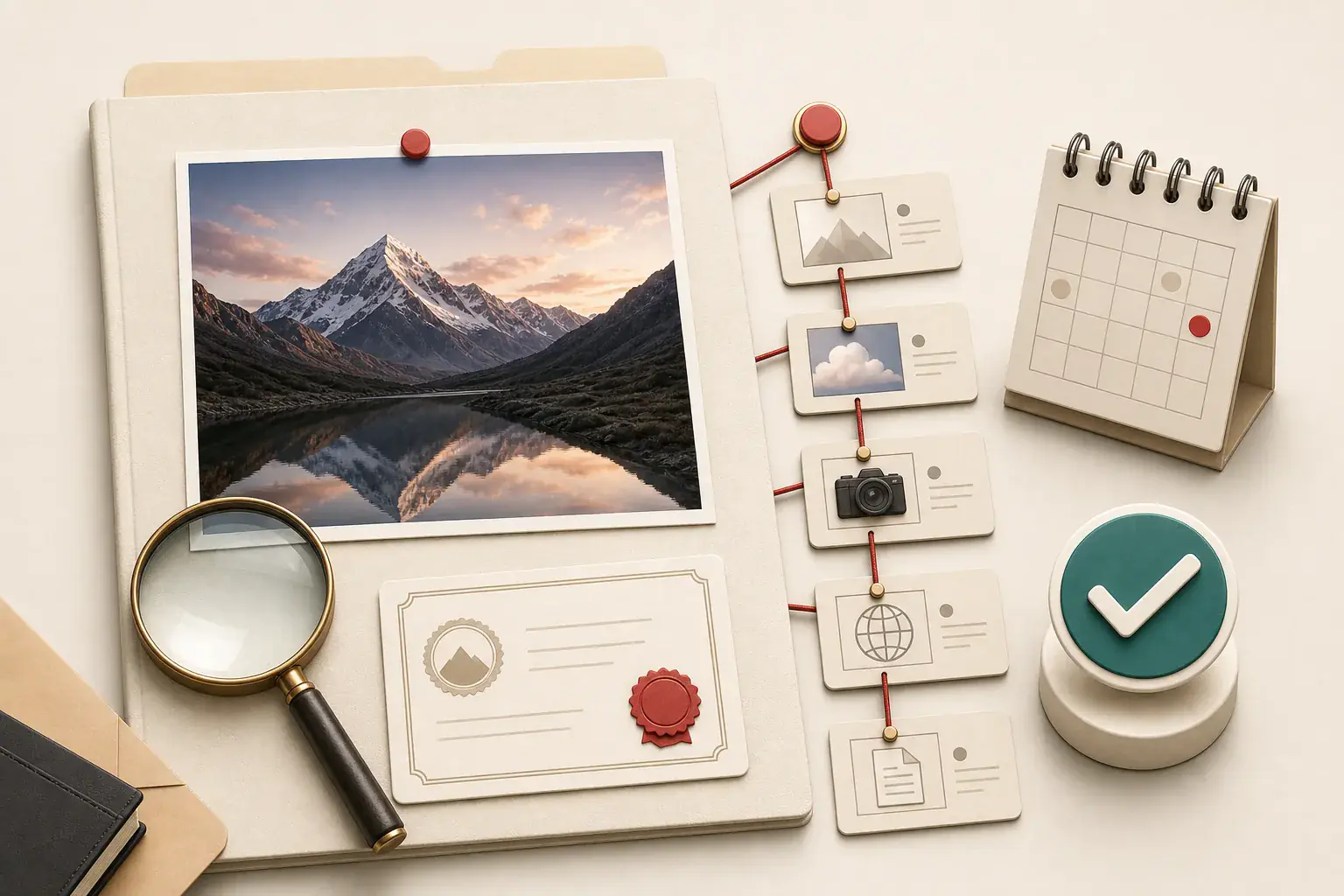
An image can pass through a dozen websites before it reaches you. One page may crop it, another may remove the credit, and a social post may upload a screenshot of the cropped version. By the time it appears in a search result, the visible page may have no relationship with the photographer or illustrator who created it.
That is why "I found it online" is not a usable source record. Before publishing an image, you need two separate answers: where did this file come from, and what permission covers your intended use?
The checklist below is built for website owners and content teams. It is not legal advice. Copyright law, exceptions, moral rights, and contract rules vary by jurisdiction. If the use is disputed or carries real commercial risk, consult a qualified professional.
Source and license are different facts
The source is the place or person from which the image originated, or the closest authoritative record you can find. It might be a photographer's portfolio, a company media library, a museum record, a stock marketplace, or your own project archive.
The license or permission tells you what you may do. It may allow editorial use but not advertising, require attribution, prohibit modification, limit distribution to one territory, or expire after a campaign.
Finding the creator does not automatically grant permission. Finding a page that says "free" does not prove the uploader had the right to offer it. Verify both.
Step 1: preserve the page and file you found
Before searching, record the evidence in front of you:
- page URL;
- direct image URL, if relevant;
- page title and publisher;
- date and time accessed;
- visible credit or caption;
- surrounding claims about ownership or licensing;
- the downloaded filename and file dimensions;
- a screenshot or saved copy of the relevant terms.
Web pages change. A marketplace listing can disappear, a social username can change, and a license page can be revised. Your record should show what you relied on at the time, while still respecting access restrictions and personal data.
Do not remove metadata or rename the only copy before investigation. Create a working copy and preserve the file as found.
Step 2: inspect the page context
Look beyond the picture itself. Check the caption, footer, author bio, media credits, terms page, and linked source. A credit may identify a photographer, agency, museum, or stock service.
Watch for language that sounds confident but lacks a specific license. "No copyright," "royalty free," "for inspiration," and "credit to the owner" are not, by themselves, reliable permissions. "Royalty free" usually describes a licensing model, not an absence of copyright.
If the image appears on a company page, determine whether the company created it, licensed it, received it from a supplier, or merely embedded it. The page hosting a file is not always the rights holder.
Step 3: examine the file and its metadata
Image metadata may contain creator names, copyright notices, dates, editing software, captions, or agency identifiers. It can provide a valuable lead, especially with professional photography.
Metadata is evidence, not proof. It can be stripped during website optimization, changed by software, copied from another file, or deliberately falsified. A missing copyright field does not mean the image is free to use.
Use how to view EXIF and other image metadata to inspect the file without confusing camera data with licensing. Preserve the original before using a metadata-removal workflow on a public derivative.
Also inspect the filename. Agency codes, photographer initials, product SKUs, and event names can become useful search terms. Generic CDN filenames are less helpful, but the page URL or query parameters may still reveal a source platform.
Step 4: search for earlier and larger copies
A reverse-image search can locate visually similar copies even when filenames differ. Use more than one search engine when the decision matters because indexes and matching methods vary.
Search with:
- the complete image;
- a crop containing the main subject;
- an uncropped or higher-resolution version if available;
- distinctive text visible inside the image;
- the filename or credit in a normal web search.
Do not assume the oldest indexed result is the creator. Search engines discover pages at different times, and original pages can move. Treat dates as clues. Prefer a source with a coherent body of work, publication history, contact information, and a clear relationship to the subject.
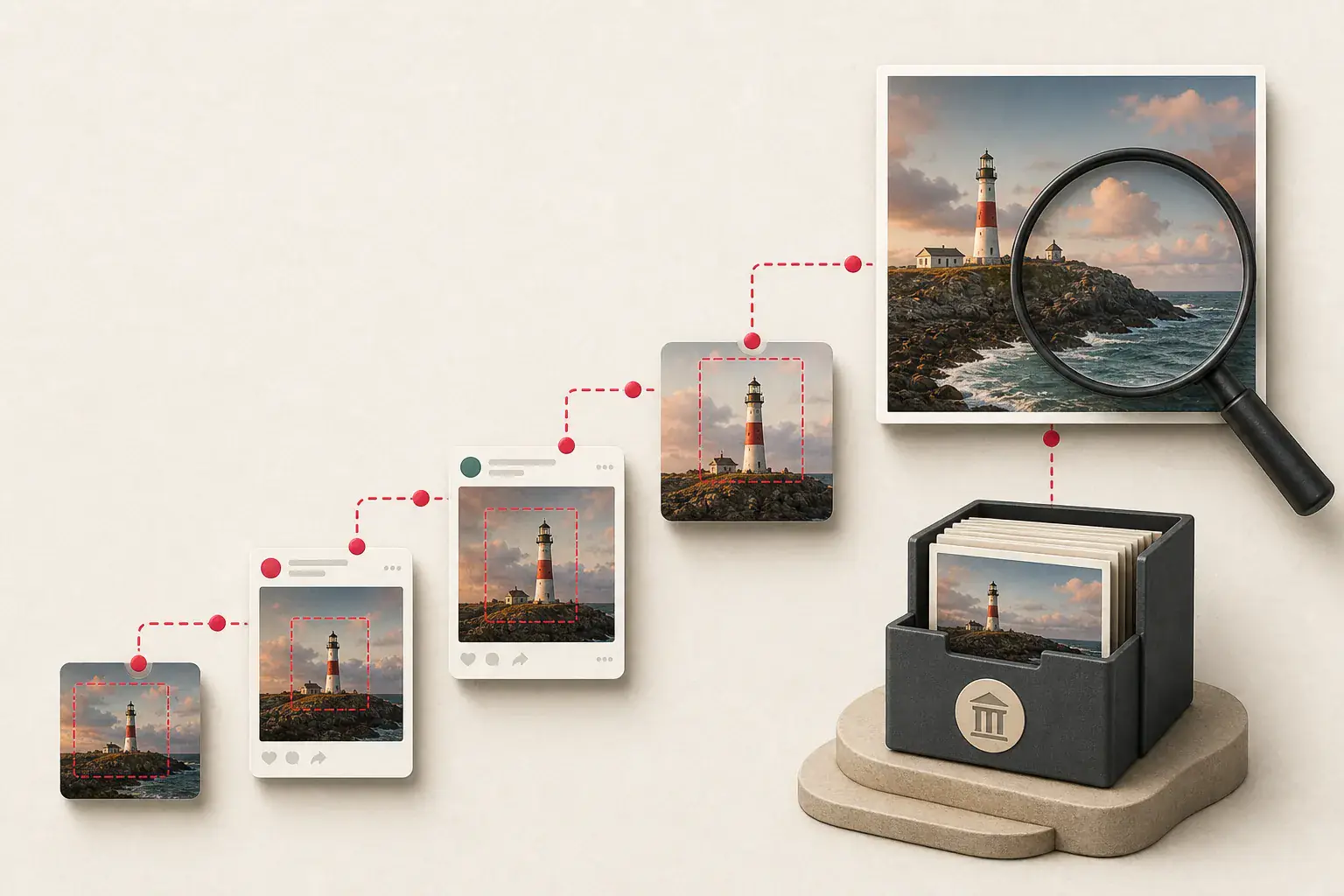
When many visually similar files appear, identify transformations. A version with a watermark may point to a stock agency. A wider crop may precede the square social copy. A higher-resolution file with intact metadata may be closer to the source, though size alone does not establish ownership.
Our guide to finding full-size images instead of thumbnails explains the technical clues that distinguish a source candidate from a small derivative.
Step 5: trace credits toward an authoritative record
Follow each meaningful credit rather than copying it blindly. If an article credits "Jane Smith / Agency X," search the agency catalog and the photographer's official site. If a museum credits an artist and collection, open the object record. If a company press page provides a download, read the media-use terms linked from that page.
An authoritative record should let you answer:
- Who created or owns the work?
- Who has authority to license it?
- What is the exact asset or catalog ID?
- Which version or crop is covered?
- What uses are allowed?
- What attribution, notice, or link is required?
- Are there limits on editing, audience, territory, duration, or media?
If the chain stops at a reposting account with no source, the image remains unverified.
Step 6: read the actual license
Do not rely on a badge, search filter, or snippet when the full terms are available. Open the license and check it against the way you plan to use the image.
Creative Commons licenses
Creative Commons licenses use combinations of conditions such as attribution, share-alike, noncommercial use, and no derivatives. Record the exact license version and link, not merely "Creative Commons." A commercial website, a modified crop, or a translated graphic may change whether your use fits the conditions.
Public-domain material
A public-domain label can arise because copyright expired, the creator dedicated the work to the public domain, or a particular legal rule applies. Verify the basis and the relevant jurisdiction. A scan of a public-domain artwork can also be accompanied by contractual site terms, privacy concerns, trademarks, or third-party rights.
Stock photography and illustrations
Stock licenses can restrict seat count, print runs, merchandise, templates, logos, resale, sensitive contexts, or use after a subscription ends. Save the invoice, asset ID, license terms, purchaser, and download date. "Royalty free" rarely means "no conditions."
Company, supplier, and press assets
A partner may authorize images for a product listing but not paid advertising or marketplace syndication. Press kits may be limited to reporting about the company. Ask for written clarification when your channel is not explicitly covered.
Your own commissioned work
Paying for a shoot or illustration does not always transfer copyright. Check the contract for ownership, exclusivity, portfolio use, model releases, property releases, and subcontracted elements.
Step 7: check rights beyond copyright
Even with a copyright license, other issues may apply:
- a recognizable person may have privacy or publicity rights;
- a private property or artwork may require additional clearance;
- a trademark can create endorsement or confusion concerns;
- confidential information may appear on a screen or document;
- a license plate, address, badge, or medical detail may expose personal data;
- an image may depict a minor or a sensitive event.
A technically high-resolution file is not automatically safe to publish. Review the content at full size, not only as a thumbnail.
Step 8: match permission to the exact use
Write down the intended use before deciding that a license fits. Include:
- website and page;
- editorial, educational, promotional, or advertising purpose;
- organic social, paid social, email, app, or print channels;
- expected duration and territories;
- whether the image will be cropped, retouched, or combined with text;
- whether users can download the file;
- whether the asset will be transferred to a client or partner.
"Use on our blog" is too vague when the same article may be promoted in ads, syndicated to partners, and turned into a downloadable guide.
Step 9: keep a license ledger
A small spreadsheet or database prevents repeated investigations and gives future editors a reliable answer. Useful fields include:
| Field | What to record |
|---|---|
| Asset ID | Stable internal identifier |
| Source file | Original filename and checksum |
| Creator | Photographer, artist, or organization |
| Authoritative URL | Portfolio, catalog, or license page |
| License | Exact name and version |
| Evidence | Invoice, email, contract, or saved terms |
| Allowed uses | Channels, edits, territories, duration |
| Attribution | Required wording and link |
| Restrictions | People, brands, sensitive use, resale |
| Review date | When the record was last checked |
| Published URLs | Every place your organization uses it |
Connect this ledger to your website image inventory. That makes rights status part of migration and deletion work instead of an isolated legal folder nobody checks.
Red flags that should stop publication
Pause when:
- the only source is a reposting or wallpaper site;
- different pages credit different creators;
- the image contains a cropped or obscured watermark;
- a "free" download page has no clear license or owner;
- the license link is broken and no archived evidence exists;
- a stock preview is being offered by an unrelated account;
- the creator cannot be matched to the work;
- the use is commercial but the license is noncommercial;
- your planned crop conflicts with a no-derivatives condition;
- a person's endorsement could be implied;
- the asset came from a client folder with no usage notes.
When evidence is incomplete, choose another image or contact the likely rights holder. A replacement is usually cheaper than defending an uncertain use.
What the usual shortcuts get wrong
No watermark does not mean no copyright; most published images have no watermark at all. There is also no universal "20 percent" rule that makes a changed copy safe. Credit may be a condition of a license, but credit by itself does not create permission.
A working download only proves technical access. Hotlinking, downloading, and rehosting have different technical effects, yet none proves authorization. Educational purpose can matter in a legal analysis, but it is not a blanket exception for anything posted online.
AI-generated images are not an easy escape hatch either. Platform terms, training disputes, and copyright treatment continue to differ by jurisdiction. Keep the generation record, tool terms, inputs, and human editing history, and seek advice when the asset carries real commercial weight.
What if you cannot find the original source?
Document the searches you tried, then assess the stakes. For a public commercial site, an untraceable image is usually a poor choice. Replace it with:
- an image your team created;
- a commissioned asset with a clear contract;
- a properly licensed stock file;
- a verified open-license work;
- a public-domain image with a documented basis;
- a simple original diagram that communicates the idea without copying another design.
Do not manufacture certainty by citing the first page that hosts the file. "Source unknown" is more honest, but it is not a publishing permission.
A 10-minute verification checklist
For routine, low-risk editorial work, this compact process catches many problems:
- Save the found URL, page context, and file.
- Read visible credits and the site's terms.
- Inspect metadata and filename for leads.
- Run reverse-image and text searches.
- Find the earliest credible authoritative record.
- Identify the exact license or written permission.
- Compare license conditions with the planned use.
- Check people, brands, privacy, and sensitive context.
- Save evidence and required attribution in the asset ledger.
- If any essential answer is missing, do not publish yet.
For high-value campaigns, merchandise, regulated subjects, or disputed works, a quick checklist is not enough. Escalate the review.
When the chain breaks, stop
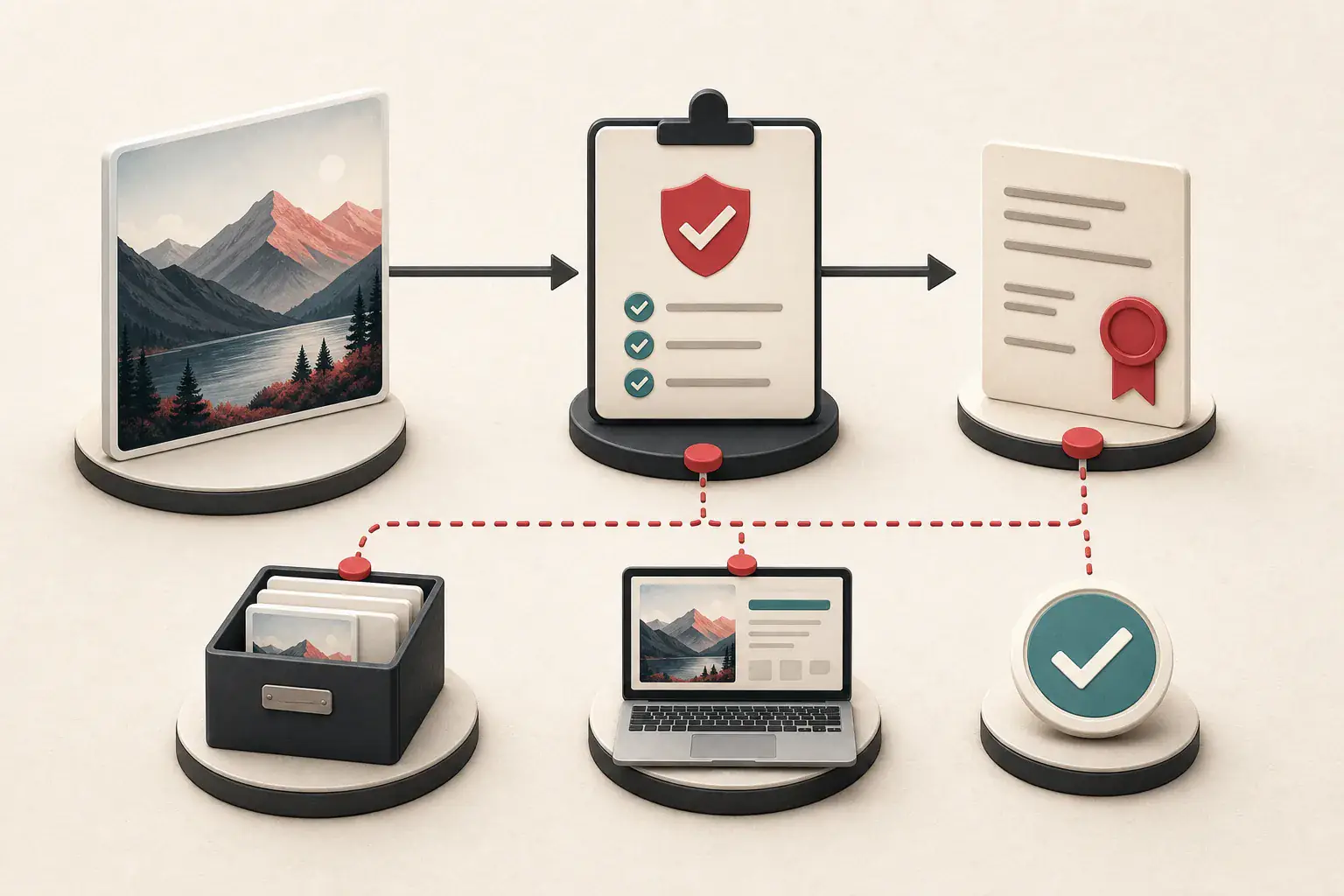
Save the page and file you found. Check the metadata, search for earlier copies, and follow the credit until you reach somebody who appears to have authority over the work. Then read the license itself and compare it with the actual campaign, edits, audience, and duration.
A plausible photographer name under the picture is not enough. You need a chain you can show later: this asset, this source, this permission, this use. If one of those links is missing, pause. Ask the owner, choose another image, or wait until the evidence is clear.