WebP downloader for any page
Paste a link and save the real .webp file behind it — at full resolution, exactly as the server delivered it. Take a single image or zip up the whole page at once.
- check_circle100% free
- check_circleNo signup
- check_circleKeeps the .webp
- check_circleAlso JPG / PNG / GIF
Trusted by people who extract images every day
136,959 image extractions and counting
WebP downloader — how it handles the format
ExtractPics works as a dependable WebP downloader: feed it a link and it returns the .webp file precisely as the site serves it. Paste a direct address ending in .webp and you get that exact file — same dimensions, same compression, nothing converted to another format on the way out. Paste a regular page URL and the tool renders it in a real headless browser, lets every asset load, then lists each WebP it found so you choose what to keep.
WebP is Google's modern image format, built to ship smaller files than JPG or PNG at comparable quality, which is why so many sites now serve it — and why a format-aware grabber is useful for pulling the genuine file rather than a re-saved copy. This page is built around WebP, but the same scan also surfaces JPG, PNG, and GIF images on the page, so a site that mixes formats never trips you up. You preview first, then download one .webp or bundle a batch into a ZIP.
Why this WebP downloader is worth using
Keeps the original .webp
You get the exact .webp the server delivered — full resolution, original compression, no second encode and no watermark. It downloads, it does not convert.
Catches every WebP on the page
A real browser runs the page, so lazy-loaded photos, gallery images, and CSS-background WebPs all surface, not only the ones written into the raw HTML.
One file or a full ZIP
Save a single WebP, or select a batch of WebP images and download them together as one ZIP — handy when a page is packed with them.
When a WebP downloader is the right tool
Any time a site serves its images as .webp and you simply want the real file — not a lossy screenshot and not a forced conversion — this turns the link into a clean download of the original.
Perfect for
- checkSaving a .webp product photo from an e-commerce page
- checkGrabbing the original WebP behind a fast-loading CDN URL
- checkPulling every WebP out of a gallery or article
- checkCollecting WebP images for a reference set or moodboard
- checkDownloading WebP on mobile, where long-press saving often fails
- checkKeeping the lightweight .webp instead of a heavier re-export
What you get
- checkDirect .webp links and full page URLs both work
- checkOriginal .webp kept as served — no conversion
- checkFull resolution and original compression preserved
- checkPreview every image before downloading
- checkDownload one WebP or the whole batch as a ZIP
- checkFree, runs in the browser, nothing to install
How to use the WebP downloader
- 01
Copy the link
Right-click the image and choose 'Copy image address' (modern files often end in .webp), or copy the full page URL to scan everything on it.
- 02
Paste it above
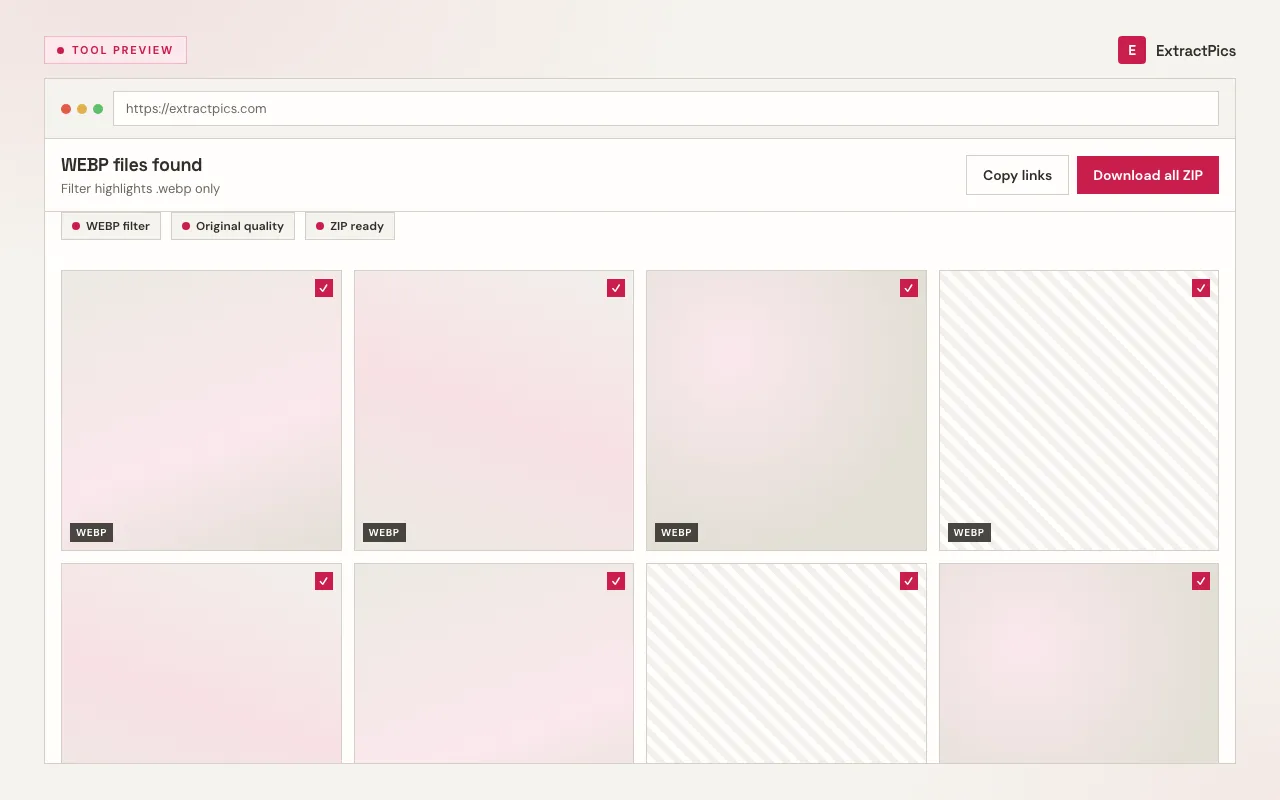
Drop the link into the box at the top. A direct link resolves to that one .webp; a page URL is opened in a real browser and swept for every WebP it loads.
- 03
Download the WebP
Preview the results and save the original file. From a page scan you can take a single WebP or pick several and download them all as one ZIP.
Why use a WebP downloader instead of converting
When a site already serves .webp, the smartest move is to keep that file rather than convert it. WebP was tuned to deliver small, sharp images, so the original is usually lighter than a JPG or PNG re-export of the same picture — converting it would only add an encoding pass and risk losing detail for no real gain. A WebP downloader hands you the lean original straight from the source.
A screenshot is the other tempting shortcut, and it is the worst of both worlds: it captures only what fits on screen, at screen resolution, then re-compresses the result. The source .webp carries its full native dimensions and the site's own compression, which is the cleanest version available. ExtractPics gives you that file as-is — it does not convert the format and it does not upscale to fake extra pixels.
ExtractPics only reaches WebP files that are already public at their URL; it does not get past logins or paywalls. Whether you may reuse an image is a separate question set by copyright and each site's terms — downloading the file is not a license to republish it, so get permission for anything that is not your own.
Frequently asked questions
If your question is not covered here, send us a message and include the page, file, or result type you are working with.