Favicon downloader for any site
Scan a page for the icons it shows, or open the Brand Asset Downloader to read the declared favicon set: rel=icon, apple-touch-icon and every web app manifest icon.
- check_circle100% free
- check_circleNo signup
- check_circleICO, PNG, SVG
- check_circleManifest icon sizes
136,962 image extractions and counting
How this favicon downloader finds a site's icons
This favicon downloader gives you two ways in. The box above scans a page in a real browser and lists every image it loads, which covers icons drawn with img tags or CSS: footer badges, app store buttons, partner logos. It does not read the page's head, so the tab icon itself is often not in that list.
For the tab icon, use the Brand Asset Downloader. It reads the link rel=icon and apple-touch-icon tags, opens the web app manifest and lists each icon size declared there, and adds the og:image and twitter:image previews. Every file shows its pixel size, and you pick what goes into the ZIP.
Neither tool guesses at /favicon.ico. If a site declares no icon and relies on that default path, paste example.com/favicon.ico (with the real domain) into the box above. A direct image address is saved as a file without a page scan.
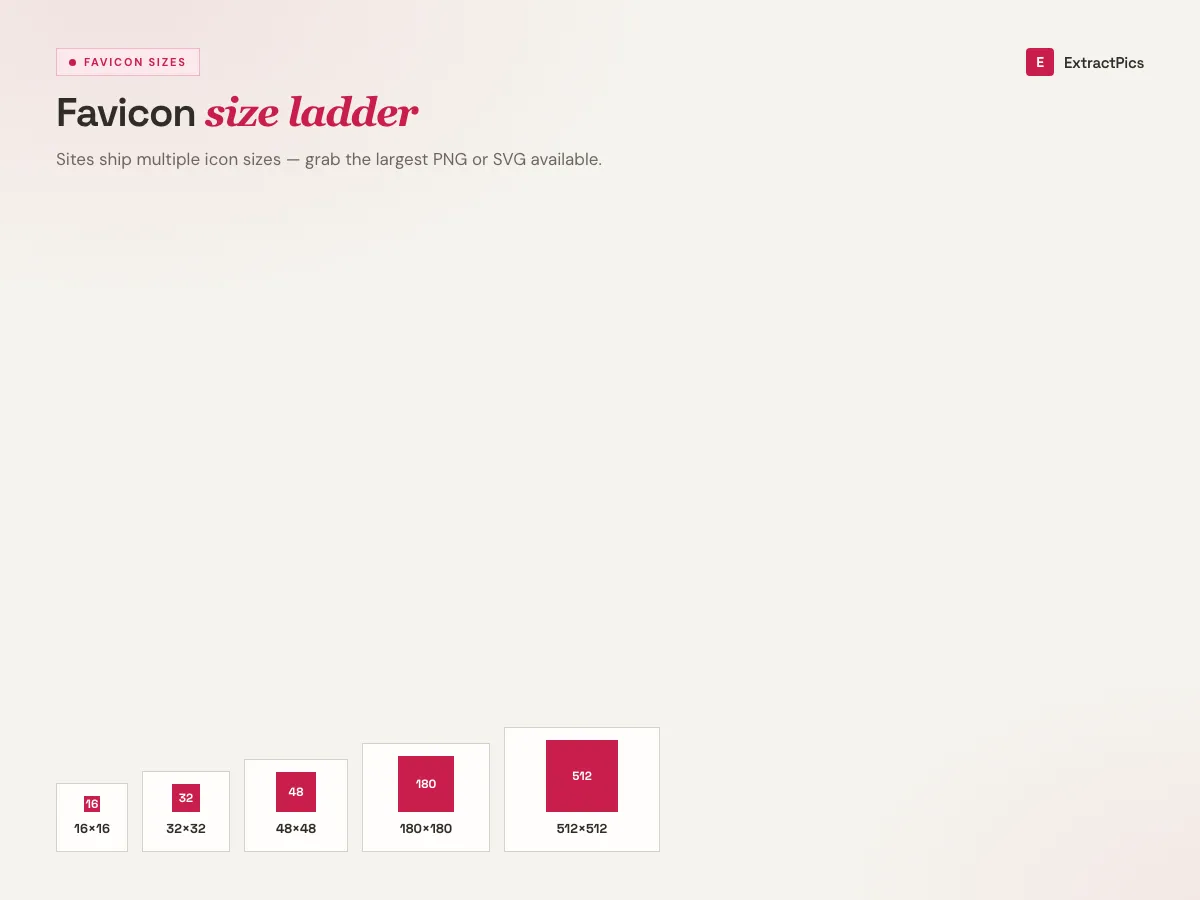
What the favicon downloader can pull
Declared icons, not guesses
The Brand Asset Downloader reads the link rel=icon and apple-touch-icon tags the site actually publishes, so you get its real files rather than a guessed path.
Manifest icon sizes
Sites that can be installed as web apps list their icons in a manifest file, usually including 192 px and 512 px PNGs. Those are often the largest icons a site has.
apple-touch-icon
The icon iPhones and iPads use on the home screen, normally a 180 × 180 px PNG. It is sharper than the tab icon and is listed with the rest.
Direct favicon.ico links
Paste the address of a favicon.ico, PNG or SVG icon into the box above and it is saved as a file, no page scan needed.
Why people use a favicon downloader
A favicon is small, but there are plenty of reasons to want a clean copy of one.
Perfect for
- checkRecovering a brand icon you lost the source for
- checkChecking what icon a competitor uses
- checkAdding recognizable icons to a link directory or start page
- checkSeeing the largest icon a site publishes
- checkGrabbing an apple-touch-icon for a web app
What you get
- checkrel=icon and apple-touch-icon files
- checkEvery icon size in the web app manifest
- checkICO, PNG and SVG as the site serves them
- checkPixel size shown before you download
- checkSingle files or one ZIP
How to use the favicon downloader
- 01
Copy the website URL
Open the site and copy its address. The home page is the best choice, since that is where icons are always declared.
- 02
Run the Brand Asset Downloader
Paste the address into the Brand Asset Downloader. It lists the declared icons, manifest icons and preview images with their sizes.
- 03
Pick the size you need
Tick the icons you want and download them. For favicon.ico, paste its address into the box at the top of this page instead.
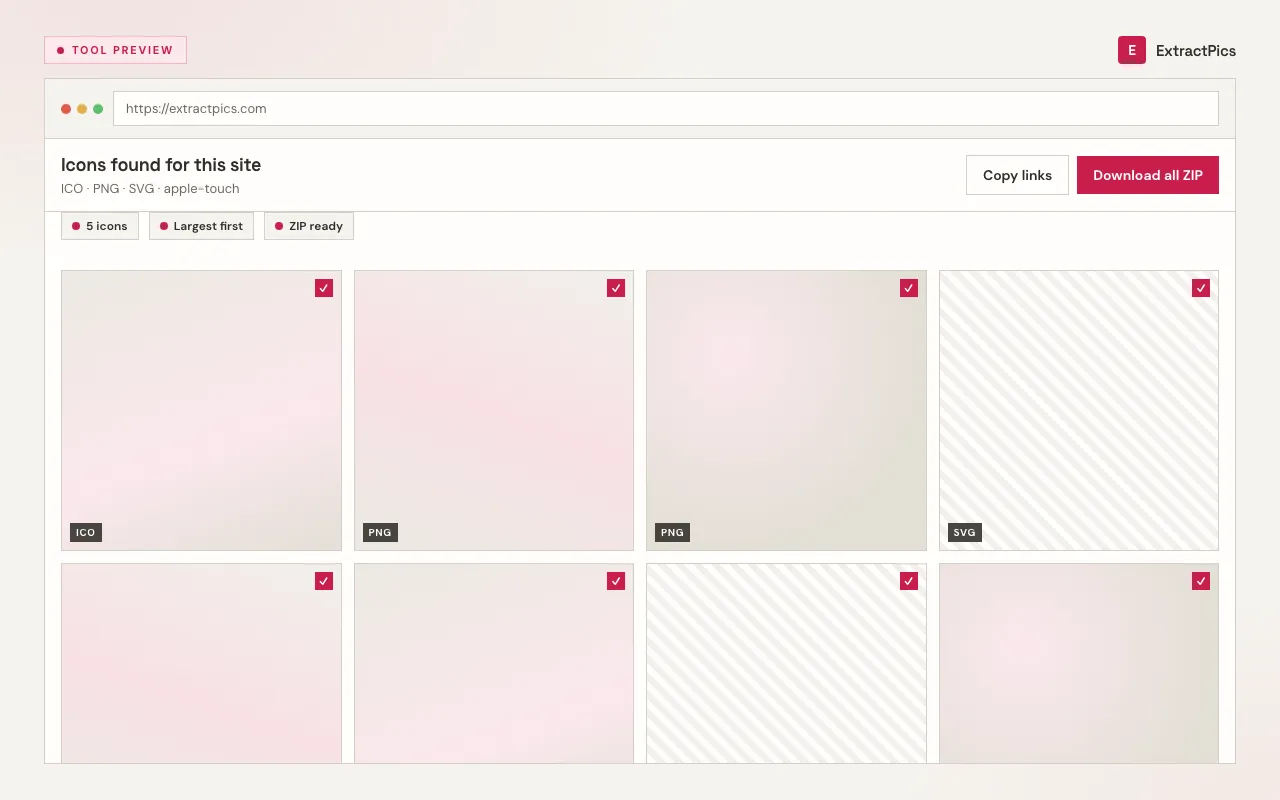
Why a favicon downloader beats reading page source
A modern site rarely has just one favicon. There is usually a small PNG or SVG for the tab, a 180 × 180 px apple-touch-icon for iPhone home screens, and a manifest with 192 px and 512 px icons for installable web apps. Those live in three different places, and the manifest is a separate file you would have to open and read.
If you want to make your own icon set instead, the favicon maker turns one image into PNGs at the usual sizes. For full logos rather than icons, try the logo downloader.
Where a site's favicon comes from
A modern site usually declares its icon in more than one place. This is where each one lives and which tool on ExtractPics reads it.
| Source | What it is | Typical format | How to get it |
|---|---|---|---|
| link rel=icon | The declared tab icon | PNG, SVG, or ICO | Brand Asset Downloader |
| apple-touch-icon | Home-screen icon on iOS | PNG, often 180px | Brand Asset Downloader |
| Manifest icons | Icons for installable web apps | PNG, often 192px and 512px | Brand Asset Downloader |
| /favicon.ico | The classic fallback | ICO, often multi-size | Paste its address into the box above |
Favicon downloader questions
If your question is not covered here, send us a message and include the page, file, or result type you are working with.