Wikipedia image downloader, free
Paste a Wikipedia article URL and ExtractPics lists the images on the page so you can preview and save the originals. Most come from Wikimedia Commons under Creative Commons or public-domain licenses — usually free to reuse with attribution, so check each file's terms.
- check_circle100% free
- check_circleNo signup
- check_circleFull resolution
- check_circleBrowser-based
Trusted by people who extract images every day
136,967 image extractions and counting
Wikipedia image downloader — what this tool actually does
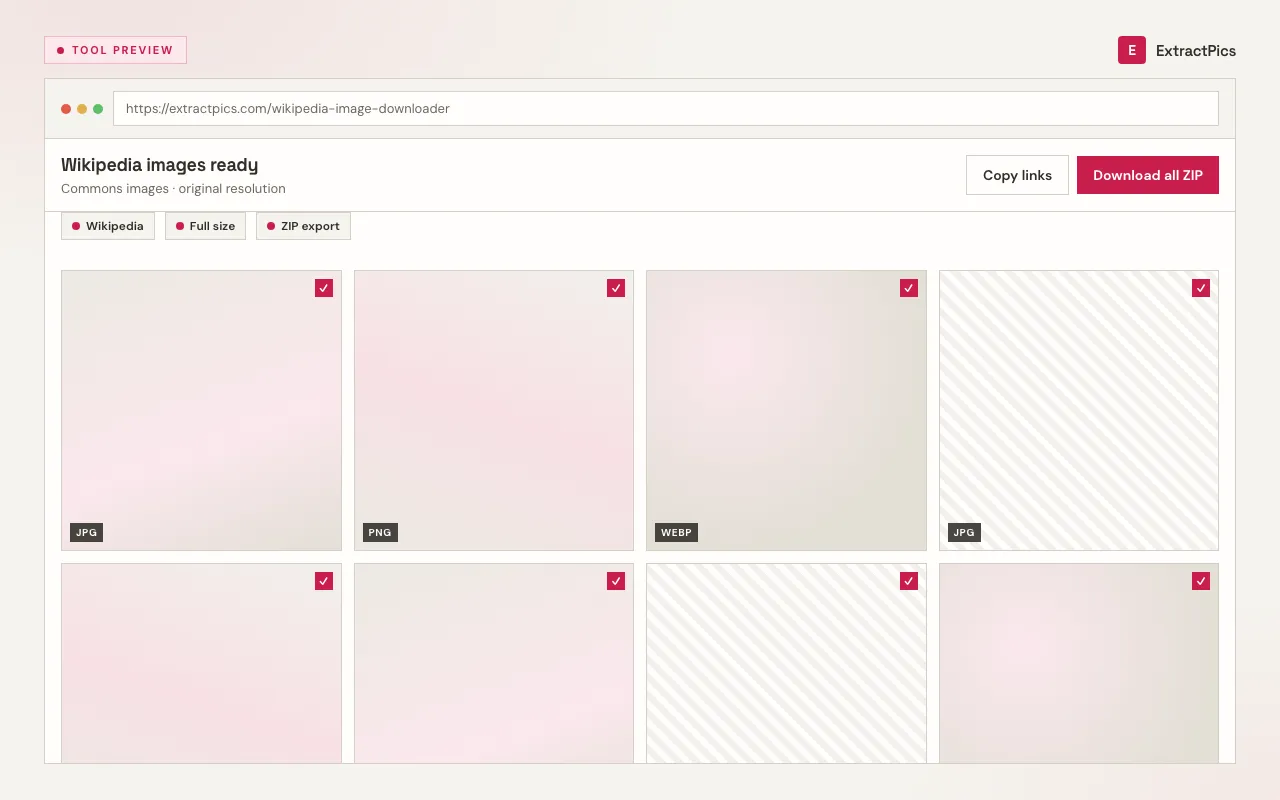
This Wikipedia image downloader gives you a fast way to save the pictures, diagrams, and maps in an article instead of saving them one at a time. The images on Wikipedia are hosted on Wikimedia Commons, a media library of freely-licensed files. Paste a Wikipedia article URL and ExtractPics opens the page in a real headless browser, finds the image files it loads, and lets you preview and download the full-resolution originals.
Wikipedia images are generally reusable, but not unconditionally. Most files on Wikimedia Commons are released under Creative Commons licenses or are in the public domain, which usually means you can reuse them — often with attribution to the author and a note of the license. The exact terms vary file by file: some require credit and a share-alike license, a few have other restrictions. So check each image's own licensing page on Wikimedia Commons before you reuse it, and attribute the photographer or author as the license requires.
Why use this Wikipedia image downloader
Every image in an article
Drop in an article URL and ExtractPics lists every image the page loads — photos, diagrams, maps, and charts — so you save the full set in one pass.
Originals, not thumbnails
Articles display scaled-down thumbnails. The tool follows each to the full-resolution file on Wikimedia Commons, so you download the original rather than a small inline copy.
One image or the whole page
Save a single image, or select several from the article and download them together in one ZIP instead of saving each by hand.
When a Wikipedia image downloader helps
Any time you need the freely-licensed images from an article for a report, presentation, or project — and you check each file's license and attribute the author as required before reusing it.
Perfect for
- checkGathering reference images for a report or essay
- checkSourcing public-domain photos for a presentation
- checkCollecting maps and diagrams for educational material
- checkPulling historical images for a research project
- checkBuilding a slide deck with properly-credited visuals
- checkSaving high-resolution figures for a study or article
What you get
- checkWorks with any Wikipedia article URL
- checkFinds every image the article loads
- checkReturns the full-resolution file from Wikimedia Commons
- checkPreview every image before you save it
- checkDownload one image or the whole page as a ZIP
- checkFree, browser-based, with nothing to install
How to use the Wikipedia image downloader
- 01
Open the Wikipedia article
On wikipedia.org, open the article whose images you want to save.
- 02
Copy the link
Copy the article URL from your browser's address bar.
- 03
Paste and download
Drop the link into the box at the top of this page. Preview the images and save one, or download the whole set as a ZIP — then check each file's license before reuse.
Why use a Wikipedia image downloader responsibly
Articles show small inline thumbnails, and saving them gives you a recompressed copy. The originals on Wikimedia Commons are much larger and sharper. A downloader follows each thumbnail to the full-resolution source and gathers a whole article's images in one pass, so your references and figures keep their quality.
ExtractPics only reaches images that the article already loads publicly. It does not bypass any protection — Wikipedia content is openly accessible by design — it simply gathers the files behind the page so you don't have to open each Commons page by hand.
Downloading is the easy part; reusing correctly is what matters. Freely-licensed is not the same as no-strings: most Wikimedia Commons files require you to credit the author and name the license, and some use share-alike terms that affect how you can publish derivatives. Open each image's licensing page on Wikimedia Commons, follow its attribution requirement, and you can reuse Wikipedia images with confidence.
Frequently asked questions
If your question is not covered here, send us a message and include the page, file, or result type you are working with.