HD wallpaper downloader
Paste a wallpaper page or gallery URL and ExtractPics finds the high-resolution files behind the previews and lets you save them at full size. Best for personal use — and always respect the artists' copyright.
- check_circle100% free
- check_circleNo signup
- check_circleFull resolution
- check_circleBrowser-based
Trusted by people who extract images every day
136,960 image extractions and counting
Wallpaper downloader — what it does and how it works
This wallpaper downloader gives you a clean way to save high-resolution wallpapers at their true size instead of the shrunken previews a gallery shows in its grid. Paste the URL of a wallpaper page or a gallery and ExtractPics opens it in a real headless browser, lets the page fully render, and finds the image files behind the thumbnails. You preview the set, then save a single wallpaper or download several together as one ZIP.
Wallpaper sites usually display a compressed preview in the grid and load a much larger file when you open an image, often offering several resolutions through srcset. This tool reads the rendered page and follows srcset to the largest version each spot loads, so you get the full-size wallpaper rather than a thumbnail. It does not upscale anything — it fetches the real file at its native resolution, so the quality you get is exactly what the site already serves.
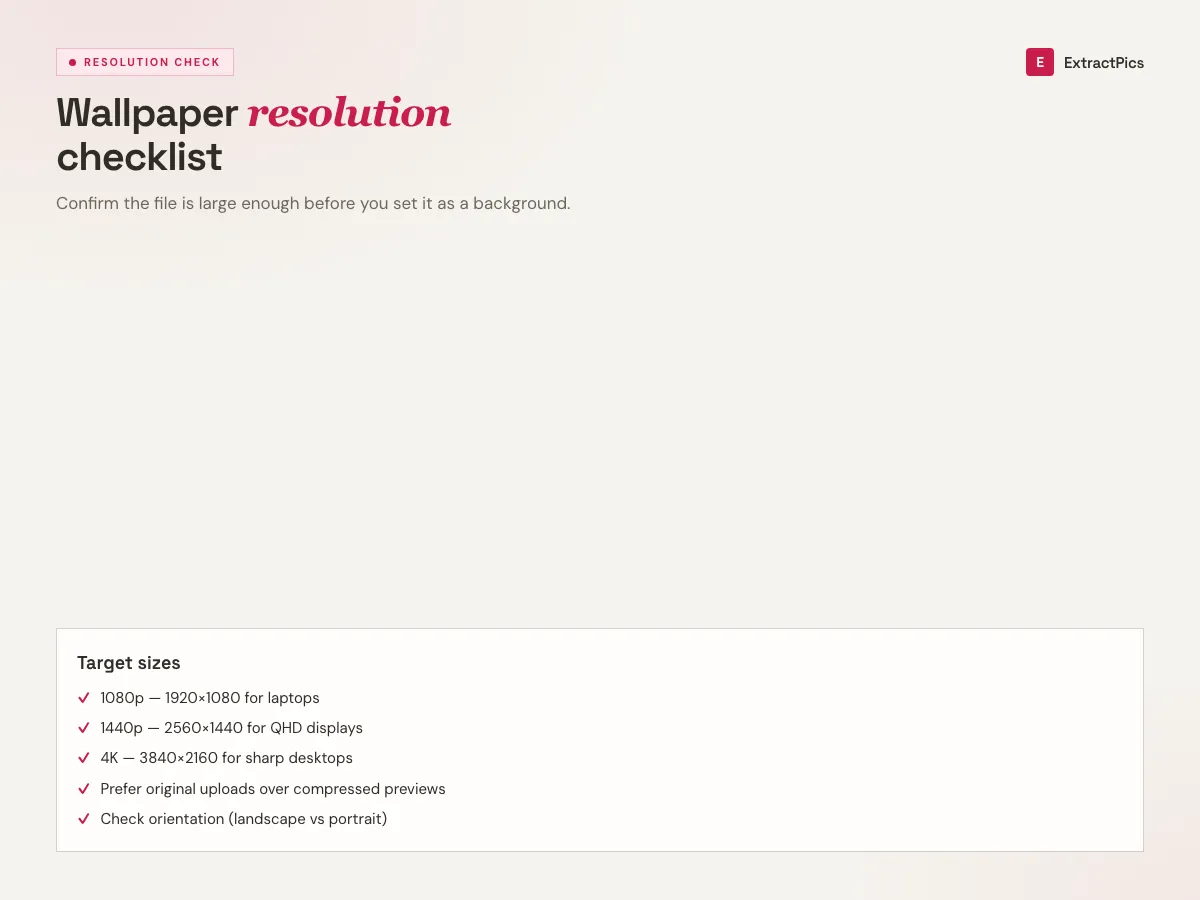
Why use this wallpaper downloader
Full-size, not the preview
Gallery grids show compressed thumbnails. ExtractPics opens the source and grabs the high-resolution file behind it, so you save the real wallpaper at full size.
Largest version via srcset
Wallpaper pages often offer several resolutions. The tool follows srcset and picks the biggest one each slot loads — no upscaling, just the original file.
A whole gallery in one ZIP
Found a set you like? Select every wallpaper on the page and download them all together in a single ZIP instead of saving them one by one.
When a wallpaper downloader is exactly what you need
Any time you want a wallpaper at full resolution for your own screens and the gallery makes you click through previews or hides the largest file — provided you're saving it for personal use and respecting the artist's rights.
Perfect for
- checkSaving a desktop or phone wallpaper at its full native resolution
- checkBuilding a personal rotation from a wallpaper gallery you like
- checkGrabbing the largest version when a page hides it behind a preview
- checkCollecting wallpapers for your own lock screen and home screen
- checkSaving a matching set in one go instead of clicking each one
- checkDownloading wallpapers on mobile, where long-press saving is fiddly
What you get
- checkWorks with wallpaper pages and gallery URLs
- checkReturns the full-resolution file, not the grid thumbnail
- checkFollows srcset to the largest version each image offers
- checkNo upscaling — you get the original file at native resolution
- checkPreview every wallpaper, then download singly or as one ZIP
- checkFree, browser-based, with no signup and nothing to install
How to use the wallpaper downloader
- 01
Copy the wallpaper page link
Open the wallpaper or the gallery you like and copy its URL from the address bar — a single image page or a whole gallery both work.
- 02
Paste and scan
Drop the link into the box at the top of this page and run a scan. A real browser renders the page and lists the wallpapers it loads.
- 03
Preview and download
Review the results, pick the full-size versions you want, and save a single wallpaper or download the whole set as a ZIP.
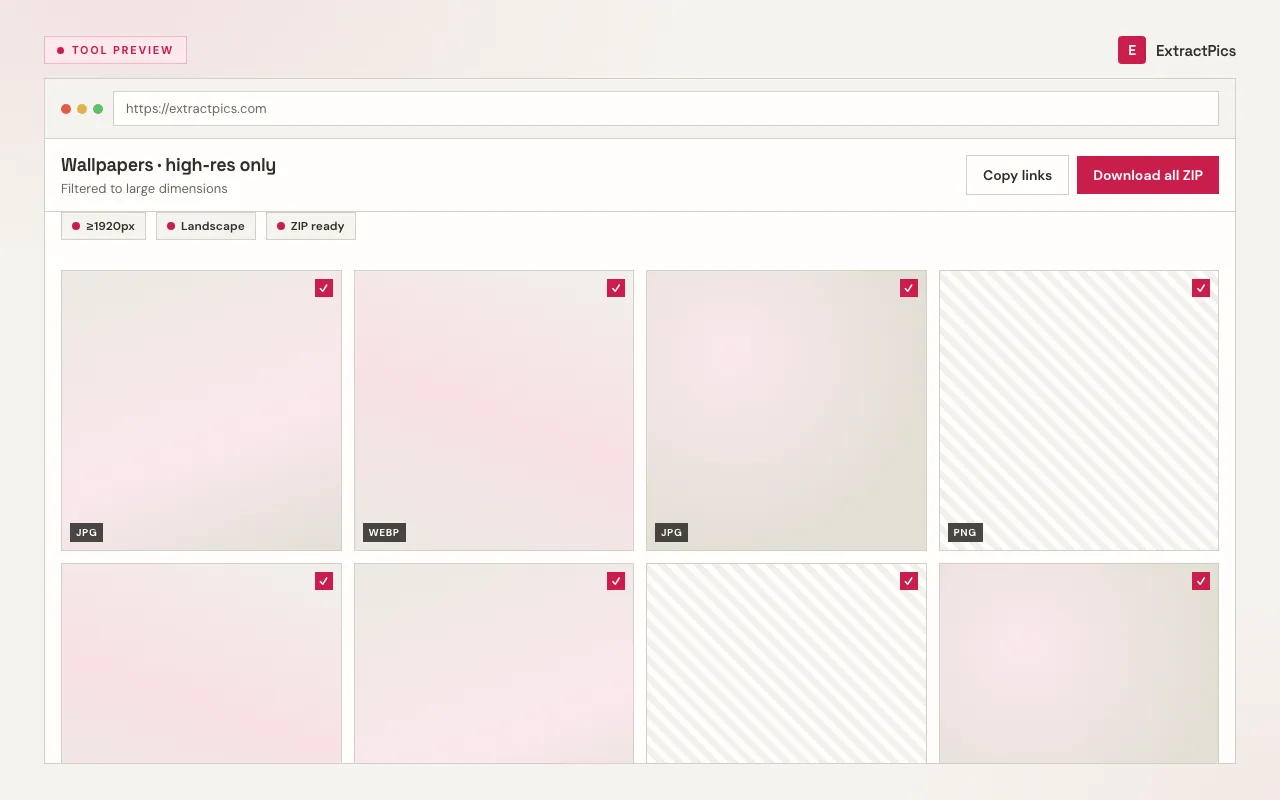
Why use a wallpaper downloader instead of a screenshot
A screenshot of a wallpaper preview captures a small, recompressed image at your screen's resolution, often with site UI around it — useless as an actual wallpaper. A wallpaper downloader fetches the original file the site serves, follows srcset to the biggest version, and gives you a crisp, full-resolution image with no cropping or loss. For wallpapers, where sharpness is the whole point, that difference matters.
ExtractPics only reaches images that are already publicly served at their URL. It does not bypass logins, paywalls, or any protection a site has set, and it never upscales or alters the file — it simply hands you the real wallpaper at its native resolution.
Downloading is easy; using a wallpaper responsibly is the part to mind. Wallpapers are created by artists and photographers who hold the copyright, even when a site offers them as free downloads. Keep your use personal — your own screens — and check each wallpaper's license. Don't redistribute, sell, or use someone's artwork commercially without their permission.
Frequently asked questions
If your question is not covered here, send us a message and include the page, file, or result type you are working with.