WordPress image downloader, free
Paste a WordPress page URL and ExtractPics opens it in a real browser, finds every image the page renders, and lets you preview and save them. Ideal for migrating or backing up your own site, or collecting public images you have the right to use.
- check_circle100% free
- check_circleNo plugin
- check_circleFull size
- check_circleBrowser-based
Trusted by people who extract images every day
136,958 image extractions and counting
WordPress image downloader — what it does and how it works
This WordPress image downloader gives you a quick way to pull the images off any public WordPress page without digging through the dashboard, FTP, or a database export. Paste the URL of a WordPress post, page, or archive and ExtractPics opens it in a real headless browser, lets the page fully render, and collects every image it loads — uploads from the media library, theme and header graphics, and pictures inside the post content. You then preview the set and download what you need as single files or one ZIP.
It helps to know how WordPress serves images. When you upload a photo, WordPress keeps the original and also generates resized variants (thumbnail, medium, large) that themes swap in depending on the layout and screen. This tool grabs whatever the page actually puts on screen, following srcset to the largest version a given spot loads — so you get the real rendered file, not a re-compressed copy. It does not reach into the media library behind a login or pull files the page never references.
Why use this WordPress image downloader
Reads the rendered page
A real browser loads the WordPress page exactly as a visitor sees it, so the tool finds media-library uploads, theme assets, and in-content images alike.
Largest available variant
WordPress serves several sizes per image. ExtractPics follows srcset and picks the biggest version each slot loads, so you save full-size files instead of thumbnails.
Whole page in one ZIP
Posts and galleries often hold many images. Select them all and download the lot together in a single ZIP instead of saving one at a time.
When a WordPress image downloader is the right tool
Any time you need the images off a WordPress site quickly and the dashboard, FTP, or a full export would be overkill — most often when moving, backing up, or auditing a site you own or manage.
Perfect for
- checkBacking up the images on your own WordPress site before a redesign
- checkMigrating media when you move a WordPress site to a new host or platform
- checkAuditing which images a theme and its pages actually load
- checkCollecting your own post graphics to reuse in a newsletter or deck
- checkSaving public images a WordPress site offers for download or press use
- checkGrabbing images on mobile, where saving from a WordPress page is fiddly
What you get
- checkWorks with any public WordPress post, page, or archive URL
- checkPulls media-library uploads, theme graphics, and in-content images
- checkFollows srcset to the largest size each image loads
- checkCatches lazy-loaded and CSS-background images themes use
- checkPreview every image, then download singly or as one ZIP
- checkNo plugin, no login, nothing to install, works in any browser
How to use the WordPress image downloader
- 01
Copy the WordPress page link
Open the WordPress post, page, or archive whose images you want and copy its URL from the address bar.
- 02
Paste and scan
Drop the link into the box at the top of this page and run a scan. A real browser renders the WordPress page and lists every image it loads.
- 03
Preview and download
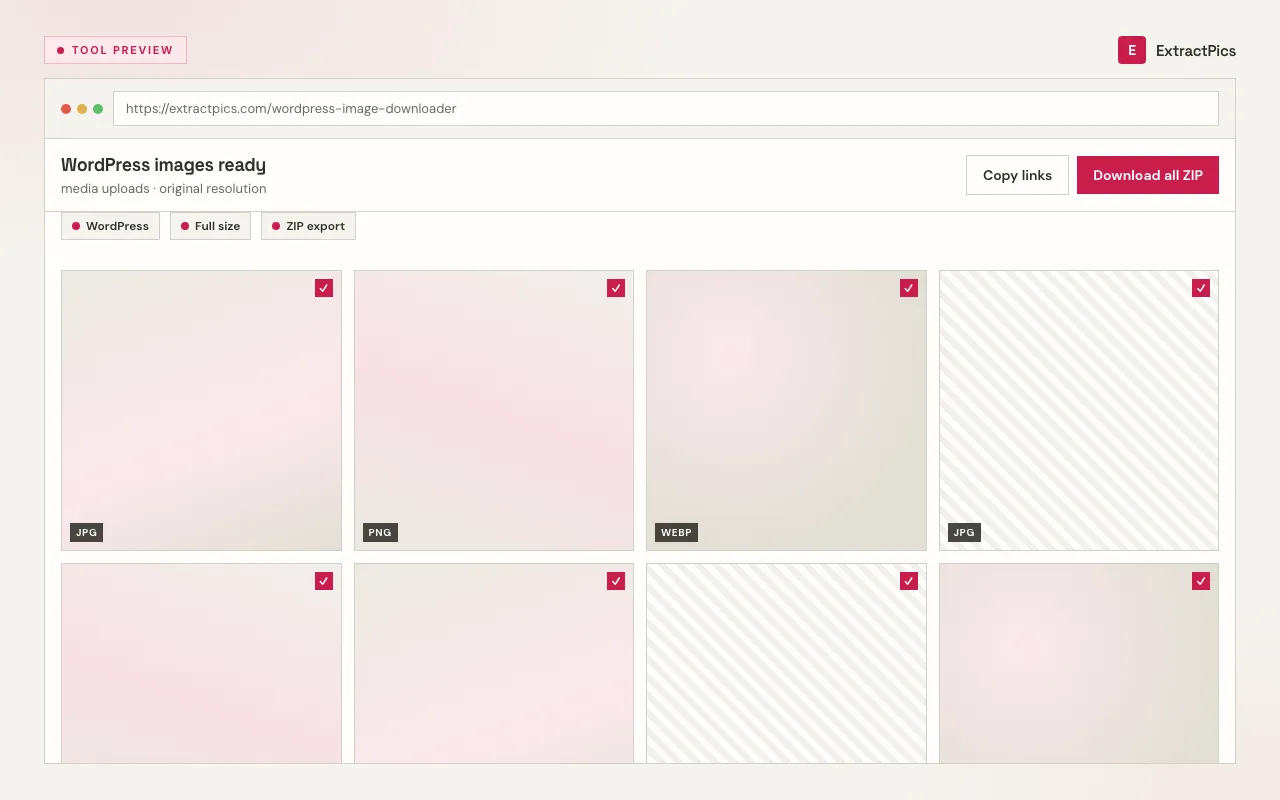
Look through the results, deselect anything you don't need, then save individual images or download the whole set as a ZIP.
Why use a WordPress image downloader instead of the dashboard
Pulling images through the WordPress admin means scrolling the media library, downloading attachments one by one, and guessing which variant you actually want. A WordPress image downloader reads the live page instead and hands you exactly what renders, including theme and header graphics that never appear as separate media-library entries. For a quick backup or a migration check, that is far faster than the dashboard or an FTP crawl.
ExtractPics only sees images that are already publicly served at their URL. It does not log into your WordPress admin, bypass any password protection, or reach private or draft content — it simply collects what a normal visitor's browser would load on a public page.
Getting the file is easy; the responsibility is in how you use it. Backing up or migrating your own site is completely fine. If you download images from a WordPress site you don't own, treat them as someone else's copyrighted work: keep the use personal or clearly permitted, and get permission before you republish or use them commercially.
Frequently asked questions
If your question is not covered here, send us a message and include the page, file, or result type you are working with.