Image extractor online
Paste a page URL to extract every image and direct photo link. Copy direct image URLs into spreadsheets or download all files as a ZIP.
- check_circle100% free
- check_circleCopy Direct URLs
- check_circleNo signup
- check_circleRenders JavaScript
136,957 image extractions and counting
What this image extractor does
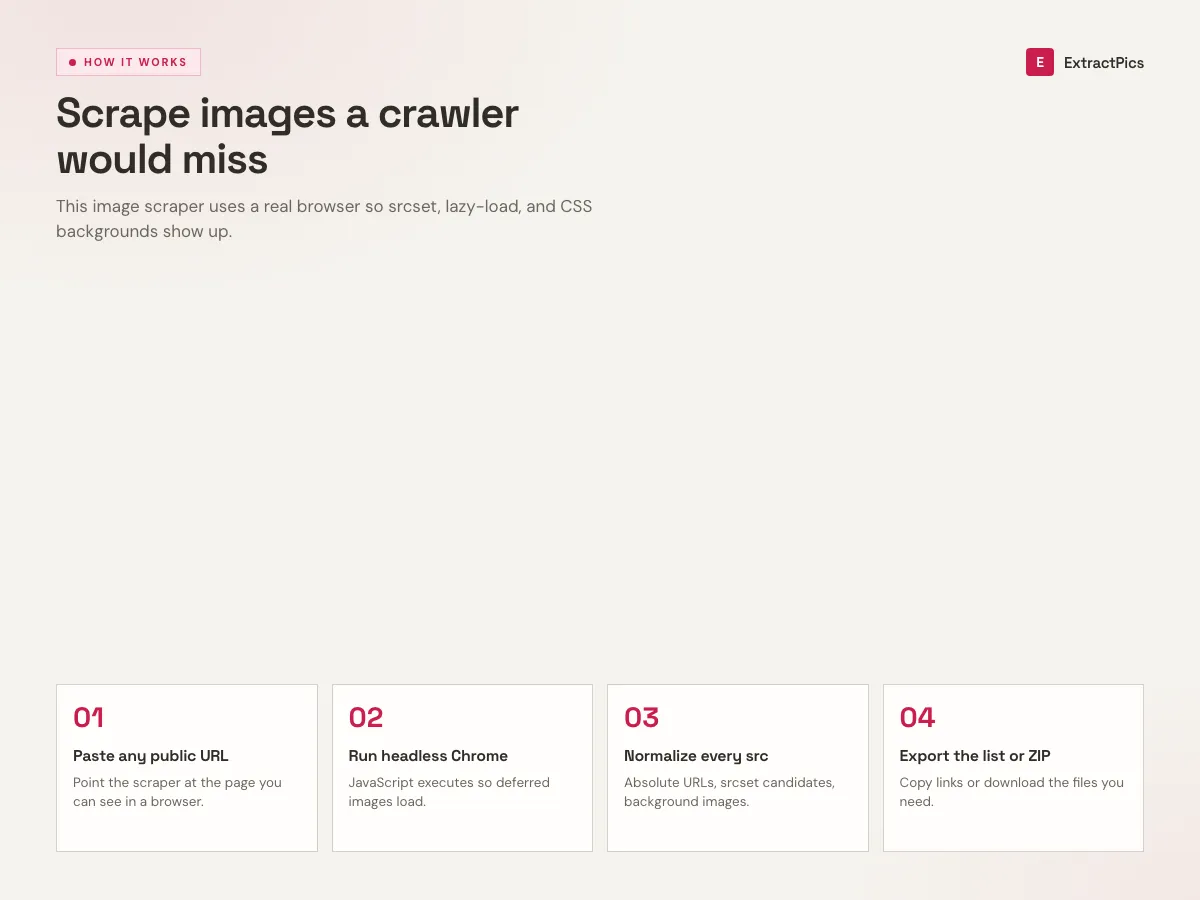
This image extractor collects the images a public page actually loads in the browser. Paste the page URL and it opens the page in a headless browser, runs the scripts, scrolls to wake up lazy loaded files, then extracts every image source it finds from img tags, srcset and CSS backgrounds.
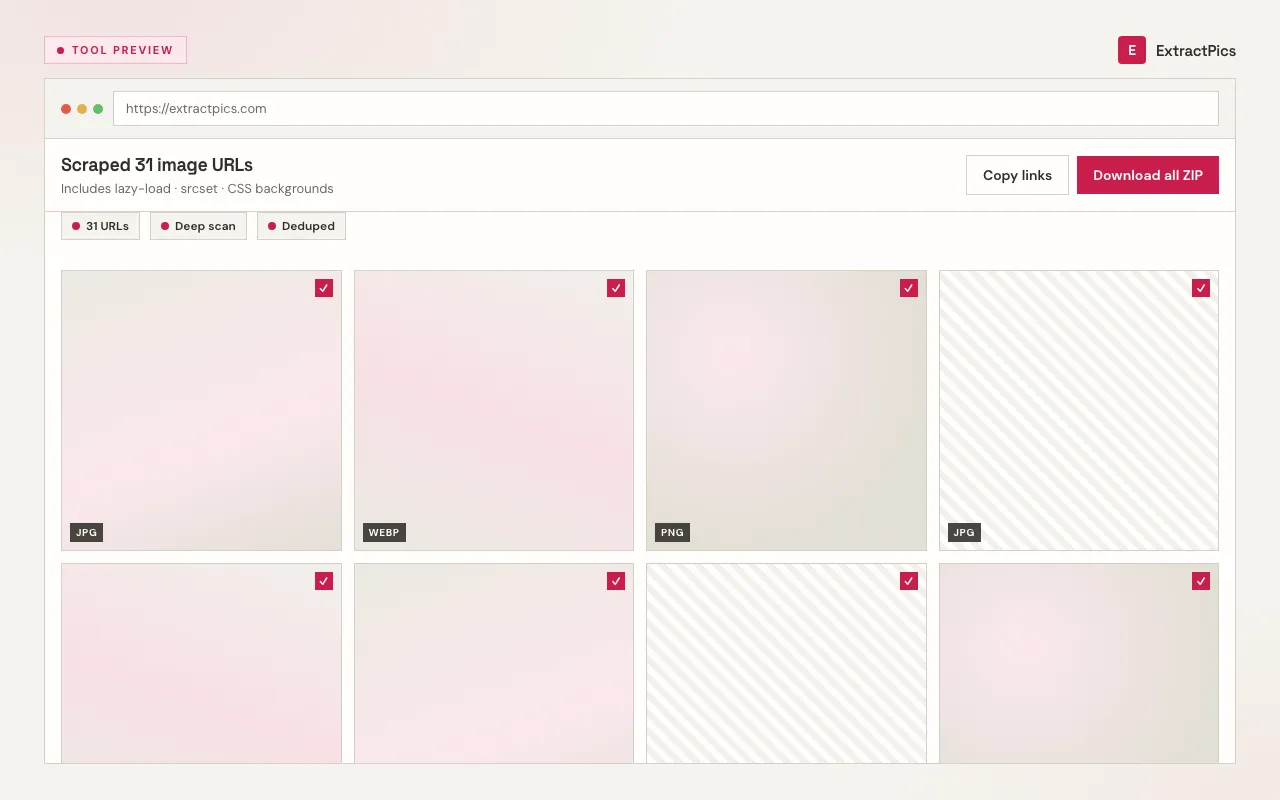
You get a plain list of image URLs you can copy into a sheet or script, plus previews you can filter and download. Each result keeps its original format and resolution, with duplicates and tracking pixels removed before you see the grid. If you only need the links, copy them without downloading anything.
What this image extractor gives you
Renders before it extracts
The page opens in a real headless browser that runs JavaScript, so the extractor sees images that never appear in raw HTML.
Plain URL list to copy
Every image comes back as a direct link you can paste into a sheet, script or dataset without parsing markup.
Catches the hidden sources
It pulls srcset variants and CSS background images alongside normal img tags, so you get the full set.
When to use an image extractor
Use this when you need a list of image URLs and files without running your own browser automation.
Perfect for
- checkCollecting image URLs for a dataset
- checkAuditing which images a page loads
- checkPulling assets for a site migration
- checkChecking responsive srcset sources in one go
- checkGrabbing every photo URL from search results
- checkSkipping a custom Puppeteer script for a one off job
What you get
- checkPaste a URL, get every image source
- checkRuns the page JavaScript in a real browser
- checkReads srcset and CSS background images
- checkCopy direct URLs or download a ZIP
- checkWorks on single page apps and infinite scroll
- checkFree, no signup
How to extract images
- 01
Paste the page URL
Copy the address of any public page that shows the images you need.
- 02
Run the extractor
The tool renders the page in a headless browser, runs its JavaScript and scrolls so lazy loaded images appear.
- 03
Copy or download
Copy the direct image URLs for your own workflow or download the files as a ZIP.
Why a real browser extractor
A plain HTML fetch only sees the first markup response. Modern pages add images as you scroll, swap in larger srcset versions, or paint them as CSS backgrounds. A fetch alone misses them.
Running the page in a real browser fixes that. ExtractPics waits for scripts to finish, scrolls the page to load what is below the fold, then extracts srcset and background images along with the normal tags. A gallery that looks empty to curl still returns a full list here.
This extractor vs a plain fetch
A fetch that only parses the first HTML response sees a fraction of a modern page. Rendering first closes that gap.
| Source | HTML only | This extractor |
|---|---|---|
| Standard img tags | Found | Found |
| Lazy loaded on scroll | Missed | Captured |
| srcset responsive sizes | Partly | Largest kept |
| CSS background images | Missed | Captured |
| JavaScript rendered images | Missed | Captured |
Frequently asked questions
If your question is not covered here, send us a message and include the page, file, or result type you are working with.