Download image from URL in HD
Paste a direct image link or the address of any public webpage. ExtractPics extracts the original full-size photo so you can download it in HD or 4K.
- check_circle100% free
- check_circleFull HD/4K
- check_circleNo install
- check_circleKeeps original format
136,963 image extractions and counting
Download image from URL without digging through source code
To download image from URL without taking a screenshot or searching the page source, paste the link here. If the address points straight to an image, the tool returns that file. If it opens a webpage, this URL image downloader scans the page and lists the images it can reach. Not sure which one you copied? Here's how to get an image URL instead of the page address.
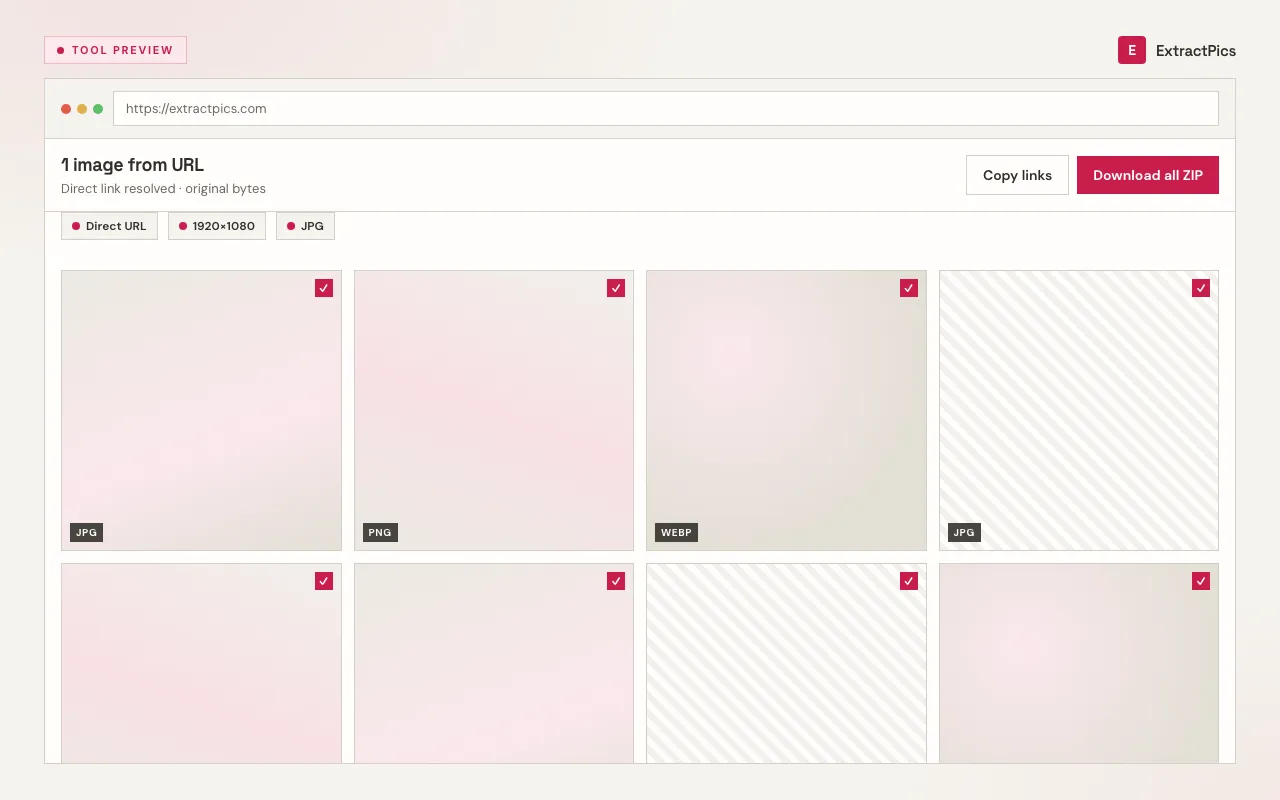
It handles the awkward cases too. Lazy-loaded photos that only appear as you scroll, images drawn by JavaScript after the page loads, responsive srcset versions, and pictures set as CSS backgrounds all get pulled in. You pick the ones you want and save them, either one at a time or zipped together in a single download.
What you get from a pasted link
Direct links resolve instantly
If the link points straight at a .jpg, .png, or .webp file, the tool fetches that exact image, so you can save it without opening it in a new tab first.
Page links get scanned in full
Paste a normal web page and it loads in a real browser, then lists every image on it, including the lazy-loaded and JavaScript-rendered ones.
Save one or save the batch
Download a single picture, or select several from the preview grid and pull them down together as one ZIP.
When to paste the link into a downloader
Reach for it whenever right-click and save is disabled, slow, or only hands you a placeholder.
Perfect for
- checkSaving an image from a site that blocks right-click
- checkDownloading a picture from a direct CDN link
- checkGrabbing every image off a page in one go
- checkPulling a photo on mobile without the long-press menu
- checkGetting the full file behind a shared image link
- checkSaving images that only load after the page renders
What you get
- checkWorks with direct image links and full page URLs
- checkKeeps the original format: JPG, PNG, WebP, SVG, GIF, AVIF, ICO, BMP
- checkPreviews every image before you save it
- checkDownload one file or a ZIP of many
- checkReads lazy-loaded and CSS background images
- checkFree, no signup, runs on any device
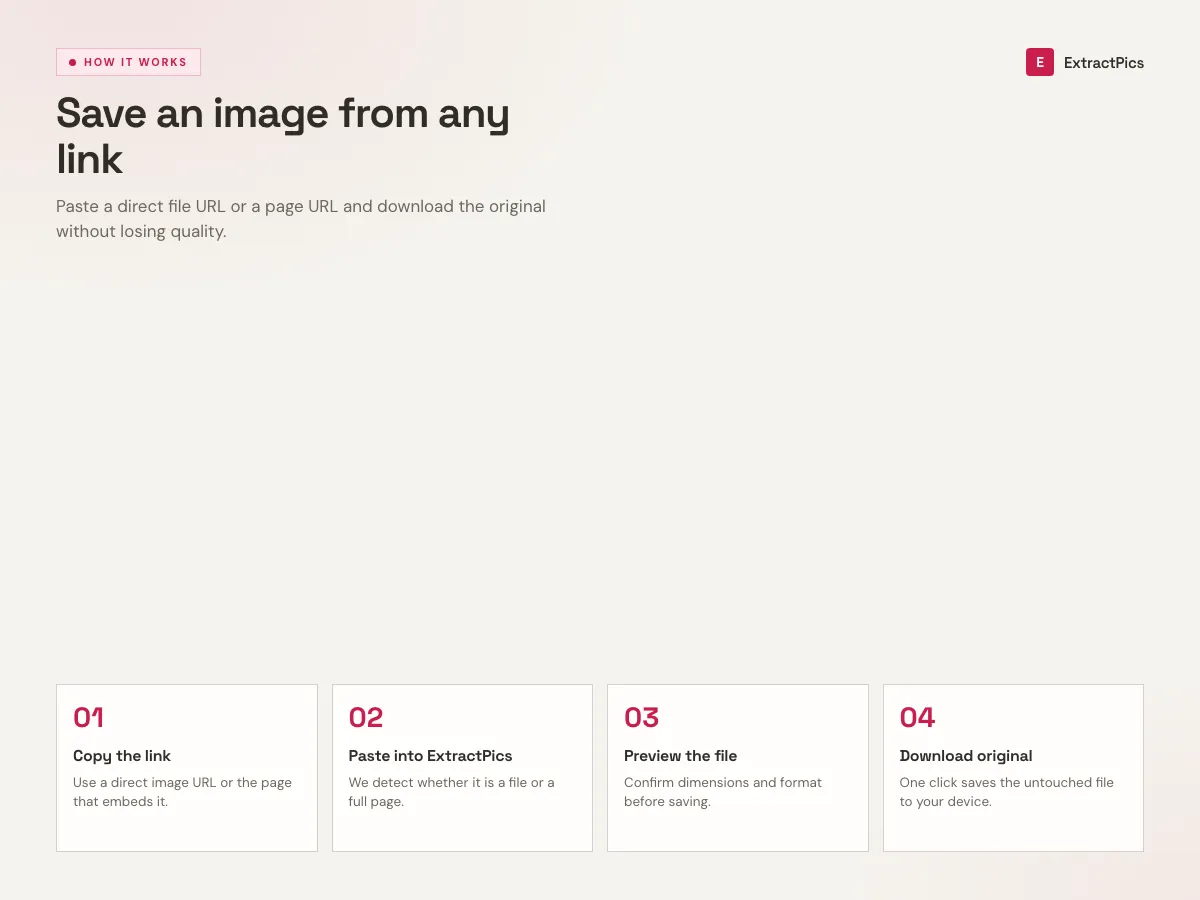
How to download an image from a link or URL
- 01
Copy the link
Grab the address of the picture or the page it sits on. On most browsers you can right-click an image and choose Copy Image Address, or just copy the page URL from the address bar.
- 02
Paste it into the box
Drop the link into the field at the top of this page and run it. ExtractPics fetches the link and lays out every image it finds, with previews so you know exactly what you are getting.
- 03
Download what you want
Click any image to save it on its own, or select several and download them together as a ZIP. Files keep their original format, whether that is JPG, PNG, WebP, or something else.
Why use ExtractPics instead of right-click and save
Right-clicking works until it doesn't. Plenty of sites disable the menu, load photos through scripts, or serve a tiny placeholder while the full picture loads later. When you download an image by URL through ExtractPics, the tool requests the link the way a browser does and reads what is actually there, so the lazy-loaded and JavaScript-rendered images show up instead of slipping past you.
It also saves time when a page has more than one picture. Instead of saving each file by hand, you can grab the whole set in one ZIP. The tool works in any browser with no signup, no extension, and no software to install, and it works the same on a phone as it does on a laptop. It only reaches public links, so it will not get past logins or paywalls, and it does not need to.
Direct image link vs page link
Both kinds of link work. The tool decides what to do based on what the link actually points at.
| What you paste | What happens | What you get |
|---|---|---|
| A direct .jpg or .png link | Fetched straight away | That exact file |
| A web page URL | The page is rendered and scanned | Every image on it |
| A CDN or hotlink URL | Resolved to its source | The original full-size file |
Frequently asked questions
If your question is not covered here, send us a message and include the page, file, or result type you are working with.