The gallery downloader that grabs every image at once
Point it at any album, portfolio, or photo grid and pull every full-resolution image, across pagination and infinite scroll, into one clean ZIP.
- check_circle100% free
- check_circleNo extension
- check_circleInfinite scroll + pagination
- check_circleFull resolution
57,722 image extractions and counting
Save a whole gallery without clicking every image
ExtractPics is a free gallery downloader that runs in your browser. Galleries are built for browsing, not for saving: thumbnails link out to the full shots, images load in as you scroll, and the set often spans several pages. Paste a gallery URL and the tool opens the page in a real headless browser, just like a person would, then collects every image and hands you the whole batch as one ZIP.
Most save-image shortcuts only catch what is on screen. This one digs deeper. It reads lazy-loaded images, picks the largest source out of each srcset, and even pulls pictures set as CSS backgrounds. You keep the original files at full resolution, not cropped thumbnails or blurry previews.
Made for galleries specifically
Handles infinite scroll
The page loads in a real browser and scrolls itself until the last image appears, so the shots near the bottom of an endless grid come down with the rest.
Follows pagination
Deep Extract follows a gallery's page links up to three pages deep, so an album split across several screens downloads as one set.
The biggest version of each
It reads each image's srcset and takes the largest source, so you get the full-resolution file the gallery links to, not the thumbnail it displays.
Galleries this works on
Anything built as a grid of thumbnails that link out to bigger images.
Perfect for
- checkPhoto albums shared as a public link
- checkDesign and photography portfolios
- checkProduct galleries on a shop page
- checkStock and wallpaper grids
- checkEvent or travel photo sets
- checkAny infinite-scroll image feed
What you get
- checkScrolls infinite-scroll galleries to the end
- checkFollows pagination with Deep Extract
- checkTakes the largest srcset source for full resolution
- checkReads lazy-loaded and CSS background images
- checkSaves the whole gallery as one ZIP
- checkFree, no signup, works on mobile
How to download an image gallery
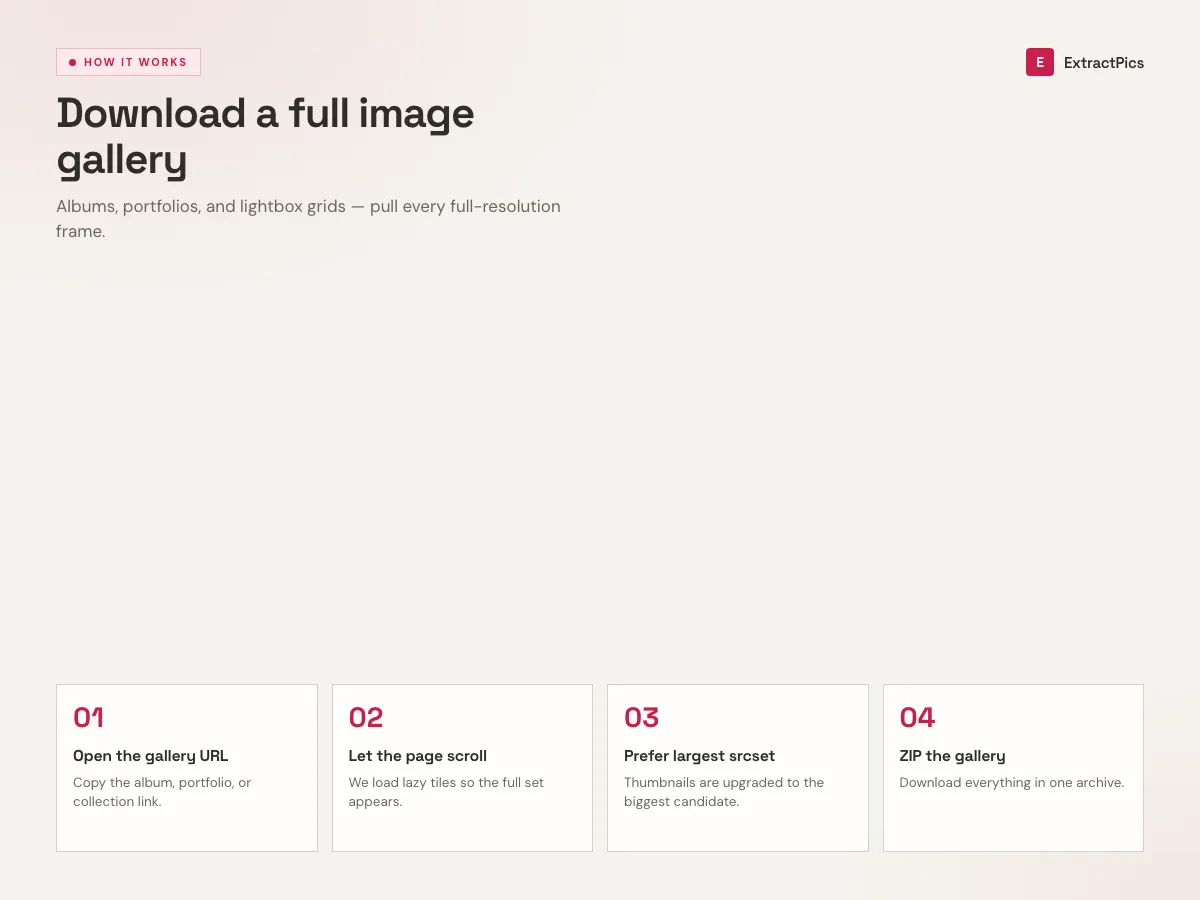
- 01
Paste the gallery URL
Copy the link to any public gallery, album, or portfolio page and paste it into the box. No login and no browser extension needed.
- 02
Let it load every image
The tool renders the page in a headless browser, scrolls through infinite-scroll galleries, and uses Deep Extract to follow pagination up to 3 pages so nothing gets missed.
- 03
Download the ZIP
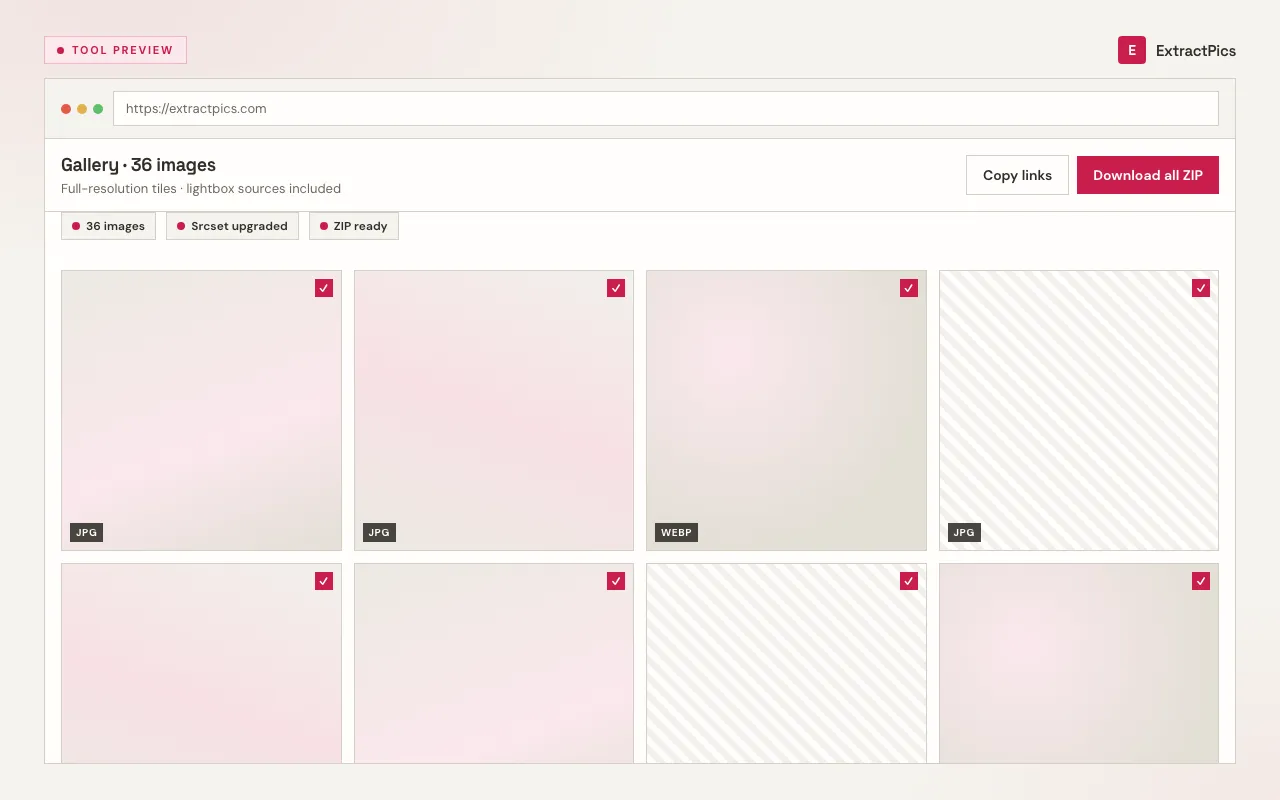
Check the images it found, keep them all or pick the ones you want, then save the full set as a single ZIP in original resolution.
Why use ExtractPics instead of saving one by one
Saving a large gallery image by image is slow and easy to mess up. You miss the lazy-loaded shots near the bottom, you grab a thumbnail instead of the full file, and pagination resets your progress. A gallery downloader solves all of that by treating the whole gallery as one job.
Because the page loads in a real browser, JavaScript runs and images that only appear after scrolling or clicking actually show up. The tool reads srcset and CSS backgrounds, so it pulls the highest resolution version available rather than whatever happened to be visible.
It is free, there is nothing to install, and it works on your phone as well as your laptop. Point it at a photo album, a design portfolio, or a product gallery and you get a clean ZIP without juggling dozens of right-click downloads.
Gallery types it handles
Galleries load their images in different ways. The tool has a path for each of the common ones.
| Gallery type | How it loads images | How they're captured |
|---|---|---|
| Thumbnail grid | Thumbs link to full images | Largest source taken |
| Infinite scroll | Loads more as you scroll | Auto-scrolled to the end |
| Paginated album | Spread over several pages | Deep Extract follows the links |
| Lightbox gallery | Full image opens on click | Read from the page source |
Frequently asked questions
If your question is not covered here, send us a message and include the page, file, or result type you are working with.