Bulk image extractor for many URLs
Paste several public webpage URLs. ExtractPics scans each one and puts every image into one results grid you can download as a single ZIP.
- check_circle100% free
- check_circleBatch multi-URL
- check_circleOne run, many URLs
- check_circleOne ZIP download
137,088 image extractions and counting
Extract images from several URLs in one batch
This bulk image extractor is for jobs that start with several URLs. It opens the pages in separate headless browsers, collects the images they load, and combines the results in one list. Lazy-loaded photos, responsive srcset files, and CSS backgrounds are included, and duplicate files are removed before download.
Turn on Deep Scan if images are spread across pagination. It follows next page links for product catalogs, blog archives and galleries. The page runs with JavaScript enabled, so you see the same images you would in Chrome.
Use it for an authorized migration, a research set, or any other job where the source material spans several public pages. Nothing needs to be installed, and guest runs do not require an account.
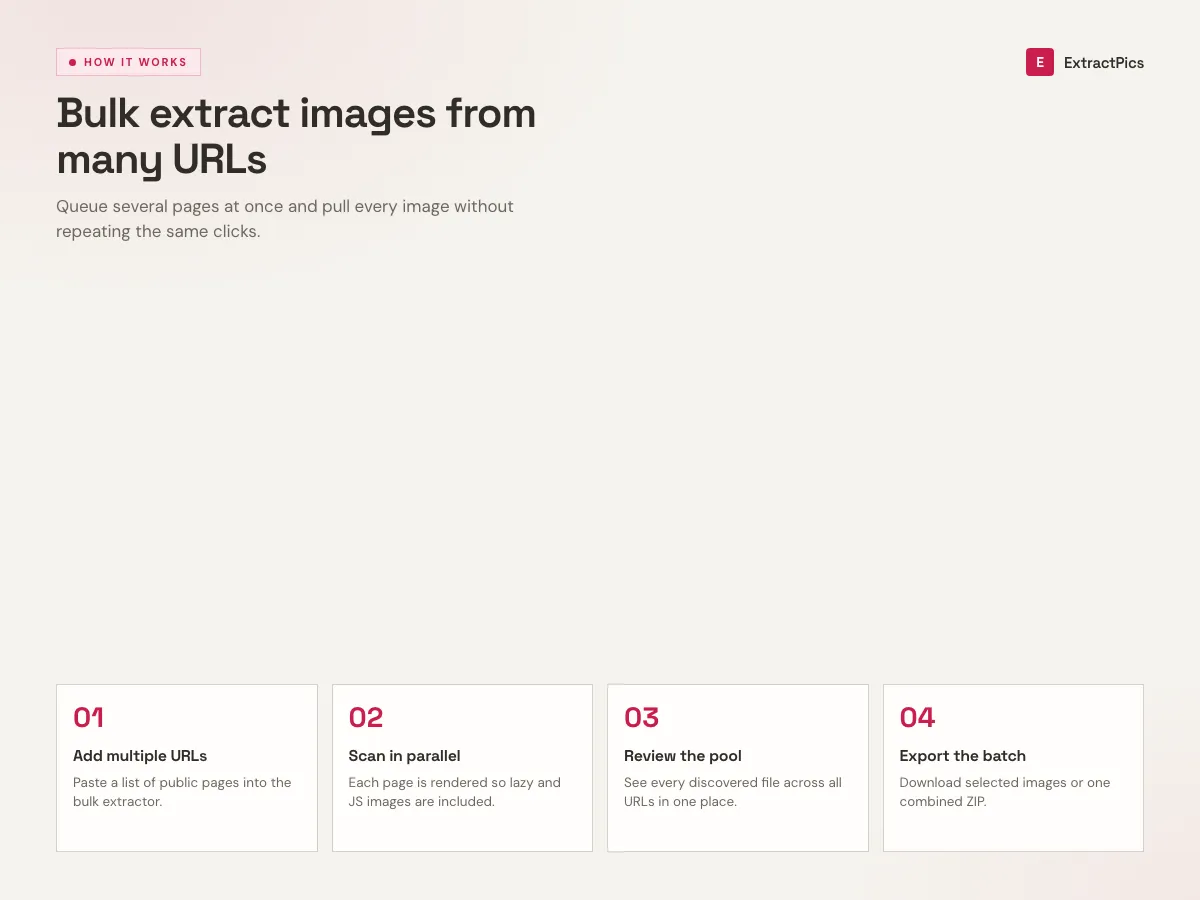
What makes the bulk extractor fast
One run for the whole list
Paste the list once and start one scan. Each URL is opened in a real browser in turn, and the progress counter shows which site is being read, so you can leave it running.
Deep Scan across pages
Switch on Deep Scan and the tool follows pagination and gallery links, pulling images from page two, three, and beyond rather than stopping at the first screen.
One deduplicated ZIP
Everything lands in a single archive with duplicates already stripped out, so you are not sorting through the same thumbnail saved nine times.
When to use the bulk image extractor
Use the bulk mode when your source list contains several page URLs and you want one combined result.
Perfect for
- checkPulling a full product catalog for research or a price comparison
- checkArchiving a blog's image library before a redesign or migration
- checkCollecting competitor visuals for a design audit
- checkBuilding an image dataset from several source pages
- checkSaving a multi-page photo gallery in one run
- checkGrabbing every asset off a site you are about to rebuild
What you get
- checkScans every URL in the list in one run
- checkDeep Scan follows pagination across linked pages
- checkCatches lazy-loaded, srcset, and CSS background images
- checkRemoves duplicate files automatically
- checkDownload the whole batch as one ZIP or copy every URL
- checkRuns in the browser, no install and no signup
Run the bulk image extractor in three steps
- 01
Copy the website link
Open the webpage with the images you want and copy its URL.
- 02
Paste and scan
Paste the link into the bulk image extractor above and run a scan. A real browser finds every image, including the lazy-loaded ones.
- 03
Download the images
Preview the results and download them individually or all at once as a ZIP.
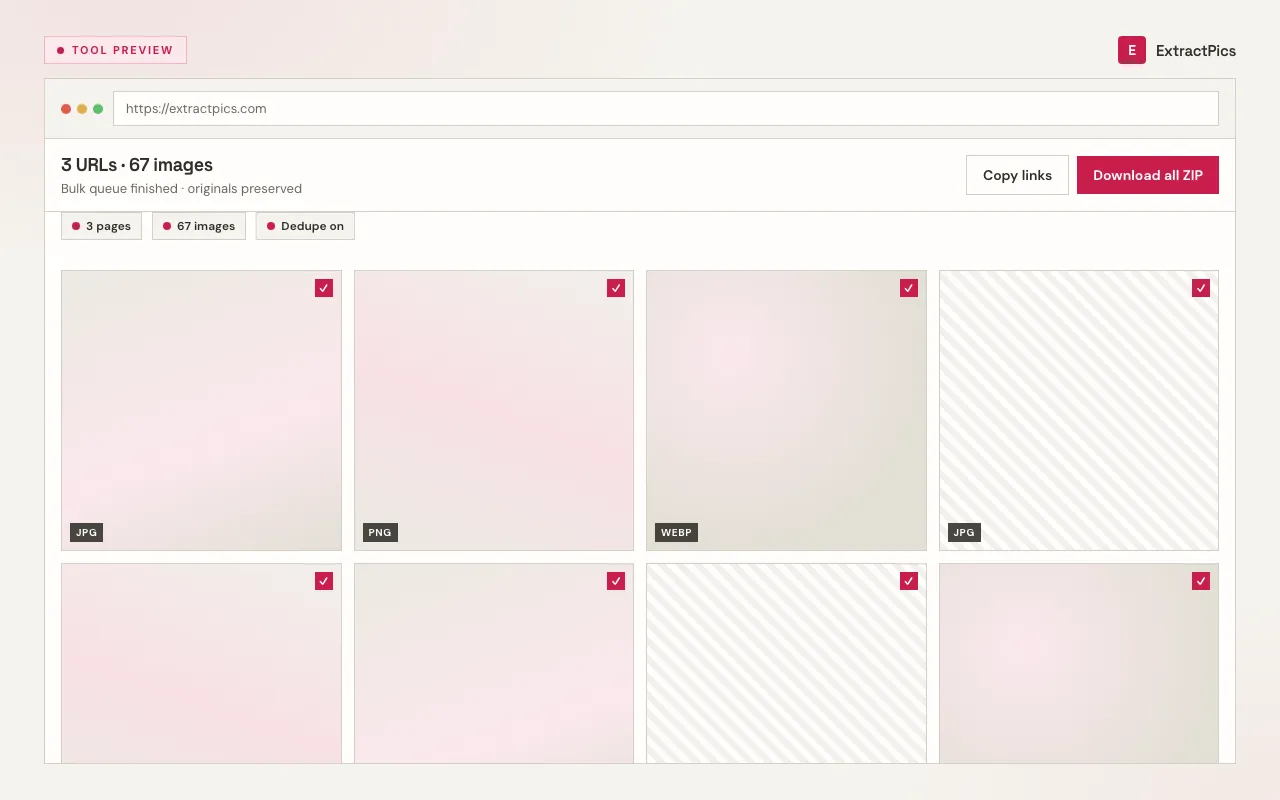
Saving by hand vs the bulk extractor
The same job, done two ways. The gap widens fast once a set runs past a few dozen images or spreads across pages.
| Task | Saving by hand | Bulk extractor |
|---|---|---|
| A 30-image gallery | 30 separate right-clicks | One scan, one ZIP |
| Images across several pages | Repeat the whole process per page | Deep Scan follows the pagination |
| Lazy-loaded photos | Usually missed | Loaded by scrolling first |
| Duplicate files | Spot and delete them yourself | Removed automatically |
| What you end up with | Loose files in your Downloads | One clean, deduplicated ZIP |
Frequently asked questions
If your question is not covered here, send us a message and include the page, file, or result type you are working with.