How to Download Multiple Images at Once

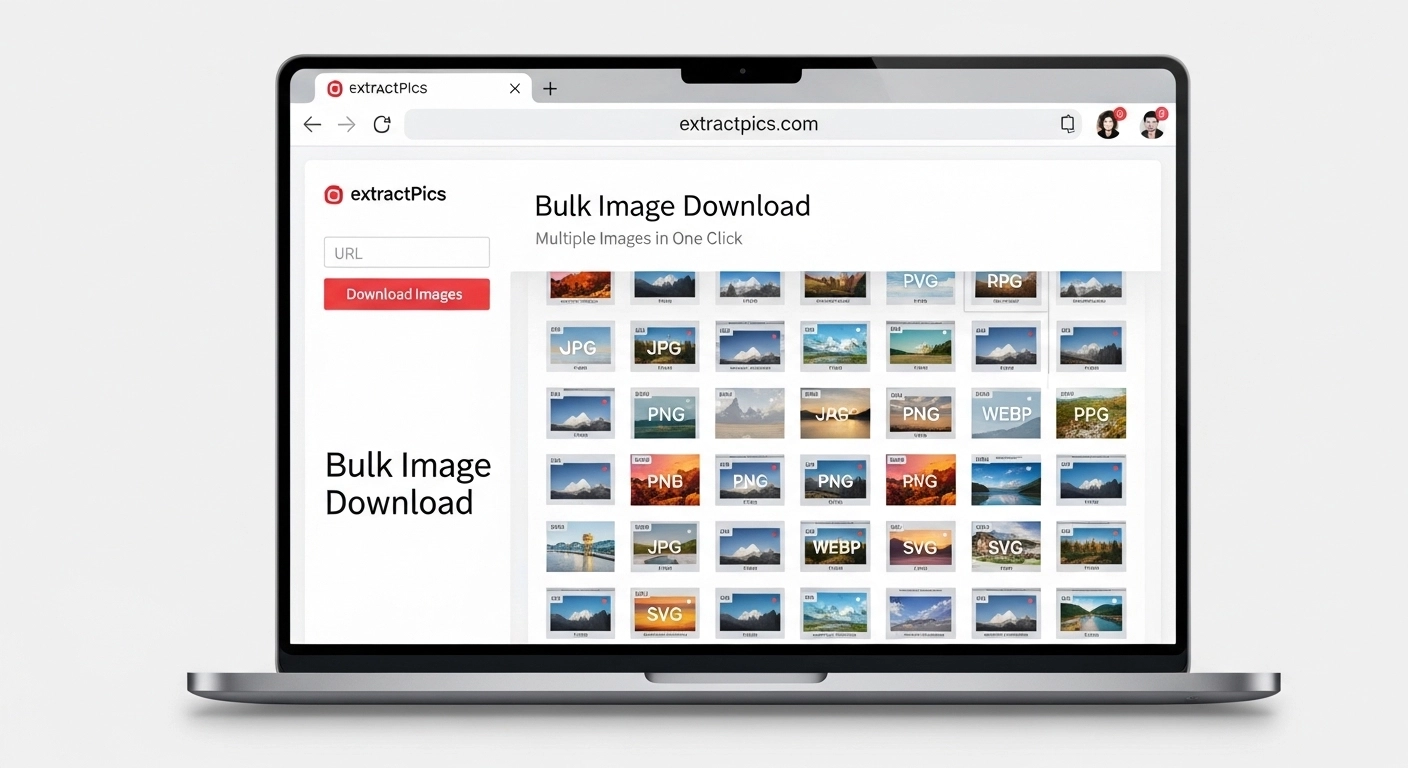
You can download multiple images at once in a few clicks, instead of saving each one by hand. Whether you need fifty product photos, a folder of design references, or every graphic off a blog post, there's a faster way.
The right method depends on what you're working with. A bulk downloader tool is quickest for grabbing every image off a page, or when you want to download all the images from a website in one go. A browser extension gives you more control over what to keep. And for a one-off job, your browser can already save a whole page of images on its own.
This guide walks through every option, from the fastest to the most manual, plus how to do it on your phone and what to keep in mind about copyright.
The Fastest Way to Download Multiple Images at Once
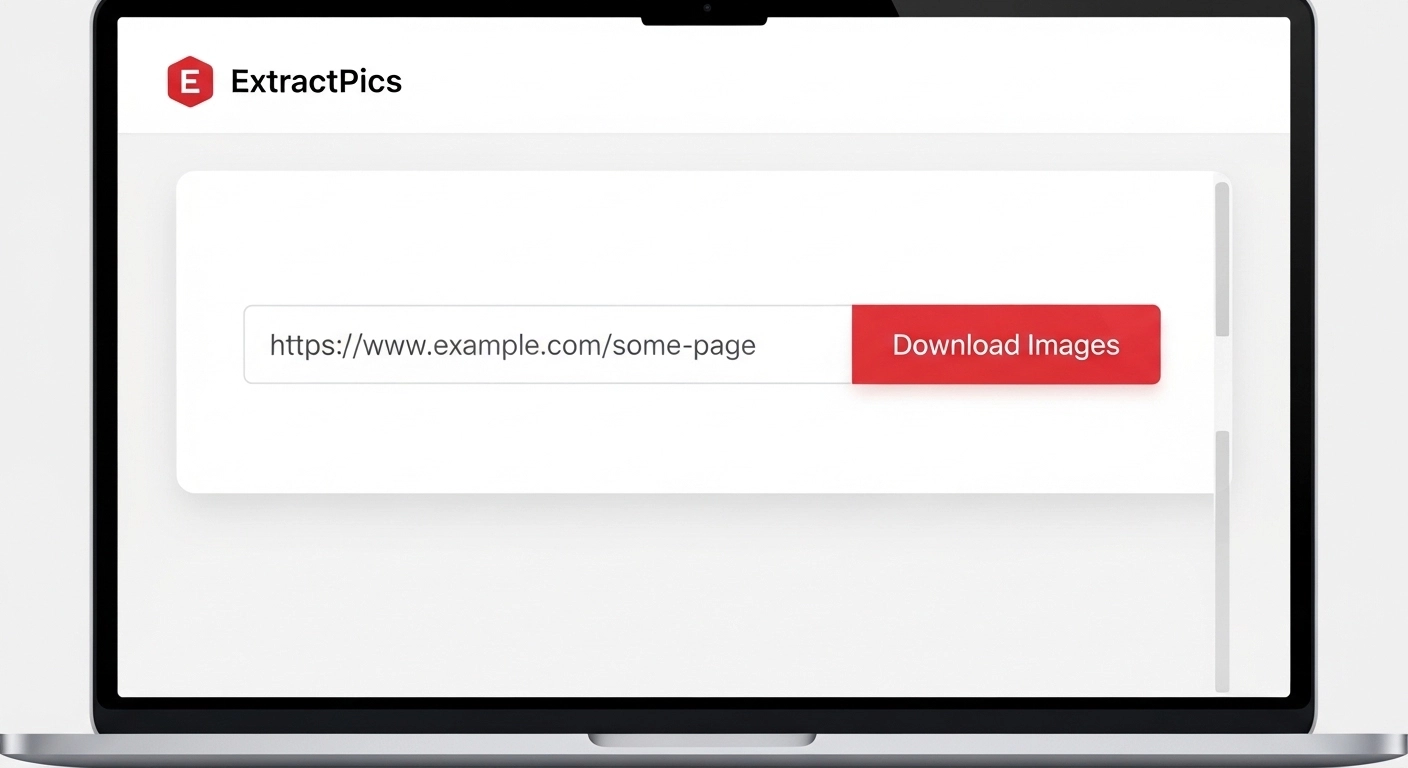
A bulk image downloader is the quickest option when you want everything on a page. It scans the URL, finds every image, and lets you save them all in one ZIP. No clicking through pictures one at a time.
Here's how to do it with ExtractPics:
Copy the web address of the page that has the images you want.
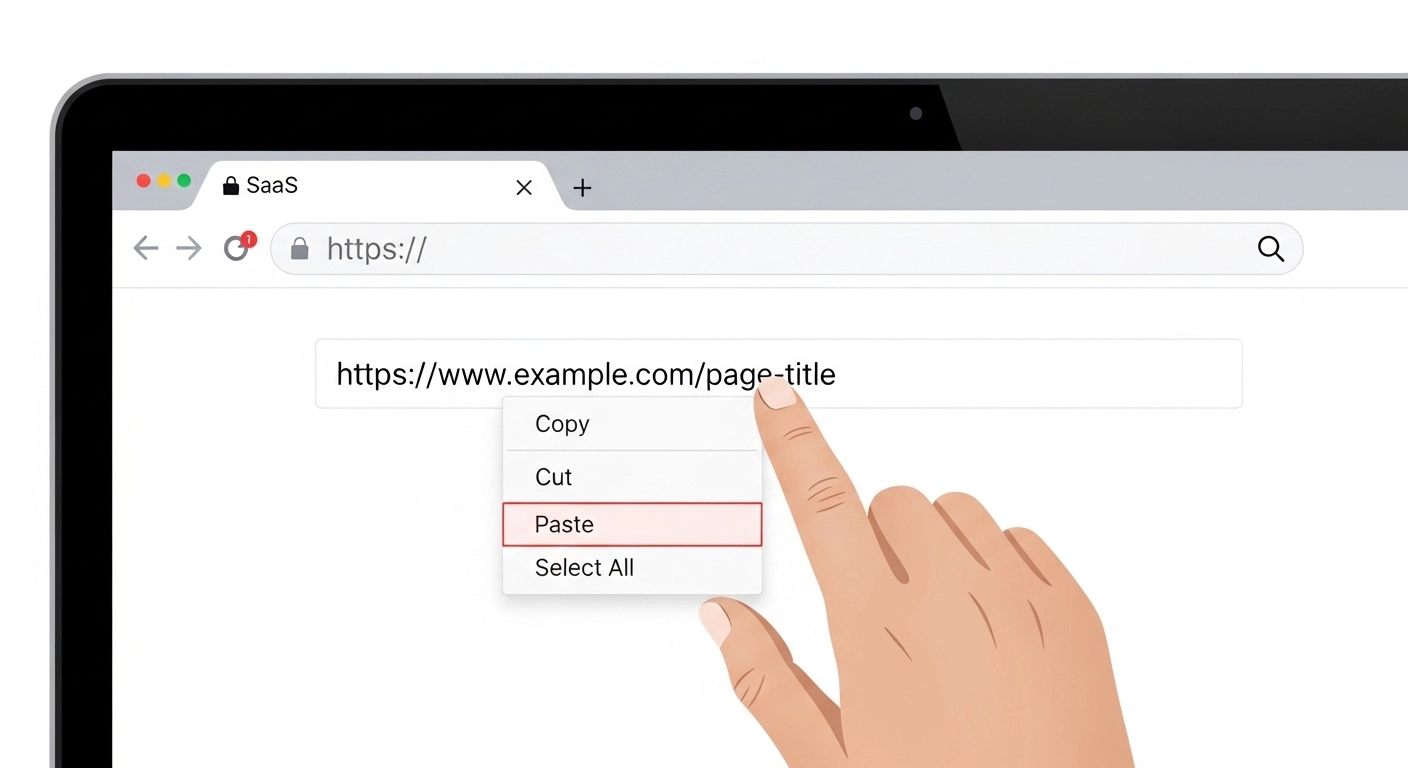
Paste it into the box at the top of ExtractPics.
Click Extract. The tool loads the page in a real browser and pulls every image, including the ones that load as you scroll.
Look through the results and untick anything you don't need.
Click Download ZIP to save them all, or Copy URLs if you just want the links.
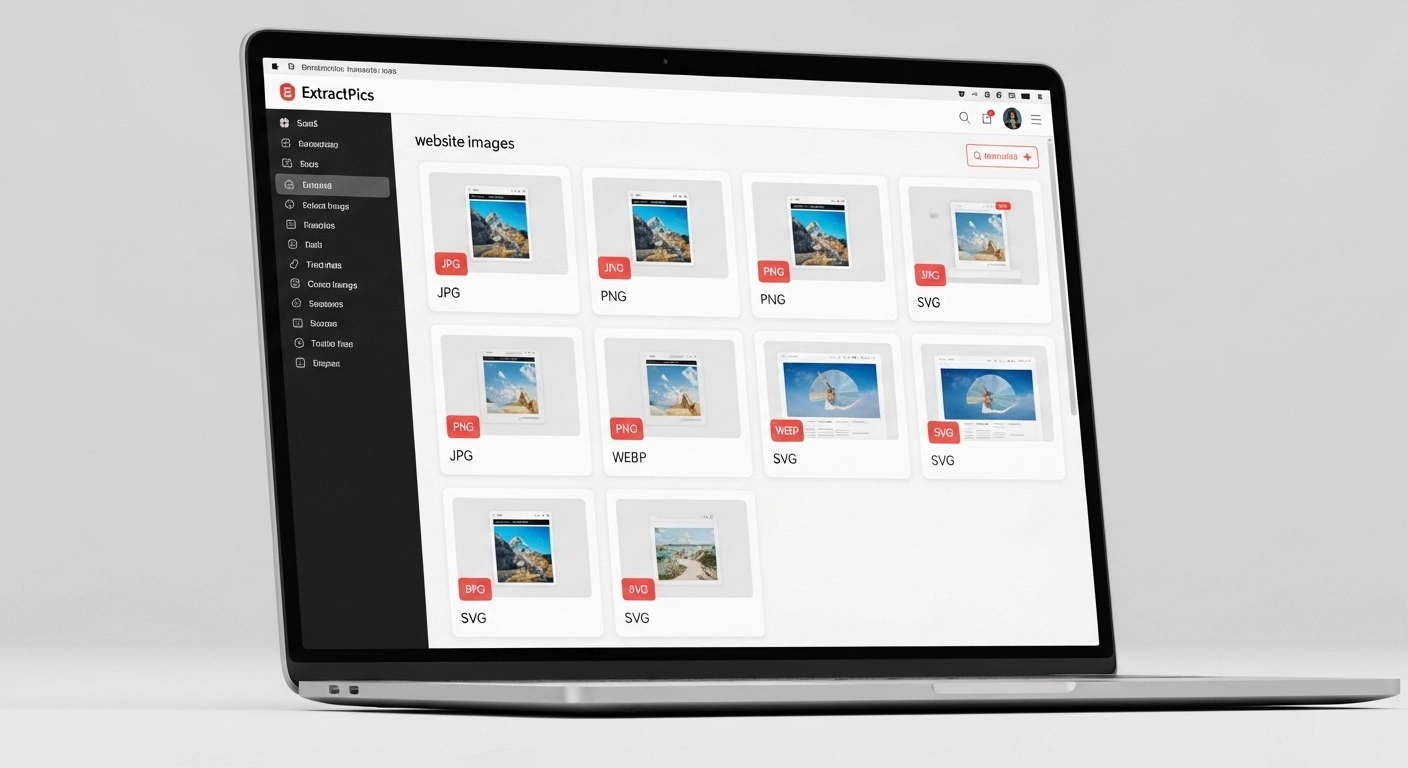
The reason this works better than most quick tricks is that it reads the full page, not just the first thing that loads. It catches lazy-loaded images, the high-resolution versions hidden in srcset, and even pictures set as CSS backgrounds. So a gallery that looks half-empty when you scroll still gives you the complete set.
This method is best when you want speed and volume, like saving a whole product catalog, a photo album, or every graphic from a long article.
Use a Browser Extension for More Control
If you want to filter images by size or type before saving, a browser extension is the better pick. It works right on the page you're viewing, so you can grab images while you browse instead of pasting a URL.
On Chrome, try Image Downloader. Search for "Image Downloader" in the Chrome Web Store and add it. When you're on a page, click the extension icon and it shows every image as a grid. You can filter by width, height, or file type, tick the ones you want, and download them together.
On Firefox, use DownThemAll. This one has been around for years and is built for exactly this. Open it on any page, and it lists every image and link. You can sort by file size, set a filter like only JPG or only images over 500px, and send the whole batch to a folder in one go.
Extensions shine when a page has a mix of images and you only want some of them. The filters save you from downloading tiny icons, ads, and spacer images you'll just delete later. The trade-off is that you have to install something, and they only work on the browser you added them to.
Save a Whole Web Page (No Tools Needed)
Your browser can already download every image on a page, and most people never use this. It works in Chrome, Firefox, and Edge with no install.
Here's how it goes.
Open the page with the images you want.
Press Ctrl + S on Windows, or Cmd + S on a Mac.
In the save dialog, find the "Save as type" dropdown and pick Webpage, Complete.
Choose a folder and click Save.
The browser saves the page along with a folder next to it, named something like "[page name]_files". Open that folder and you'll find all the images from the page sitting inside, in their original formats.
This is handy when you don't want any tool or extension and just need a quick local copy. The downside is that the folder also holds other page files like scripts and stylesheets, so you may have to sort the images out from the rest. It also grabs every image, including icons and logos, with no way to filter.
Pull Images From the Page Source (For Developers)
If you're comfortable with browser tools, Chrome DevTools shows you every image the page actually loaded, even the ones buried in scripts.
On the page, press F12 or right-click and choose Inspect to open DevTools.
Click the Network tab.
In the filter bar, click Img to show only image requests.
Reload the page with Ctrl + R. The list fills with every image file the page loaded.
Click any item to preview it, then right-click and choose Open in new tab to save the full file.
This method is useful when you want to see exact file names, sizes, and URLs, or when an image just won't show up any other way. You can also copy a direct image URL straight from here to use elsewhere.
It's the most hands-on option, so it suits developers and anyone migrating a site more than someone who just wants a quick batch. For pulling many images at once, the bulk downloader from earlier is faster. But for tracking down one stubborn file, DevTools always works.
How to Download Multiple Images From Google Images
Google Images is a common case, and it has a catch. The thumbnails you see in search results are low-resolution previews hosted by Google, not the real images. So saving them directly gives you small, blurry files.
Here's how to get the full-size versions.
Run your search on Google Images.
Click an image to open the preview panel on the right.
Click the image again, or choose Visit to open the page it actually lives on.
From that page, save the image normally, or paste the page URL into a bulk downloader to grab every image on it at once.
If you want many images from one source, the second route is faster. Open the original site behind the result, then run it through ExtractPics so you get every full-resolution image in one ZIP instead of saving thumbnails one by one.
One thing to keep in mind. Most images on Google belong to someone, so check the usage rights before you reuse them. You can filter by license under Tools > Usage Rights in Google Images to find ones you're allowed to use.
How to Download Multiple Images on Your Phone
Phones don't have a right-click, so saving a batch takes a slightly different approach. The good news is a browser-based tool works the same on mobile as on a desktop.
On iPhone. To save a single image, press and hold it in Safari, then tap Add to Photos. For a whole batch, open ExtractPics in Safari, paste the page URL, and tap Download ZIP. The file lands in your Files app, where you can tap it to unzip and view every image.
On Android. Press and hold any image in Chrome and tap Download image to save one. For many at once, open ExtractPics in your browser, paste the URL, and download the ZIP. Your Files or My Files app will open it, and the images go straight to your gallery once you extract them.
Because the tool runs in the browser, there's nothing to install on either phone. That makes it the easiest way to pull a set of images while you're away from a computer.
A Quick Word on Copyright
Downloading images is easy. Knowing what you're allowed to do with them matters just as much. Saving a picture to your device is usually fine for personal use, like reference or research. Reusing it is where people get into trouble. Our guide on whether it's legal to download images breaks down exactly where the line is.
Most images online belong to someone, even if there's no watermark or copyright notice. Publishing them on your own site, selling them, or using them in marketing without permission can break copyright law. The safest path is to use images you own, ones with a clear license, or stock and free-to-use sources.
If you need images you can reuse freely, look for ones marked Creative Commons, or browse libraries like Unsplash, Pexels, and Pixabay. When you're unsure about a specific image, check the source page or ask the owner. A quick check now saves a takedown notice later.
This isn't legal advice, just a reminder to download responsibly and respect the people who made the work.
Plan the batch before downloading
Large pages often mix content photos with logos, icons, avatars, and tracking pixels. Filter by dimensions and file type before downloading, then spot-check several files at full size. This avoids a folder full of tiny interface assets and helps you catch thumbnail URLs early.
For repeatable work, save the page URL and the date beside the batch. Do not automate through sign-in screens or other access controls, and do not treat a bulk download as permission to republish the files.
Related ExtractPics guides
- How to Download Images From Any Website
- What Is an Image Scraper? How It Works, Common Uses, and Is It Legal?
- How to Save Product Images From Websites
- Is It Legal to Download Images From the Internet?
Sources and verification
This article was reviewed against the following primary documentation and standards in August 2026:
- MDN: using responsive images
- WHATWG HTML Standard: embedded content
- U.S. Copyright Office: copyright for visual artists
Match the method to the size of the job
A browser save works for a small static page. Filtering in an extension or extractor is better when the page contains dozens of mixed assets. DevTools is useful when you need the exact request behind one stubborn image. Whichever route you choose, inspect the output before relying on it and keep a source record for every batch.
