JPG vs PNG vs WEBP: Which Image Format Is Better?

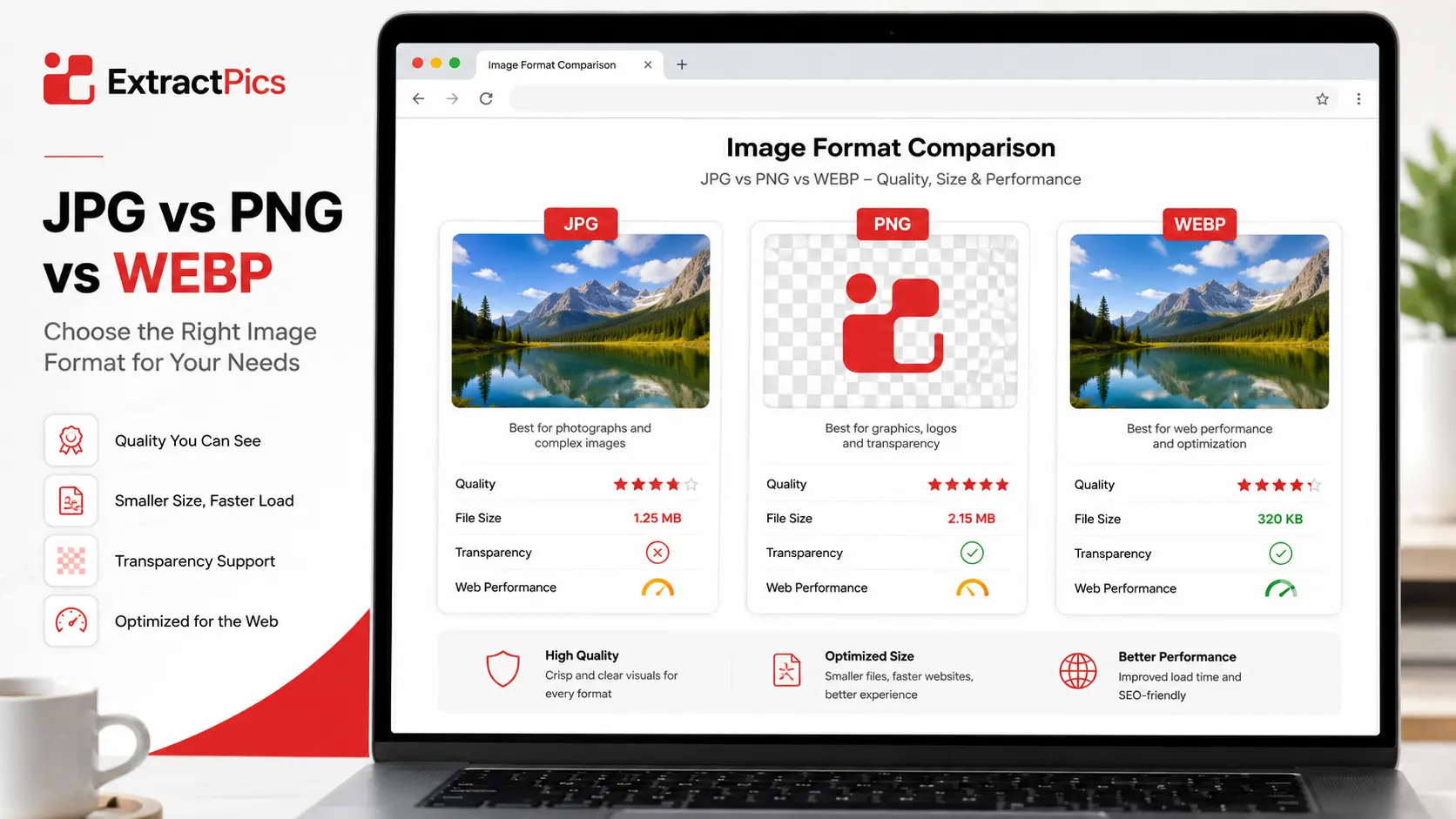
JPG, PNG, and WebP are the three image formats you'll run into most, and picking the wrong one costs you either quality or loading speed. The right choice depends on what the image is and where it's going.
JPG keeps photos small. PNG keeps logos sharp and supports transparency. WebP is the newer option that tries to do both, with smaller files than either. Each one has a job it does best.
This guide breaks down what each format is, shows them side by side, and gives you a simple rule for when to use which. It also clears up the JPG versus JPEG question and shows you how to switch an image from one format to another.
These three are the most common, but they're only part of the picture. For a rundown of every format, see our guide to image file formats.
JPG: Best for Photos
JPG, also written as JPEG, is the format most photos come in. It uses lossy compression, which means it throws away some detail to shrink the file. The clever part is that it drops the detail your eyes are least likely to notice, so a photo can shrink to a fraction of its size and still look fine.
That makes JPG the right pick for photographs, website banners, product shots, and anything going on social media. A 24-megapixel photo that's 8MB raw might drop to under 1MB as a JPG with no visible difference.
The trade-off is two things. First, JPG can't store a transparent background, so it's a poor fit for logos or icons. Second, every time you re-save a JPG, it compresses again and loses a little more quality. If you need to shrink a JPG without wrecking it, see how to compress images without losing quality. Edit from the original and export once, rather than opening and saving the same JPG over and over.
For everyday photos where small size matters more than perfect detail, JPG is still hard to beat.
PNG: Best for Logos and Graphics
PNG takes the opposite approach to JPG. It uses lossless compression, so it keeps every pixel exactly as it was. Nothing gets thrown away, which means no quality loss no matter how many times you save it.
That makes PNG the right choice for logos, icons, screenshots, and any graphic with text or sharp edges. It also supports a transparent background, so a logo saved as PNG sits cleanly on any color instead of inside a white box.
The cost of all that quality is size. A PNG is usually much larger than the same image as a JPG, which is why it's a poor pick for full photos on a web page. One way to keep it smaller is PNG-8, which uses a reduced color palette and works well for flat graphics with few colors.
Keep in mind that converting a PNG to JPG flattens its transparency to white. If you need to switch formats, our guide on how to convert PNG to JPG covers how to handle that.
WebP: Best for the Web
WebP is the newer format, built by Google specifically for websites. Its trick is that it does both jobs. It can compress with loss like JPG or without loss like PNG, it supports transparency, and it even handles animation like a GIF. On top of that, it's usually smaller than both.
A WebP file is often 25 to 35 percent lighter than the same JPG at matching quality, and far smaller than a PNG. On an image-heavy page, that adds up to faster loading and better search rankings, which is why most modern sites have switched to it.
The one catch used to be support, but that's mostly gone. Every current browser opens WebP now. The only place you might hit trouble is very old software or a photo app that hasn't updated, and even then a quick conversion fixes it. If a downloaded WebP won't open on your computer, our guide on downloading images from any website shows the easy fix.
Worth knowing: there's an even newer format called AVIF that compresses a little better still. Support is growing, but WebP remains the safer all-round choice for now.
JPG vs PNG vs WebP: Side by Side
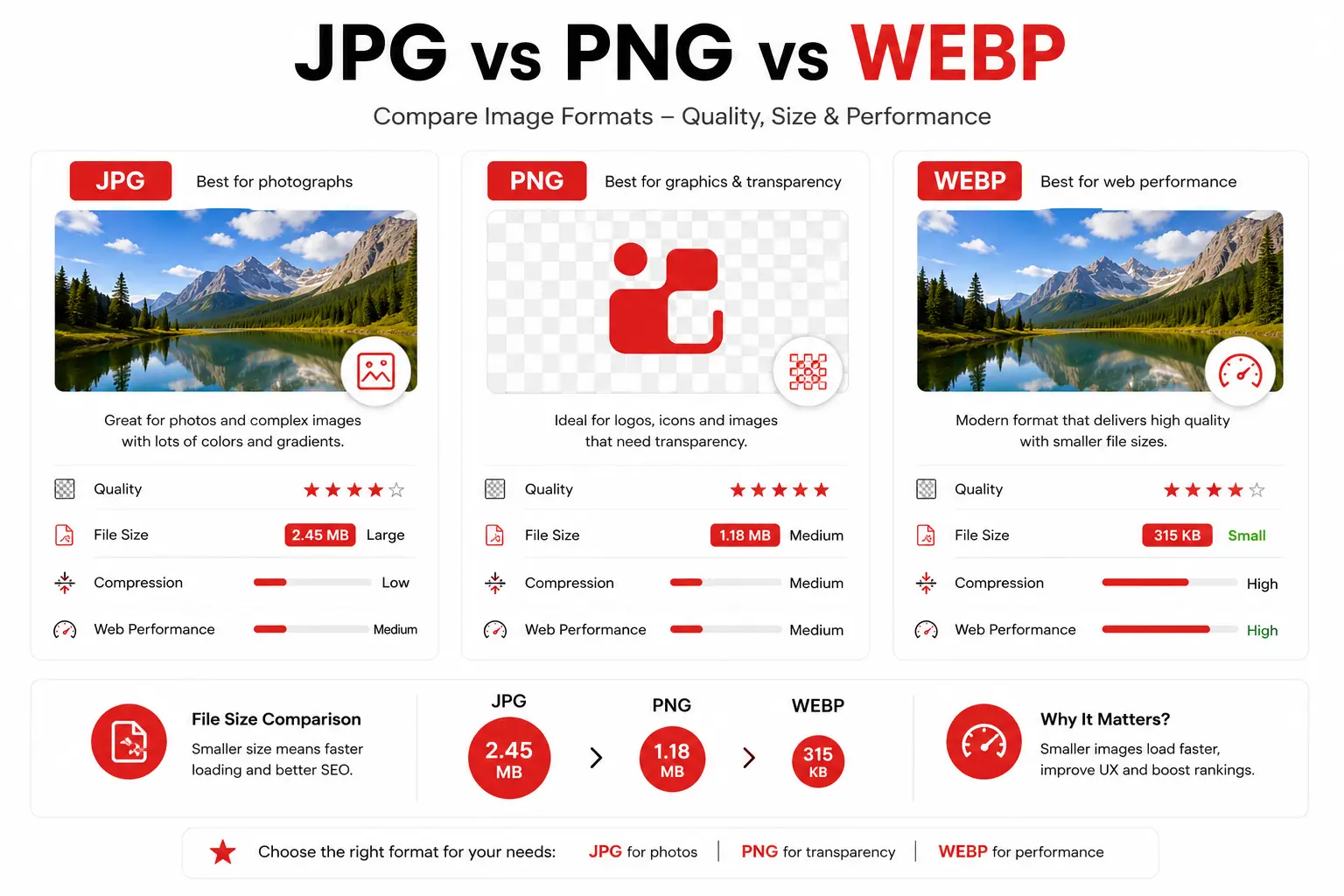
Here's how the three stack up at a glance.
Feature | JPG | PNG | WebP |
|---|---|---|---|
Compression | Lossy | Lossless | Lossy or lossless |
Transparency | No | Yes | Yes |
Animation | No | No | Yes |
File size | Small | Large | Smallest |
Quality | Good | Highest | High |
Best for | Photos | Logos, graphics | Web images |
Browser support | Universal | Universal | All modern browsers |
The short version is that JPG wins on simplicity and support, PNG wins on quality and transparency, and WebP wins on file size and web performance.
Which Format Should You Use?
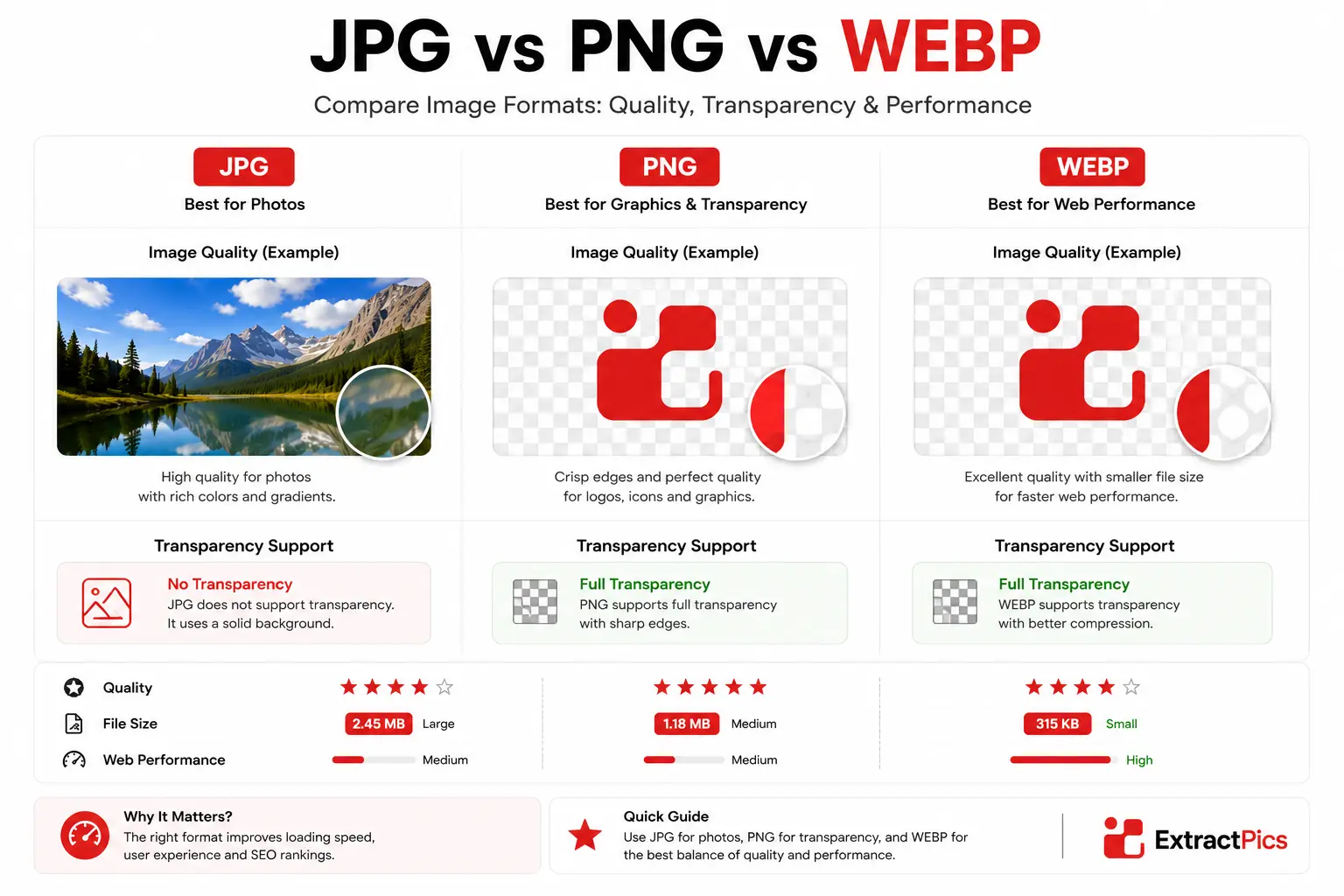
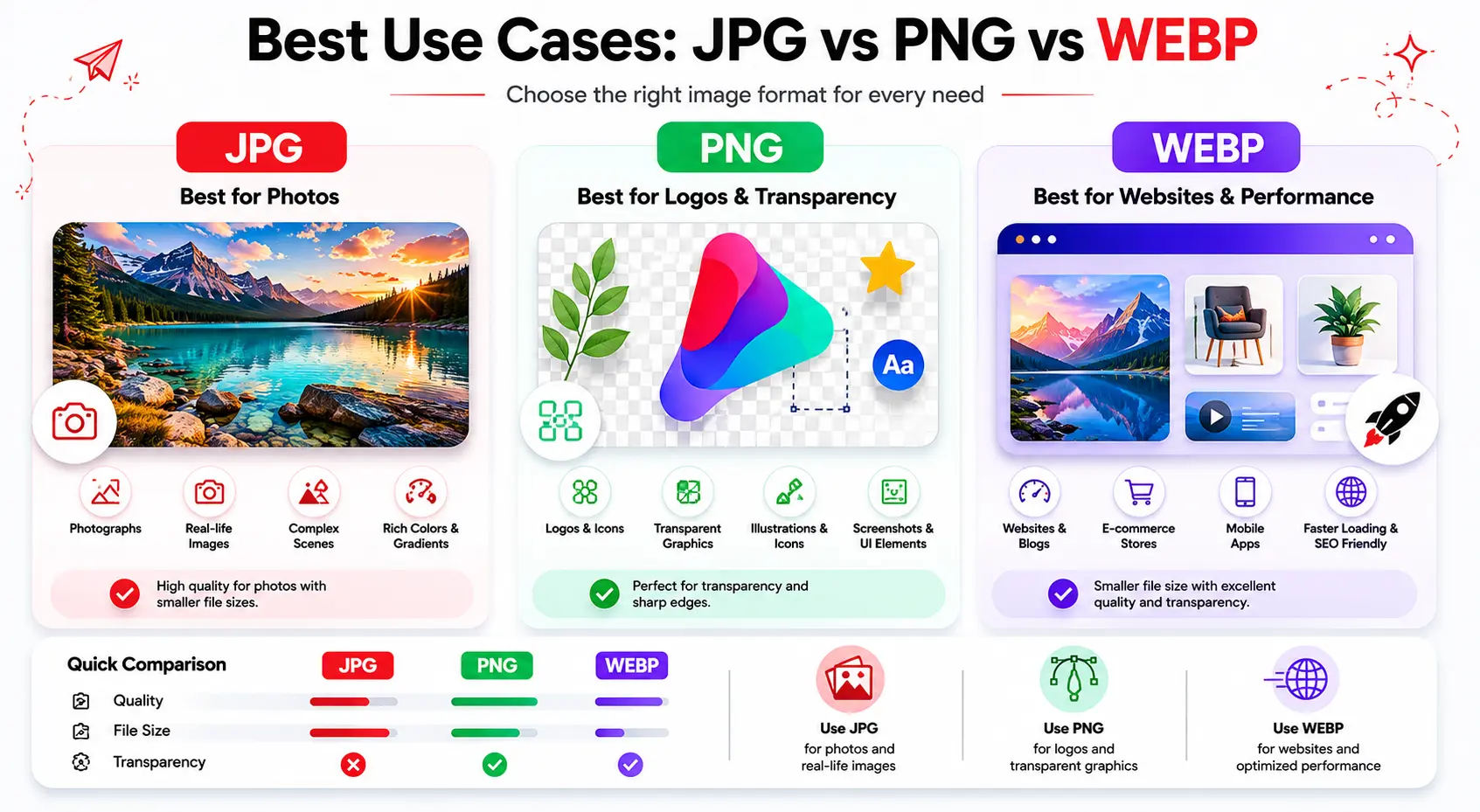
The right format depends on the image and where it's going. Here's a simple way to decide.
For photos on a website, use WebP. You get JPG-level quality at a smaller size, which keeps your pages fast. Fall back to JPG only if you're uploading somewhere that doesn't accept WebP yet.
For photos you're sharing or storing, use JPG. It opens everywhere with no surprises, so it's the safe default for email attachments, phone photos, and anything you hand to someone else.
For logos, icons, and graphics, use PNG. Whenever you need transparency or crisp edges and text, PNG keeps them clean. Switch to WebP if the same graphic is going on a website and you want it lighter.
For screenshots, use PNG. Text and interface lines stay sharp, while JPG tends to blur them.
When you're not sure, think about the priority. Need it small and fast? WebP. Need it to open anywhere? JPG. Need transparency or perfect detail? PNG.
JPG vs JPEG: Are They the Same?
Yes, JPG and JPEG are the same format. The only difference is the file extension, and there's a small history behind it.
Older Windows software required file extensions to be three letters, so .jpeg got shortened to .jpg. Both use the exact same compression, open in the same apps, and look identical. There's no difference in quality, size, or compatibility.
So if you ever see the same image offered as .jpg and .jpeg, don't overthink it. Pick whichever one your software produces. They're two names for the same thing.
How to Convert Between Formats
Once you know which format you need, switching an image over is quick. You don't need paid software.
On Windows, open the image in Paint, click File > Save as, and pick the format you want. On a Mac, open it in Preview, choose File > Export, and select the format from the dropdown. For WebP or batch jobs, a free online converter handles it in seconds.
If you're going from PNG to JPG, or the other way around, our step-by-step guide on converting PNG to JPG walks through every method and the transparency catch to watch for.
And if your goal is a smaller file rather than a different format, you don't have to convert at all. Compressing the image keeps it in place while cutting the size, which our guide on compressing without losing quality covers in full.
What the format cannot fix
Changing the extension does not restore detail that was already removed. A blurry thumbnail saved as PNG is still a blurry thumbnail, and converting an already compressed JPG to WebP adds another encoding step. Start with the best original you have, then choose the delivery format.
Keep an editable or lossless master for important work. Export smaller copies for the web instead of repeatedly saving over the only original.
Related ExtractPics guides
- Image File Formats Explained
- How to Compress Images Without Losing Quality
- How to Convert PNG to JPG (and JPG to PNG)
- How to Save Images Without Losing Quality
Sources and verification
This article was reviewed against the following primary documentation and standards in August 2026:
- MDN: image file type and format guide
- Google for Developers: WebP image format
- JPEG Committee: JPEG 1 standard overview
A practical default
Use JPG for ordinary photo sharing, PNG when transparency or pixel-sharp graphics matter, and WebP for most website delivery. Check browser or software support if the files must open in an older workflow. The format choice matters, but source quality and export settings matter just as much.
