How to Download Images From Any Website

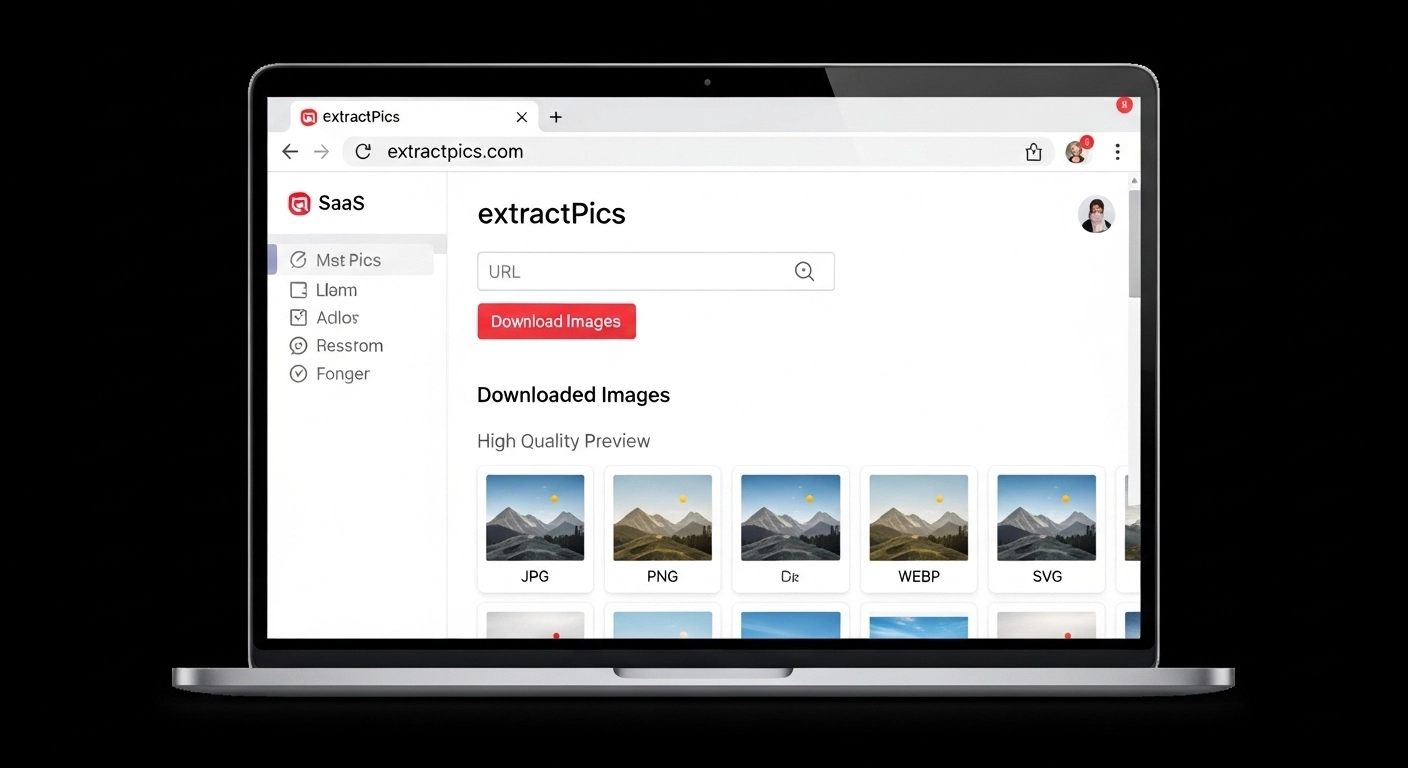
You can download images from any website, whether it's an online store, a blog, a portfolio, or a pinboard. The basic steps are the same everywhere, but each kind of site has its own quirks, and a few common problems can trip you up along the way.
For a single picture, a right-click is often all you need. For a whole page of images, a scanning tool saves you from clicking through them one at a time. And when an image won't download or saves as the wrong file, there's usually a quick fix.
This guide covers both the simple and the fast methods, how different types of sites behave, and how to solve the problems that come up most often.
Save a Single Image With Right-Click
For one image, the quickest way is the oldest one. Right-click the picture and choose Save image as, pick a folder, and click Save. On a phone, press and hold the image, then tap Save or Add to Photos. If the site has blocked that menu, a save image tool reads the file straight from the page instead.
That covers most cases. Sometimes it doesn't work though, and the usual reasons are easy to spot.
If clicking the image opens a new page instead of saving it, you clicked a link wrapped around the image. Right-click it instead, or open the new page and save the picture from there.
If the image saves as a .webp file your computer won't open, that's just a newer format. You can convert it to JPG or PNG in seconds with a free tool, or use our guide on how to save an image from a URL for the full fix.
If the saved file looks small or blurry, you grabbed a thumbnail. The next sections cover how to get the full-size version.
Download Every Image on a Page at Once
When you want more than one or two images, saving each by hand gets old fast. A scanning tool grabs them all together instead.
Here's how to download images from a website with ExtractPics:
Copy the page URL from your browser.
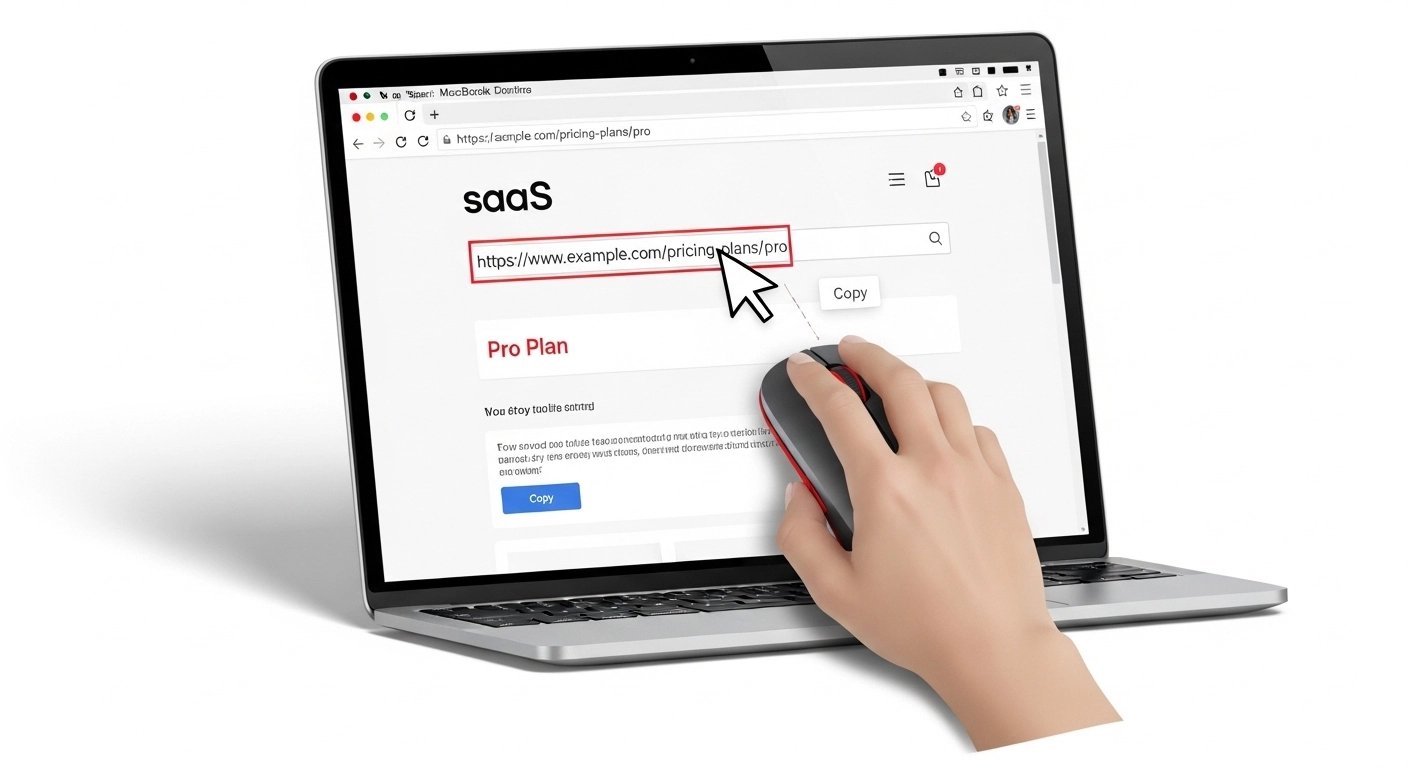
Paste it into the box at the top.
Click Extract and let it scan the page.
Untick anything you don't want, then download the rest as a ZIP.
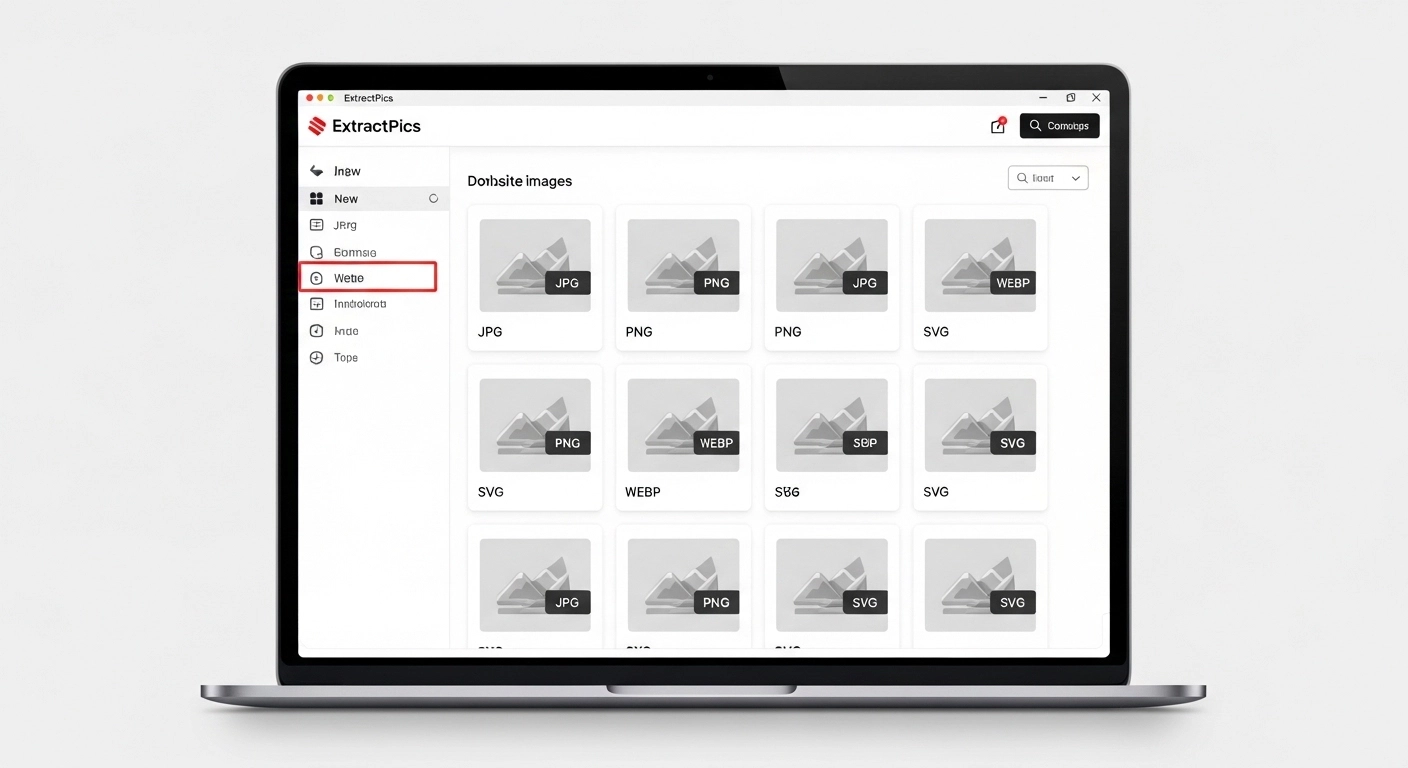
Because the tool loads the real page, it catches images that a plain save would miss, like the ones that appear as you scroll and the full-size versions behind thumbnails. So you get clean, full-resolution files instead of small previews.
This is the better choice for product pages, galleries, and long articles where you'd otherwise be right-clicking twenty times. You can also read how to download multiple images at once for more methods.
How Different Types of Sites Behave
Most sites follow the same basic rules, but a few categories have their own habits worth knowing.
Online stores and product pages. Shops like Shopify and Amazon listings often load several photos per product, with zoomed-in versions swapped in when you hover. The visible thumbnail is usually small, so use a scanning tool to pull the full-resolution product shots rather than the previews.
Blogs and news sites. These are the easiest. Most images sit in plain image tags, so right-click works fine for one, and a tool grabs the lot. Watch for lazy-loaded images further down long articles, which only appear as you scroll.
Portfolios and galleries. Design sites like Behance, Dribbble, and Squarespace load images as you scroll and often hold them in galleries spread over several pages. A scanning tool that scrolls and follows pagination will catch everything a manual save leaves behind.
Pinterest and social pinboards. These often wrap images in links and load them dynamically, so a plain right-click can fail. Open the pin or post fully first, or paste the board URL into a tool to collect the images in one pass. Keep in mind that a lot of this content belongs to other creators.
Fixing the Most Common Download Problems
A few issues come up again and again. Here's how to clear each one.
The image saves as .webp and won't open. WebP is a newer format some apps don't recognize yet. Open it in your browser, or run it through a free converter to turn it into JPG or PNG. Most photo viewers handle it once it's converted.
Right-click is disabled. Some sites block the menu to stop you saving images. It only hides the menu though, not the file. Paste the page URL into a scanning tool and it reads the images directly, so the block has no effect. We cover this in more detail in how to extract images from any website.
The file downloads as a webpage instead of an image. You saved the link, not the picture. Open the image on its own first by clicking it through to full view, then save from there. Or copy its direct image URL and open that in a new tab.
The image is small or blurry. You grabbed a thumbnail. The full version is usually loaded somewhere on the page, so use a tool that reads the high-resolution source, or open the image in its own tab to check its real size before saving.
Nothing happens when you click download. The page may still be loading, especially on image-heavy galleries. Give it a few seconds to finish, then try again.
Stay on the Right Side of Copyright
Just because you can download an image doesn't always mean you can use it. The download is free. The rights usually aren't.
For personal use, like saving a reference or studying a design, you're generally fine. The line gets crossed when you publish the image, put it in an ad, or sell something with it. Most pictures online are owned by whoever made them, even with no label attached. Our guide on whether it's legal to download images covers exactly where that line falls.
If you need images you can reuse without worry, search for a Creative Commons license, or download from free libraries like Unsplash, Pexels, and Pixabay. For one specific image, the cleanest option is to check the source or ask the owner directly.
None of this is legal advice. It's a simple reminder to download with some judgment and give credit where it's due.
A safer download checklist
Confirm that the page is public, then decide whether you need one image or a full set. Save the direct file when possible, keep the source URL, and check the dimensions before closing the tab. If the page requires an account or blocks automated access, use the site's own download option or ask the owner instead.
Downloading and reusing are separate decisions. A local reference copy may be acceptable while publication, resale, or advertising use still requires permission.
Related ExtractPics guides
- How to Save an Image From a URL (Desktop, Mobile, and When Right-Click Fails)
- How to Download Multiple Images at Once
- How to Save Images Without Losing Quality
- Is It Legal to Download Images From the Internet?
Sources and verification
This article was reviewed against the following primary documentation and standards in August 2026:
- MDN: the HTML image element
- MDN: using responsive images
- U.S. Copyright Office: copyright for visual artists
Use the file that the page actually serves
A normal image needs only a right-click. A responsive page may serve several versions, so check the image address and pixel dimensions before keeping the first file you find. For a larger public gallery, use a batch method and filter the results. Keep source records, respect access controls, and settle the license question before the image goes into another project.
