Extract images from any website
Enter one or more public URLs. ExtractPics loads each page and lists the image files it finds.
57,569 image extractions and counting
Start with the job you need to do
Image Extractor
List the image files and direct URLs a public page loads.
Open tool →Image Downloader
Choose one image or download a selected group as a ZIP.
Open tool →Download Image From Link or URL
Paste a direct image link or a page URL and save the file you need.
Open tool →Download All Images From a Website
Scan one page or site and collect its images in a single download.
Open tool →Work from the tab you already have open
The website tool works without installing anything. If you prefer to extract the page currently open in Chrome, the ExtractPics extension puts the gallery and download controls in the side panel.
Popular site extractors
Reddit Image Downloader
Save public post and gallery images after the old.reddit login change.
Open tool →Works after login changePinterest Image Downloader
Collect full-size images from public pins and boards, including lazy-loaded results.
Open tool →Works after login changeShopify Image Downloader
Download public product, collection, and storefront images from Shopify’s CDN.
Open tool →Guides & tutorials
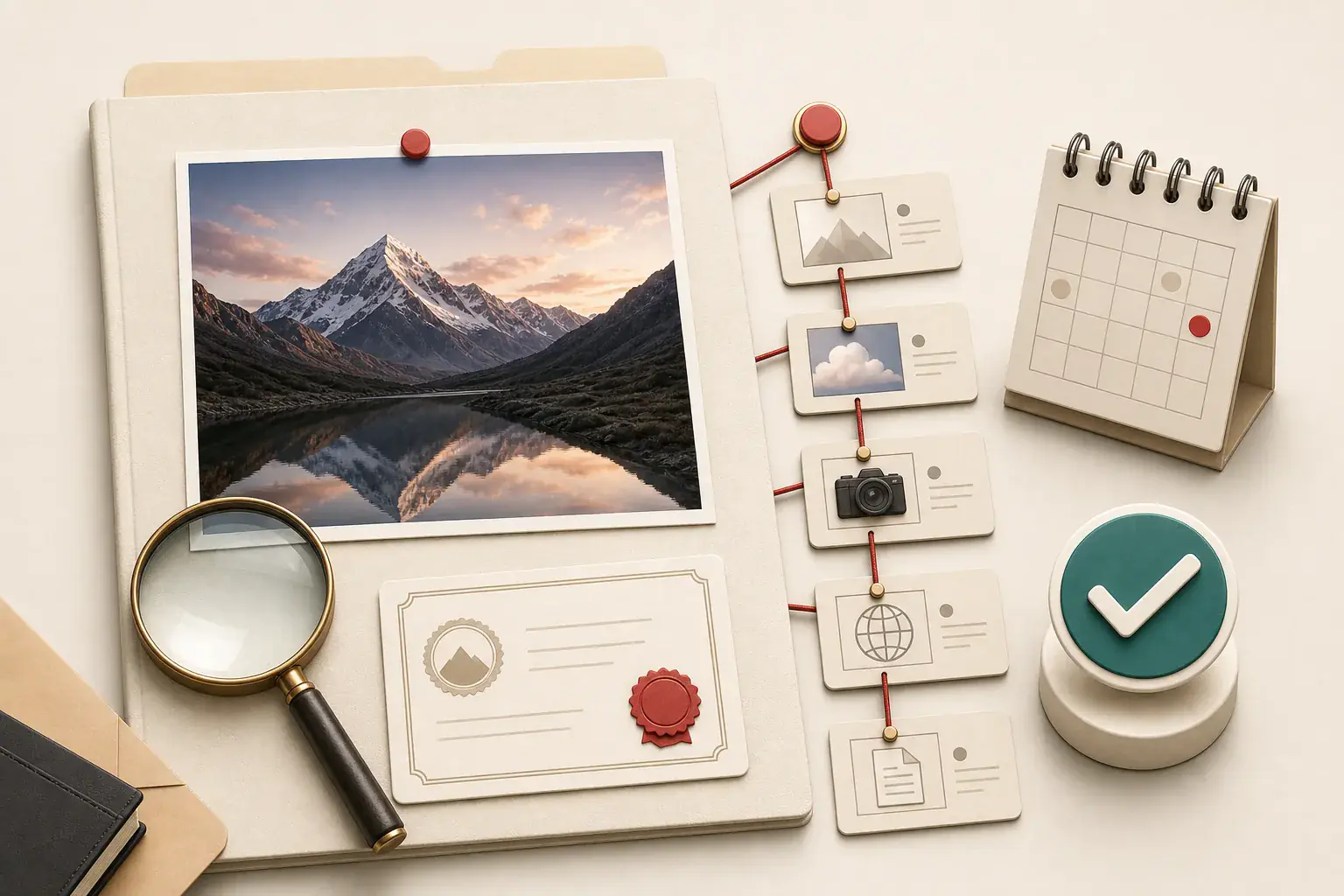
How to check an image's source and license before reusing it
A repeatable permission-checking workflow for images found on websites, search engines, social platforms, and stock libraries.
Sep 4, 2026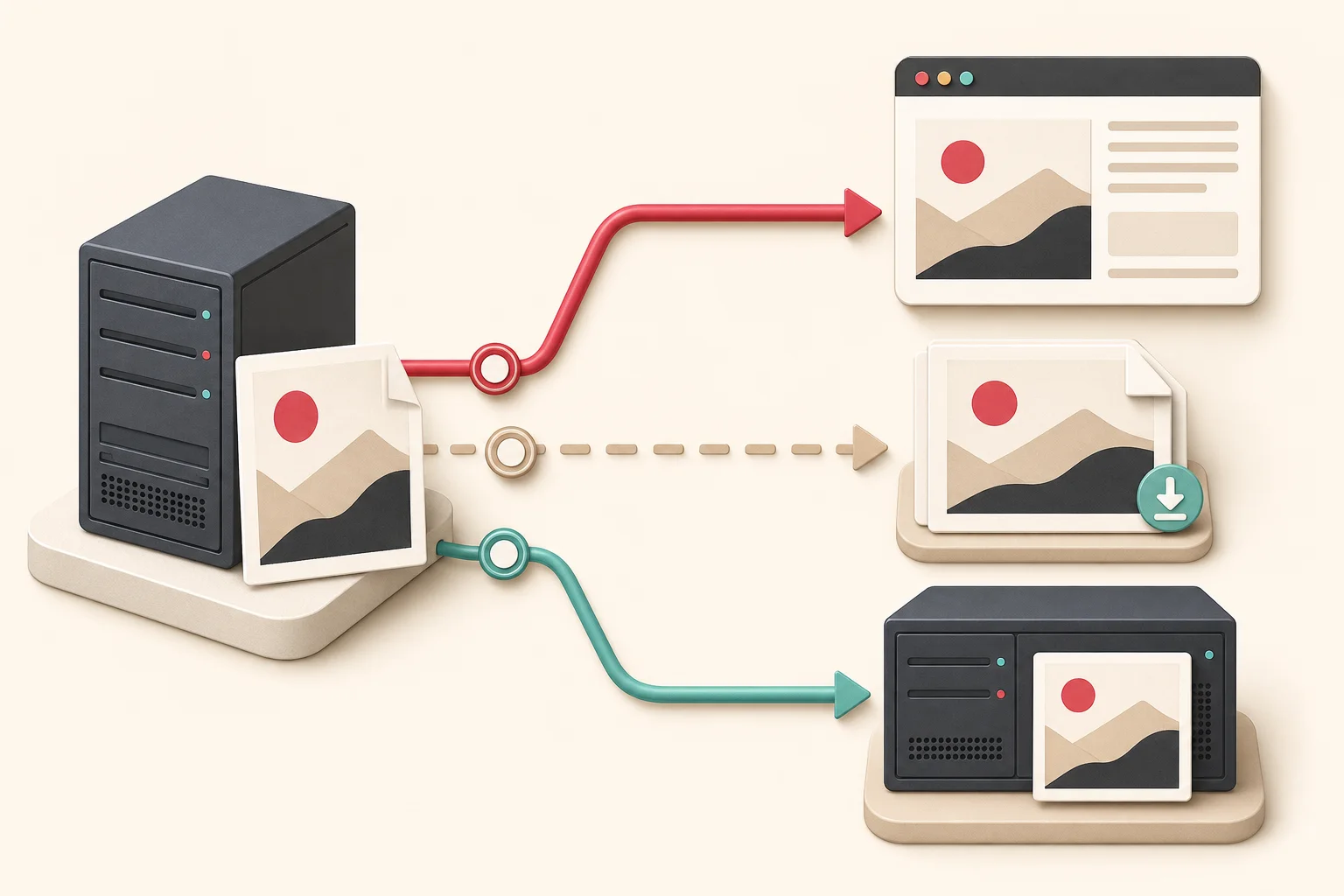
Hotlinking, downloading, and rehosting images: what is the difference?
A clear explanation of bandwidth theft, broken embeds, copyright, licensing, caching, and responsible reuse.
Sep 1, 2026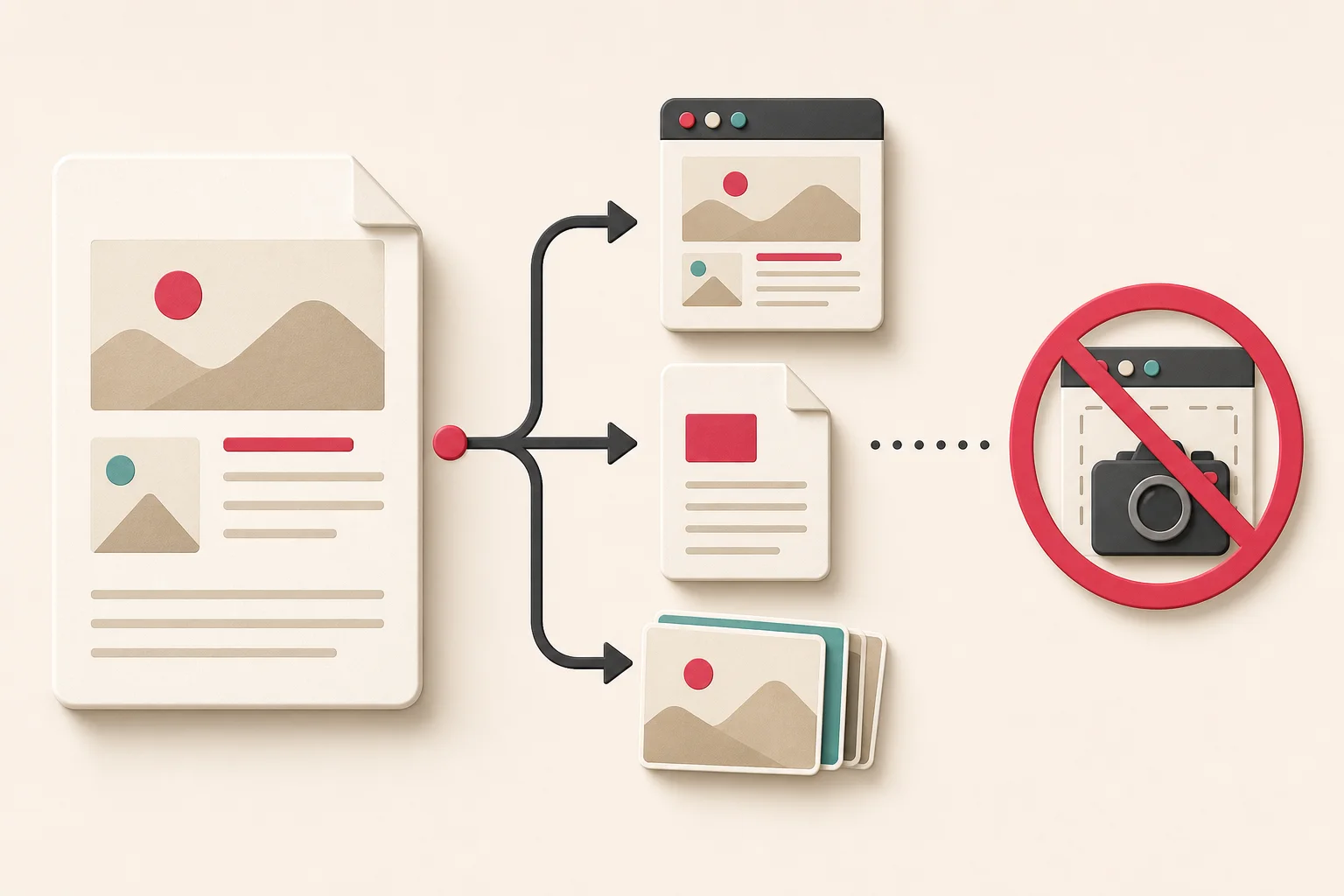
How to extract images from Google Docs without screenshots
Four practical ways to recover images from a Google document, with honest notes about compression and permissions.
Aug 28, 2026Find, sort, and download every image
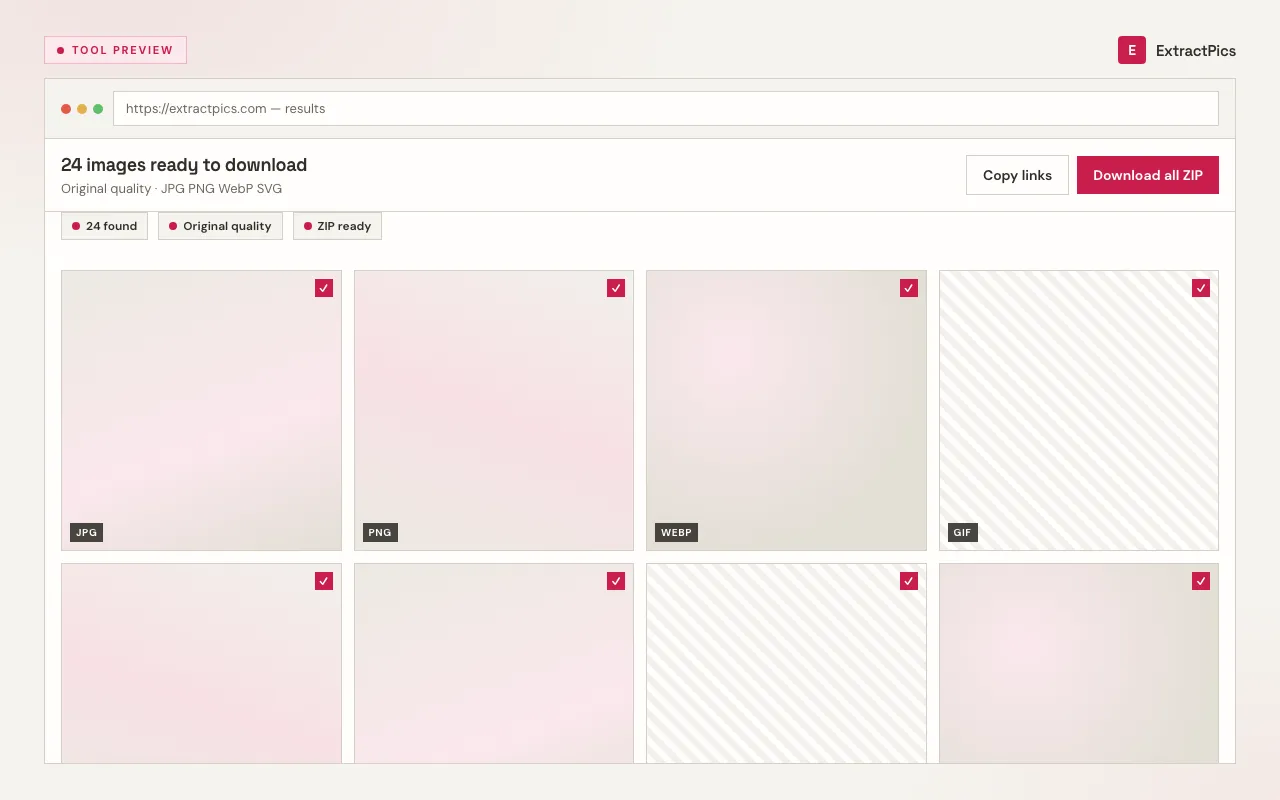
Paste a public URL. We open the page in a real browser, collect what it loads, and hand you a grid you can filter and save. JPG, PNG, WebP, SVG, GIF, AVIF, and the rest.
Find every image
We look in more than one place: regular image tags, CSS backgrounds, pictures that only appear after you scroll, the larger srcset files, picture elements, and inline SVG. The page runs in a real browser first, so a JavaScript gallery is not an empty HTML file.
Automatic image analysis
Every discovered image is analyzed for its pixel dimensions, file type, byte size, and name. The work happens progressively in your browser and at our edge, so results stay fast without putting extra image-processing load on the extractor. Broken or duplicate URLs are dropped before you see the list.
Useful tools
Preview everything in a grid. Filter by format or size. Copy one URL or copy all of them. Quick Extract stays on the page you pasted. Deep Extract follows up to three linked pages when a gallery is paginated. Tick only what you need.
Easy download
Save one image, or select a batch and download a ZIP. Some hosts block hotlinking, so a preview can fail even when the file still saves. If it does not, open the image in a new tab and use Save as. No recompression, no watermark from us.
How it works
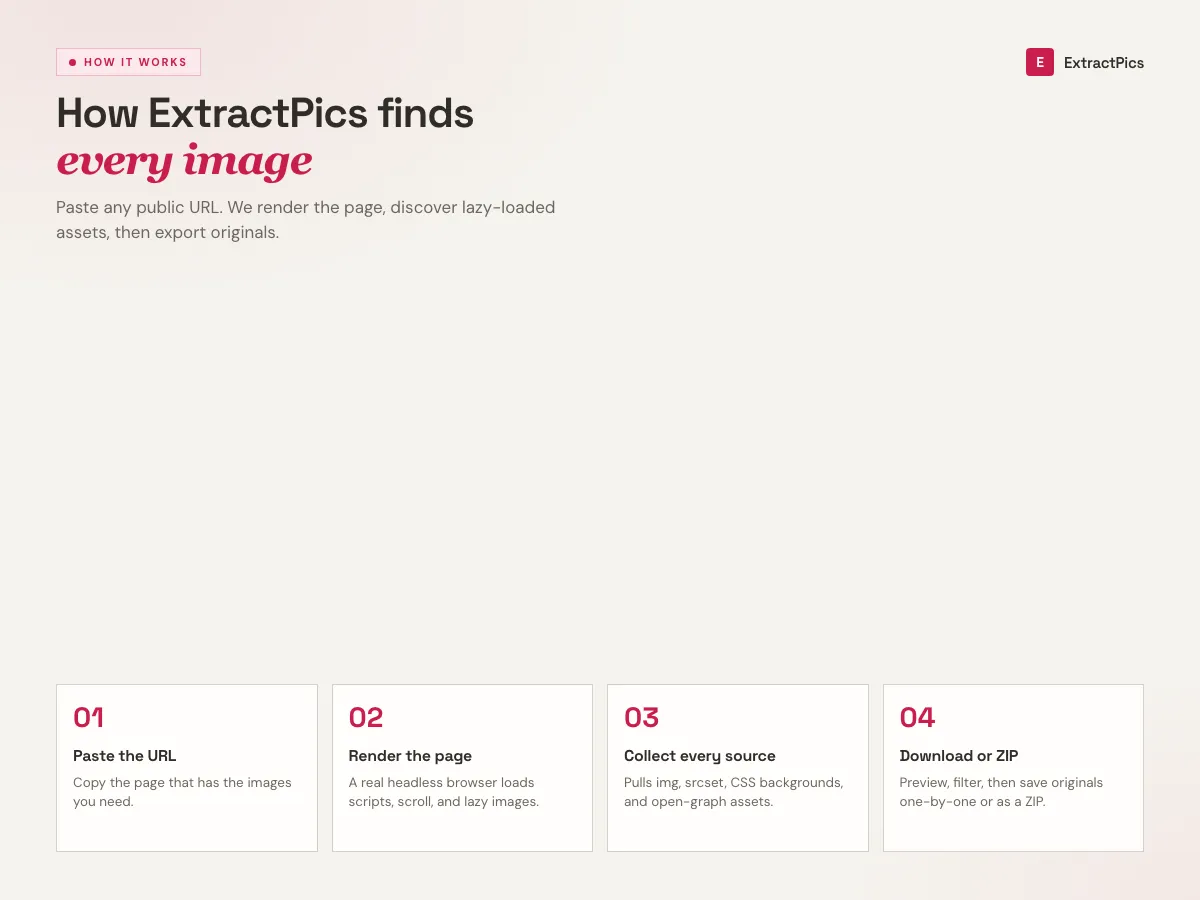
- 01
Paste a URL
Paste a homepage, gallery, product page, or infinite-scroll feed. The tool loads the URL and scans the result.
- 02
We scrape it
A real browser scrolls, clicks, paginates. Real-time progress streams back via SSE so you see what's happening.
- 03
You get every image
Copy URLs, download a clean ZIP, or filter by format and size. Deduplicated automatically.
Who it's for
Designers
Quickly grab inspiration, reference images, or moodboard assets from any website.
Developers
Extract assets for website migrations, testing, or offline development without digging into the source.
Marketers
Collect competitor ad creatives, product photos, or social graphics for market analysis.
About the image extractor
ExtractPics is a free image extractor for public websites. Paste a page URL, wait a few seconds, and you get the pictures that page actually loaded: photos, icons, backgrounds, SVGs. The website tool needs no installation or account. A Chrome extension is also available for working from the tab you are viewing.
Most "save image" tricks fail on modern sites. Photos load on scroll. The sharp version sits in srcset. The hero is a CSS background. We open the URL in Chrome, run the JavaScript, and scroll, then collect what showed up. JPG, PNG, WebP, SVG, GIF, AVIF, ICO, BMP.
After the scan you can filter by type or size, copy URLs, download one file, or pack a ZIP. Quick Extract stays on one page. Deep Extract follows a few linked pages. Guests receive 5 global credits a day; a free login receives 50.
It only reaches what a normal visitor can see. Private galleries, logins, and paywalls are out. Downloading a file does not give you the right to republish it. Use it for your own sites, licensed assets, and anything you already have permission to keep.
Frequently asked questions
If you cannot find what you are looking for, write us a message and we will get back to you.