PNG downloader for any link
Drop in a URL and pull the real .png file behind it — lossless, full resolution, with its transparent background untouched. One image or the entire page as a ZIP.
- check_circle100% free
- check_circleNo signup
- check_circleKeeps transparency
- check_circleLossless original
Trusted by people who extract images every day
136,963 image extractions and counting
PNG downloader — what it actually saves
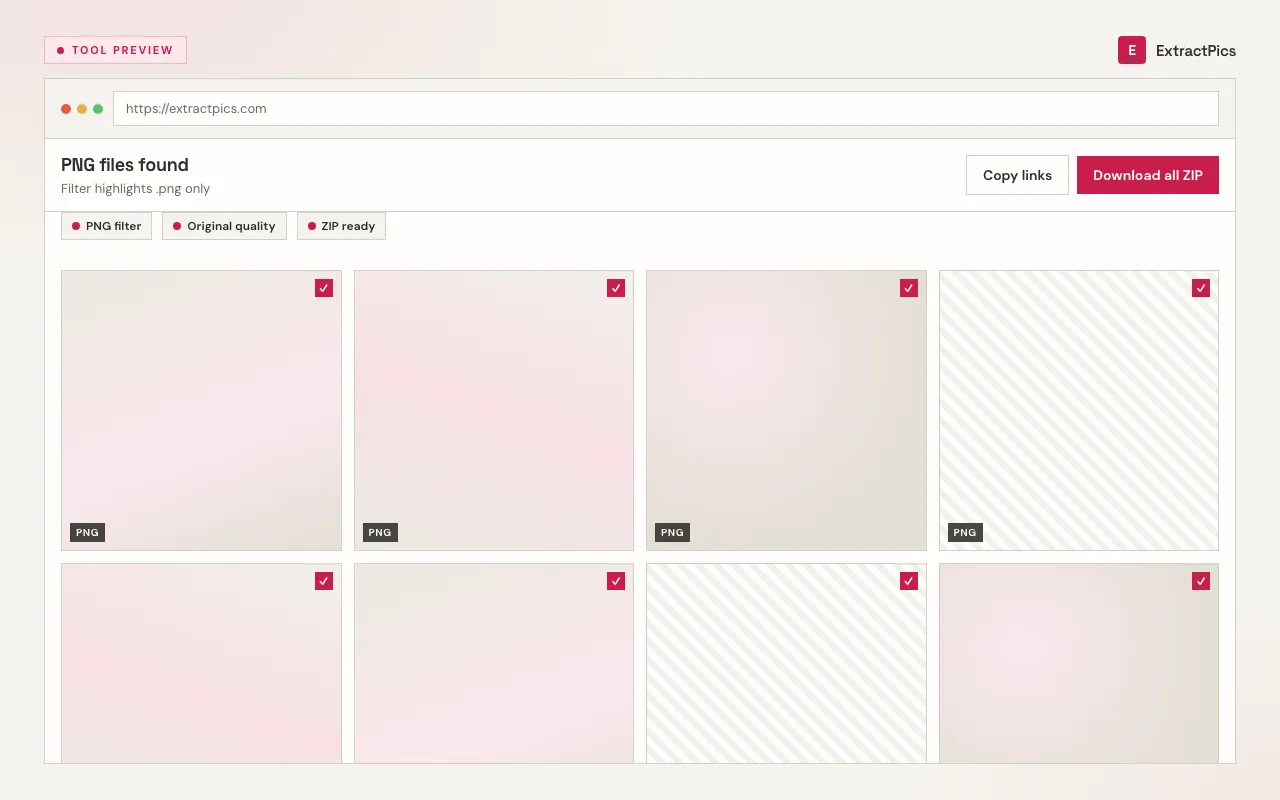
ExtractPics doubles as a no-nonsense PNG downloader: hand it a link and it gives you back the .png file exactly as the site stored it. Paste a direct address ending in .png and you receive that precise file — same pixels, same alpha channel, nothing flattened or re-encoded. Paste an ordinary page URL and the tool loads it in a genuine headless browser, waits for the layout to settle, then lists every PNG it discovered for you to pick from.
PNG is the format of choice for logos, icons, UI captures, and any graphic that needs a clean transparent background, which is why pulling the source file matters — a screen grab would bake in a solid backdrop and soften the edges. This page centers on PNG, yet the same pass also reports any JPG, WebP, or GIF assets sitting on the page, so a mixed-format site never leaves you empty-handed. Preview everything first, then take one file or bundle them into a single ZIP.
What makes this PNG downloader different
Lossless, untouched file
You receive the original .png byte-for-byte — full resolution, no compression pass, and no watermark stamped over it. It does not convert or upscale; it saves the real file.
Transparency stays intact
The alpha channel rides along, so logos and cut-out graphics keep their see-through background instead of being flattened onto white.
Single file or full ZIP
Grab one PNG on its own, or tick a batch of PNGs and pull them down together as one tidy ZIP archive.
When a PNG downloader is the right call
Whenever you have a link to a transparent logo, an icon, or a crisp screenshot but no clean way to keep the real file, this converts the URL into a proper lossless download instead of a soft, opaque screenshot.
Perfect for
- checkSaving a transparent PNG logo for a deck or mockup
- checkPulling crisp UI icons out of a design system page
- checkGrabbing a lossless screenshot someone shared by link
- checkCollecting PNG illustrations for a moodboard or brand kit
- checkDownloading PNGs on mobile, where long-press saving often fails
- checkFetching the original PNG hiding behind a CDN or hotlink URL
What you get
- checkDirect .png links and full page URLs both work
- checkOriginal resolution and lossless detail preserved
- checkTransparent backgrounds kept, never flattened
- checkPreview every image before you commit
- checkDownload one PNG or a whole batch as a ZIP
- checkFree, browser-based, with nothing to install
How to use the PNG downloader
- 01
Copy the link
Right-click the graphic and choose 'Copy image address' (PNGs usually end in .png), or copy the full webpage URL if you want the whole page scanned.
- 02
Paste it into the box
Drop the link into the field at the top. A direct link resolves to that single PNG; a page URL opens in a real browser and is swept for every PNG it loads.
- 03
Save the PNG
Preview the results and save the lossless file. From a page scan you can take one PNG or select several and download them all in a single ZIP.
Why a PNG downloader beats a screenshot
A screenshot captures whatever sits on your screen at screen resolution, and it cannot preserve transparency — the moment you grab it, any see-through area becomes whatever color was behind it. The original .png keeps its full dimensions, its sharp edges, and its alpha channel, which is exactly what you need for a logo or icon that has to drop cleanly onto any background.
Because PNG is lossless, the source file is the highest-fidelity version that exists — there are no compression artifacts to inherit and nothing softens when you open it. Starting from that original file means a designer can recolor, mask, or composite it without fighting a flattened, re-saved copy. ExtractPics downloads that file as-is; it does not convert the format or invent extra pixels by upscaling.
ExtractPics only reaches PNGs that are already public at their address. It does not slip past logins or paywalls. Whether you may reuse a graphic is a separate question decided by copyright and each site's terms — saving the file grants no license to republish it, so secure permission for anything that is not your own work.
Frequently asked questions
If your question is not covered here, send us a message and include the page, file, or result type you are working with.