Download images from websites in bulk
Paste any webpage URL and bulk download all images as ZIP in original full resolution – no extension. Works as website image extractor and scraper.
- check_circle100% free
- check_circleNo extension
- check_circleDeep Extract
- check_circleOne ZIP
136,973 image extractions and counting
Download images from website without manual saving
To download images from website pages without saving each file by hand, paste one public URL and ExtractPics loads it in a real browser, scrolls the page, and collects the images into a list you can review before downloading a ZIP.
It catches the images other website image downloader methods leave behind too, like lazy-loaded photos that only appear on scroll, srcset versions, and CSS background graphics. You get the full set at full resolution as a website image extractor, not a handful of thumbnails.
Built for whole-page downloads
A full page in one pass
Paste a URL and the tool scrolls to the bottom in a real browser, gathering every image, so a fifty-image gallery comes down without fifty right-clicks.
Deep Extract for multi-page sets
Switch on Deep Extract and it follows pagination up to three pages deep, so a gallery split across several screens still downloads in a single run.
Full-size originals
It keeps the original files at the resolution the site serves, not the shrunken previews a thumbnail grid happens to show.
When downloading a whole site's images helps
This is the route to take whenever you'd otherwise be saving image after image by hand.
Perfect for
- checkMigrating a site and needing every existing asset
- checkPulling a full product catalog for research
- checkArchiving a portfolio or photo album before it's gone
- checkCollecting a brand's imagery for a redesign brief
- checkSaving a long gallery that spans several pages
- checkBacking up your own site's images in bulk
What you get
- checkDownloads every image on a page as one ZIP
- checkDeep Extract follows pagination across pages
- checkCatches lazy-loaded, srcset, and CSS background images
- checkKeeps full resolution on every file
- checkDeep Extract follows short, linked galleries
- checkNo install, no signup, works on mobile
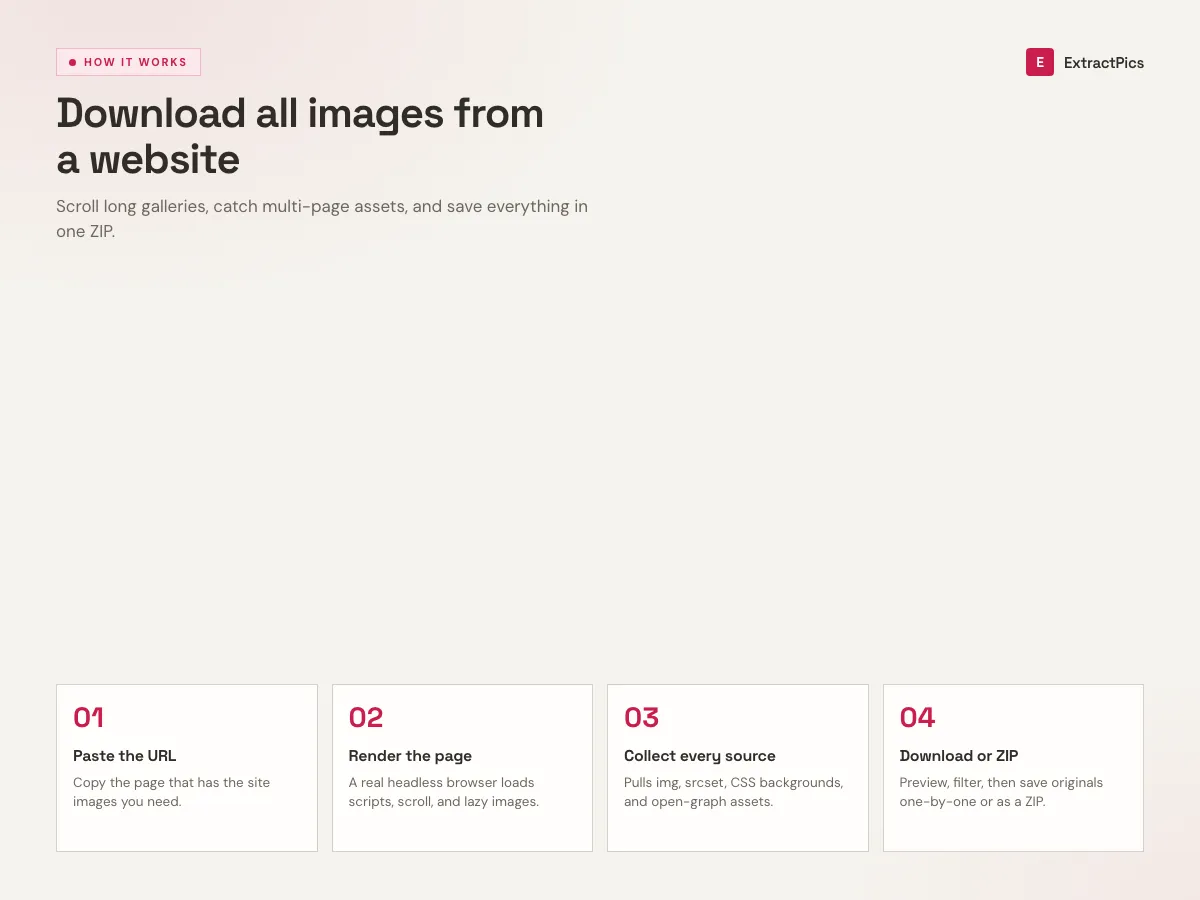
How to download all images from a website
- 01
Copy the page URL
Copy the address of the public webpage or gallery that contains the images.
- 02
Paste the link
Drop that page URL into the box at the top of this page.
- 03
Choose the scan depth
Use Quick Extract for one page. Use Deep Extract when the same gallery continues across linked pages.
- 04
Scan and download
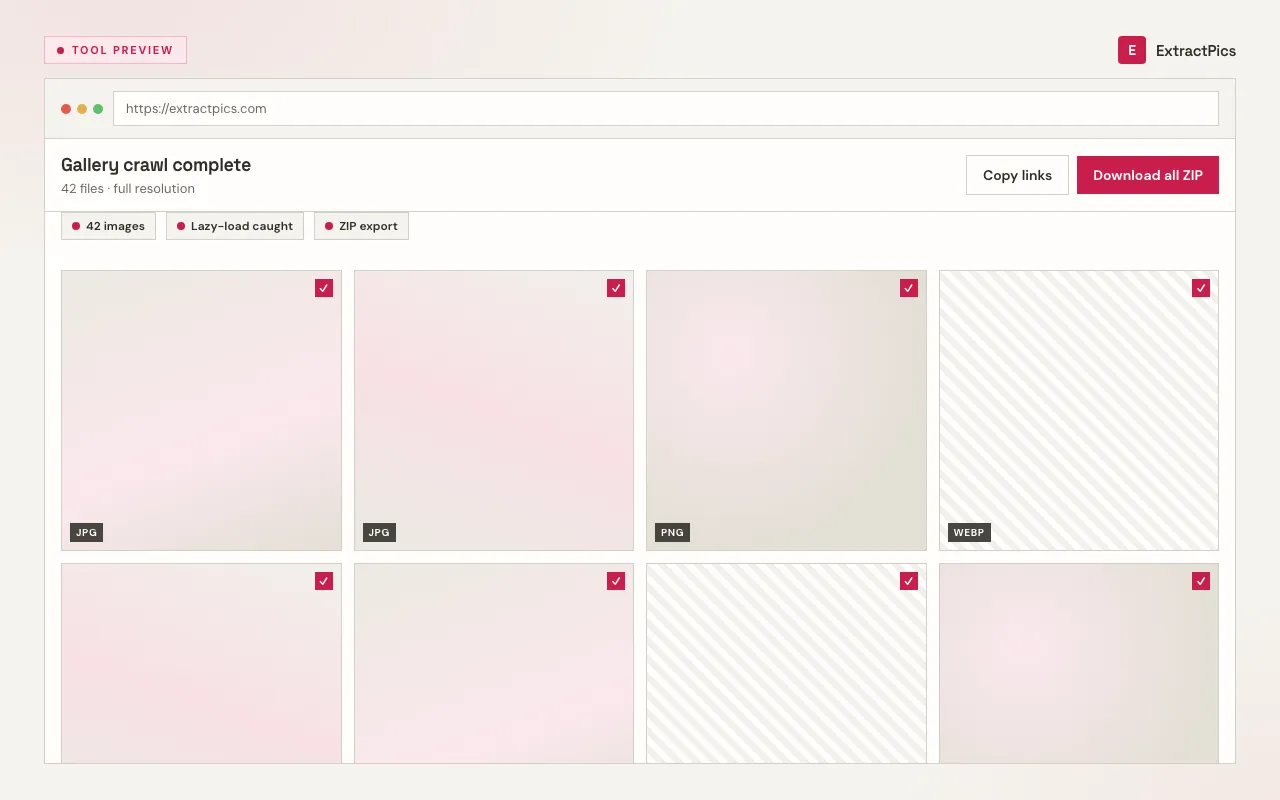
Let it scan, untick anything you don't need, then download everything as one ZIP.
When a whole-page download saves time
A whole-page download is useful for an authorized site migration, a public portfolio archive, or a gallery with too many files to save one at a time. You can inspect the list and remove logos, icons, or thumbnails before making the ZIP.
The tool runs in the browser and needs no installation. Deep Extract can follow a short set of linked gallery pages. Private pages, logins, and paywalls are not supported.
What a standard scan reaches vs Deep Extract
A standard scan covers one page in full. Deep Extract is the switch to flip when a set spreads across more than one.
| Page type | Standard scan | Deep Extract |
|---|---|---|
| A single page | Every image on it | Every image on it |
| A paginated gallery | First page only | Up to 3 pages followed |
| Infinite scroll | Scrolled to the end | Scrolled to the end |
| Linked sub-pages | Not followed | Followed automatically |
Frequently asked questions
If your question is not covered here, send us a message and include the page, file, or result type you are working with.