Product image downloader for catalogs
Paste a product or catalog page URL and ExtractPics finds every product photo the page loads and downloads them at full resolution as a ZIP. Best for your own listings, supplier-permitted images, or research — within copyright and marketplace terms.
- check_circle100% free
- check_circleNo signup
- check_circleFull resolution
- check_circleZIP download
Trusted by people who extract images every day
136,964 image extractions and counting
Product image downloader — what it does and how it works
This product image downloader gives you a fast way to pull every photo off a product or catalog page without right-clicking each one or exporting from a back end. Paste the URL of a product detail page or a category listing and ExtractPics opens it in a real headless browser, lets the page fully render, and finds the product images it loads — main shots, alternate angles, variant swatches, and gallery images. You preview the set and download them all at full resolution as a single ZIP.
Online stores usually serve product photos in several display sizes and swap them in for thumbnails, galleries, and zoom views. This product image downloader reads the rendered page and follows srcset to the largest version each spot loads, so you get full-resolution files rather than grid thumbnails — with no upscaling. It only collects images a normal shopper's browser already loads on a public page; it doesn't log into any admin, reach unlisted products, or bypass protection.
Why use this product image downloader
Every angle on the page
A real browser renders the listing as a shopper sees it, so the tool catches the main photo, alternate angles, variant images, and gallery shots in one pass.
Full resolution, no upscaling
Stores serve several sizes per photo. ExtractPics follows srcset to the largest version each slot loads, returning full-resolution originals rather than thumbnails.
All photos in one ZIP
Product and catalog pages hold many images. Select them and download the whole set together as a single ZIP instead of saving each photo by hand.
When a product image downloader saves you time
Any time you need every photo from a product or catalog page and saving them one by one would be tedious — most often for your own listings, supplier images you're permitted to use, or product research.
Perfect for
- checkSaving your own product photos before migrating or rebuilding a store
- checkPulling supplier or manufacturer images you're licensed to use
- checkDropshipping with photos the supplier has explicitly permitted
- checkCollecting full-resolution shots for your own listings and ads
- checkCompetitive and market research on how products are presented
- checkGrabbing a whole catalog page's photos at once on desktop or mobile
What you get
- checkWorks with product detail pages and category or catalog URLs
- checkFinds main, alternate-angle, variant, and gallery product photos
- checkFollows srcset to the largest size each image loads — no upscaling
- checkCatches lazy-loaded and CSS-background product images
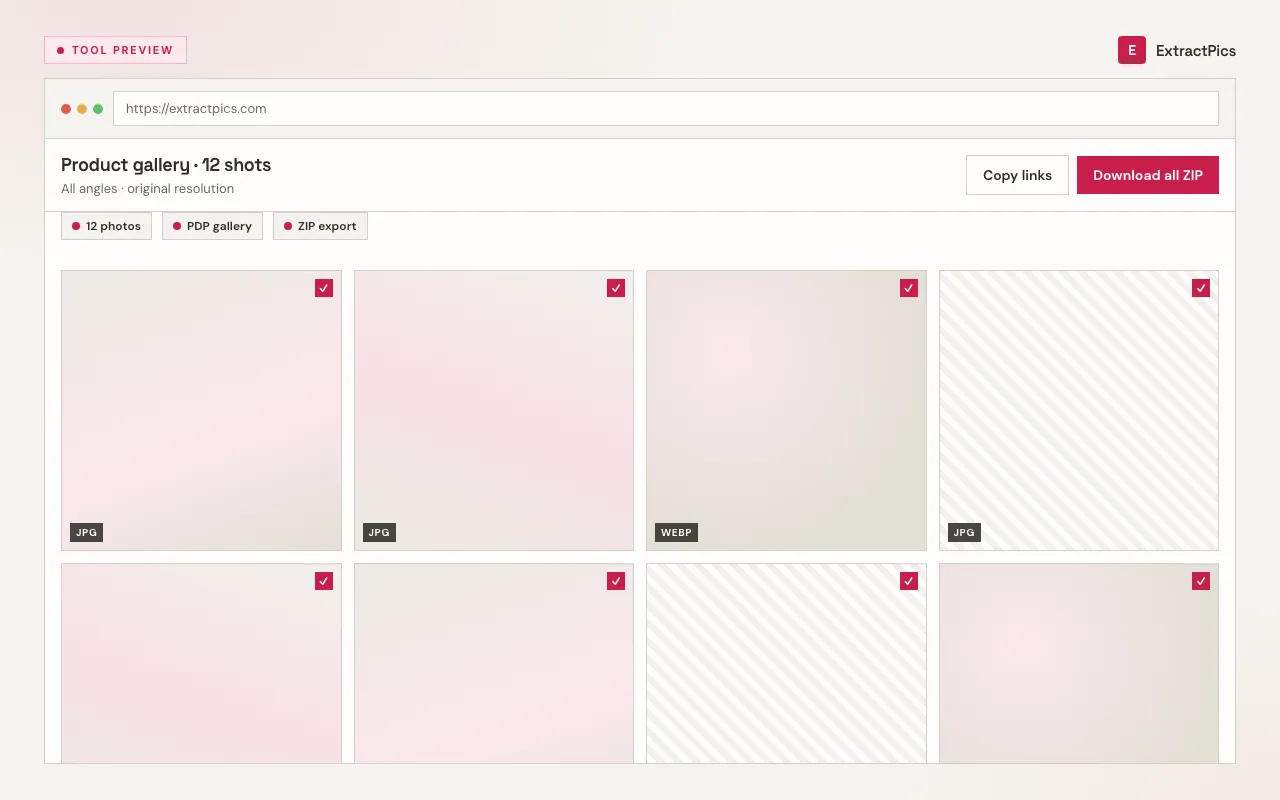
- checkPreview every photo, then download the whole set as one ZIP
- checkFree, browser-based, with no signup and nothing to install
How to use the product image downloader
- 01
Copy the product page link
Open the product detail page or catalog listing whose photos you want and copy its URL from the address bar.
- 02
Paste and scan
Drop the link into the box at the top of this page and run a scan. A real browser renders the page and lists every product photo it loads.
- 03
Preview and download as a ZIP
Review the results, deselect anything you don't need, and download the full set of product photos together as a single ZIP.
Why use a product image downloader instead of right-clicking each photo
Saving product photos by right-clicking means opening every gallery image, guessing which is the full-size version, and repeating it for each angle and variant — slow on one product and impractical across a catalog. A product image downloader reads the live page, follows srcset to the biggest file each slot serves, and lets you take an entire listing or category page at once as a clean ZIP, originals intact.
ExtractPics only sees images that are already publicly served on the page. It does not log into any store admin, reach unlisted or draft products, or get past protection a site has set — it simply collects what a shopper's browser already loads, at the resolution the page serves, with no upscaling.
Pulling the files is the easy part; using them responsibly is what matters. Photos of your own products, and supplier images you're licensed to use, are fine to download and use. Product photography on a store you don't own is the seller's or photographer's copyrighted work — keep downloads to research or clearly permitted use, respect each marketplace's and store's terms of service, and get permission before reusing another seller's images in your own listings or ads.
Frequently asked questions
If your question is not covered here, send us a message and include the page, file, or result type you are working with.