Updated Aug 2026 — works after login change
Pinterest image downloader, free
Paste the link to a public Pinterest board or a single pin and ExtractPics lists every image so you can preview and save the originals. Best for personal reference and moodboards — the images are owned by the sites and creators they were pinned from.
- check_circle100% free
- check_circleNo signup
- check_circleFull resolution
- check_circleBrowser-based
Trusted by people who extract images every day
136,963 image extractions and counting
Pinterest image downloader — what this tool actually does
This Pinterest image downloader saves the pictures behind public pins without screenshotting each one. Pinterest is a bookmarking service, and most pins are images pinned from other sites. Paste a public board or pin URL and ExtractPics opens it in a real headless browser, finds the files behind the pins, and lets you preview and download the original resolution.
Pinterest does not own most photos in its feed. They belong to the sites and creators they were pinned from, and downloading does not give you the right to reuse them. Use this for public pins and personal reference like moodboards, planning or offline browsing. Follow Pinterest's terms and ask the creator before you republish an image.
Pinterest often places a sign-in prompt over public pages. Many individual pins and boards still show a signed-out preview, and that is what ExtractPics reads. It opens the URL in a browser, waits for the grid, scrolls for lazy-loaded pins, and takes the larger files listed in the responsive image data. You never give it a Pinterest username, password, cookie or account token. Use a direct pin or board URL. Search results and shortened links from other apps are less reliable because they do not point to one clear set of images.
A floating prompt does not always mean the board is private. If Pinterest has already sent the images to the public page, the extractor can collect them. It cannot open secret boards, private profiles, account-only feeds or pins hidden behind a required login. Long boards are another limit because Pinterest loads them in batches. The scan may finish before the last batch appears. Open the URL in a private browser window first. Images visible there without an account are the public images the tool can try to collect.
Why use this Pinterest image downloader
A whole board at once
Drop in a public board URL and ExtractPics lists every pinned image it finds, so you save a full board of references in one pass instead of opening each pin.
Originals, not thumbnails
Pin previews are scaled down. The tool follows each pin to the full-size image file behind it, so you download the original resolution rather than a shrunken preview.
One pin or a full set
Save a single pin, or select several and download them together in one ZIP instead of clicking through them one by one.
When a Pinterest image downloader helps
Any time you want offline copies of the images on a public board or pin for your own reference — a moodboard, a planning doc, or design inspiration — and you have the right to download and keep them.
Perfect for
- checkBuilding a personal moodboard from a public board you follow
- checkSaving wedding, interior, or recipe inspiration for offline planning
- checkCollecting design references for a private project
- checkKeeping a backup of pins you created yourself
- checkGathering color and style inspiration before a creative brief
- checkSaving pins on mobile, where long-press downloads are inconsistent
What you get
- checkWorks with public Pinterest board and single-pin URLs
- checkReturns the full-resolution image behind each pin
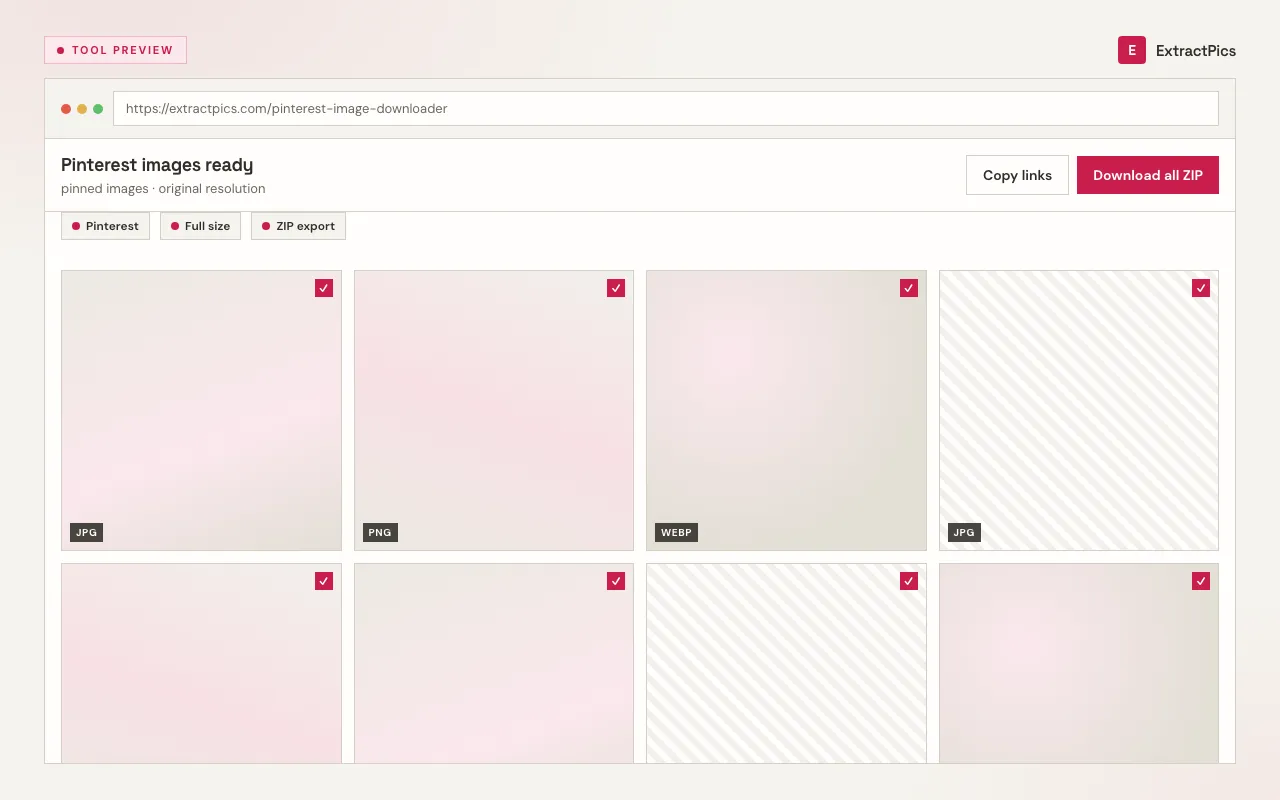
- checkPreview every image before you save it
- checkDownload one pin or a whole board as a ZIP
- checkFinds lazy-loaded images as the board scrolls
- checkFree, browser-based, with nothing to install
How to use the Pinterest image downloader
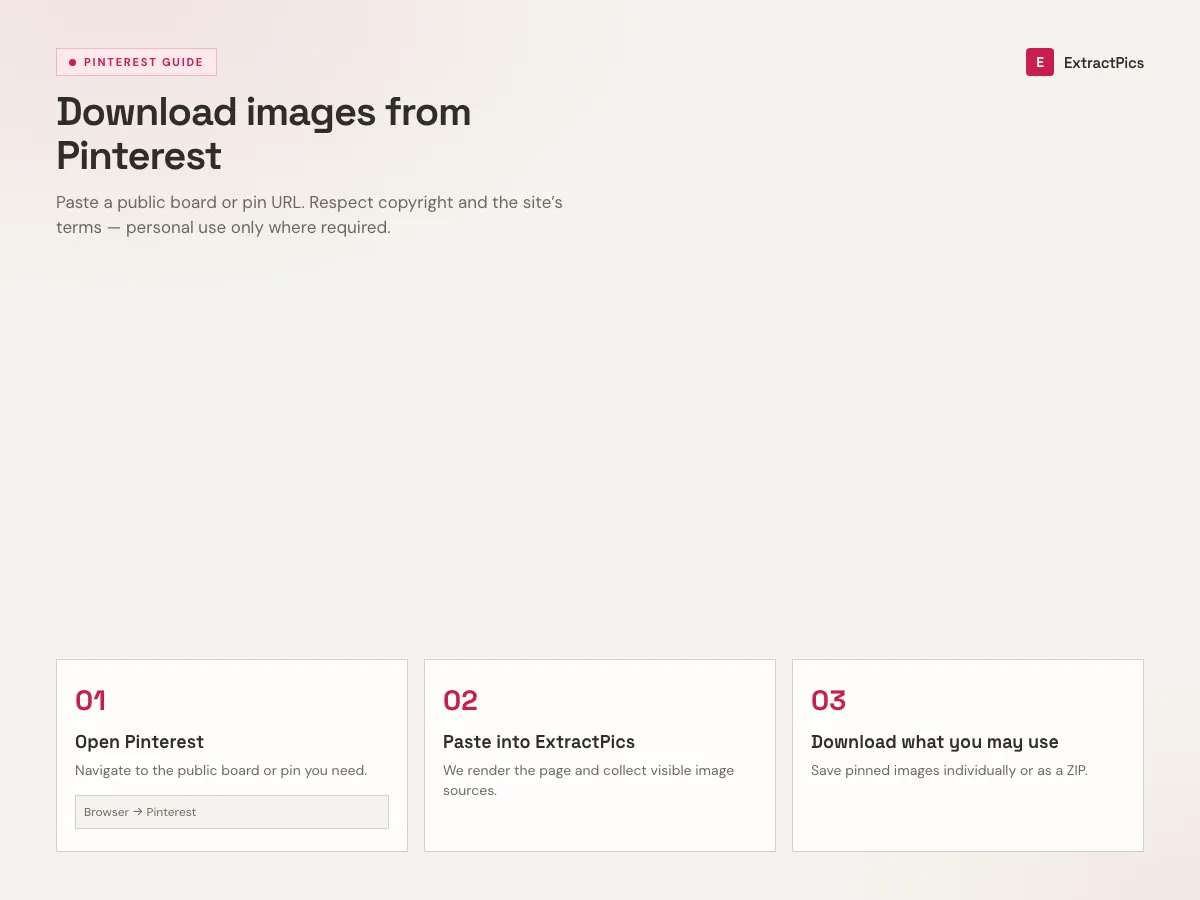
- 01
Open a public board or pin
On pinterest.com, open the public board or the single pin whose images you want to save. Private and secret boards are not publicly accessible.
- 02
Copy the link
Copy the board or pin URL from your browser's address bar, or use Pinterest's share menu to copy the link.
- 03
Paste and download
Drop the link into the box at the top of this page. Preview the images and save one, or download the whole set as a ZIP.
Why use a Pinterest image downloader responsibly
Screenshotting pins captures a small, recompressed picture with Pinterest's interface around it. The file behind a pin is the original — larger, sharper, and in its native format. A downloader fetches it cleanly so your references keep their quality, without the cropping and loss a screenshot brings.
ExtractPics only reaches images that are already publicly visible on a board or pin. It does not bypass logins, open private or secret boards, or break any protection Pinterest has put in place — it simply resolves a public link you already have to the files behind it.
Downloading is the easy part; using a pin responsibly is what matters. Most pins are someone else's work, and a file you can save is not a file you can republish. Keep downloads for personal reference, follow Pinterest's terms, credit and contact the original creator, and get permission before any commercial or public reuse.
Frequently asked questions
If your question is not covered here, send us a message and include the page, file, or result type you are working with.