Review the page in a side panel
Open ExtractPics from the Chrome toolbar, start an extraction, and review the images beside the page you are viewing.
Open ExtractPics from Chrome's toolbar to preview, filter, and bulk download images beside the page. Use the current tab, or open another URL and grant temporary access there. Extraction starts only when you ask for it.
Read the extension privacy details or contact support.
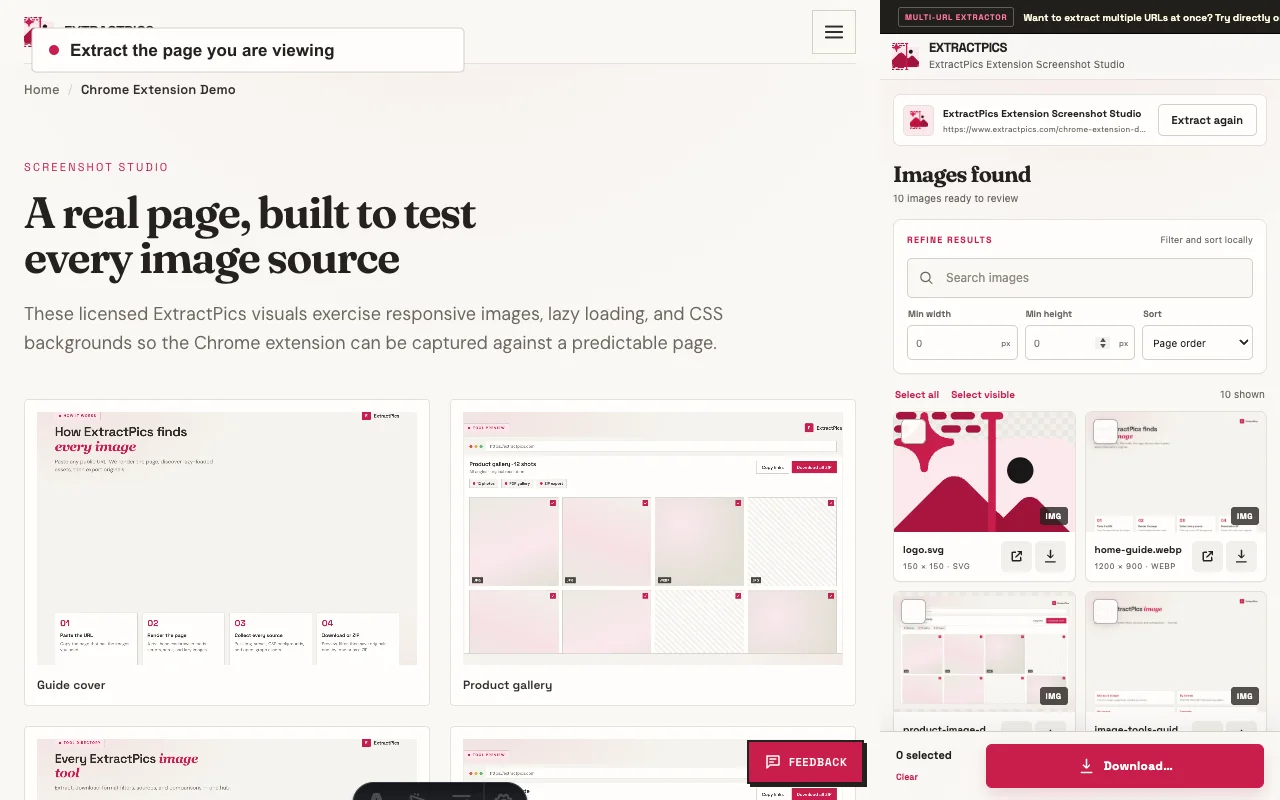
Open ExtractPics from the Chrome toolbar, start an extraction, and review the images beside the page you are viewing.
Search the results, set a minimum image size, sort the gallery, and select only the files you want.
Download one image, a selection, every result, or a specific number. The extension does not convert or resize the files.
The extension reads the active page only after you start it. It has no accounts, analytics, telemetry, third-party ads, ad networks, or remote code.
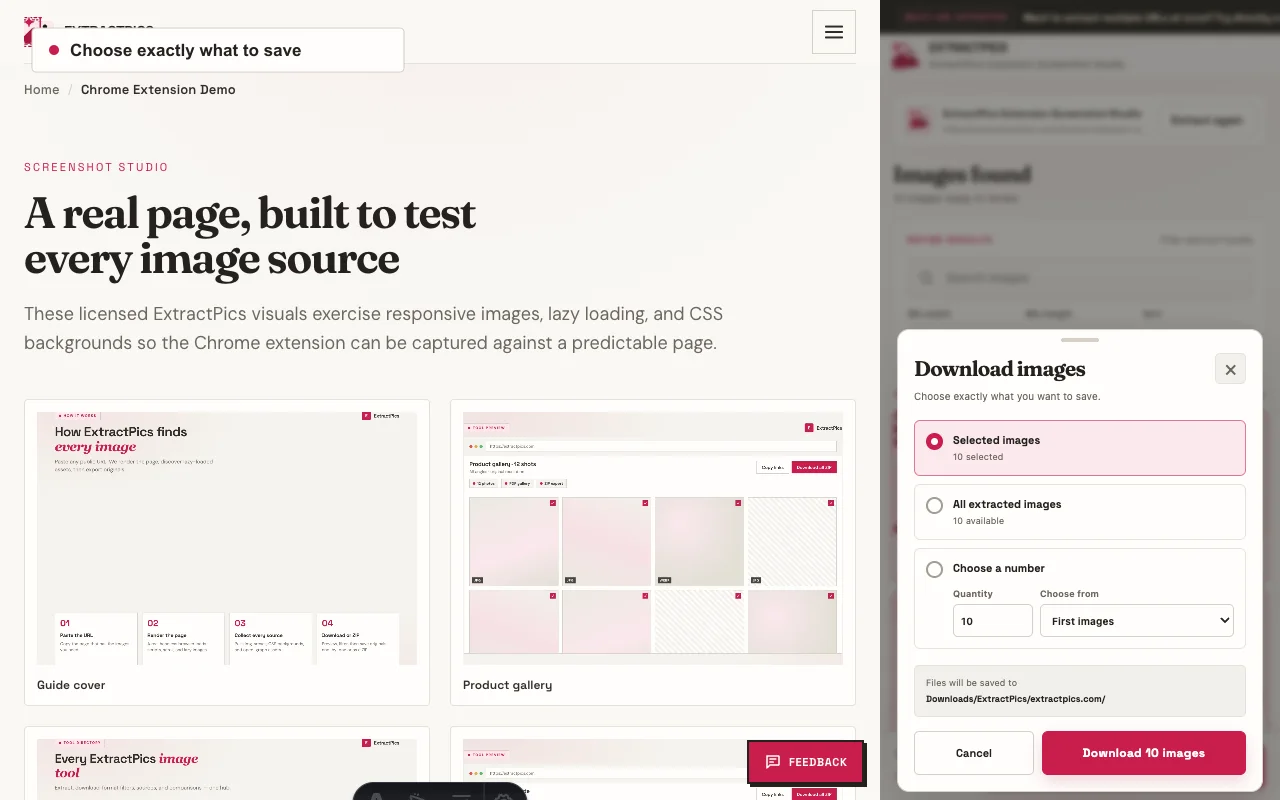
ExtractPics can temporarily scroll a page to reveal lazy content, restore your position, and organize the image references it finds. Review the results before opening the download dialog.
Some Chrome pages cannot be inspected. Images inside inaccessible cross-origin frames or unreadable blob URLs may not appear in the gallery.
The extension does not collect browsing history, page content, personal information, or download activity. It has no third-party ads, ad networks, analytics, telemetry, or remote code. A static first-party link can open the ExtractPics website in a new tab; the website's privacy policy applies only after you choose that link.
Read the extension privacy policy