Pexels image downloader, free
Paste a Pexels photo, collection, or profile URL and ExtractPics lists the photos so you can preview and save them in full resolution. Photos on Pexels are free for personal and commercial use under the Pexels License — no attribution required.
- check_circle100% free
- check_circleNo signup
- check_circleFull resolution
- check_circleBrowser-based
Trusted by people who extract images every day
136,963 image extractions and counting
Pexels image downloader — what this tool actually does
This Pexels image downloader gives you a fast way to save free stock photos, especially when you want several from a collection or contributor at once. Pexels is a library of free stock photos published under the permissive Pexels License. Paste the link to a Pexels photo, a collection, or a contributor's profile and ExtractPics opens it in a real headless browser, finds the photo files behind the previews, and lets you preview and download the full-resolution originals.
Pexels is one of the most permissive sources you can use. The Pexels License lets you use the photos for free in personal and commercial projects, with no attribution required — though crediting the photographer is always a kind gesture. The few limits are common-sense ones: you can't sell unaltered copies, imply the people or brands in a photo endorse you, or use the photos in a way that's defamatory or in a competing stock service. For most design and content work, a Pexels photo is simply free to use.
Why use this Pexels image downloader
A whole collection at once
Drop in a collection or profile URL and ExtractPics lists every photo it finds, so you grab a curated set in one pass instead of opening each photo's page.
Full-resolution photos
Pexels photos come in large sizes. The tool fetches the original file behind each preview so you save the full-resolution image, ready for web or print.
One photo or a full set
Save a single photo, or select several from a collection and download them together in one ZIP instead of saving each one separately.
When a Pexels image downloader helps
Any time you need free, license-friendly stock photos for a project and want to pull a batch from a collection or contributor quickly — covered by the Pexels License for personal and commercial use, with no attribution required.
Perfect for
- checkSourcing royalty-free stock for a commercial project
- checkBuilding a website or blog with no-attribution photos
- checkPulling a curated collection for a design moodboard
- checkGathering social-media visuals you can use freely
- checkCollecting a contributor's set you like for reference
- checkSaving photos for slides, ads, or print layouts
What you get
- checkWorks with Pexels photo, collection, and profile URLs
- checkReturns the full-resolution original photo
- checkPreview every photo before you save it
- checkDownload one photo or a whole collection as a ZIP
- checkFinds lazy-loaded photos as a collection scrolls
- checkFree, browser-based, with nothing to install
How to use the Pexels image downloader
- 01
Find your photos on Pexels
On pexels.com, open the single photo, the collection, or the contributor's profile whose images you want to save.
- 02
Copy the link
Copy the photo, collection, or profile URL from your browser's address bar.
- 03
Paste and download
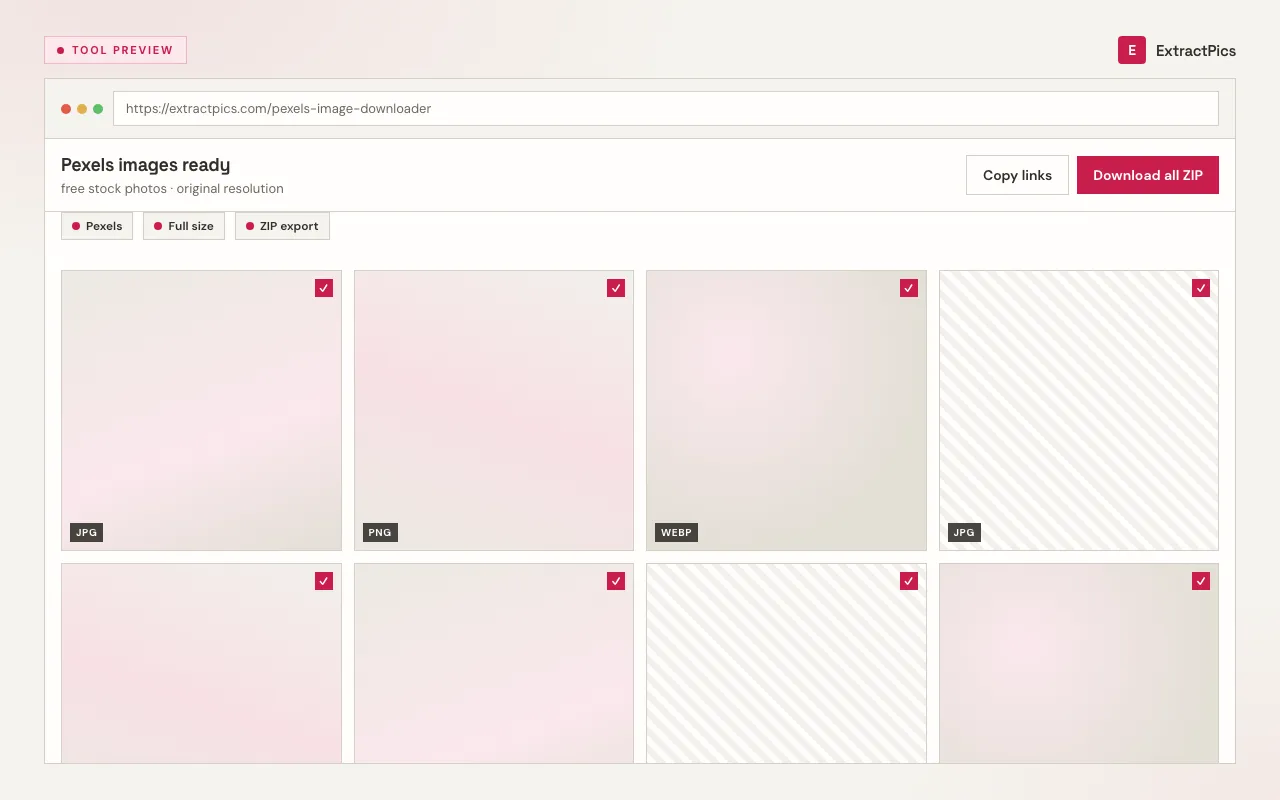
Drop the link into the box at the top of this page. Preview the photos and save one, or download the whole set as a ZIP.
Why use a Pexels image downloader
Pexels offers a download button per photo, but saving a whole collection means visiting each photo page one at a time. This downloader lets you paste a single collection or profile link and pull the full set in one pass, each at full resolution, so assembling a batch of stock for a project is much faster.
ExtractPics only reaches photos that are already publicly visible on Pexels. It fetches the original file behind each preview at its native resolution — nothing is upscaled or re-compressed, and no watermark is added, because Pexels photos are published watermark-free under the Pexels License.
That license is what makes Pexels so easy to use. The photos are free for personal and commercial work with no attribution required. The limits are sensible: don't resell unaltered copies, don't imply identifiable people or brands endorse you, and don't use a photo in a misleading or defamatory way. Check the current Pexels License for the exact terms.
Frequently asked questions
If your question is not covered here, send us a message and include the page, file, or result type you are working with.