Image link extractor and downloader
Paste any webpage or image link to extract direct photo URLs or download full-size original files as a ZIP. Fast, free, and works in any browser.
- check_circle100% free
- check_circleCopy URLs or Download
- check_circleOriginal 4K/HD
- check_circleNo extension
136,956 image extractions and counting
Get an image link from a URL, or download the file
Paste a page address and this tool lists the image link of every picture on it. Copy the links into a spreadsheet or a script, or download the originals instead. It renders each page in a real browser first, so lazy-loaded pictures, srcset variants and CSS backgrounds show up too.
If you searched for how to get an image from a URL, that is the whole job: the page URL goes in, the direct address of each image comes out. The same works for 'get pic URL' and 'get URL image' type searches on a phone, where there is no right-click menu to fall back on.
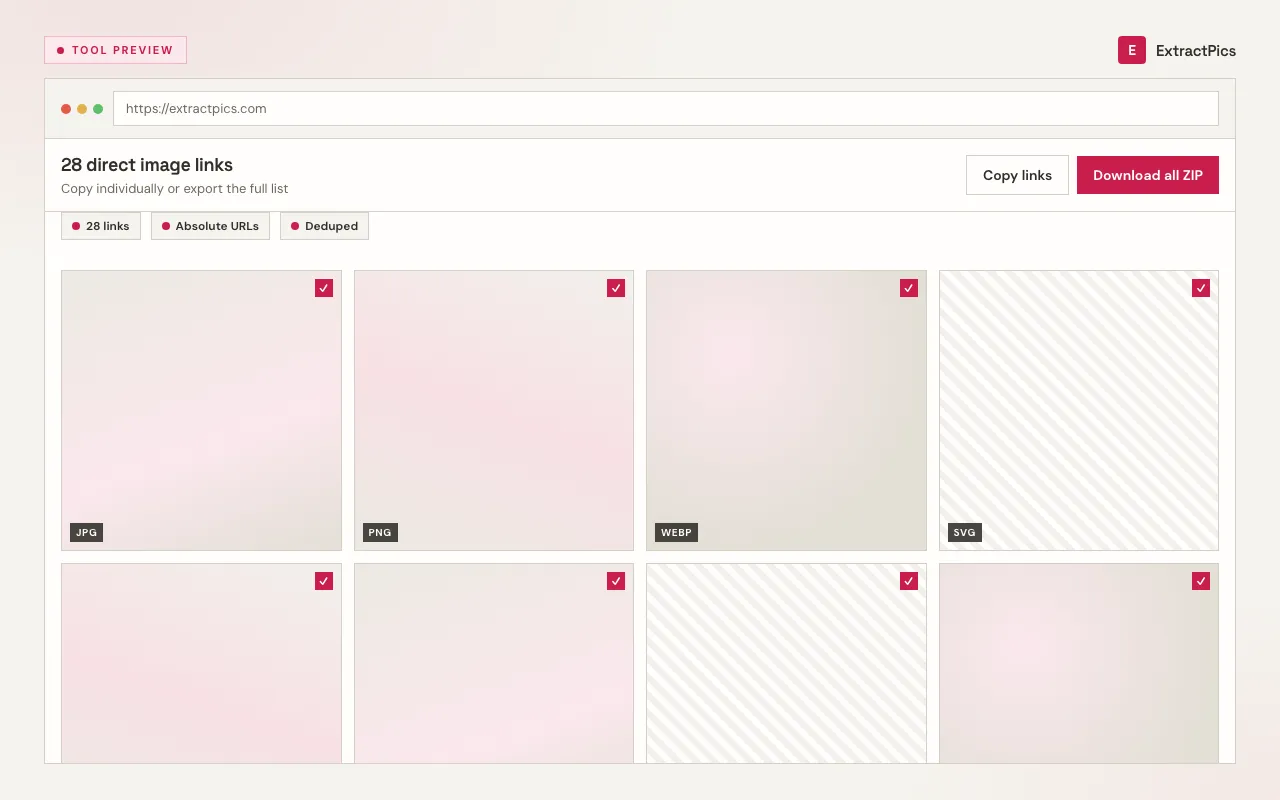
Once the scan finishes, you can copy all image links with a single click, download selected photos, or grab the entire set as a ZIP. Each file stays in its original published format: JPG, PNG, WebP, SVG, and GIF.
Works with any public website or direct media link. No account, no browser extension, and no software installation required.
What the image link extractor returns
A direct URL for every image
Each result is the image's own web address, the kind that ends in .jpg or .webp and opens the picture on its own, ready to paste into HTML or a download script.
Copy the whole list at once
One click copies every image URL on the page, so you don't right-click and 'copy image address' a hundred times for an email template or a spreadsheet.
Includes the hidden sources
It pulls srcset variants, CSS background images, and lazy-loaded media, so the link list covers images a quick view-source would never show.
Who needs image URLs
Anyone who references images by address rather than saving the files.
Perfect for
- checkBuilding HTML email templates
- checkEmbedding images in docs and READMEs
- checkCollecting hotlink-friendly assets
- checkFeeding a list of URLs into a download script
- checkAuditing which images a page loads
- checkSharing references without sending files
What you get
- checkDirect URL for every image on the page
- checkCopy all links with one click
- checkIncludes srcset, CSS background, and lazy-loaded images
- checkLinks point to the original full-resolution file
- checkDownload as a ZIP if you'd rather have the files
- checkNo signup, no extension, no per-page limit
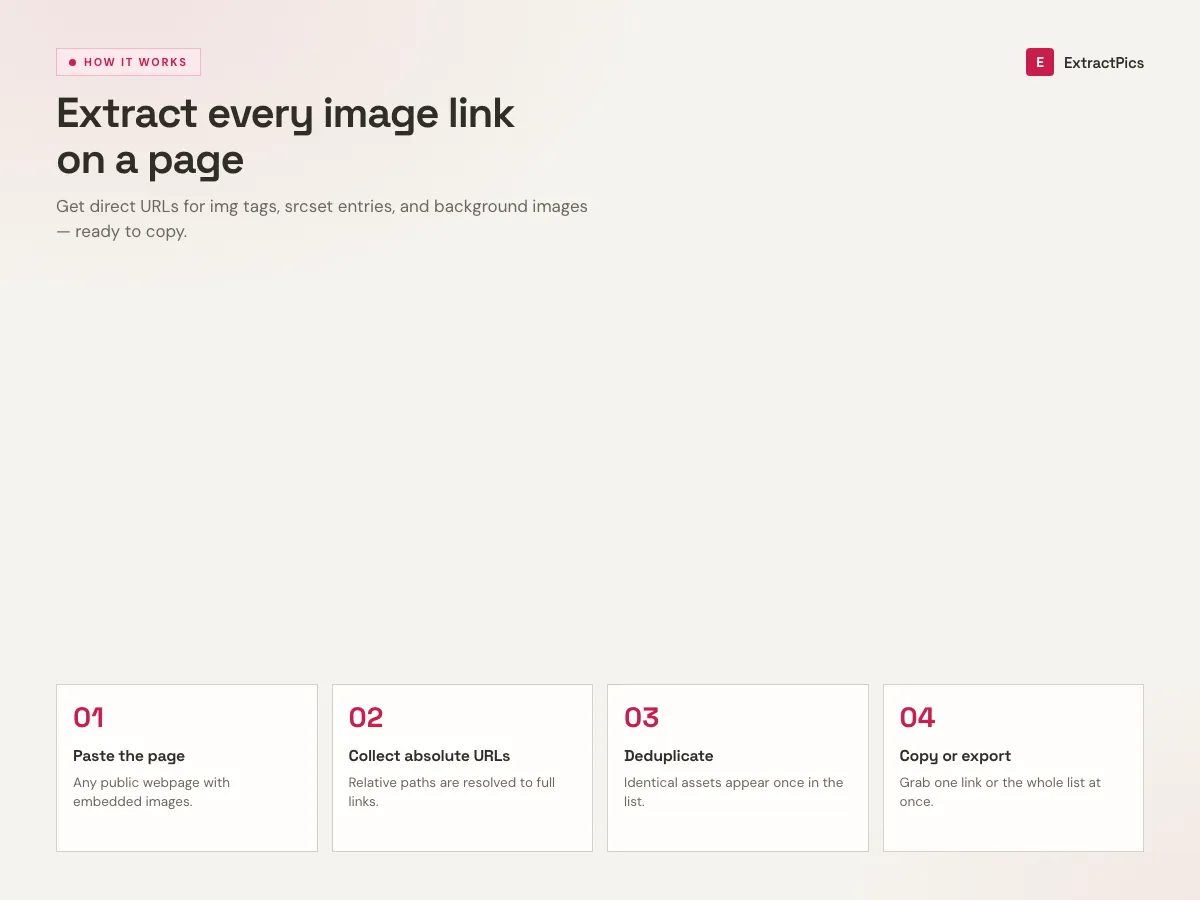
Run the image link in three steps
- 01
Copy the website link
Open the webpage with the images you want and copy its URL.
- 02
Paste and scan
Paste the link into the image link above and run a scan. A real browser finds every image, including the lazy-loaded ones.
- 03
Download the images
Preview the results and download them individually or all at once as a ZIP.
Why pull image links instead of files
Sometimes you don't want the image saved to your disk, you want its address. An HTML email needs hosted URLs so pictures render without attachments. Documentation and README files embed images by link. A link directory or moodboard references them in place. For all of that, the URL is the asset, not the file.
Getting those links by hand is tedious and unreliable. Many sites disable the right-click menu, and even when they don't, copy image address misses anything loaded by JavaScript or painted as a CSS background. Reading the rendered page surfaces those sources in one pass, each pointing at the original, highest-resolution version.
The links keep the original host and path, so they hotlink back to the same source the page uses. That's usually what you want for embedding, though it's worth remembering some sites block hotlinking from other domains, in which case you download the image from its link and re-host it instead.
Image link vs page link
They look similar but point at different things. Knowing which is which saves a lot of confusion when embedding or hotlinking.
| Item | Page link | Image link |
|---|---|---|
| Points to | The whole webpage | One image file |
| Opening it shows | The full page | Just the picture |
| Ends in | A path or ?query | .jpg, .png, or .webp |
| Use it to | Share the page | Embed or hotlink the image |
Frequently asked questions
If your question is not covered here, send us a message and include the page, file, or result type you are working with.