IMDb image downloader in HD
Type a movie or series name and choose the right IMDb match, or paste an IMDb title or person URL. ExtractPics finds the posters, gallery stills, and headshots for full-size or ZIP download.
- check_circle100% free
- check_circleNo signup
- check_circleFull-size files
- check_circleZIP download
Trusted by people who extract images every day
136,962 image extractions and counting
IMDb image downloader — what it does
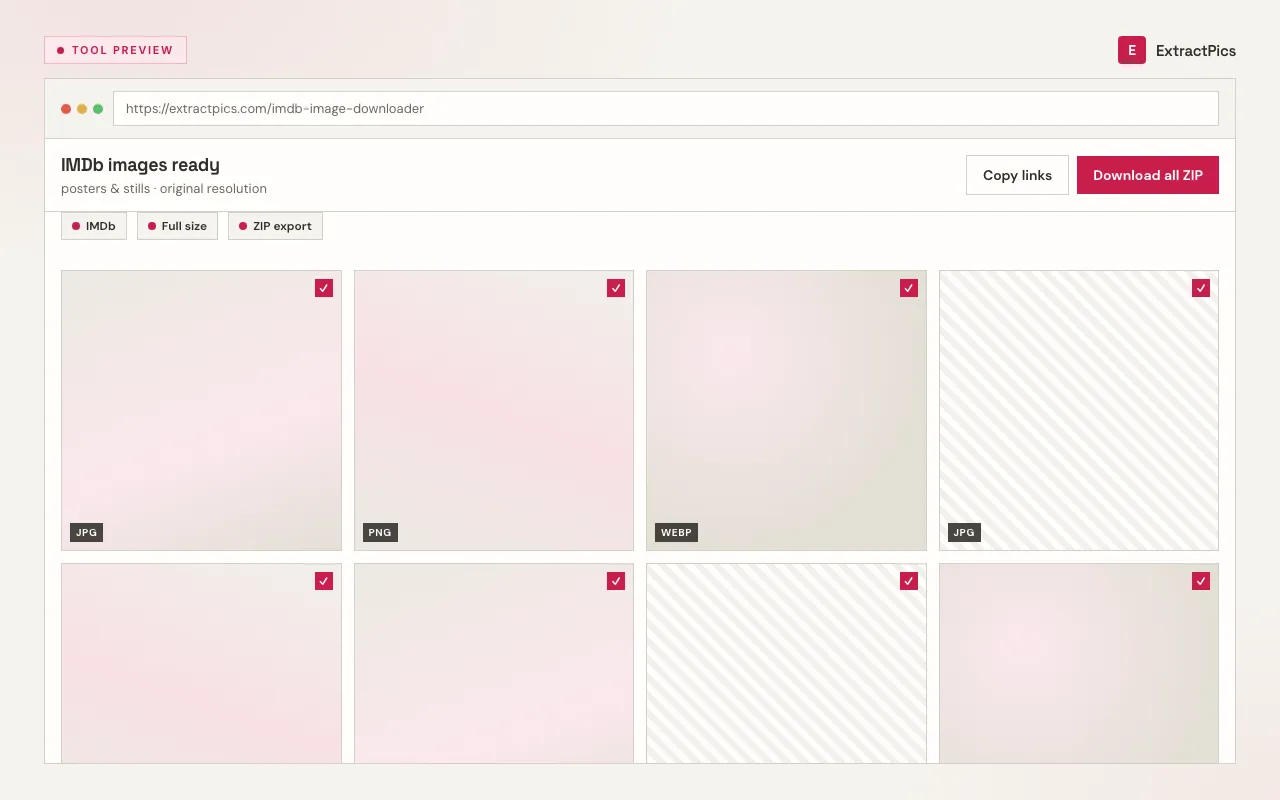
This IMDb image downloader turns a movie search or IMDb page into a clean grid of downloadable images. Type a movie or series name and choose the correct match, or paste the URL of a title or person page. ExtractPics then opens the selected page in a real browser and finds every image it loads — the main poster, gallery stills, event photos, and cast headshots. Each one previews so you can grab exactly the shots you want at full size, or download them all together as a ZIP.
Because it runs the page the way your browser would, it catches images that load as you scroll and artwork served from IMDb's media CDN, not just whatever sits in the raw HTML. You skip the right-click-and-save dance, the low-res thumbnails, and the screenshotting — and you get the original files instead. It works the same on a phone or a laptop, with nothing to install.
Why use this IMDb image downloader
Posters, stills and headshots
From a title page you get the official poster and gallery stills; from a name page you get headshots and event photos. One paste pulls the lot into a preview grid.
Full-size, not thumbnails
You download the larger source files behind the small previews on the page — the original resolution IMDb serves, not a cropped screenshot of your screen.
One file or a whole gallery
Save a single still in a click, or tick the ones you want and download them as a single ZIP. Handy when a gallery has dozens of images.
When an IMDb image downloader helps
Any time you're looking at an IMDb title or person page and want the actual image files rather than a low-quality screen grab, this is the fast way to collect them.
Perfect for
- checkSaving a movie poster from its IMDb title page
- checkCollecting film stills and behind-the-scenes shots from a gallery
- checkGrabbing cast and crew headshots from a name page
- checkBuilding a private moodboard or reference set for a project
- checkPulling press-event photos from an actor's IMDb gallery
- checkSaving artwork for personal cataloguing of films you've watched
What you get
- checkWorks with both title pages and name (person) pages
- checkLists posters, gallery stills, and headshots together
- checkFull-size source files, not on-page thumbnails
- checkPreview every image before you save it
- checkDownload one image or the whole gallery as a ZIP
- checkRuns in the browser — no signup, nothing to install
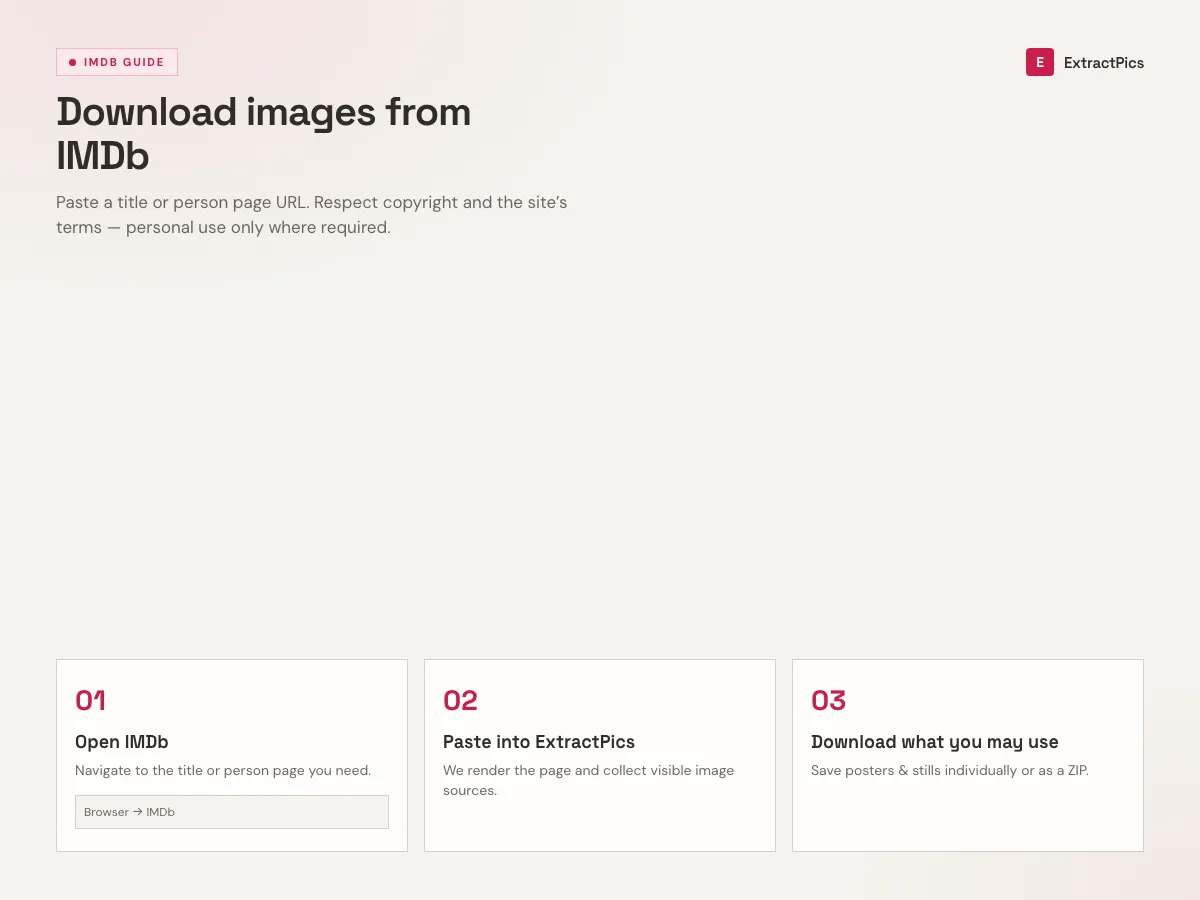
How to use the IMDb image downloader
- 01
Search or paste an IMDb URL
Type a movie or series name and choose the correct title and year from the matches. You can also paste an IMDb title URL or person-page URL directly.
- 02
Choose Quick or Deep Extract
Run Quick Extract for the selected page or Deep Extract to follow links across more pages. ExtractPics loads the resolved IMDb page in a real browser and gathers the images it finds.
- 03
Preview and download
Look through the grid, then save individual images at full size or select several and download them together as a ZIP to your device.
Why an IMDb image downloader beats screenshotting
A screenshot of an IMDb gallery only captures what's on your screen, at screen resolution, usually with the page's interface getting in the way. The image files behind those thumbnails are larger and sharper. If you care about quality — for a print reference, a slide, or a tidy archive — you want the source file, not a picture of the thumbnail.
Pasting the page URL also saves a lot of clicking. Instead of opening each still in the lightbox and saving it one at a time, you get the whole gallery in one grid and can ZIP everything in a single action. That's the difference between a few seconds and a slow afternoon when a title has a big photo gallery.
A note on rights: IMDb images, posters, and movie stills are copyrighted by the studios, photographers, and IMDb itself. ExtractPics only reaches images that are already publicly visible on the page, and downloading for personal use — reference, study, a private collection — is generally fine. Reusing or republishing them is a separate matter that needs permission from the rights holder. Use the tool responsibly and respect those licenses.
Frequently asked questions
If your question is not covered here, send us a message and include the page, file, or result type you are working with.