HD and 4K image downloader
Paste a webpage URL. ExtractPics reads its responsive sources and lists the largest file the page provides without taking a screenshot or inventing pixels.
- check_circle100% free
- check_circleNo signup
- check_circleHighest resolution
- check_circleNo re-compression
Trusted by people who extract images every day
136,960 image extractions and counting
What the HD and 4K image downloader can retrieve
This HD and 4K image downloader looks past the small preview a page may display. It reads each image's srcset and source list, selects the largest candidate the site declares, and follows linked thumbnails to their full-size files. The download keeps the format and dimensions served by the source. Already have the direct file address? You can download the image from its link and skip the page scan.
The tool is not an upscaler. It cannot add detail or pixels that the site never published. If the largest source is 600 pixels wide, that is the largest available file. If the page links a 4K original behind a thumbnail, the tool can list that original.
Why use this HD image downloader
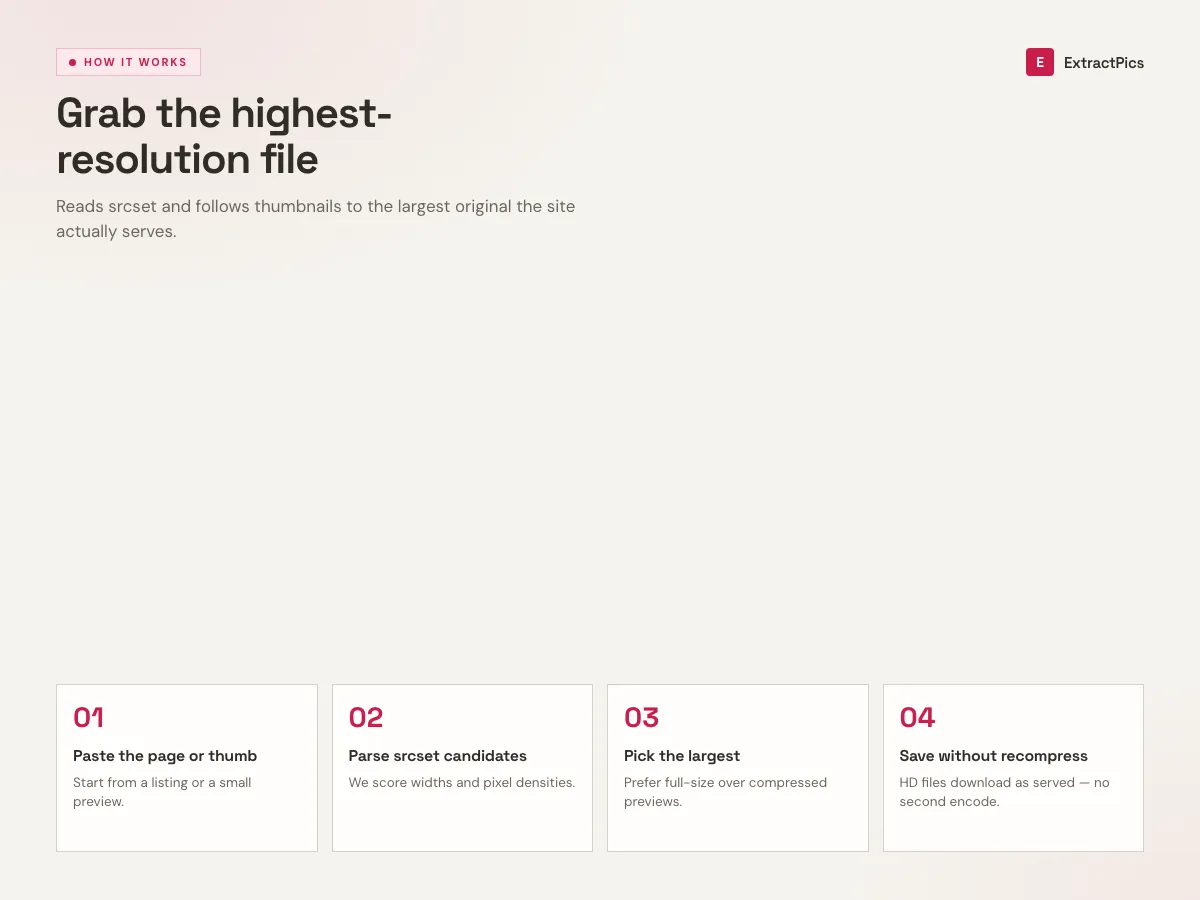
Reads srcset, picks the largest
Responsive images declare several sizes in srcset and <picture> sources. The tool parses every candidate and selects the widest one, so you get the desktop-retina version instead of the mobile thumbnail.
Finds the original behind thumbnails
Gallery thumbnails usually link to a full-size file. When a small preview points at a larger original, the downloader follows that link and saves the high-resolution version, not the shrunk one.
No re-compression or upscaling
The downloaded file keeps the dimensions and format served by the site. The tool does not run another compression pass or add generated detail.
When an HD image downloader is the right tool
Any time the version you can see is smaller or softer than the file actually behind it, this pulls the full-resolution original instead of the on-screen preview.
Perfect for
- checkSaving product photos at full retina resolution, not the listing thumbnail
- checkGrabbing high-resolution stock or gallery originals hidden behind small previews
- checkPulling 2x / 4K assets that only load on large screens via srcset
- checkCollecting sharp reference images for design, print, or moodboards
- checkGetting the full-size original instead of the compressed share-card version
- checkDownloading high-resolution images in bulk from a single page as a ZIP
What you get
- checkParses srcset and <picture> sources to find the widest variant
- checkFollows thumbnail links to full-size originals
- checkKeeps the original resolution and format, no re-compression
- checkLists every image so you can compare sizes before saving
- checkDownload one image or every high-res file on the page as a ZIP
- checkRuns in the browser with nothing to install
How to use the HD image downloader
- 01
Copy the page URL
Open the webpage that has the images you want and copy its address from the browser bar. The full page works, so you do not need a direct image link.
- 02
Paste and scan
Drop the URL into the box at the top. A real browser loads the page, reads each image's responsive sources, and resolves thumbnails to their full-size originals.
- 03
Download the largest version
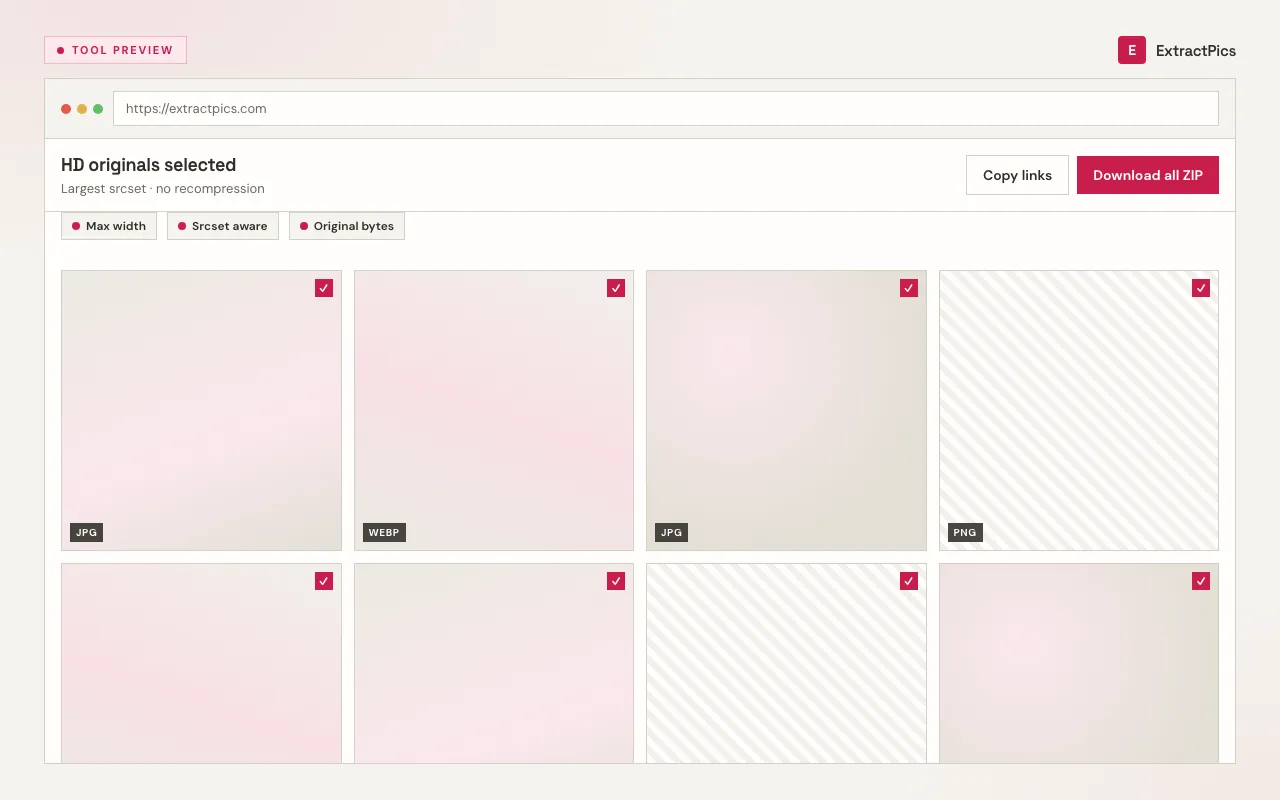
Review the results and check the listed dimensions. Save one high-resolution file or download the selected images as a ZIP.
Why an HD image downloader gets the full-resolution file
Modern sites serve different image sizes to different screens to keep pages fast. A phone gets a small file; a retina laptop gets a 2x version; the true original might be larger still. Your browser usually displays whichever variant fits your screen, so what you see and right-click is often not the biggest file available. An HD image downloader reads the full list of declared sources and deliberately picks the largest, so screen size stops capping your download quality.
Galleries often display a small thumbnail that links to a full-resolution file at another URL. A screenshot keeps the thumbnail's reduced dimensions. Following the link preserves every pixel published in the larger source, and the tool checks for that link automatically.
The tool can only retrieve the highest resolution the website hosts. It does not upscale, sharpen, or generate detail, and it only reaches publicly accessible images. You are responsible for each site's terms and the copyright on downloaded files. A high-resolution copy does not include permission to reuse the image.
Frequently asked questions
If your question is not covered here, send us a message and include the page, file, or result type you are working with.