Bulk photo downloader for any page
Paste a webpage link and save the photos it actually shows. You get the original files, not compressed previews, as single images or one ZIP.
- check_circle100% free
- check_circleNo signup
- check_circleOriginal quality
- check_circlePhone friendly
137,097 image extractions and counting
What this bulk photo downloader does
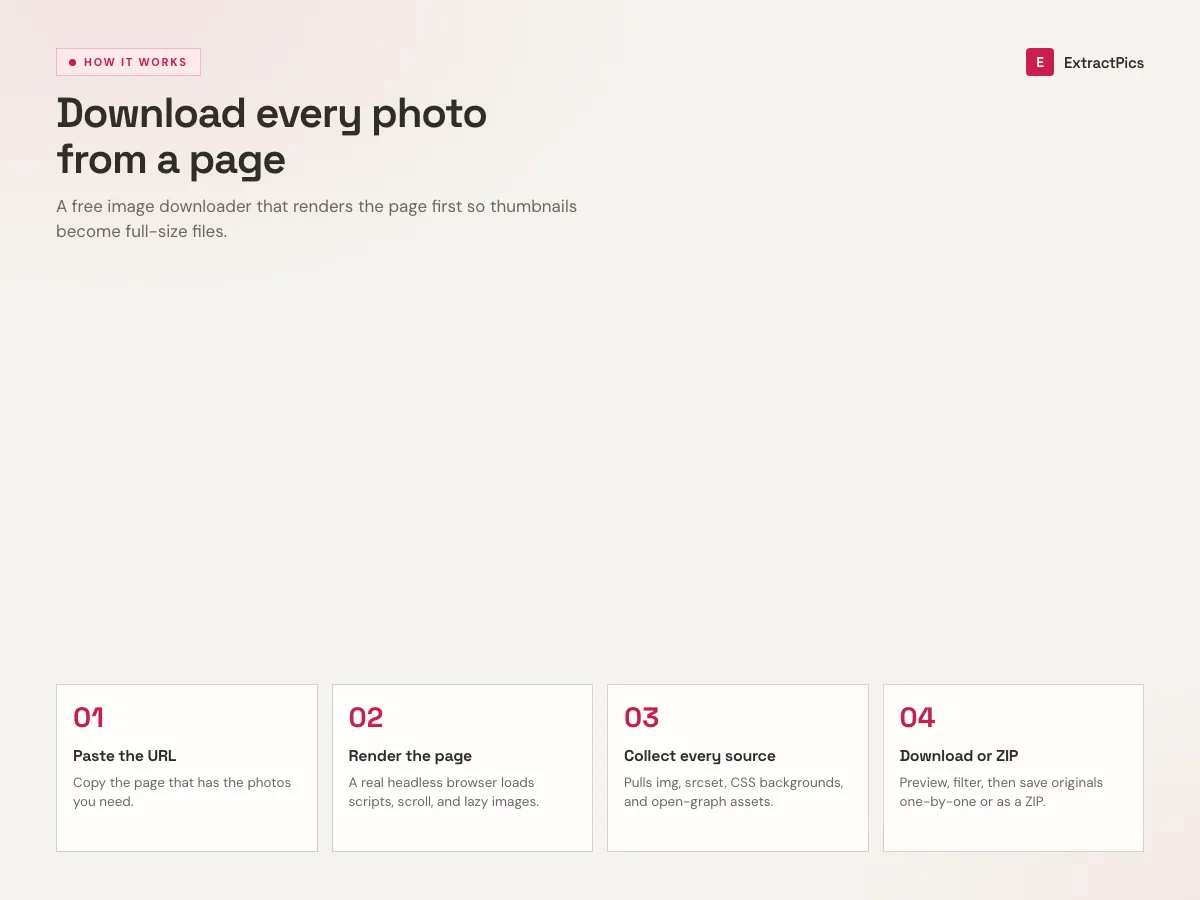
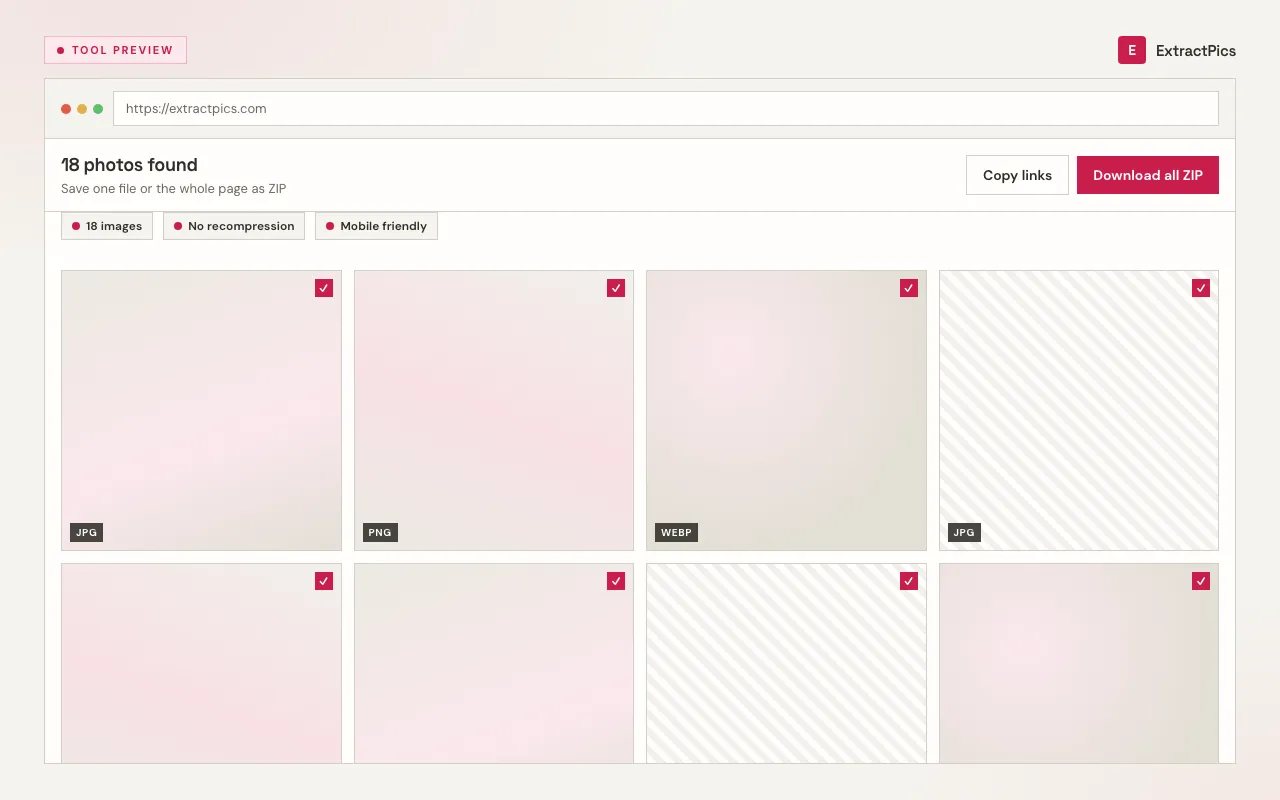
This photo downloader saves real photos from a public webpage without making you right click each one. Paste any page URL and it opens the page in a headless browser, the same way Chrome would, then finds every photo element it loads. You preview what it found and download what you want.
It picks up the files that basic savers miss. Photos that load as you scroll, responsive versions in srcset, and background photos set in CSS all show up because the page is rendered before anything is collected. You keep the original format and size, so a JPG stays a JPG at the resolution the site served.
What you get with this photo downloader
Full photos, not previews
Each file saves at the original resolution and native format. No screenshot, no second pass through an encoder.
Finds photos you cannot right click
Lazy loaded shots, responsive srcset files and CSS background photos appear because the page is rendered first.
One photo or the whole page
Save a single image or select several and pull them down together in one ZIP.
When to use the photo downloader
Use it whenever a page has photos you need and manual saving is slow, blocked, or only gives you a thumbnail.
Perfect for
- checkSaving every photo from a gallery or portfolio page
- checkPulling photos from a blog post with many images
- checkCollecting product photos for a moodboard
- checkSaving photos on a phone where long press often fails
- checkGetting the full size file behind a thumbnail
- checkGathering reference shots for a design brief
What you get
- checkSaves one photo or the whole page as a ZIP
- checkKeeps original resolution and native format
- checkHandles JPG, PNG, WebP, SVG, GIF, AVIF, ICO and BMP
- checkReads lazy loaded and JavaScript rendered photos
- checkNo signup, no install, no watermark
- checkWorks the same on phone and laptop
How to download photos
- 01
Copy the page link
Open the page that has the photos and copy its address from the browser bar.
- 02
Paste and scan
Drop the link into the box above. The tool renders the page, scrolls it, and lists every photo it loads.
- 03
Save what you want
Preview the results, keep what you need, and download one photo or the whole set as a ZIP.
Why this photo downloader is faster than saving by hand
Saving by hand means opening each image and choosing Save as. On a gallery that is dozens of clicks, and it often only gives you a thumbnail. This tool loads the page once and hands you the full files so you can save a whole set in one step.
It also works where manual saving fails. Sites that block the right click menu, show a small placeholder until you scroll, or paint photos as CSS backgrounds still give you the photos here because the page runs with JavaScript enabled before anything is collected. You deal with public images only, so logins and private albums are out of scope.
Photo downloader vs saving by hand
The same job done two ways. The difference grows with each extra photo on the page.
| Task | Saving by hand | Photo downloader |
|---|---|---|
| One photo | Right click, Save as | One click after scan |
| A 40 photo gallery | 40 separate clicks | One scan, one ZIP |
| Lazy loaded photos | Often missed | Loaded by scrolling first |
| Format | Whatever the thumbnail gives | Original file format kept |
Frequently asked questions
If your question is not covered here, send us a message and include the page, file, or result type you are working with.