Website logo downloader
Paste a website URL and ExtractPics finds the logo it loads — usually a PNG or SVG — along with other brand images on the page. Remember: logos are protected marks, so only download for uses you're permitted to make.
- check_circle100% free
- check_circleNo signup
- check_circlePNG & SVG
- check_circleBrowser-based
Trusted by people who extract images every day
136,960 image extractions and counting
Logo downloader — what it does and how it works
This logo downloader gives you a quick way to find and save a website's logo without inspecting code or hunting through a media folder. Paste any website URL and ExtractPics opens it in a real headless browser, lets the page render, and collects the images it loads — including the header logo, which sites commonly serve as a transparent PNG or a crisp SVG. You preview the set, spot the logo and any other brand graphics, and save them as single files or one ZIP.
Because it reads the fully rendered page, the tool catches logos placed as standard image tags, inline or linked SVGs, and CSS-background images, plus favicons and other brand assets the page references. It fetches each file at its original quality with no upscaling or alteration. It does not log into anything or reach files the page never loads — it simply hands you what a normal visitor's browser already receives.
Why use this logo downloader
Finds the real logo file
A real browser renders the page and surfaces the header logo whether it is a PNG, an SVG file, or a CSS background, rather than a blurry screenshot of it.
PNG and SVG support
Logos are often transparent PNGs or vector SVGs. The tool returns the original file in its native format, so an SVG stays sharp at any size.
Logo plus brand assets
Beyond the main logo, pages carry favicons, icons, and other brand images. Grab the logo alone or download the related set together in one ZIP.
When a logo downloader is the right tool
Any time you need a clean copy of a site's logo and digging through page source or a brand folder would be slow — and you have a legitimate, permitted reason to use that logo.
Perfect for
- checkSaving your own brand's logo from your live site for reuse
- checkPulling a partner or client logo you're authorized to display
- checkGrabbing a logo offered in a company's official press or brand kit
- checkAdding a vendor or sponsor mark you have permission to show
- checkCollecting a logo and favicon together for your own project's assets
- checkSaving a logo in its original PNG or SVG instead of a screenshot
What you get
- checkWorks with any public website URL
- checkFinds logos as image tags, inline or linked SVG, and CSS backgrounds
- checkReturns the original file — PNG, SVG, or whatever the site serves
- checkAlso surfaces favicons and other brand images on the page
- checkPreview every image, then download singly or as one ZIP
- checkFree, browser-based, with no signup and nothing to install
How to use the logo downloader
- 01
Copy the website link
Open the site whose logo you need and copy its URL from the address bar — the homepage usually loads the logo in the header.
- 02
Paste and scan
Drop the link into the box at the top of this page and run a scan. A real browser renders the site and lists the images it loads, logo included.
- 03
Find the logo and download
Spot the logo in the results, check its format, and save it on its own or alongside the favicon and other brand assets as a ZIP.
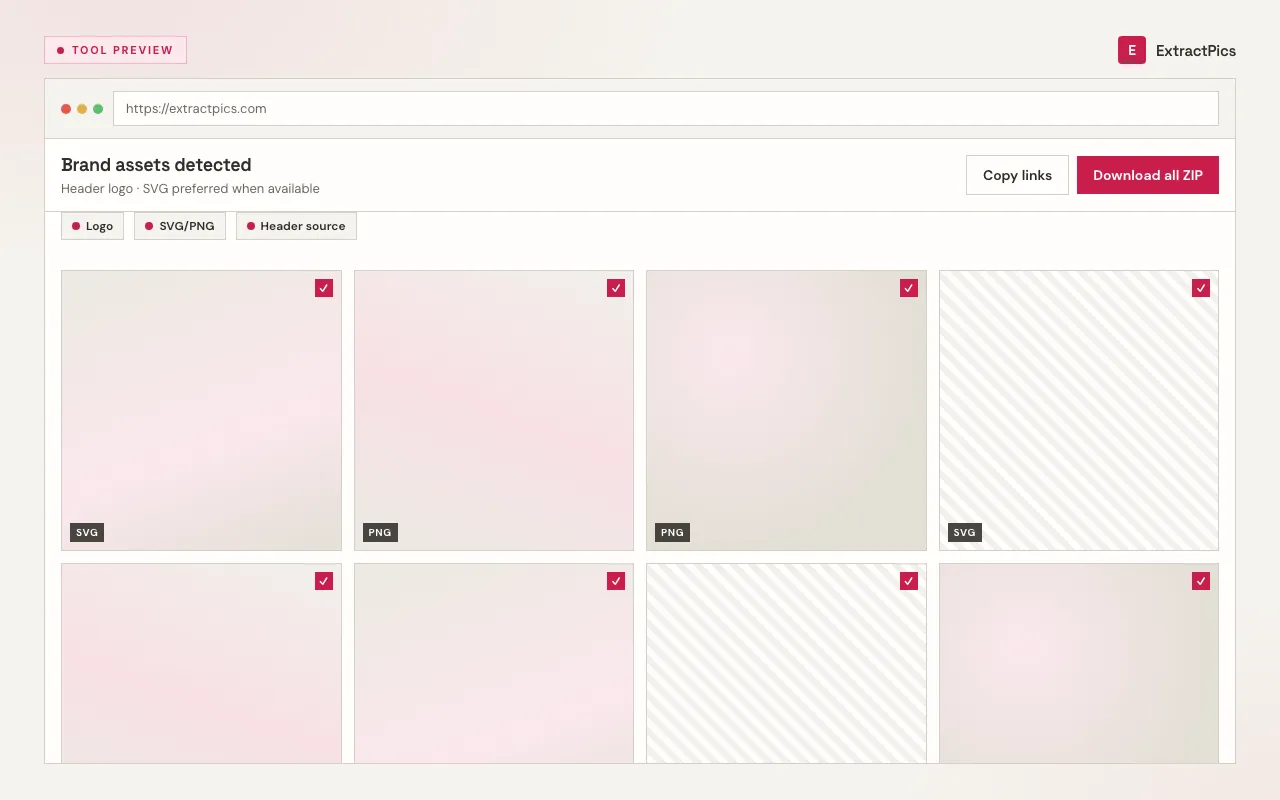
Why use a logo downloader instead of a screenshot
A screenshot of a logo is a flat, recompressed image at one fixed size, often with a background baked in and edges that look fuzzy when you scale it. A logo downloader fetches the original file instead — the transparent PNG or the vector SVG the site actually serves — so the mark stays crisp, keeps its transparency, and scales cleanly. For anything beyond a rough reference, the real file is what you want.
ExtractPics only reaches images that are already publicly served on the page. It does not log in, bypass any protection, or reach assets the page never references — it simply collects what a normal visitor's browser loads, including the logo and related brand graphics.
Here the responsibility matters more than with most images: logos are almost always trademarked and copyrighted. Downloading the file is fine for permitted uses — your own brand's logo, a partner or client mark you're authorized to display, a logo a company offers in its official press or brand kit, or genuine fair use such as news, commentary, or reference. But a logo is legally protected, and reuse needs rights: don't use someone's logo to imply endorsement, pass off your work as theirs, or in any way that could mislead. When in doubt, ask the brand or check its brand-usage guidelines first.
Frequently asked questions
If your question is not covered here, send us a message and include the page, file, or result type you are working with.