Updated Aug 2026 — works after login change
Shopify image downloader, free
Paste a Shopify product, collection, or store URL and ExtractPics pulls the product images served from Shopify's CDN at full resolution. Best used for your own store, supplier images you're permitted to use, or research — always within copyright and Shopify's terms.
- check_circle100% free
- check_circleNo app
- check_circleFull resolution
- check_circleBrowser-based
Trusted by people who extract images every day
136,961 image extractions and counting
Shopify image downloader — what it does and how it works
This Shopify image downloader saves product photos from any public Shopify page without opening the admin or unpacking a store export. Paste a product, collection or homepage URL and ExtractPics opens it in a real headless browser, lets the storefront render, and finds the product images it loads from Shopify's CDN. You preview the set, then save single files or one ZIP.
Shopify serves each image in several sizes and the storefront picks one for each thumbnail or gallery slot. This tool reads the rendered page and follows srcset to the largest version each spot loads, so you get the full resolution file instead of a small preview. It does not open your admin, reach unpublished products, or bypass store protection. It only collects what a shopper's browser already loads.
Shopify's account changes do not block product images that a store still serves to signed-out shoppers. ExtractPics visits the storefront that way, so it never asks for an admin login, customer account, private app token or theme access. It reads the page HTML, responsive srcset values, lazy-loaded gallery requests and public cdn.shopify.com files. Store owners can also use the result as a quick media inventory when an older export script expects an authenticated page.
The downloader cannot get past a storefront password, wholesale login or members-only catalog. It also cannot see unpublished products, draft themes or the admin media library. Some themes wait for a shopper to choose a color or variant before requesting that photograph, so the scan only includes variants loaded by the public page. Store owners who need a restorable archive with variant relationships and alt text should start with Shopify's supported administrative export or API. The public scan is useful as a visual cross-check, not a replacement for that store data.
Why use this Shopify image downloader
Built for storefronts
A real browser renders the Shopify page the way a shopper sees it, so the tool finds gallery shots, variant images, and collection thumbnails the page loads.
Full-resolution from the CDN
Shopify serves several sizes per image. ExtractPics follows srcset and grabs the largest version each slot uses, so you save full-size product photos, not tiny previews.
Whole catalog page in one ZIP
Product and collection pages hold many shots. Select them all and download the whole set together in a single ZIP instead of saving each one by hand.
When a Shopify image downloader earns its place
Any time you need product photos off a Shopify storefront quickly and the admin export, screenshots, or right-click saving would be slow or incomplete — most often for your own store, permitted supplier images, or market research.
Perfect for
- checkSaving your own store's product photos before a migration or rebuild
- checkPulling supplier or manufacturer images you're licensed to use
- checkCollecting full-resolution shots for your own marketing and ads
- checkDropshipping with images the supplier has explicitly permitted
- checkCompetitive and market research on how stores present products
- checkGrabbing product images on mobile, where saving is awkward
What you get
- checkWorks with Shopify product, collection, and storefront URLs
- checkPulls product images served from Shopify's CDN
- checkFollows srcset to the largest size each image loads
- checkCatches gallery, variant, lazy-loaded, and CSS-background images
- checkPreview every image, then download singly or as one ZIP
- checkNo app, no login, nothing to install, works in any browser
How to use the Shopify image downloader
- 01
Copy the Shopify page link
Open the Shopify product, collection, or store page whose images you want and copy its URL from the address bar.
- 02
Paste and scan
Drop the link into the box at the top of this page and run a scan. A real browser renders the storefront and lists every product image it loads.
- 03
Preview and download
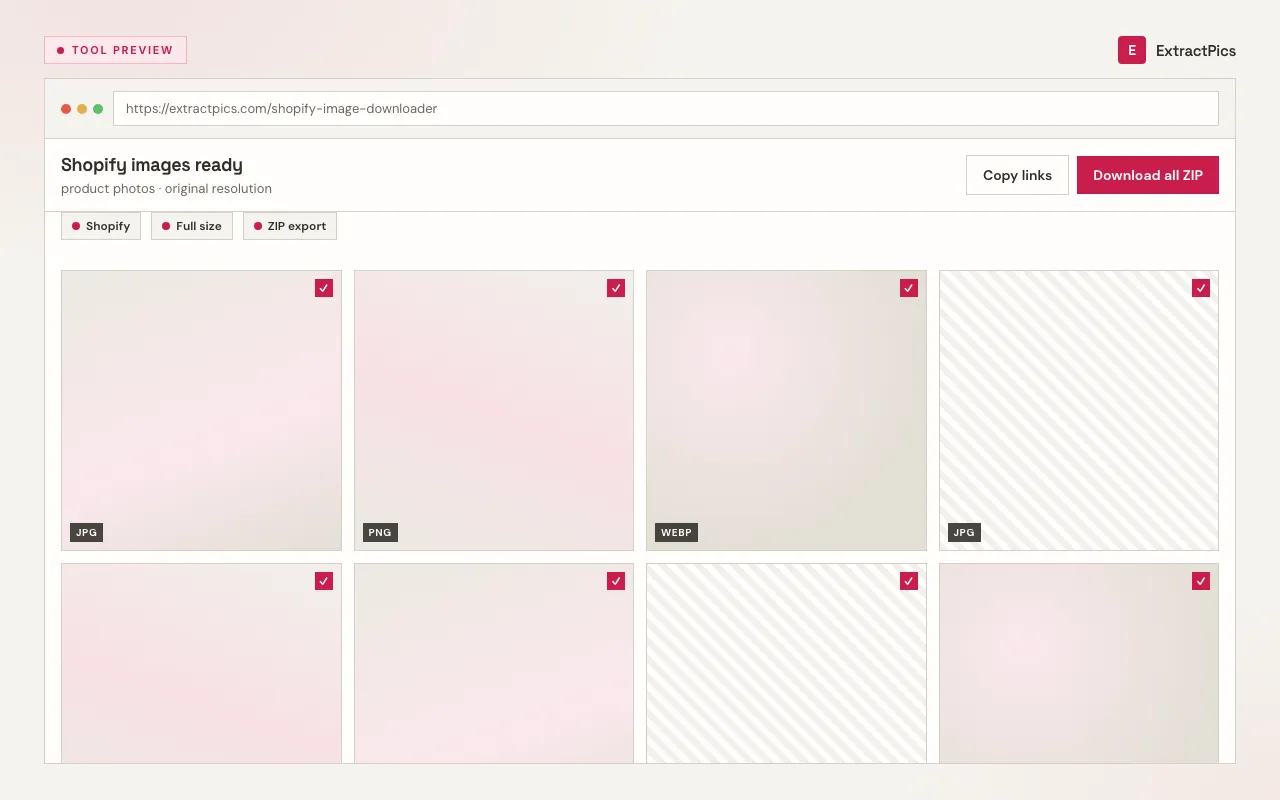
Review the results, deselect anything you don't need, then save individual images or download the full set as a ZIP.
Why use a Shopify image downloader instead of screenshots
A screenshot of a Shopify product gallery gives you a cropped, recompressed picture with storefront UI baked in. The files behind the page are the originals Shopify serves from its CDN — larger, sharper, and clean. A Shopify image downloader fetches those directly, follows srcset to the biggest version, and lets you take a whole product or collection page at once instead of saving each shot by hand.
ExtractPics only sees images that are already publicly served on the storefront. It does not log into your Shopify admin, reach draft or unpublished products, or get past any protection a store has set — it simply collects what a shopper's browser already loads on a public page.
Downloading is the simple part; using the images responsibly is what counts. Photos of your own products, and supplier images you're licensed to use, are fine to save and use. Product photography on someone else's store is their copyrighted work — keep any download to research or clearly permitted use, respect Shopify's and the store's terms, and get permission before you reuse another seller's images in your own listings or ads.
Frequently asked questions
If your question is not covered here, send us a message and include the page, file, or result type you are working with.