Image downloader for single files and full pages
Paste a link or URL and download the photos you want, from a single image to the whole page, in their original 4K and HD quality.
- check_circle100% free
- check_circleOriginal 4K/HD
- check_circleNo extension
- check_circleWorks on mobile
136,958 image extractions and counting
What this image downloader does
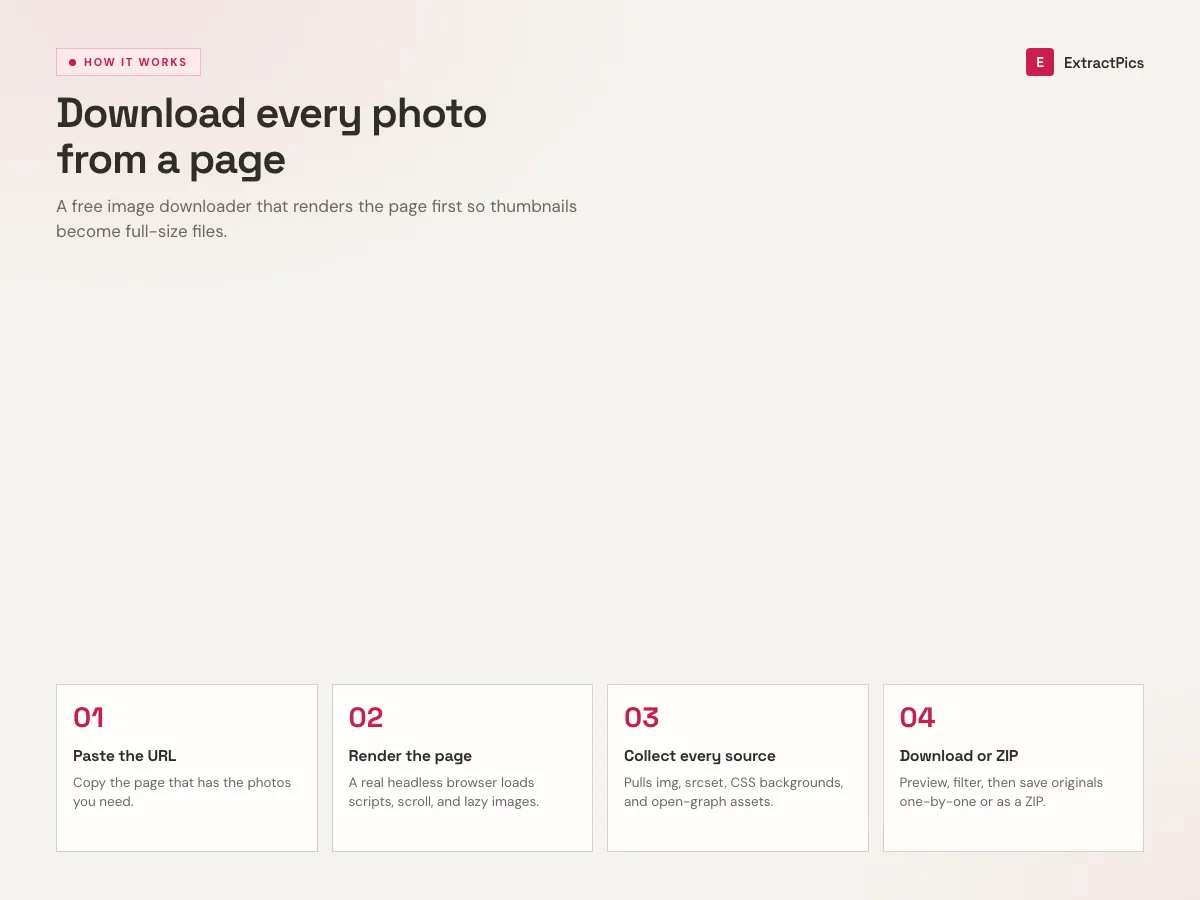
This image downloader runs in your browser. Paste any public page URL and it opens that page in a real headless browser, the same way you would see it, then lists every photo and graphic on screen. You choose what to keep and download one file or a whole ZIP. There is nothing to install and no account to make.
Many save tools miss pictures because modern pages load images on scroll, swap sizes through srcset, or paint them as CSS backgrounds. We render the page first, so those files show up too. You get the full set instead of a few thumbnails.
What this image downloader gives you
Original files, not previews
Each picture downloads at the resolution the site serves, in its native format. No screenshot, no second pass through an encoder, and no watermark added on the way out.
Finds the images you can't right-click
Lazy-loaded photos, srcset versions, and CSS background graphics all show up, because the page is rendered first instead of read from raw HTML.
One photo or the whole page
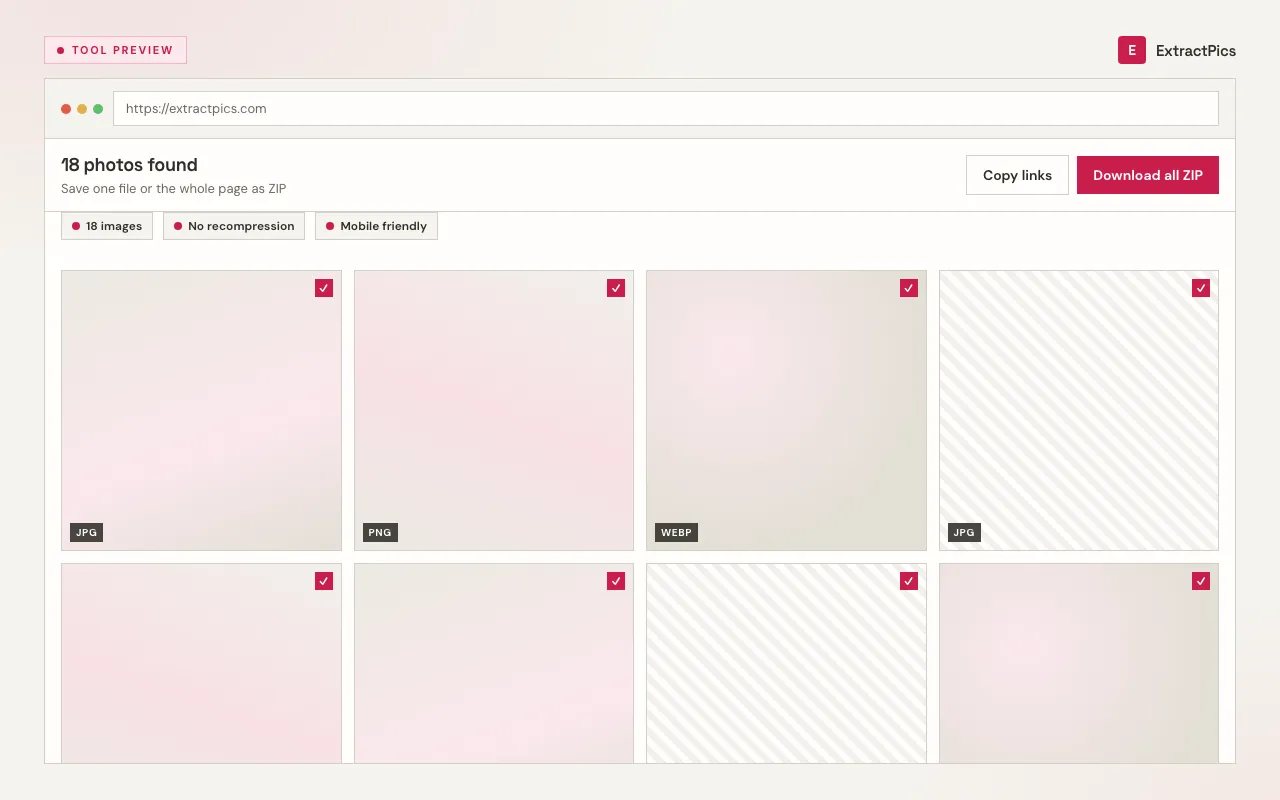
Save a single image with a click, or select a batch and pull them all down together in one ZIP instead of clicking through every file.
When to use this image downloader
Any time a page has a picture you want and saving it the normal way is slow, blocked, or only gives you a thumbnail.
Perfect for
- checkSaving product photos from a shop listing
- checkPulling every image out of a long blog post
- checkDownloading reference shots for a moodboard
- checkGrabbing pictures on a phone, where long-press saving often fails
- checkCollecting a whole feed of images at once
- checkGetting the full-size file that sits behind a thumbnail
What you get
- checkSaves a single image or the entire page as a ZIP
- checkKeeps original resolution and format on every file
- checkHandles JPG, PNG, WebP, SVG, GIF, AVIF, ICO, and BMP
- checkReads lazy-loaded and JavaScript-rendered images
- check50 guest credits or 100 with a free account
- checkRuns the same on a phone and a laptop
How to download an image
- 01
Paste the page URL
Copy the link of the web page that holds the photo you want and paste it into the box at the top.
- 02
Let it scan
We open the page in a headless browser, scroll it, and pull in every image, including lazy-loaded and JavaScript-rendered ones.
- 03
Download what you need
Save a single picture with one click, or hit download all to get every image in a ZIP.
Why use ExtractPics
Right clicking works for one picture, but it breaks when a page hides images behind scripts or loads them as you scroll. If you only need to save an image from a page that blocks the menu, the image saver is built for that. This tool reads the page like a browser does, so if you can see the photo you can download it.
The page can be a gallery, product listing, blog post, or feed. You can pull dozens of files into one ZIP instead of clicking each one, or download all the images from a website when they're spread over a few linked pages. The downloader shares the same global credit balance as other ExtractPics tools.
It runs in the browser, so it works on a phone and on a laptop the same way. No extension, no update, no login. Open the page, paste a link, download.
Formats it saves, and how
Whatever mix of formats a page uses, each file comes down as its original, not a converted copy.
| Format | Common use | How it's saved |
|---|---|---|
| JPG / JPEG | Photographs | Original file, no recompression |
| PNG | Logos, screenshots, transparency | Lossless original |
| WebP | Modern photos and graphics | Kept as .webp |
| SVG | Icons and vector art | Editable vector source |
| GIF | Animations | Full animation preserved |
| AVIF | Next-gen photos | Original .avif file |
Frequently asked questions
If your question is not covered here, send us a message and include the page, file, or result type you are working with.