Google image downloader in HD
Paste a Google Images results page or a direct image link and pull the original files straight to your device. Best used for your own images, public-domain results, or anything you have a license to use.
- check_circle100% free
- check_circleNo signup
- check_circleFull resolution
- check_circleBrowser-based
Trusted by people who extract images every day
137,092 image extractions and counting
What the Google image downloader reads
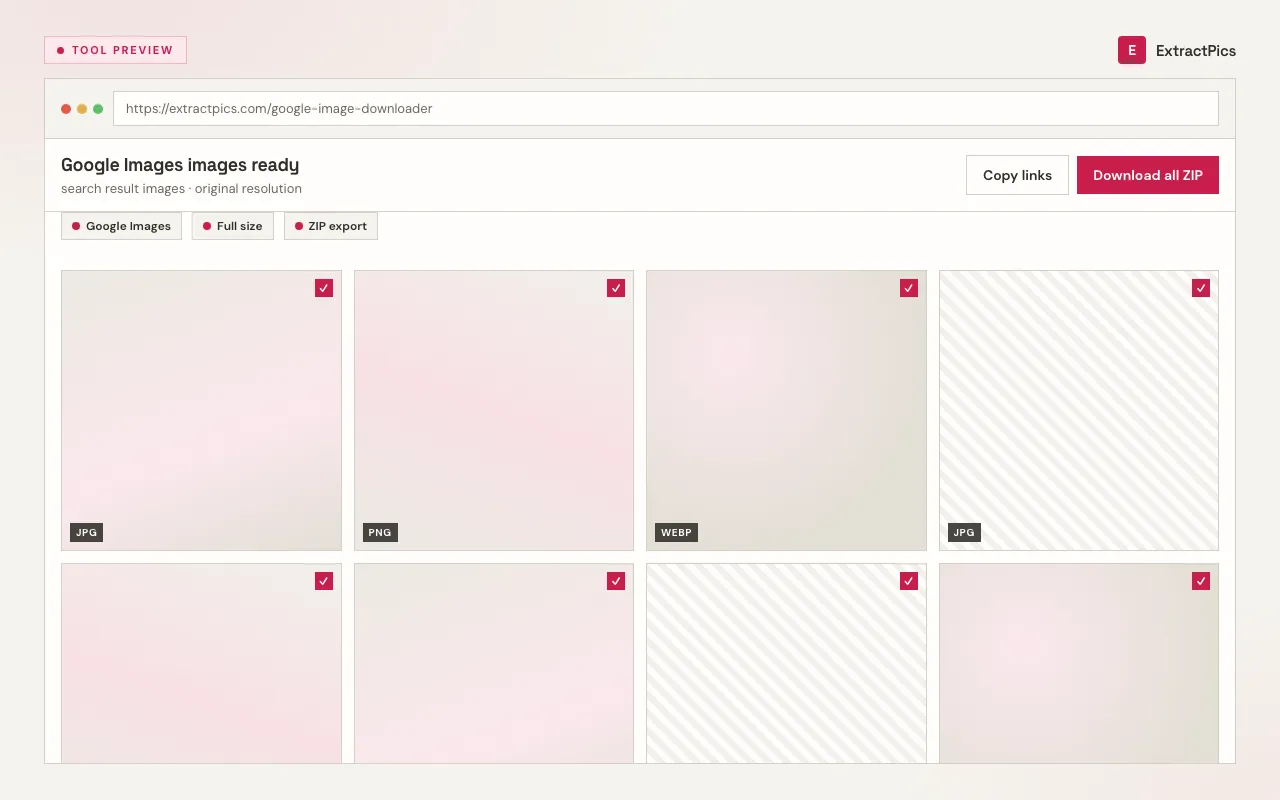
This Google image downloader gives you a fast way to save full-resolution image files instead of low-quality thumbnails. Google Images is a search engine: it shows you previews of pictures that live on other websites. Paste a Google Images results-page link and ExtractPics loads it in a real browser, scrolls for more results, and reads the original file address Google associates with each preview. You can then choose the permitted images you want and download them individually or together.
Google does not own the photos in its results. The files belong to the sites that host them, and downloading one does not grant permission to reuse it. Use the tool for your own uploads, public-domain or Creative Commons images, licensed stock, or files you have permission to keep. Check Google's usage-rights filter and confirm the license on the source page before reuse.
Why use this Google image downloader
Real files, not thumbnails
Search previews are tiny and compressed. ExtractPics reads the full-size publisher URL associated with each result, so the list contains original files instead of Google's thumbnail proxies.
Paste a page or a link
Drop in a Google Images results page or a single direct image link. Either way the tool resolves it to the real image file and hands it back.
One image or many at once
Pick a single picture, or when a page holds several you want, download them all together in one ZIP instead of saving them one by one.
When a Google image downloader helps
Use it when a permitted image sits behind a Google Images preview and you need the full-size file instead of a screenshot.
Perfect for
- checkSaving your own photos that surface in a Google Images search
- checkCollecting public-domain or Creative Commons results for a project
- checkPulling licensed stock you have already paid for at full resolution
- checkBuilding a moodboard or reference set from permitted sources
- checkGrabbing a press image a brand offers for download
- checkDownloading Google images on mobile, where long-press saving is fiddly
What you get
- checkWorks with Google Images results pages and direct image links
- checkReturns the original resolution and format, not a thumbnail
- checkPreview every image before you save it
- checkDownload one file or the whole set as a ZIP
- checkKeeps the filters already encoded in your Google Images results URL
- checkFree, browser-based, with nothing to install
How to use the Google image downloader
- 01
Find your image in Google Images
Search on images.google.com. For results you can reuse, open Tools and set Usage Rights to Creative Commons licenses before you pick a picture.
- 02
Copy the link
Open the image you want, then copy its direct link with 'Copy image address', or copy the results-page URL if you want to scan several images at once.
- 03
Paste and download
Drop the link into the box at the top of this page. Preview the full-resolution result and save it, or download a whole set as a ZIP.
Why use a Google image downloader instead of screenshots
A screenshot of a Google Images preview captures a small, recompressed picture with the search interface around it. The linked source may be larger and remains in its native format. A downloader can fetch that file without the cropping and quality loss caused by a screenshot.
ExtractPics only reaches images that are publicly accessible at their links. It does not bypass logins, paywalls, or other access controls. Use it to resolve a page or image link you already have, within Google's terms.
Downloading is the easy part; using an image responsibly is the part that matters. A file you can reach is not automatically a file you can republish. Check the source's license and copyright, lean on Google's usage-rights filter, and get permission before you reuse someone else's work commercially or publicly.
Frequently asked questions
If your question is not covered here, send us a message and include the page, file, or result type you are working with.