Find any profile picture URL
Paste the link to a public profile, bio, or team page to extract the direct profile picture URL and download the avatar in full resolution.
- check_circle100% free
- check_circleFull size HD
- check_circleDirect URL copy
- check_circleNo login
Trusted by people who extract images every day
136,960 image extractions and counting
Profile picture URL — what this tool finds
A profile picture URL is the direct web address of an avatar image — the file itself, not the page it sits on. Finding it by hand means digging through page source or the browser inspector to locate the right tag. ExtractPics skips that: paste the URL of a public profile, contact card, or team page and it opens the page in a real browser, runs it like a normal visit, and lists every image it loads. The avatar shows up alongside the rest, so you can copy its direct profile picture URL or save the full-size file in one step.
Because a real headless browser does the work, it sees images that simple HTML scrapers miss — lazy-loaded avatars, pictures pulled in by scripts, and photos set as CSS backgrounds. You get a clean gallery of what the page actually displays, each with its own direct link you can copy, preview, or download. No inspecting source, no guessing which file is the right one.
Why grab the profile picture URL here
Spots the avatar
The profile photo appears in the gallery next to everything else on the page, so you can pick it out and grab its exact link without reading any markup.
Direct, copyable link
Each image comes with its real URL. Copy the avatar's link to share or reference it, or open it to see the file on its own at full size.
Full-size original
Pages often shrink avatars to thumbnails for display. ExtractPics surfaces the underlying file so you can save it at its real dimensions, not a scaled-down crop.
When finding a profile picture URL helps
Any time you can see an avatar on a public page but need its actual link or the full-size file, this turns the page into a simple, copyable list of images.
Perfect for
- checkCopying the direct profile picture URL from a public profile
- checkGetting a contact's avatar link from a webpage or contact card
- checkPulling a headshot off a public team or staff page
- checkSaving an avatar at full size instead of a tiny thumbnail
- checkGrabbing the image link to reference in a doc, sheet, or CMS
- checkFinding the URL behind an avatar without opening the inspector
What you get
- checkDirect profile picture URL for every avatar on the page
- checkCopy the link or download the file
- checkFull-size original, not the displayed thumbnail
- checkFinds lazy-loaded, script-added, and CSS-background avatars
- checkPreview each image before you copy or save
- checkFree, browser-based, nothing to install
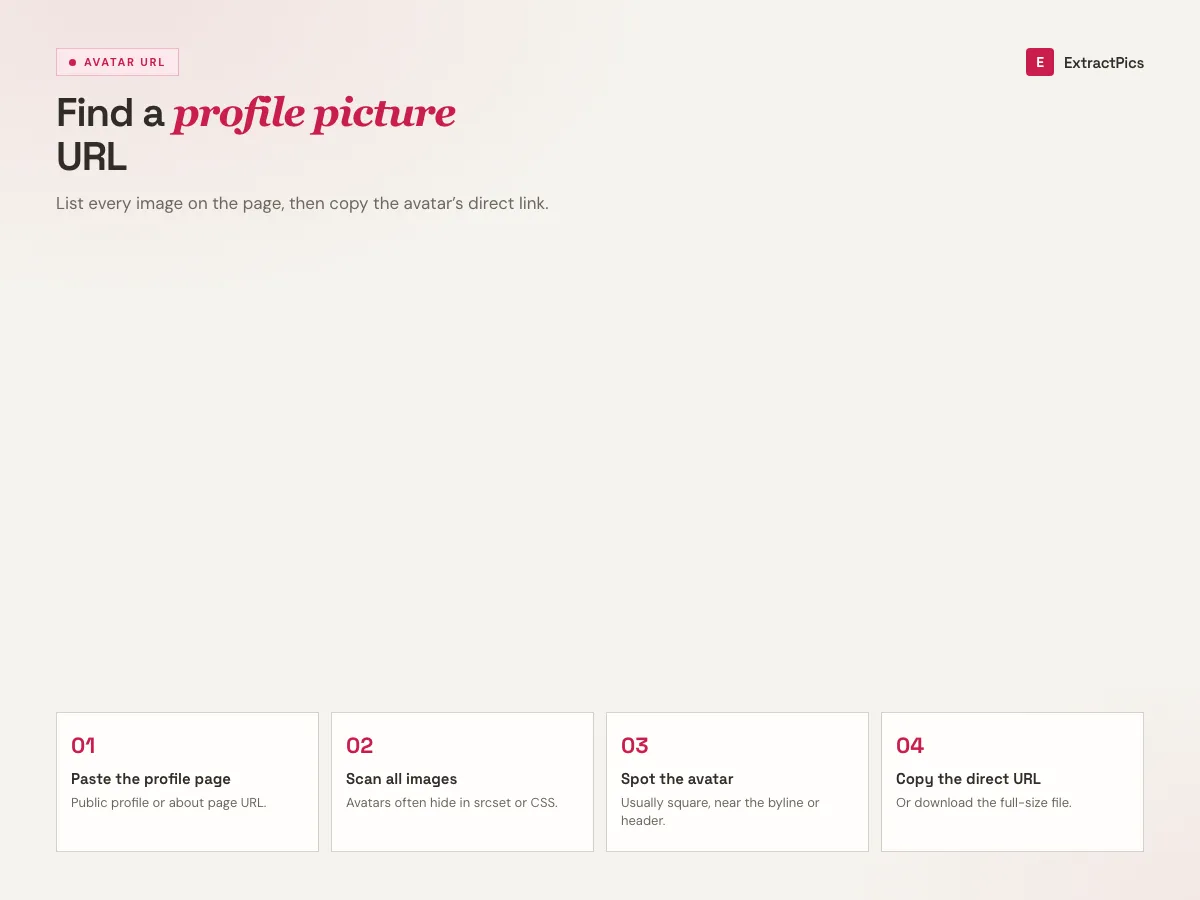
How to extract a profile picture URL from a webpage
- 01
Copy the page link
Open the public profile, contact card, or team page that shows the avatar and copy the webpage URL from your address bar.
- 02
Paste and scan
Drop the link into the box at the top of this page and run a scan. A real browser loads the page and lists every image it finds, avatar included.
- 03
Copy or download
Find the profile picture in the results, then copy its direct URL or save the full-size file to your device.
Why find a profile picture URL with ExtractPics, not the inspector
The manual way to get an avatar's link is to open developer tools, hunt through the HTML, and find the right image tag — fiddly on desktop and nearly impossible on a phone. ExtractPics does the same lookup for you and presents every image as a plain, previewable list, so copying the right profile picture URL takes a couple of clicks instead of a source dive.
It also catches the images a quick view of the source would miss. Modern pages load avatars with JavaScript, swap in higher-resolution files after the page paints, or set photos as CSS backgrounds. Because the scan runs in a real browser, those all show up — and you get the direct link to the actual file rather than a placeholder.
This only ever reaches images that are already publicly viewable at their link. It does not log into accounts, bypass privacy settings, or unlock anything hidden. You are responsible for using what you find responsibly and within each site's terms — finding a link is not the same as having the right to reuse the photo.
Frequently asked questions
If your question is not covered here, send us a message and include the page, file, or result type you are working with.