SVG downloader for any link
Paste a link and save the real .svg file behind it — the original vector code, crisp at any size, ready to scale from a favicon to a billboard. One file or the whole page as a ZIP.
- check_circle100% free
- check_circleNo signup
- check_circleScalable vector
- check_circleOriginal .svg code
Trusted by people who extract images every day
136,961 image extractions and counting
SVG downloader — what the vector file gives you
ExtractPics works as a precise SVG downloader: hand it a link and it returns the original .svg file exactly as the site stored it. Paste a direct address ending in .svg and you get that file's actual vector code — the same paths, shapes, and markup — with nothing rasterized into pixels. Paste a regular page URL and the tool loads it in a real headless browser, waits for the layout to settle, and lists each SVG it found so you can pick the icons, logos, or illustrations you want.
An SVG is not a grid of pixels but a set of mathematical shapes, which is why it stays razor-sharp whether it renders at sixteen pixels or six feet wide — and why grabbing the source file matters so much. A screenshot would lock it to one resolution and lose the very thing that makes it useful. This page centers on SVG, yet the same scan also surfaces JPG, PNG, and WebP assets on the page, so a mixed-format site never leaves you stuck. Preview first, then take a single .svg or bundle a batch into one ZIP.
Why this SVG downloader pulls the real vector
The original vector code
You get the actual .svg markup the site served — the real paths and shapes, not a flattened PNG export. It downloads the source; it does not rasterize or convert.
Finds SVGs across the page
A real browser runs the page, so icons, inline logos, and SVGs referenced in the markup all surface, not only the ones obvious in the raw HTML.
One file or a full ZIP
Save a single SVG, or select a batch of vector files and download them together as one ZIP — handy when a page ships a whole icon set.
When an SVG downloader is the right choice
Any time you spot a crisp logo, icon, or illustration that is clearly vector and want the scalable source rather than a fixed-size screenshot, this turns the link into a clean download of the real .svg file.
Perfect for
- checkSaving a brand logo as a scalable .svg for a deck or site
- checkPulling an icon set out of a design system page
- checkGrabbing a vector illustration to recolor or resize
- checkKeeping a crisp .svg that prints sharp at any size
- checkReusing a vector asset across screens of different resolutions
- checkFetching the original .svg behind a CDN or icon-library URL
What you get
- checkDirect .svg links and full page URLs both work
- checkOriginal vector code downloaded, not rasterized
- checkStays crisp at any size, from icon to banner
- checkPreview every asset before you save
- checkDownload one SVG or a whole batch as a ZIP
- checkFree, runs in the browser, nothing to install
How to use the SVG downloader
- 01
Copy the link
Right-click the graphic and choose 'Copy image address' (vector files end in .svg), or copy the full page URL if you want every asset on it scanned.
- 02
Paste it above
Drop the link into the box at the top. A direct link resolves to that one .svg; a page URL opens in a real browser and is swept for every SVG it loads.
- 03
Download the SVG
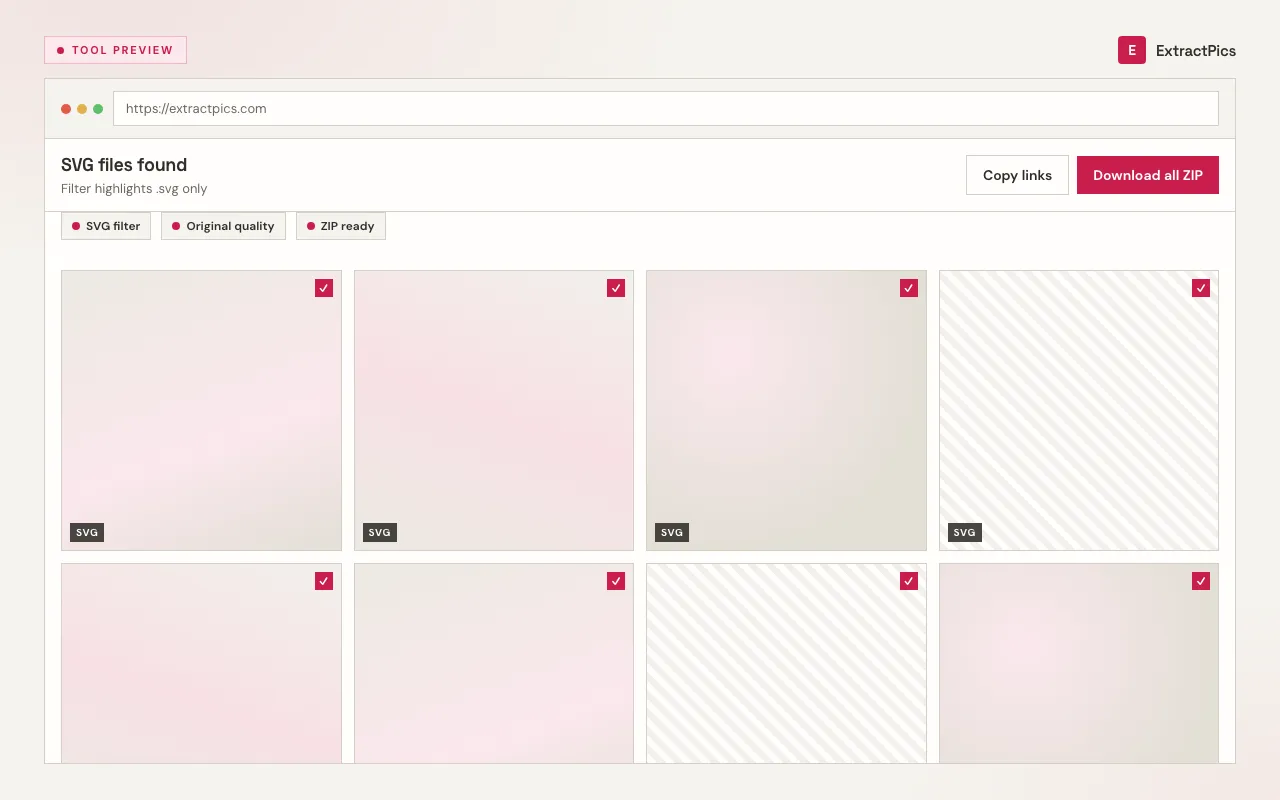
Preview the results and save the vector file. From a page scan you can take a single SVG or pick several and download them all as one ZIP.
Why use an SVG downloader instead of a screenshot
The whole point of an SVG is that it scales without ever blurring — the shapes are drawn from math, so the file is the same crisp graphic at any size. A screenshot throws that away the instant you take it: it freezes the image at one fixed resolution, and the moment you enlarge it, the edges turn soft and jagged. To keep the scalability, you need the real .svg, not a picture of it.
Because an SVG is plain markup, the source file can be recolored, restyled, or resized in code without any quality loss — something a flattened raster export can never offer. Downloading the original means a designer or developer gets a vector they can actually work with. ExtractPics hands you that file as-is; it does not rasterize the SVG into pixels, convert it to another format, or upscale anything.
ExtractPics only reaches SVGs that are already public at their URL; it does not get past logins or paywalls. Whether you may reuse a logo, icon, or illustration is a separate question set by copyright and each site's terms — downloading the file grants no right to republish it, so get permission for anything that is not your own work.
Frequently asked questions
If your question is not covered here, send us a message and include the page, file, or result type you are working with.