JPG downloader for any page
Paste a link and grab the JPG and JPEG files behind it — at their original resolution, exactly as they were saved. One image or the whole page as a ZIP.
- check_circle100% free
- check_circleNo signup
- check_circleFull quality JPG
- check_circleAlso PNG / WebP / GIF
Trusted by people who extract images every day
136,977 image extractions and counting
JPG downloader — what this tool does
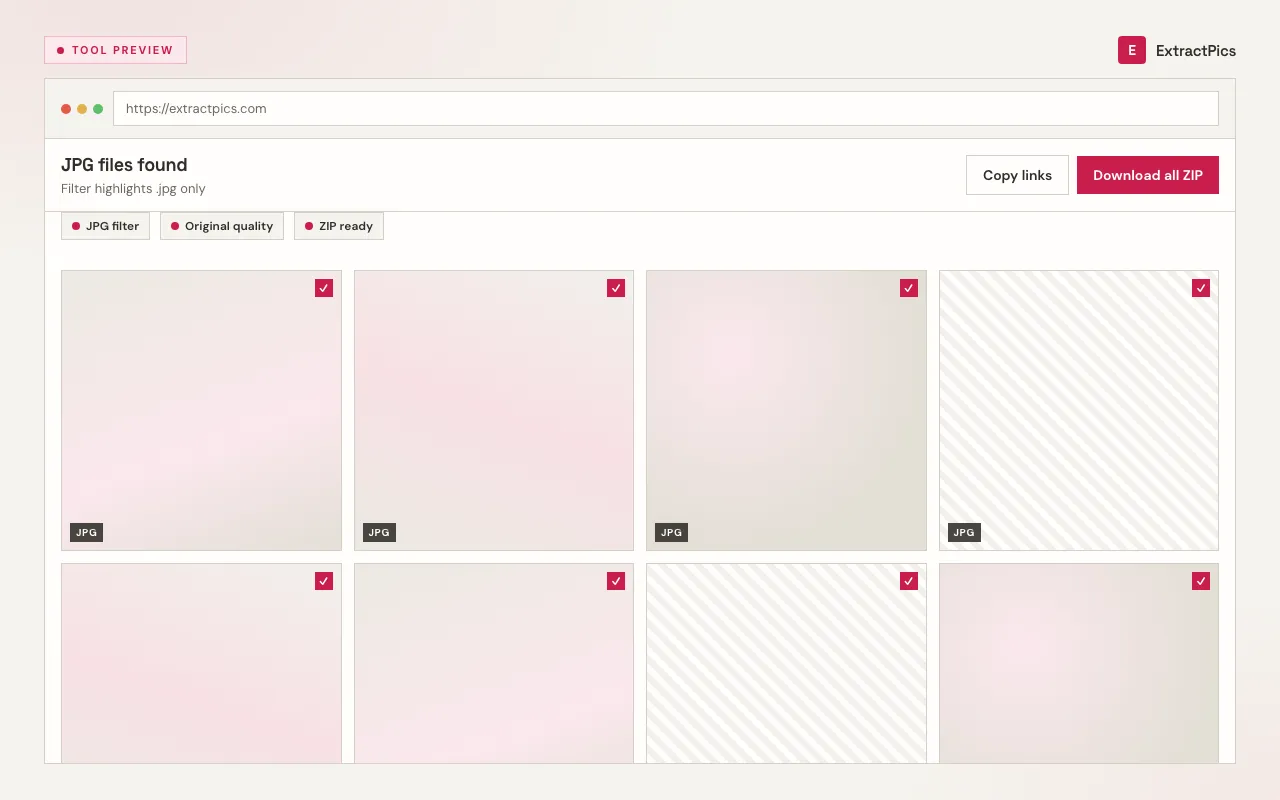
ExtractPics works as a straightforward JPG downloader: give it a link and it returns the .jpg and .jpeg files behind it at full quality. Paste a direct image link that ends in .jpg or .jpeg and you get that exact file, untouched — same pixels, same dimensions, nothing re-encoded. Paste a whole webpage URL and the tool opens it in a real headless browser, lets the page finish loading, and lists every JPEG it found so you can pick what you want.
JPEG is the format most photos on the web ship in, which is why a format-aware downloader is handy — it pulls the original file instead of a screen capture that loses detail. This page focuses on JPG and JPEG, but the same scan also surfaces PNG, WebP, and GIF images on the page, so you are never stuck if a site mixes formats. You preview first, then download a single file or bundle the lot into a ZIP.
Why use this JPG downloader
Original JPEG quality
You get the exact .jpg file the site served — full resolution, original compression, no second pass through an encoder and no added watermark.
Finds every JPG on the page
A real browser runs the page, so lazy-loaded photos, gallery thumbnails, and CSS-background JPEGs all show up, not just the ones in the raw HTML.
One file or a whole ZIP
Save a single JPG, or select a batch of JPEGs and download them together as one ZIP — useful when a page has dozens of photos.
When a JPG downloader is the right tool
Any time you have a link to a JPEG photo but no clean way to save the real file, this turns the URL into a proper download instead of a lossy screenshot.
Perfect for
- checkDownloading a JPG product photo from a store page
- checkSaving a JPEG someone shared as a direct link
- checkPulling all the JPGs out of a gallery or blog post
- checkGrabbing full-res JPEGs for a moodboard or reference set
- checkDownloading a JPG on mobile, where long-press saving often fails
- checkGetting the original JPEG behind a CDN or hotlink URL
What you get
- checkDirect .jpg / .jpeg links and full page URLs both work
- checkOriginal resolution and JPEG compression preserved
- checkPreview every image before you download
- checkDownload one JPG or the whole batch as a ZIP
- checkAlso detects PNG, WebP, and GIF on the same page
- checkFree, runs in the browser, nothing to install
How to use the JPG downloader
- 01
Copy the link
Copy the direct image link (right-click a photo and choose 'Copy image address' — JPEGs usually end in .jpg or .jpeg) or copy the full webpage URL.
- 02
Paste it above
Drop the link into the box at the top of the page. A direct link resolves to that one JPG; a page URL is opened in a real browser and scanned for every JPEG it loads.
- 03
Download the JPG
Preview the results, then save the full-quality file. From a page scan you can grab a single JPG or select several and download them all as a ZIP.
Why use a JPG downloader instead of screenshots
A screenshot only captures what fits on your screen, at screen resolution, and JPEG re-saves it again with fresh compression. The original .jpg behind a link is bigger, sharper, and carries its native dimensions. When the quality of the photo matters, you want the file itself, not a picture of the file.
JPEG is a lossy format, so every extra save throws away a little more detail. Downloading the source file means you start from the cleanest version the site has — no compounding artifacts from a screen grab and re-export. If you later need to edit or print the photo, that first generation makes a real difference.
ExtractPics only reaches JPEGs that are already publicly accessible at their URL. It does not break logins or paywalls. Whether you may reuse a photo is a separate matter governed by copyright and each site's terms — downloading the file does not grant any right to republish it, so get permission for anything that is not your own.
Frequently asked questions
If your question is not covered here, send us a message and include the page, file, or result type you are working with.