How to get an image URL
Learn how to find and copy direct image links on any device. Paste any webpage link to extract every image URL in full resolution with one click.
- check_circle100% free
- check_circleWorks on mobile & PC
- check_circleCopy all URLs
- check_circleFull-resolution links
136,976 image extractions and counting
Why you might need an image URL
Image URLs are the universal way to reference images on the web. Email marketers paste them into HTML templates so images render without attachments. Developers use them in documentation, README files, and code samples. Designers share them for moodboards. Researchers archive them.
Manual extraction (right-click → copy image address) works for a single image at a time, but breaks down on modern sites that lazy-load images or hide them behind JavaScript. That's exactly the gap this tool fills — a real browser renders the page completely, then surfaces every image source it can find.
Every extracted URL points to the original hosted image at its full resolution. No re-hosting, no quality loss, no caching layer in the middle. You're getting the same URL the source page is loading from.
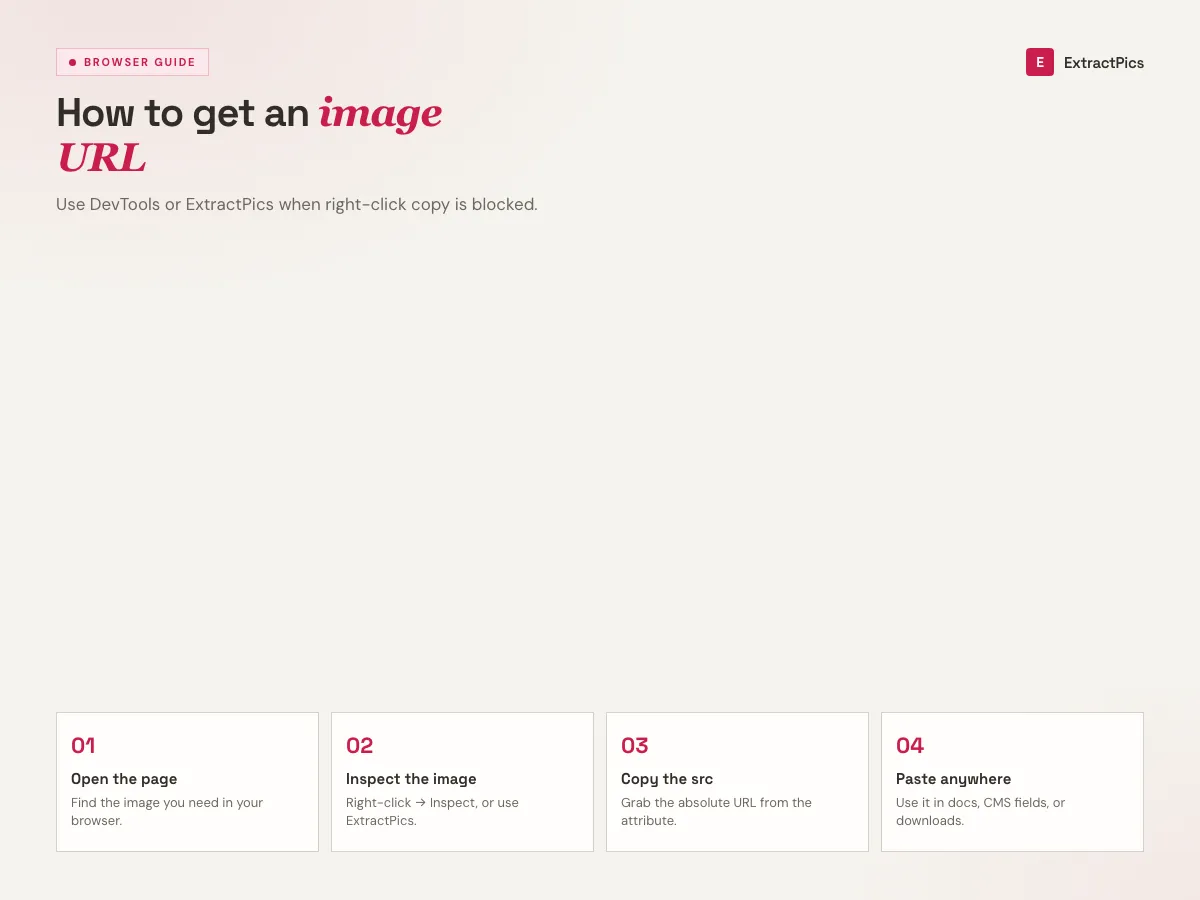
Two ways to get an image URL
By hand, one image
On desktop, right-click a picture and choose Copy Image Address; on mobile, tap and hold. Quick for a single image, but it can't reach what the page loads with JavaScript.
With the tool, every image
Paste the page URL and a real browser renders it, then lists the direct link for every image at once, including the ones manual copying misses.
Copy them in bulk
Grab the whole list with one click, or pick specific images from the preview grid. Each link points at the original file, not a resized copy.
What you'll use the URLs for
An image URL is the universal way to point at a picture without moving the file.
Perfect for
- checkPasting images into HTML email
- checkEmbedding screenshots in documentation
- checkReferencing images in code samples
- checkSharing moodboard links with a team
- checkArchiving the source URLs of a page's images
- checkFeeding a URL list into your own scripts
What you get
- checkDirect link for every image on the page
- checkCopy all URLs at once or pick from the grid
- checkSurfaces lazy-loaded, srcset, and CSS background images
- checkLinks keep the original CDN domain and path
- checkPicks the highest-resolution srcset variant
- checkFree, no signup, no extension
How to get image URL from any website in 3 steps
- 01
On Mobile (iPhone & Android)
Long-press the picture and select 'Copy Image Address' or 'Share Link'. If disabled by the website, paste the page URL into ExtractPics above to extract the original direct link.
- 02
On Desktop (Chrome, Safari & Edge)
Right-click the photo and choose 'Copy Image Address'. For JavaScript-protected, lazy-loaded, or CSS background images, paste the webpage URL into our extractor above.
- 03
One-Click Extract & Copy All
Click 'Copy all URLs' to grab every image link at once, or choose specific photos from the preview grid to download in full resolution.
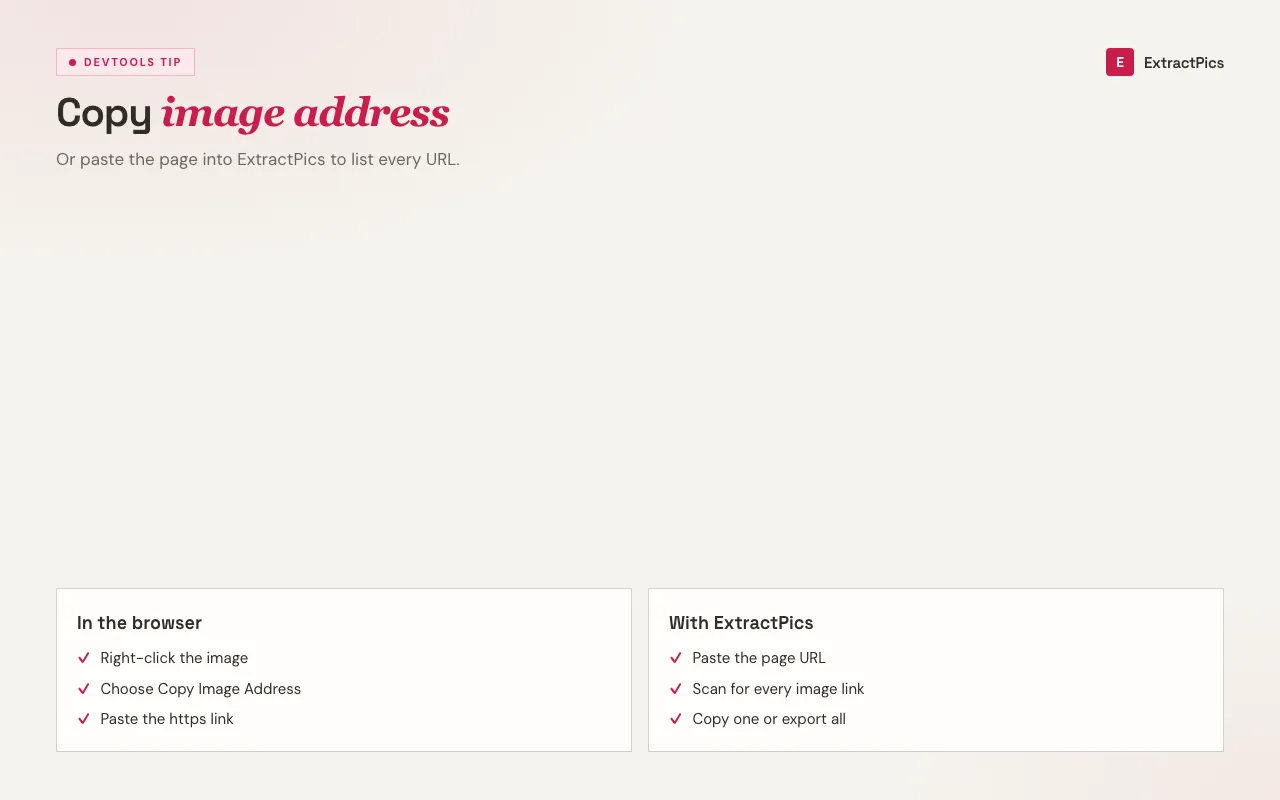
When the manual way isn't enough
Copy Image Address is fine for one picture on a simple page. It starts to fail the moment a site lazy-loads images on scroll, swaps in higher-resolution versions through srcset, or paints graphics as CSS backgrounds. Those sources never sit anywhere the right-click menu can see, so you end up with a placeholder link or nothing at all.
Rendering the page first closes that gap. The browser runs the same scripts a visitor would trigger, scrolls to wake up deferred images, and reads the styles, so every real image source is on the table. You get the full set of URLs in one pass instead of clicking through the page hoping you caught them all.
Every link points to the original hosted file at full resolution, on the same domain the page serves it from. There's no re-hosting and no quality loss in the middle, so the URL you copy is the one the source page itself is loading.
Ways to get an image URL, compared
There's more than one way to grab an image's address. Each has a sweet spot and a catch.
| Method | Best for | The catch |
|---|---|---|
| Right-click, Copy Image Address | One image on desktop | Misses JS and CSS images |
| Long-press on mobile | One image on a phone | Often blocked by sites |
| View page source | Static img tags | Skips lazy-loaded and srcset |
| This tool | Every image at once | Public pages only |
Frequently asked questions
If your question is not covered here, send us a message and include the page, file, or result type you are working with.