Free image scraper online for any website
Paste any public webpage URL and scrape every image in seconds. Extract lazy-loaded pictures, srcsets, and CSS graphics without coding.
- check_circle100% free
- check_circleNo code required
- check_circleExport URLs & ZIP
- check_circleRenders JavaScript
57,718 image extractions and counting
What this image scraper actually does
This image scraper handles what a plain HTML scraper gets wrong. A plain scraper reads only the raw source, so it misses anything built with JavaScript. We open your URL in a real headless browser, run the scripts, scroll like a person would, then collect every image source we find.
That includes normal img tags, responsive files inside srcset, and background images set in CSS. When the page settles you get a clean list of URLs to copy into your workflow, or you can download the whole set as one ZIP. Nothing to install and no account to make.
What sets this scraper apart
Renders the page first
Your URL opens in a real headless browser that runs the page's JavaScript, so the scraper reads images that never appear in the raw HTML response.
A clean URL list to copy
Every image source comes back as a plain list you can paste into a dataset, a download script, or a spreadsheet without parsing any markup yourself.
Catches the hidden sources
It pulls srcset variants and CSS background images alongside ordinary img tags, so a gallery that looks empty to curl still returns its full set here.
Who uses an image scraper
It suits anyone who needs a page's image URLs without standing up their own browser automation just to get them.
Perfect for
- checkCollecting image URLs to feed a training dataset
- checkAuditing which images a competitor's page loads
- checkPulling assets for a one-off content migration
- checkChecking a page's responsive image sources
- checkGrabbing every photo URL from a search results page
- checkSkipping a custom Puppeteer or Playwright script for a quick job
What you get
- checkNo code: paste a URL, get every image source
- checkRuns the page's JavaScript in a real browser
- checkReads srcset and CSS background images
- checkCopy the raw URL list or download a ZIP
- checkWorks on single-page apps and infinite scroll
- checkFree, no signup, no API key
How to scrape images from a website
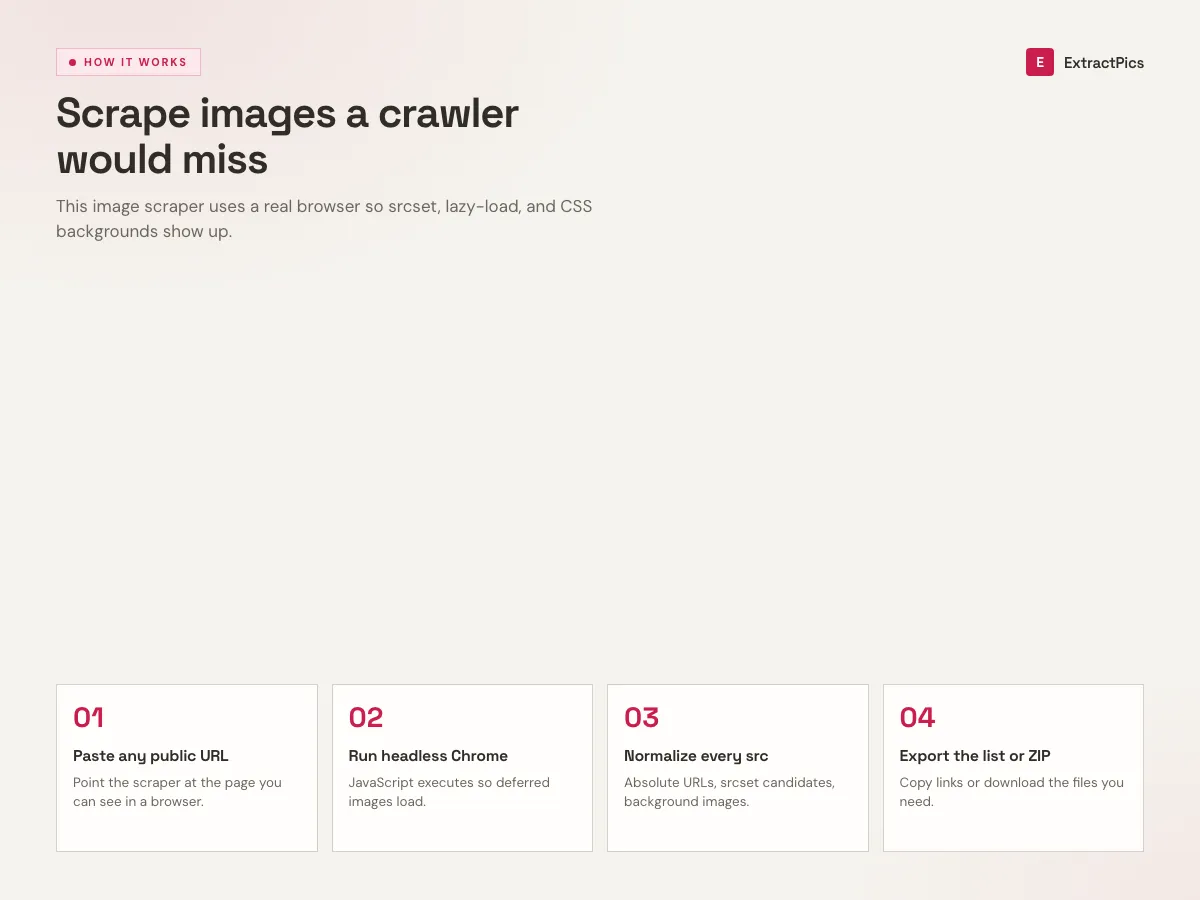
- 01
Paste the URL
Drop the address of any public page into the box. A product listing, a gallery, a blog post, a search results page, anything with images you want.
- 02
Let it load and scroll
We render the page in a headless browser, run its JavaScript, and scroll to trigger lazy-loaded content so nothing gets left behind.
- 03
Copy or download
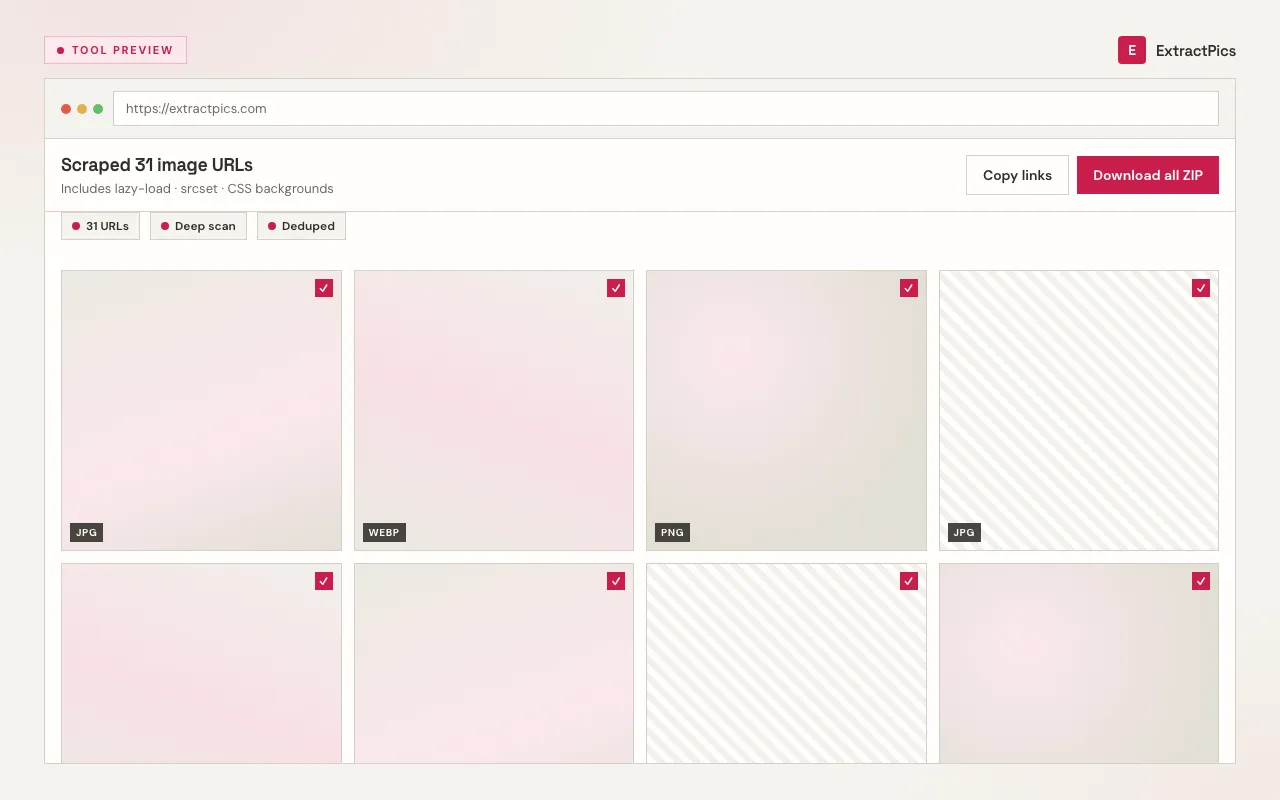
Review the scraped image URLs, copy them to your clipboard for your own workflow, or download every image as a ZIP in one click.
Why a real browser beats a plain HTML scraper
Most pages today do not ship their images in the first HTML response. They load them as you scroll, swap in higher-resolution versions based on screen size, or paint them as CSS backgrounds. A scraper that only parses static HTML misses all of that and hands you a fraction of what is on the page.
Because ExtractPics runs the page in a real browser, it sees what you see. It waits for scripts to finish, scrolls to wake up lazy-loaded images, and reads srcset and inline styles. So a gallery that looks empty to a basic scraper still gives you the full set of image URLs here.
It is built for people who would rather not maintain their own headless browser setup just to collect images. Use it as a quick one-off, or feed the URL list into a dataset or download script. You only ever reach public images, and you are responsible for respecting each site's terms and the copyright on whatever you save.
Plain HTML scraper vs a real browser
A scraper that only parses the first HTML response sees a fraction of a modern page. Rendering the page first closes the gap.
| Image source | HTML-only scraper | ExtractPics |
|---|---|---|
| Standard <img> tags | Found | Found |
| Lazy-loaded on scroll | Missed | Captured |
| srcset responsive sizes | Partly read | Largest source taken |
| CSS background images | Missed | Captured |
| JavaScript-rendered images | Missed | Captured |
Frequently asked questions
If your question is not covered here, send us a message and include the page, file, or result type you are working with.