Unsplash Image Downloader

A free Unsplash image downloader for high-resolution photos

Paste an Unsplash photo, collection, or profile URL and ExtractPics lists the photos so you can preview and save them in full resolution. Photos on Unsplash are free to use under the Unsplash License — no permission needed, attribution appreciated.

  • check_circle100% free
  • check_circleNo signup
  • check_circleFull resolution
  • check_circleBrowser-based

Trusted by people who extract images every day

image

35,717 image extractions and counting

Quick Extract: Images on this page onlyDeep Extract: Follows links across up to 3 pages
Checking…

shieldOnly download images you own or have permission to use. Respect each site's copyright and terms. Rights holders can request removal via our DMCA policy.

Extract your URL in a private tab. Nothing is sent to our servers. How it works

Add to Chrome

Extracted images will appear here.

Unsplash image downloader — what this tool actually does

This Unsplash image downloader gives you a fast way to save high-resolution photos, especially when you want several from a collection or photographer at once. Unsplash is a library of free photos published under the Unsplash License. Paste the link to an Unsplash photo, a collection, or a photographer's profile and ExtractPics opens it in a real headless browser, finds the photo files behind the previews, and lets you preview and download the full-resolution originals.

Unsplash is one of the easiest sources to use legally. The Unsplash License grants you free use of the photos for personal and commercial projects, without asking permission — though crediting the photographer is appreciated and good practice. You may not sell unmodified copies or build a competing stock service from them. Always check the current Unsplash License for the exact terms, but for the vast majority of design, web, and content work, an Unsplash photo is yours to use freely.
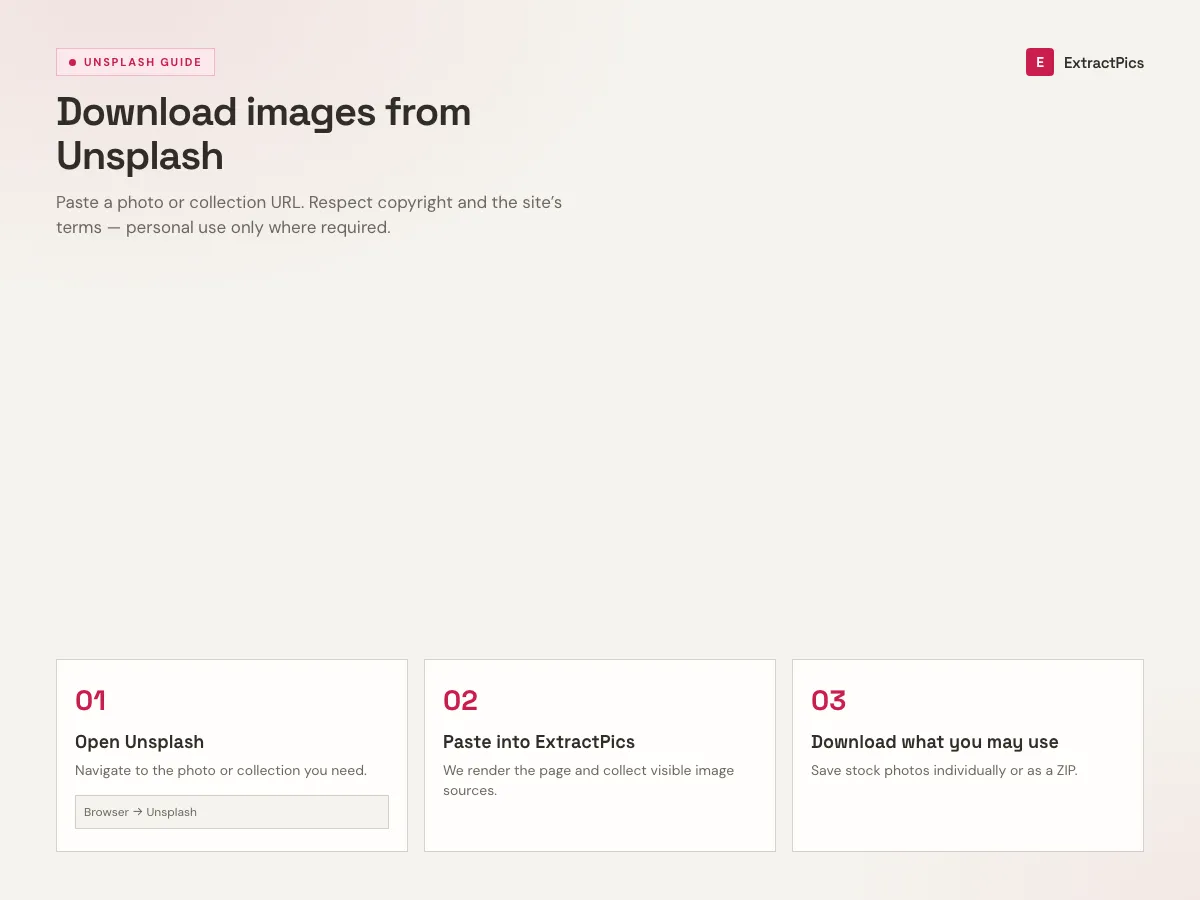
Three-step guide to download images from Unsplash using the ExtractPics Unsplash image downloader
Unsplash image downloader steps: open, paste, download.

Why use this Unsplash image downloader

collections_bookmark

A whole collection at once

Drop in a collection or profile URL and ExtractPics lists every photo it finds, so you grab a curated set in one pass instead of opening each photo's page.

high_quality

Full-resolution photos

Unsplash photos are large to begin with. The tool fetches the original file behind each preview so you save the full-resolution image, ready for print or web.

folder_zip

One photo or a full set

Save a single photo, or select several from a collection and download them together in one ZIP instead of saving each one separately.

When an Unsplash image downloader helps

Any time you need free, high-quality photos for a project and want to pull a batch from a collection or photographer quickly — covered by the Unsplash License for personal and commercial use.

Perfect for

  • checkSourcing free hero and background images for a website
  • checkBuilding a blog or article with high-resolution photos
  • checkPulling a curated collection for a design moodboard
  • checkGathering commercial-safe stock for a client project
  • checkCollecting a photographer's set you admire for reference
  • checkSaving photos for slides, social posts, or print layouts

What you get

  • checkWorks with Unsplash photo, collection, and profile URLs
  • checkReturns the full-resolution original photo
  • checkPreview every photo before you save it
  • checkDownload one photo or a whole collection as a ZIP
  • checkFinds lazy-loaded photos as a collection scrolls
  • checkFree, browser-based, with nothing to install

How to use the Unsplash image downloader

  1. 01

    Find your photos on Unsplash

    On unsplash.com, open the single photo, the collection, or the photographer's profile whose images you want to save.

  2. 02

    Copy the link

    Copy the photo, collection, or profile URL from your browser's address bar.

  3. 03

    Paste and download

    Drop the link into the box at the top of this page. Preview the photos and save one, or download the whole set as a ZIP.
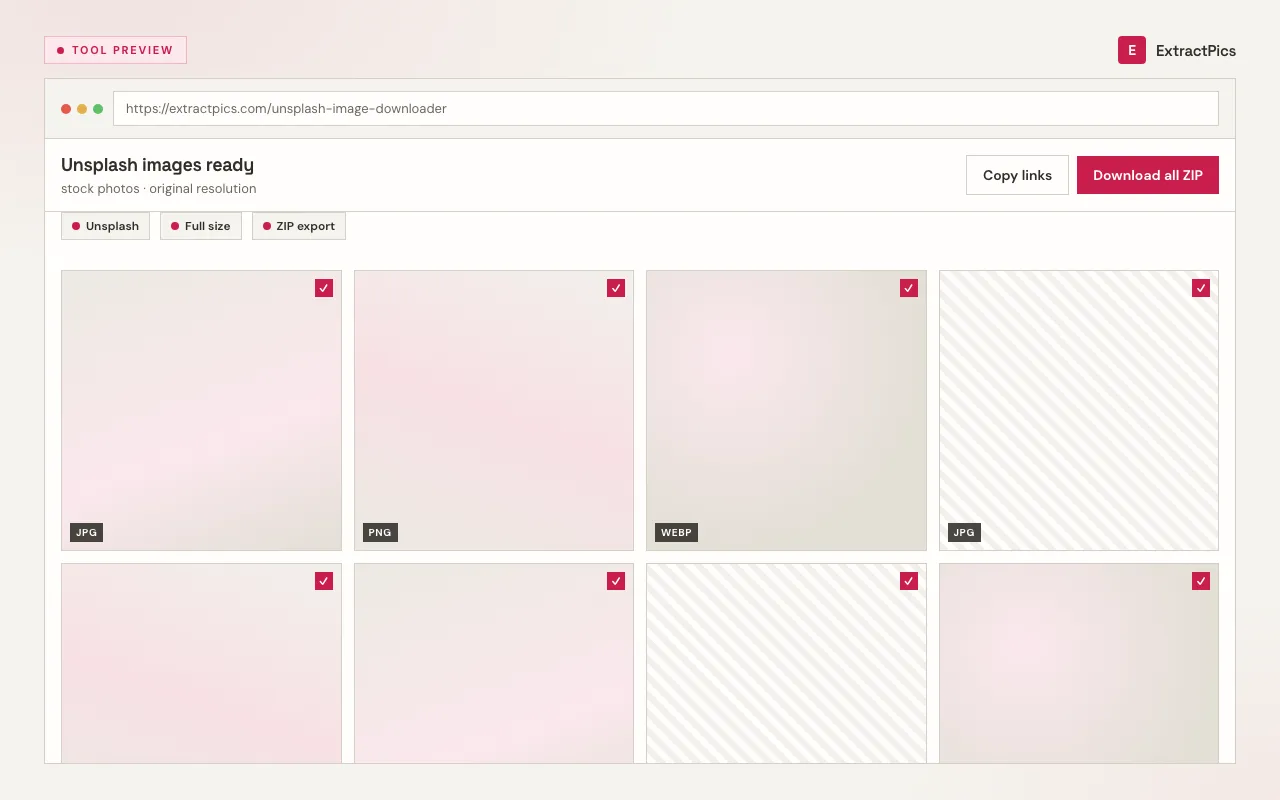
Unsplash image downloader results preview showing downloadable stock photos
Unsplash downloader results grid with original-resolution files.

Why use an Unsplash image downloader

Unsplash already offers a download button per photo, but saving a whole collection means visiting each photo page in turn. This downloader lets you paste one collection or profile link and pull the full set in a single pass, each at full resolution, so building a batch of references or assets is far quicker.

ExtractPics only reaches photos that are already publicly visible on Unsplash. It fetches the original file behind each preview at its native resolution — nothing is upscaled or re-compressed, and no watermark is added, because Unsplash photos are published watermark-free under the Unsplash License.

Because of that license, Unsplash is one of the simplest sources to use with confidence. The photos are free for personal and commercial work with no permission required; crediting the photographer is encouraged. The main limits are not reselling unmodified copies and not building a competing stock platform — check the current Unsplash License for the exact terms.

Frequently asked questions

If your question is not covered here, send us a message and include the page, file, or result type you are working with.

How do I download photos from Unsplash with this tool?

Open the Unsplash photo, collection, or profile on unsplash.com, copy its URL from the address bar, and paste it into the box at the top of this page. ExtractPics opens it in a real browser, lists every photo it finds, and lets you download the full-resolution files individually or together as a ZIP.

Is this Unsplash image downloader free?

Yes. It runs in your browser with no signup and no software to install. Paste an Unsplash link and download right away. Very heavy or bulk use may hit a fair-use limit, but everyday downloading is free.

Can I download a whole Unsplash collection at once?

Yes. Paste a collection or profile URL and the tool lists every photo it finds, scrolling to pick up lazy-loaded images, so you can select them and download them together as a single ZIP.

Are Unsplash photos free to use, including commercially?

Yes. Photos on Unsplash are published under the Unsplash License, which lets you use them for free in personal and commercial projects without asking permission. Crediting the photographer is appreciated but not required. You may not sell unmodified copies or use the photos to build a competing stock service. Always check the current Unsplash License for the exact terms.

Will the downloaded photo keep its original quality?

Yes. You receive the full-resolution file behind the photo in its native format. The tool does not re-compress or upscale anything, and Unsplash photos carry no watermark — so the file you save is print- and web-ready.

Can I use an Unsplash image downloader on my phone?

Yes. ExtractPics is browser-based, so it works on mobile. Copy the photo, collection, or profile link, paste it in, and save the images — handy when you want full-resolution files on a phone without juggling app downloads.

What is this unsplash image downloader?

ExtractPics is a free unsplash image downloader for public webpages. Paste a URL into the box, hit Extract, and wait a few seconds. We open the page in a real browser, collect the images it loaded, and show them so you can preview, filter, and download. You will usually get most of what is on the page. Login walls and private galleries are out of reach because we only see what a normal visitor sees.

How can I find specific images?

After a scan, use the format and size filters on the results toolbar. That is the fastest way to drop icons, skip tiny files, or keep only JPGs. Filenames show on each card, so you can scan for a product name or a known asset. Tick the ones you want and leave the rest. You do not have to download the whole pile.

What can I do with the results?

Preview every image in a grid. Filter by type or size. Copy one URL or copy all of them. Download a single file, or select several and get a ZIP. Quick Extract covers the page you pasted. Deep Extract follows a few linked pages when the set is paginated. There is no account required to try this.

The extraction does not work. Why?

The usual causes: the page is not public, it sits behind a login, or it is so slow or heavy that it never finishes loading. Very large infinite-scroll feeds can also time out. Try again in a minute, try a shorter URL (a single product page instead of a huge homepage), or switch between Quick Extract and Deep Extract. If the site itself is down, we cannot invent images that never loaded.

The download does not work. Why?

Some sites stop other pages from hotlinking their files. The preview may say it failed, or a ZIP may skip that image. Right-click the preview if you have one, or open the image URL in a new tab and save it from there. If nothing downloads at all, write to us from the contact page with the URL you tried.

How does the unsplash image downloader work?

Each run opens your URL in a headless Chrome browser. We wait for the page to render, run its JavaScript, and scroll so lazy-loaded pictures appear. Then we collect img tags, srcset sources, CSS backgrounds, picture elements, and SVG. Tracking pixels and broken URLs are stripped before you see the grid.

Does it work with dynamic websites?

Yes. The page is viewed the same way you would view it in Chrome. Scripts run. Network requests get a chance to finish. Infinite-scroll and lazy-load galleries are the reason we bother with a real browser instead of reading static HTML. If a picture only exists after you scroll, we try to load it before collecting.

How many images are extracted?

We scroll the page for several seconds and keep what loaded in that window — typically the first stretch of an infinite feed, not an endless crawl of the whole internet. Deep Extract can follow up to three linked pages. Duplicates and invalid files are removed. A 12-photo product page often returns all 12. A social feed that never stops scrolling will not.

Can I extract from multiple URLs at once?

Yes. Switch to Bulk Extract, paste more than one URL, and run it. Images from every address land in the same results grid, so you can filter and download them together. Each URL uses one global credit.

Help improve ExtractPics

Send feedback

About Unsplash Image Downloader

What kind of feedback is this?
Quick rating

Do not include passwords or private data.0 / 2000