How to Extract Images From Any Website (Step-by-Step Guide)

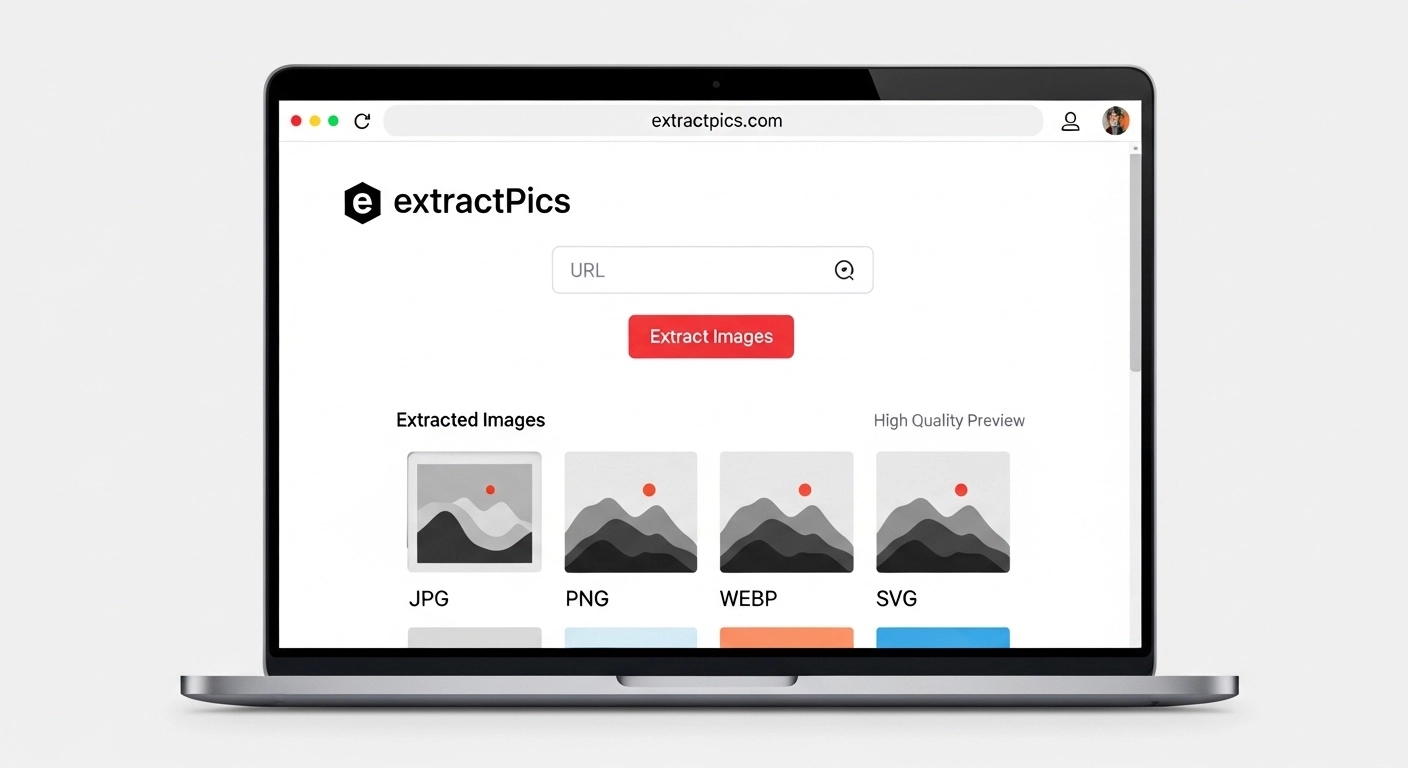
You can extract images from any website in a few clicks, even from pages that try to make it hard. Some sites disable right-click, hide images behind JavaScript, or load them only as you scroll. None of that stops you once you know the right approach.
The method you pick depends on the site. If you want to download images from a website in bulk, a scanning tool pulls every image off a page automatically, which works even on galleries and infinite-scroll feeds. For trickier cases, the page source and your browser's developer tools let you reach images that won't show up any other way.
This guide covers the fastest method first, then how to handle lazy-loaded galleries, SVGs, CSS backgrounds, and sites that block saving, plus a note on using what you find responsibly.
The Quickest Way to Extract Images From Any Website
For most pages, a bulk image downloader is the fastest route. You give it a URL, it loads the page like a real browser, and it pulls every image it finds. No clicking, no digging through code.
Here's how it works with ExtractPics:
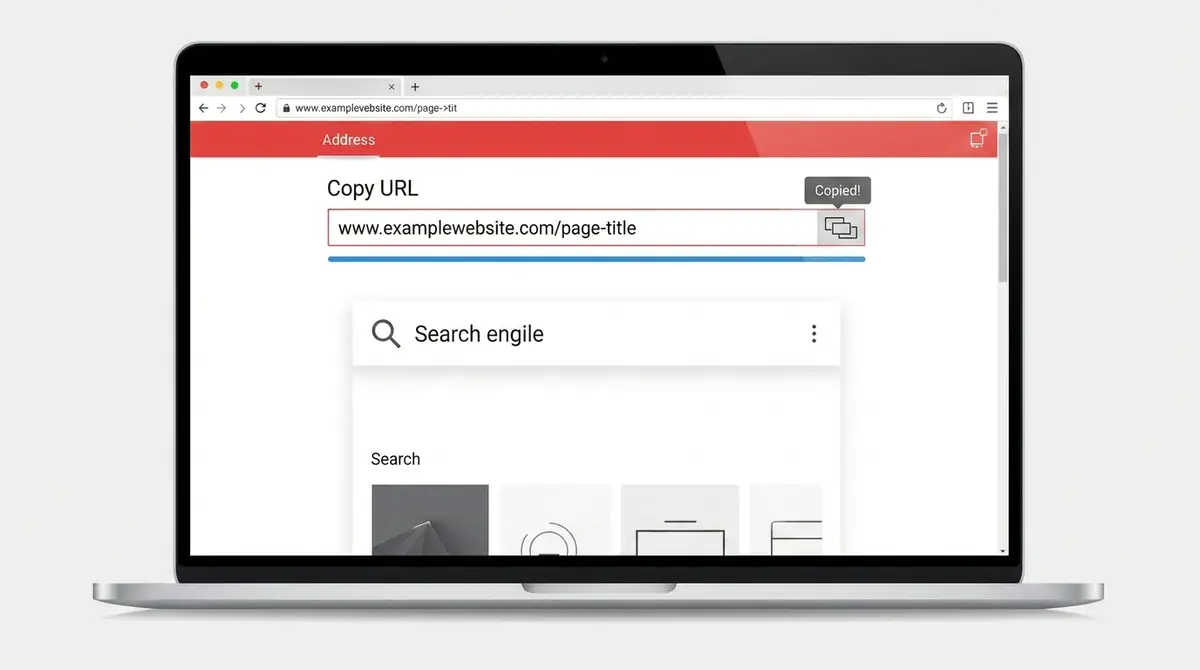
Copy the address of the page you want from your browser's address bar.
Paste it into the box at the top of the page.
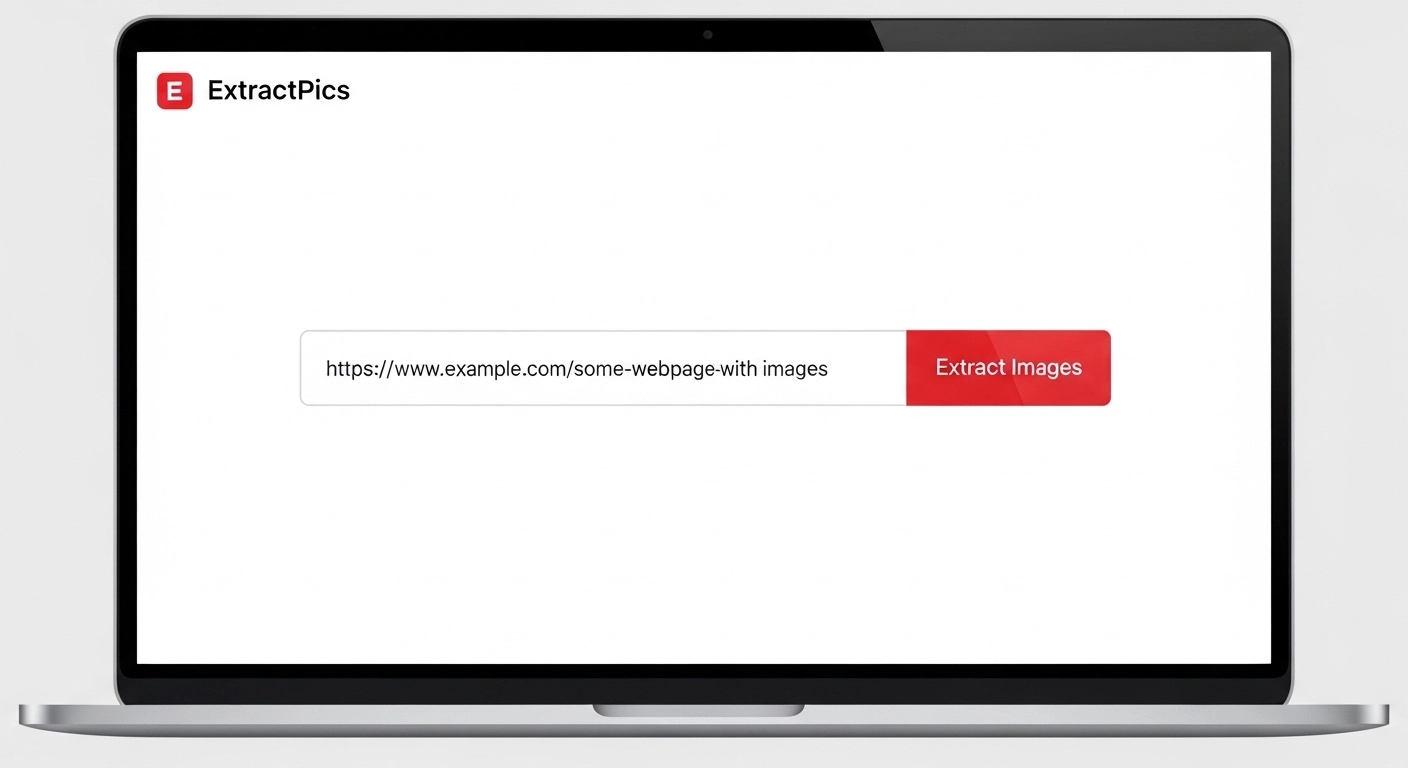
Click Extract. The tool opens the page, runs its scripts, and scrolls to load everything.
Browse the images it found and untick any you don't want.
Download them as a ZIP, or copy the direct URLs.
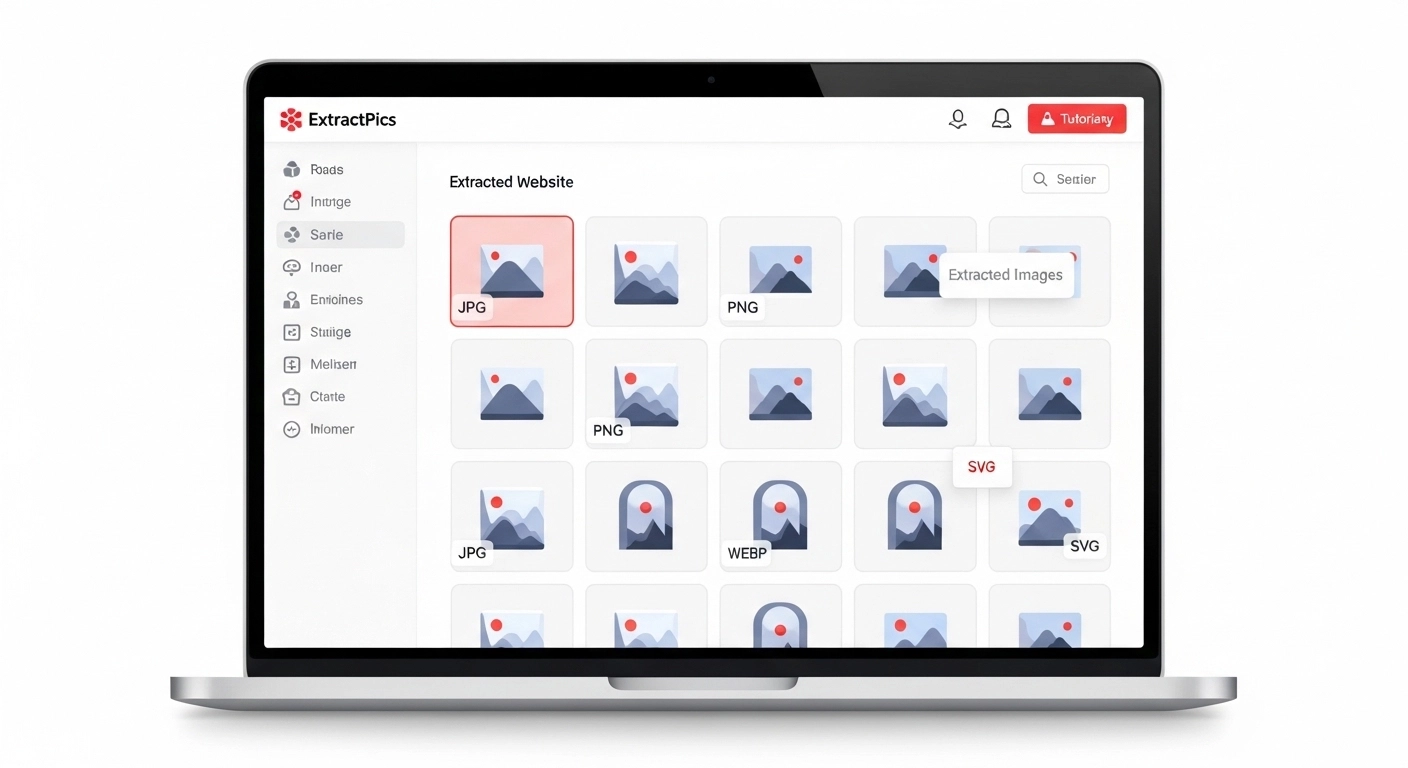
What makes this work on almost any site is that it renders the real page first. A lot of quick methods only read the raw HTML, so they miss anything added by JavaScript. By loading the page properly, the tool catches images that appear after scrolling, the high-resolution versions inside srcset, and graphics set through CSS. The next sections cover those tricky cases in more detail.
How to Extract From Lazy-Loaded and Infinite-Scroll Pages
Many modern sites don't load all their images at once. They wait until you scroll near an image before fetching it, which keeps the page fast. The catch is that any tool reading only the top of the page sees blank placeholders instead of real photos.
This is why a gallery can look full to you but come back nearly empty in a basic scraper. The images exist, they just haven't loaded yet.
To get them all, the page has to be scrolled the way a person would. ExtractPics handles this by rendering the page in a real browser and scrolling to the bottom, so lazy-loaded images wake up and get captured. For infinite-scroll feeds that keep adding content, give the page a moment to finish loading before you extract.
If a gallery spreads across several pages instead of one long scroll, use the Deep Extract option. It follows the pagination links up to three pages deep, so you collect images well past the first screen rather than just what's visible on page one.
How to Extract SVGs, Backgrounds, and High-Res Versions
Not every image on a page is a simple JPG sitting in an img tag. Three types in particular slip past most quick methods.
SVG icons and logos. These are vector files written as code, often placed directly inside the page rather than linked as separate files. Right-clicking usually does nothing useful on them. A proper extractor reads the SVG markup and pulls it out as a usable file, so you get crisp logos and icons instead of a blurry screenshot.
CSS background images. Plenty of banners, hero images, and decorative graphics are set through CSS, not as regular image tags. Your browser's save menu can't see these at all. A tool that reads the page's stylesheets finds them and adds them to the list.
High-resolution srcset versions. Responsive sites serve different image sizes depending on screen width, all listed in a srcset attribute. Save the visible one and you might get a small phone-sized version. A good extractor reads the full srcset and picks the largest source, so you keep the original quality instead of a scaled-down copy.
ExtractPics pulls all three automatically, which is the main reason it returns more images than a plain save or right-click.
How to Extract From Sites That Block Saving
Some sites turn off right-click or the "save image as" option to stop you grabbing their pictures. It looks like a lock, but it usually isn't one, and you can still save the image a couple of other ways.
Turning off right-click only hides the menu. The images are still there. Your browser had to download them to show them on screen, so the files are already loaded. That means they can still be read.
A scanning tool ignores the block completely. It reads the page's real image sources, not the right-click menu, so a disabled menu changes nothing. Paste the URL, extract, and the images come through.
Want to do it by hand? Open the page source or developer tools, covered next, and the image links are right there.
One thing worth saying. A blocked download is a sign the owner doesn't want their images reused. You can still extract them, but think about what you do with them after.
Extract Image URLs or Download the Files
There are two things you might actually want. The image files saved to your device, or just the links to them. They're not the same job.
Download the files when you need the images themselves. Photos for a moodboard, product shots, graphics to reuse. You get the actual JPGs and PNGs in a ZIP. If you're saving a lot at once, see our guide on how to download multiple images at once.
Copy the URLs when you only need the links. This is handy for developers, for feeding a list into a script, or for sharing where an image lives without sending the file. After a scan, ExtractPics lets you copy every image URL to your clipboard in one click.
A quick example. If you're moving a site to a new host, the URL list helps you find and remap every image. If you're saving references to look at later, the ZIP is what you want.
You don't have to choose ahead of time. Run the extract once, then grab the files, the links, or both.
The Manual Method, Using Page Source
If you'd rather not use a tool, your browser can show you the image links directly. This is the by-hand route, and it always works.
View the page source. Right-click an empty spot on the page and choose View Page Source, or press Ctrl + U. This opens the page's raw code. Press Ctrl + F and search for ".jpg", ".png", or ".webp" to jump to image links. Copy any link, paste it into a new tab, and save the image from there.
Use developer tools for the harder ones. Press F12 to open DevTools, then click the Network tab and choose the Img filter. Reload the page and every image file it loads shows up in the list, including lazy-loaded and background images. Click one to preview it, then open it in a new tab to save.
This takes more effort than a scanning tool, and you'll sort through some code. But it's useful when you want one specific file, or when you just want to see exactly what a page is loading.
Using Extracted Images Responsibly
Pulling images off a site is the easy part. What you're allowed to do with them is the part that matters.
Saving an image for yourself, like a reference or a study example, is usually fine. Problems start when you republish it. Putting someone's photo on your own site, in an ad, or in something you sell can break copyright, even if the image had no watermark.
When in doubt, treat every image as owned by someone. If you need pictures you can use freely, look for a Creative Commons license, or pull from free libraries like Unsplash, Pexels, and Pixabay. For a specific image, the safest move is to check the source or ask the owner.
This isn't legal advice. It's just a reminder to extract with some care and credit the people who made the work.
Before you extract anything
Work only with public pages and files you own, license, or have permission to archive. A page being visible in a browser does not give you permission to republish its images. Do not use extraction tools to bypass a login, paywall, CAPTCHA, private gallery, or another access control.
For a clean archive, keep the page URL beside each downloaded file. That small record makes it much easier to trace the source, check a license, and replace an asset later.
Related ExtractPics guides
- How to Download Multiple Images at Once
- How to Extract an Image URL From a Website
- What Is an Image Scraper? How It Works, Common Uses, and Is It Legal?
- Is It Legal to Download Images From the Internet?
Sources and verification
This article was reviewed against the following primary documentation and standards in August 2026:
- MDN: the HTML image element
- MDN: using responsive images
- U.S. Copyright Office: copyright for visual artists
Choose the least complicated method
Use right-click for one ordinary image, an extractor for a public gallery, and DevTools when you need to understand what the page actually loads. If the result is tiny, inspect srcset, the surrounding link, or the image CDN URL before assuming the original is unavailable. Stop when access controls appear, and verify reuse rights before publishing the file elsewhere.
