Best Free Online Image Extractor Tools in 2026

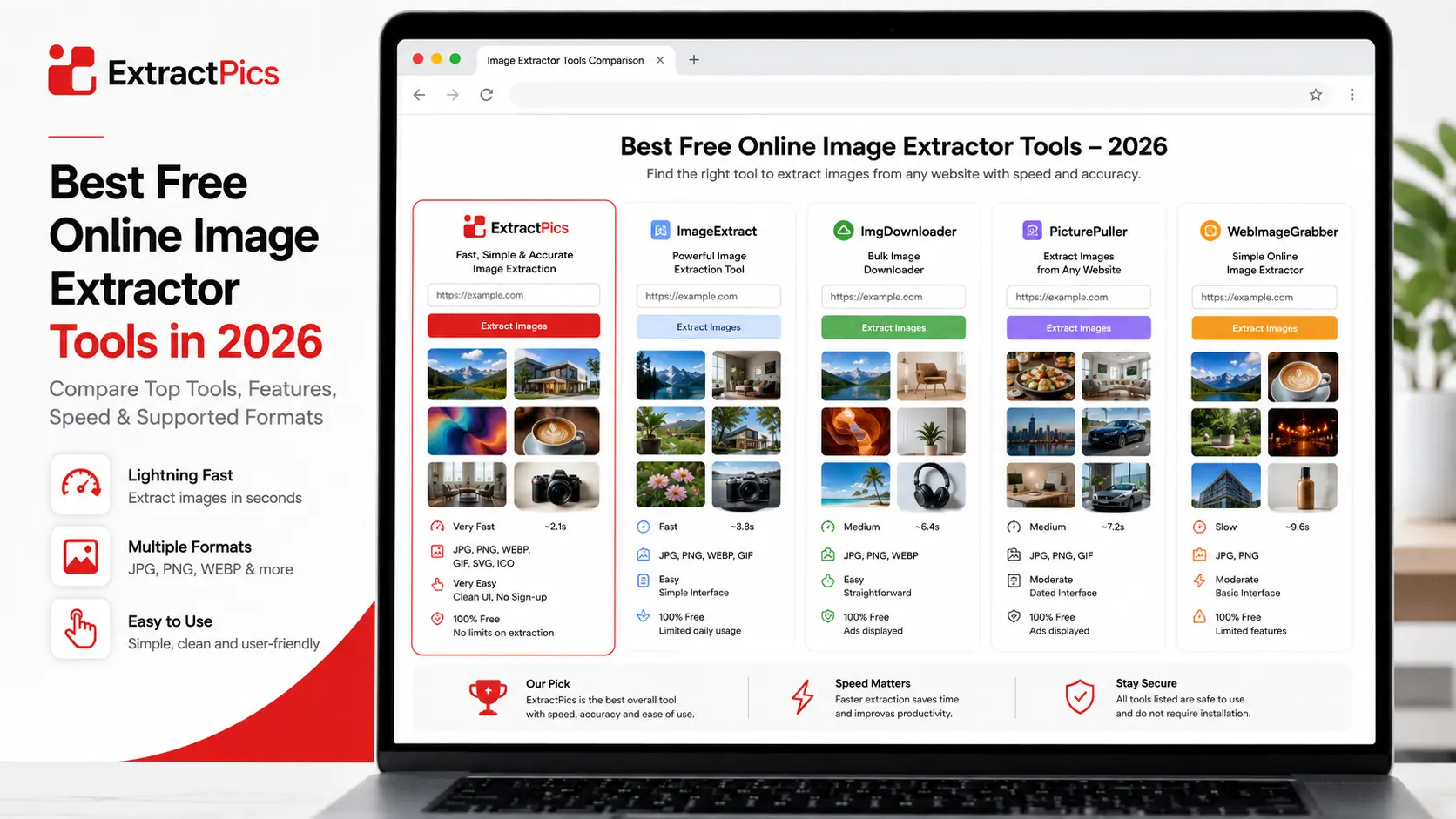
Plenty of free tools can download every image from a website, but they don't all work the same way. Some run online with nothing to install, some are browser extensions, and a couple are built for large scraping jobs. The best free image extractor for you depends on whether you want speed, control, or scale.
This roundup covers six options that are genuinely free and worth using today. For each one you'll see what it does well and where it falls short, so you can pick without trying them all yourself.
What to Look For in an Image Extractor
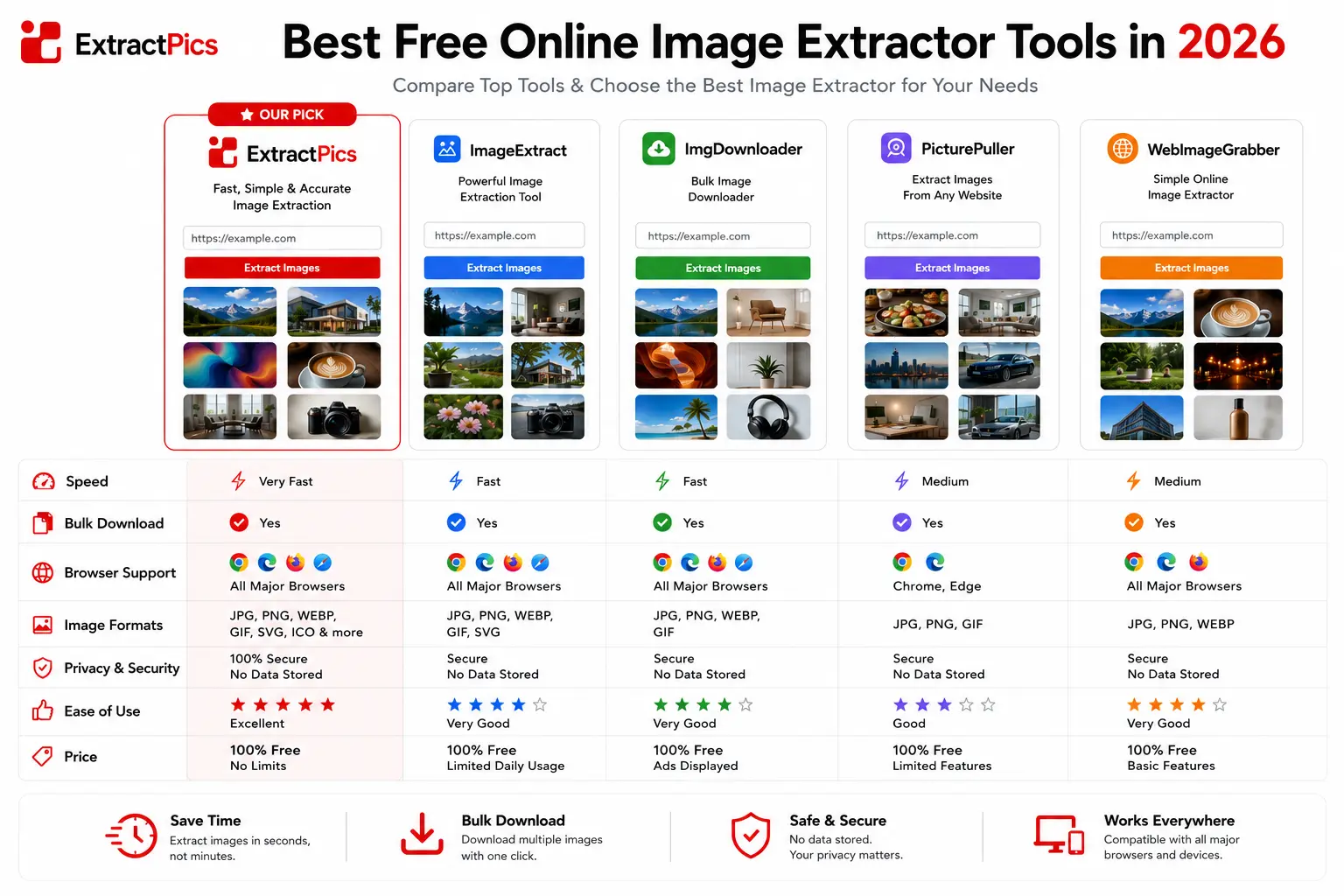
Before the list, it helps to know what separates a good tool from a frustrating one. A few things matter more than the rest.
The first is whether it catches everything. Many pages load images as you scroll or hide them in CSS backgrounds, and a weak tool only grabs what's visible at the top. A good one renders the full page and pulls the hidden images too.
The second is filtering. Pages are full of icons, logos, and spacer images you don't want. The better tools show you a grid and let you deselect the junk before downloading.
Format support and resolution come next. You want the original full-size files in their real formats, not scaled-down previews. And finally, ease of use, since the fastest tool is the one you don't have to fight with. Online tools win on convenience, extensions win on control, and image scrapers win on scale.
The Best Free Image Extractor Tools
1. ExtractPics
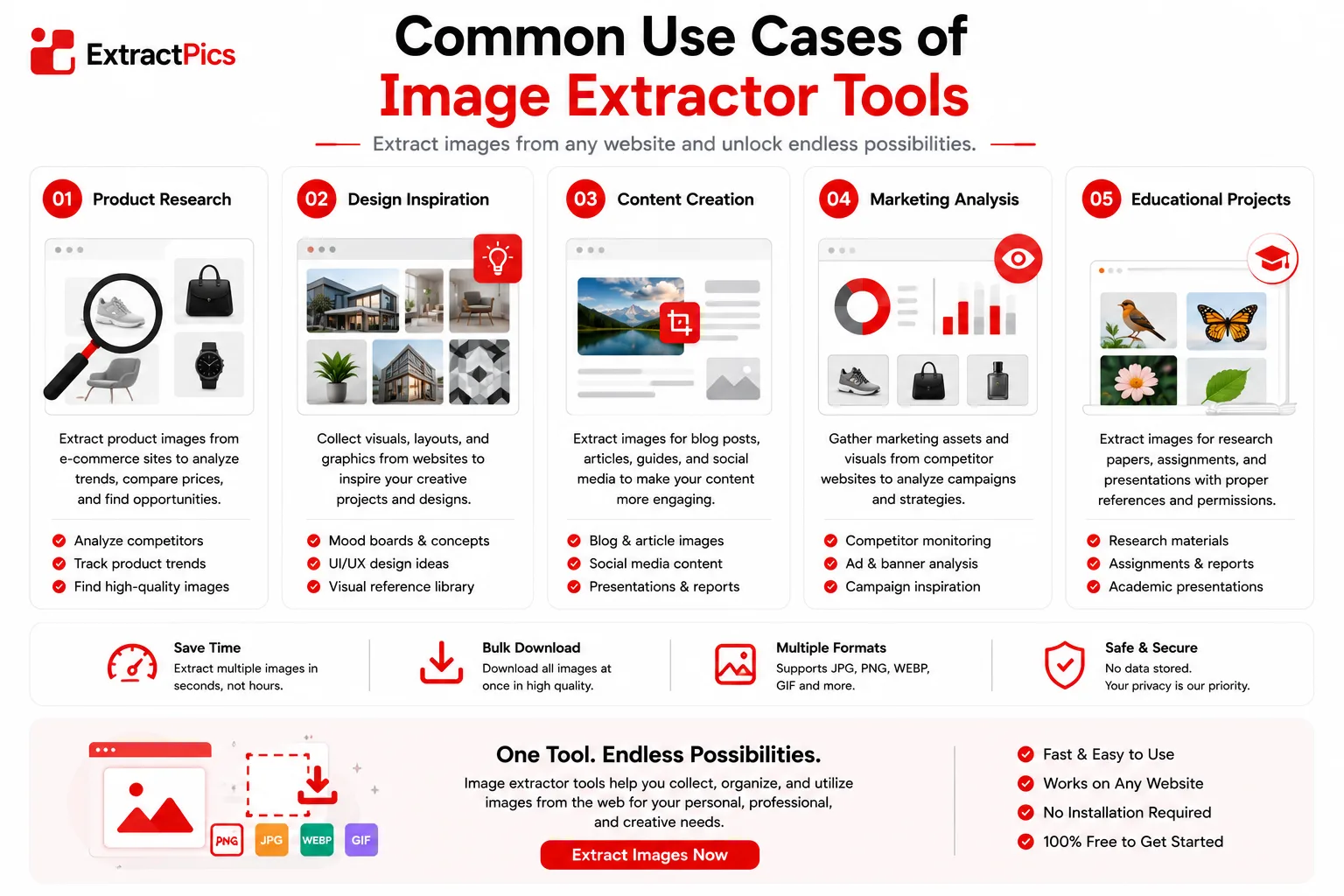
ExtractPics is an online extractor that runs in your browser with no signup. You paste a URL, it loads the real page, and it pulls every image, including lazy-loaded photos, srcset versions, and CSS backgrounds. You can filter by format and size, then download a ZIP or copy the URLs.
Best for: quick, no-install extraction from any page.
Pros: free, no account, catches hidden images, works on mobile.
Cons: built for single pages and small batches rather than scraping thousands of URLs.
2. Imageye
Imageye is a Chrome extension and one of the most popular bulk image downloaders. It shows every image on a page in a grid, and you filter by width, height, or type before saving.
Best for: people who download images often and want a one-click browser button.
Pros: strong filtering, easy to use, well maintained.
Cons: Chrome only, and like most extensions it can miss some dynamically loaded images.
3. Fatkun Batch Download Image
Fatkun is another well-known Chrome extension. Its standout feature is grabbing images across multiple open tabs at once, which is handy when you've opened a dozen product pages.
Best for: saving images from many tabs in one go.
Pros: multi-tab downloading, filter by resolution, free.
Cons: Chrome only, and the interface takes a minute to learn.
4. DownThemAll
DownThemAll is a free, open-source extension for Firefox and Chrome that's been trusted for years. It's more of a download manager, with advanced rules for picking exactly which files to grab.
Best for: power users who want precise control over downloads.
Pros: open-source, powerful filters, fast queuing.
Cons: steeper learning curve, and the setup feels technical for casual users.
5. Browser Developer Tools
Every browser has built-in developer tools that show every file a page loads. Open them, filter the Network tab to images, and you can find and save any image, even ones other tools miss.
Best for: one-off cases and technical users.
Pros: already installed, completely free, always works.
Cons: slow and fiddly, and not beginner friendly.
6. Octoparse
Octoparse is a web scraping tool with a free online image extractor and a heavier desktop app. It's overkill for a single page, but it shines when you need images from hundreds of URLs.
Best for: large-scale scraping jobs.
Pros: handles big volumes, automation, structured output.
Cons: the full tool has a learning curve, and free limits apply.
Quick Comparison
Tool | Type | Best for | Install | Cost |
|---|---|---|---|---|
ExtractPics | Online | Any page, no setup | No | Free |
Imageye | Chrome extension | Frequent downloads | Yes | Free |
Fatkun | Chrome extension | Many tabs at once | Yes | Free |
DownThemAll | Firefox/Chrome | Power users | Yes | Free |
Dev Tools | Built-in | One-off, technical | No | Free |
Octoparse | Scraper | Large-scale jobs | Yes (app) | Free tier |
The pattern is simple. For a quick job, an online tool or extension is plenty. For heavy, repeated scraping, a dedicated scraper earns its place.
Which One Should You Pick?
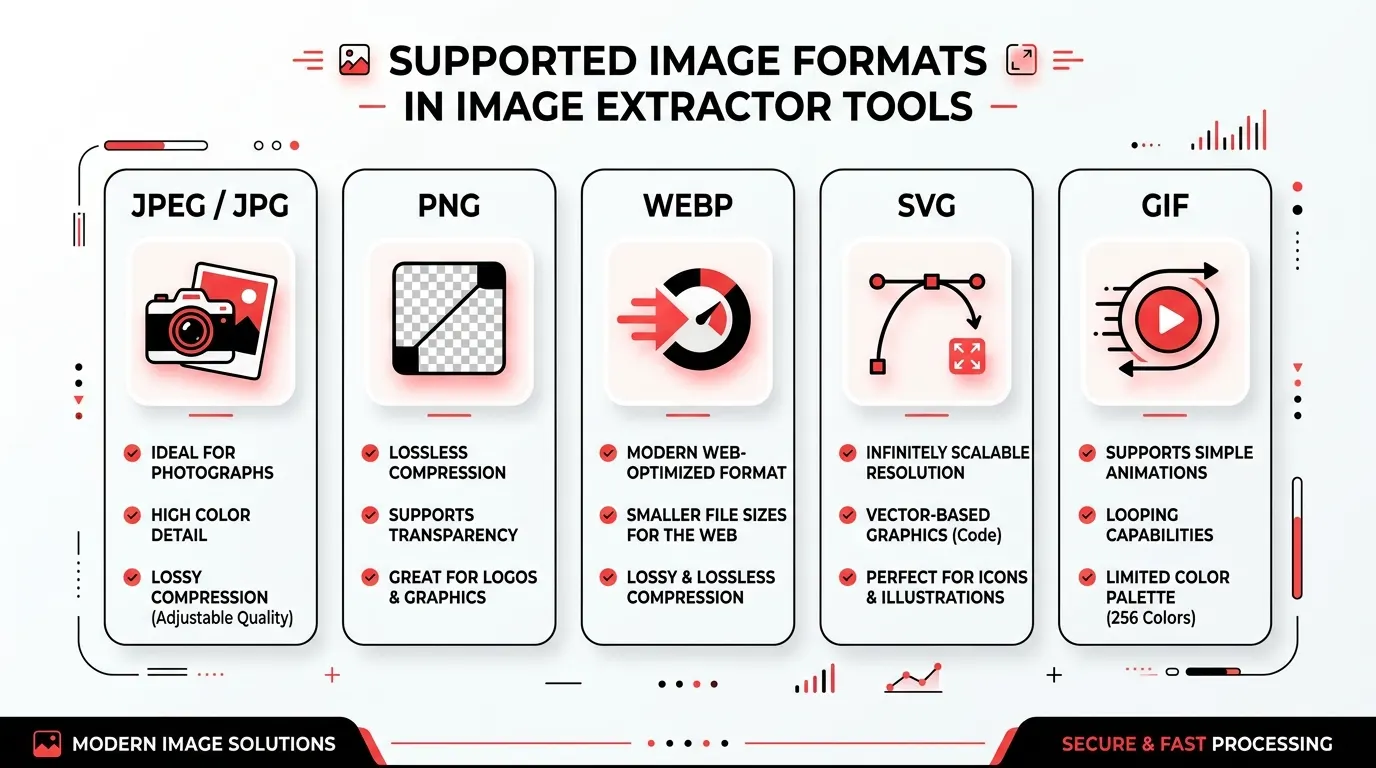
The right tool comes down to how often you do this and how much control you want.
For a quick one-time job, use an online tool. ExtractPics needs no install and grabs the full page in seconds, which covers most people most of the time.
For regular downloading, add a browser extension. Imageye or Fatkun put a button right in your browser, so it's faster than pasting URLs when you're saving images every day.
For precise control, use DownThemAll. When you want to filter downloads by exact rules, it gives you more knobs than anything else on the list.
For one stubborn image, open developer tools. It's the fallback that always works when a page is fighting you.
For hundreds of pages, use a scraper like Octoparse. Anything at that scale needs automation, not manual clicking.
If you're not sure where to start, an online extractor handles the widest range of jobs with the least effort. You can always reach for a heavier tool when one specific task needs it.
How to judge an extractor
Treat any tool list as a fit guide, not a permanent ranking. Browser permissions, free-plan limits, and export options change. Before installing an extension, read the permissions it requests. Before uploading a private URL or document to an online service, read its privacy terms.
A useful trial is simple: test one public page you control, compare the number of useful files found, check whether responsive originals are included, and see how much cleanup the export needs.
Related ExtractPics guides
- What Is an Image Scraper? How It Works, Common Uses, and Is It Legal?
- How to Download Multiple Images at Once
- How to Extract Images From Any Website (Step-by-Step Guide)
- Is It Legal to Download Images From the Internet?
Sources and verification
This article was reviewed against the following primary documentation and standards in August 2026:
- MDN: the HTML image element
- WHATWG HTML Standard: embedded content
- U.S. Copyright Office: copyright for visual artists
Start small and inspect the result
For an occasional public page, a browser-based extractor is usually enough. An extension makes sense when filtering is more important than convenience. Developer tools are slower but give you the clearest view of what the page requested. Test with a page you control first, then choose the lightest tool that produces a clean, traceable result.
