What Is an Image Scraper? How It Works, Common Uses, and Is It Legal?

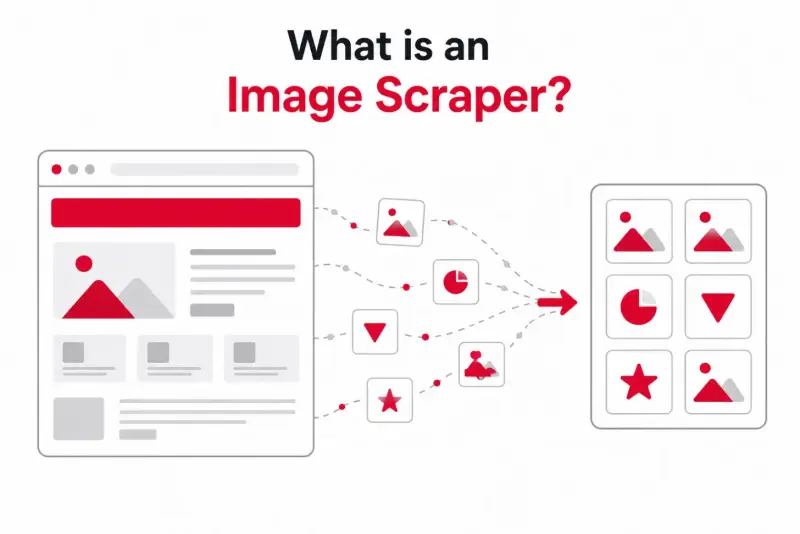
An image scraper is a tool that automatically finds and collects all the image files on a web page, so you don't have to save them one by one. Paste a URL, and it pulls every photo, graphic, and icon the page loads — then hands you the files or their links.
If you just need to grab images now, try our free image scraper.
That's the short answer. But "image scraper" gets mixed up with downloaders, extractors, and crawlers all the time, and the bigger question people actually want answered is whether using one is legal. This guide covers what an image scraper does, how it works under the hood, what people use it for, and where the legal line sits.
No code required to follow along, and I'll be straight with you about the legal grey areas rather than hand-waving them.
What is an image scraper?
An image scraper reads a web page the way your browser does, picks out every image on it, and gathers them into one place. Instead of right-clicking forty photos in a gallery, you give the scraper the page and it returns all forty at once.
Most scrapers go further than the obvious <img> tags. A good one also catches:
Responsive
srcsetimages, picking the highest-resolution version.Lazy-loaded images that only appear as you scroll.
Background images set in CSS, which aren't image tags at all.
Vector graphics like SVG logos and icons.
The point of the tool is speed and completeness. A manual save misses the hidden and lazy-loaded files. A scraper is built to find them.
How does an image scraper work?
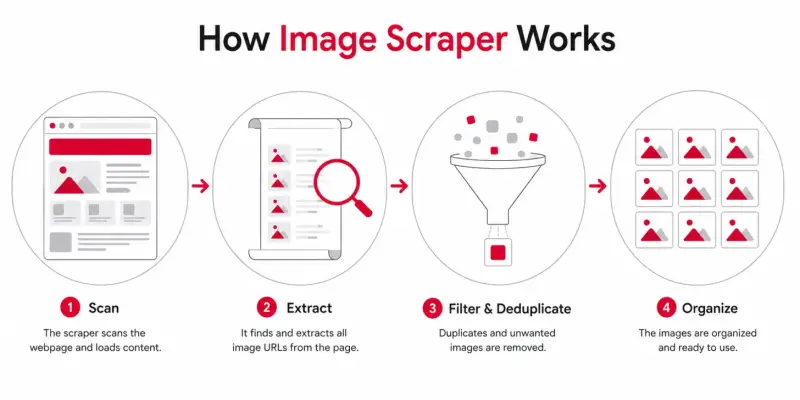
Under the hood, the process is fairly simple, even if the engineering isn't:
It loads the page. Better scrapers use a real browser engine, so JavaScript runs and dynamic galleries actually render.
It scrolls and waits. This triggers lazy-loaded images that wouldn't exist in the raw HTML.
It reads the page for image sources. It pulls URLs from
<img>tags,srcsetattributes,data-srcplaceholders, and CSS backgrounds.It deduplicates. The same image often appears in several sizes, so the scraper trims the duplicates.
It returns the results. You get a list of URLs, thumbnails to pick from, or a ZIP of the files.
The difference between a weak scraper and a strong one comes down to step one. A tool that only reads raw HTML misses everything a modern, JavaScript-heavy site loads after the fact. One that runs a real browser catches it.
Image scraper vs downloader vs extractor: what's the difference?
These terms get used as if they mean the same thing, and in practice they mostly do. The slight distinctions:
Scraper suggests automation — it reads the page and pulls images programmatically.
Extractor is the same idea, often used for browser-based tools. An image extractor and an image scraper do the same job.
Downloader leans toward the saving step — getting the files onto your device once they're found.
Don't overthink the labels. If a tool finds the images on a page and gives them to you, the name on the box doesn't change what it does.
What do people use image scrapers for?
Plenty of ordinary, above-board reasons:
Designers collect reference images and moodboard material from across the web.
Developers pull assets during a site migration or for local testing, instead of digging through source files.
Marketers gather competitor ad creatives and product photos for analysis.
Researchers build image datasets for studies or machine learning.
SEO teams audit a site's images — checking alt text, file sizes, and formats in bulk.
The common thread is collecting images that are already public, to look at or work with, not to pass off as your own.
Types of image scrapers
You've got three broad options, from easiest to most technical.
No-code web tools. You paste a URL into a website and it returns the images. Nothing to install, works on any device, handles the lazy-loaded and dynamic stuff for you. ExtractPics is one of these. Best for most people.
Browser extensions. A toolbar button that scans the open tab. Convenient for pages you visit often, but be picky — only install well-rated ones, and check their permissions. An extension that wants your full browsing history is a red flag.
Code and scripts. Python libraries like BeautifulSoup or a headless browser give you total control and let you scrape at scale. The trade-off is you have to write and maintain the code, handle the sites that block bots, and know what you're doing. Overkill if you just want the images off one page.
If you'd rather see specific recommendations, we compared the best free image extractor tools separately.
Is image scraping legal?
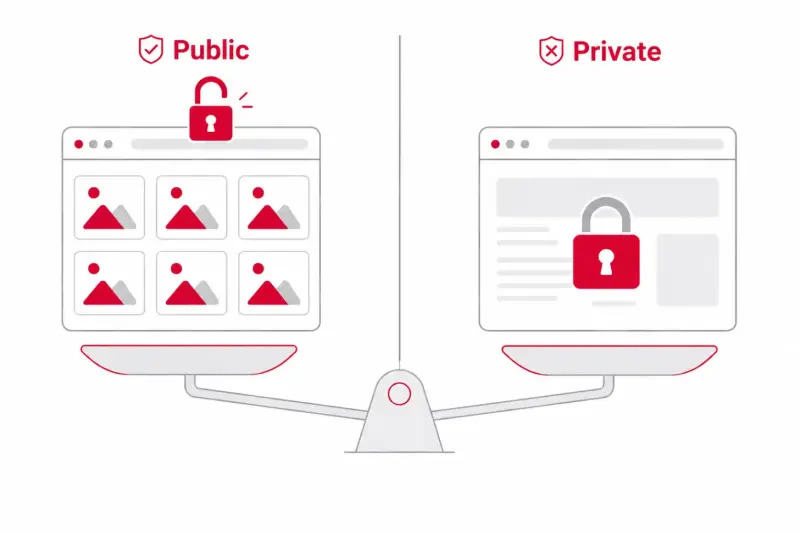
The honest answer: usually yes for public images, with real exceptions. I'm not a lawyer, so treat this as a map of the terrain, not legal advice — and for anything commercial or large-scale, talk to one.
Here's the framework most of it comes down to:
Public vs. private. Scraping images that any visitor can see without logging in is generally low-risk. The moment you bypass a login, paywall, or other access control, you're in much riskier territory — that's where computer-access laws come into play.
Copyright still applies. This is the big one for images. A photo or illustration is a creative work, and the fact that you can download it doesn't give you the right to reuse it. Collecting images for reference or analysis is very different from republishing them as your own.
Terms of Service matter. If a site's terms forbid scraping and you've agreed to them, ignoring that can be a contract issue, separate from copyright.
robots.txt is a signal, not a law. It tells automated tools which areas the owner would rather you skip. Ignoring it isn't a crime, but respecting it shows good faith — and ignoring it tends to get your IP blocked fast.
Personal data is its own category. Images of identifiable people can fall under privacy rules like GDPR or CCPA, even when they're publicly posted. Scraping faces for things like facial recognition has landed companies in serious trouble.
The simplest rule of thumb: scraping public images to look at, study, or compare is usually fine. Scraping to republish, resell, or profile people is where it stops being fine. Courts tend to care about why you collected the data and how you accessed it, not just the act itself.
How to scrape images without writing code
If all this has you wanting to actually grab some images, you don't need a script. Paste the page URL into ExtractPics, let it scan, and download what you need — it handles the lazy-loaded and CSS-background images automatically. For several pages at once, the Bulk Extractor takes multiple URLs.
Want the full walkthrough, including the developer methods? See our guide on how to rip assets from any website.
What a responsible scraper should not do
A responsible workflow stays on public pages, uses a modest request rate, and stops when a site signals that access is restricted. It should not defeat authentication, CAPTCHAs, paywalls, rate limits, or technical controls. It should also preserve source information rather than turning files into an untraceable folder.
Scraping collects data; it does not transfer copyright or waive a site's terms. Review permission and intended use separately.
Related ExtractPics guides
- How to Extract Images From Any Website (Step-by-Step Guide)
- How to Download Multiple Images at Once
- How to Extract an Image URL From a Website
- Is It Legal to Download Images From the Internet?
Sources and verification
This article was reviewed against the following primary documentation and standards in August 2026:
Use scraping as a collection step
An image scraper can replace hundreds of manual saves, but the output still needs review. Remove interface assets, confirm that responsive files are genuine originals, and record where each batch came from. For a one-off public page, use a no-code tool. For recurring or large work, get permission and design a rate-limited process.
