Why image extractors find thumbnails instead of full-size images
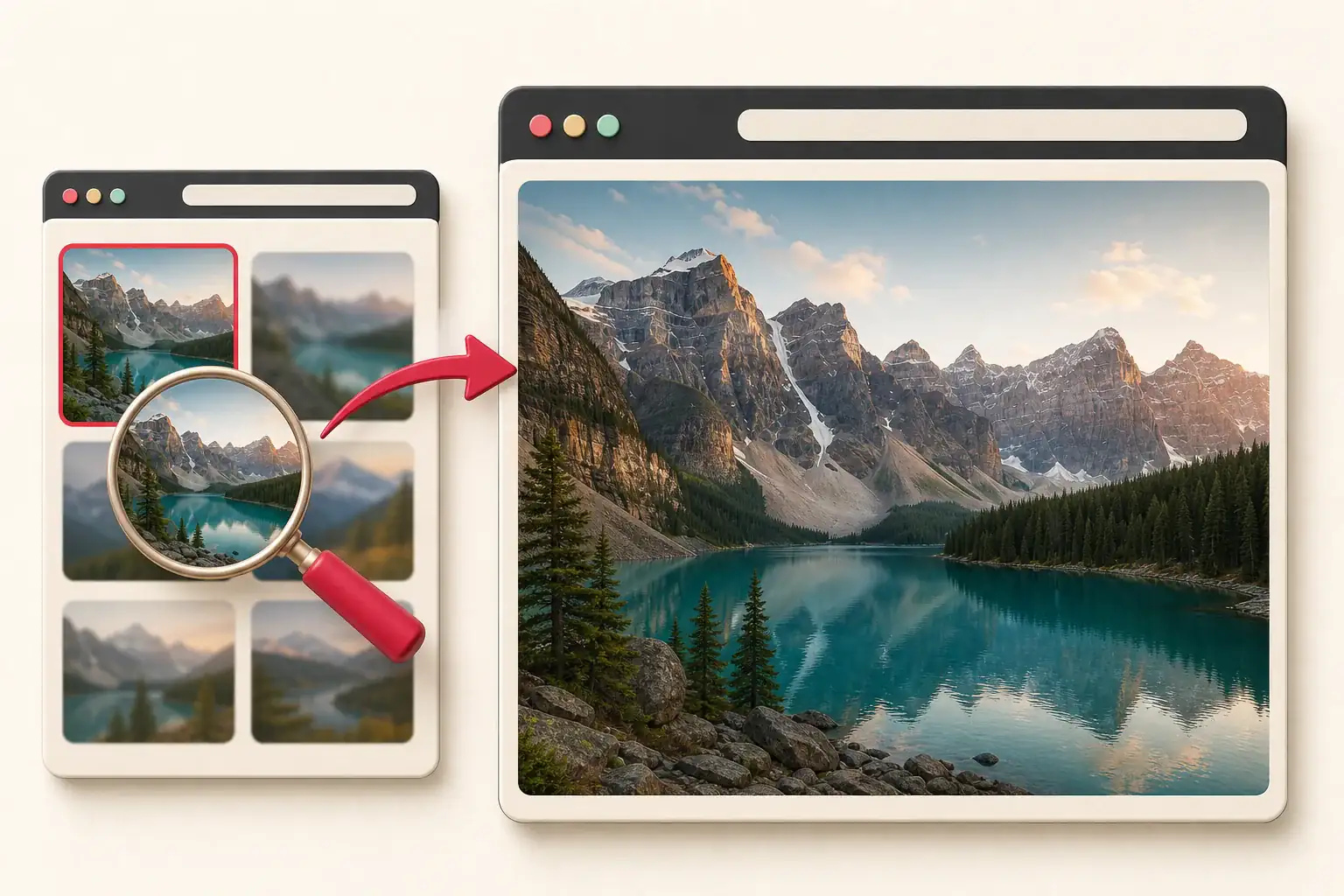
An image extractor can do its job correctly and still return a file you do not want. The page contains a beautiful 2,000-pixel product photograph, but the result is a 300-pixel square. That small file is not necessarily a failure. It may be the exact thumbnail the page loaded for its grid while the original sits behind a gallery link, responsive candidate, or CDN transformation.
Websites use thumbnails because loading every original would be wasteful. A store with forty products might need only small previews until a visitor opens one item. A portfolio can show a dense grid without sending dozens of print-size photographs. The trouble starts when your backup, migration, or authorized download stops at the preview layer.
Follow the relationship between the thumbnail and the page's larger asset. Randomly removing bits of the URL sometimes works, but it is less reliable than inspecting the routes the publisher actually provides.
What a thumbnail is
A thumbnail is a smaller derivative made for quick browsing. It may differ from the original in several ways:
- Lower pixel dimensions
- Tighter crop
- Stronger compression
- Different format
- Stripped metadata
- Added padding or background
Some thumbnails are stored as separate files. Others are generated by an image CDN when the URL requests a width and crop. A thumbnail can look sharp in a small card because the browser displays it close to its natural dimensions. Enlarging it reveals the missing detail.
Common thumbnail URL patterns
Start by reading the address. Typical clues include:
photo-300x300.jpg
photo_thumbnail.webp
photo-small.jpg
photo.jpg?w=320&h=320&fit=crop
cdn.example.com/320x320/catalog/photo.jpg
These patterns suggest transformation, but they do not prove that changing the URL will reveal an original. WordPress usually creates files with dimension suffixes, while many CDNs use signed URLs that break if edited. A site's own full-size link is stronger evidence than a guessed address.
Check the element's natural dimensions
Select the thumbnail in Developer Tools and compare its displayed size with naturalWidth and naturalHeight. You can evaluate:
({
  displayedWidth: $0.clientWidth,
  displayedHeight: $0.clientHeight,
  sourceWidth: $0.naturalWidth,
  sourceHeight: $0.naturalHeight,
  loadedUrl: $0.currentSrc
})
If the source is 300 by 300, you know the browser really loaded a thumbnail. If the source is 1,600 by 1,600 but the card displays it at 300 by 300, the downloaded file may already be large enough.
Dimensions do not tell you whether the file was upscaled. Preview it at 100 percent and inspect fine detail.
Follow the link around the thumbnail
Many gallery thumbnails sit inside an anchor:
<a href="/media/product-original.jpg">
  <img src="/media/product-320.jpg" alt="Blue ceramic vase">
</a>
The <img> supplies the preview. The parent <a> points to the larger asset. An extractor that collects only image elements may return the small file, while a gallery-aware tool follows the surrounding link.
Inspect one or two levels above the image. The link may lead directly to a file, a product page, or a lightbox action. Open it normally and observe what the page requests rather than assuming every href is the original.
Open the zoom or gallery view
Product pages often defer high-resolution files until the user opens a zoom viewer. Click the thumbnail, switch through gallery items, and allow the larger view to load. Then inspect currentSrc or the Network panel.
Some galleries preload the next image, while others request it only when selected. If you need a complete backup of assets you own, activate each item and keep the Network log. Avoid rapid automated clicking that overwhelms the site or misses responses.
For many items on one public page, the HD image downloader can collect the rendered sources and let you compare likely candidates.
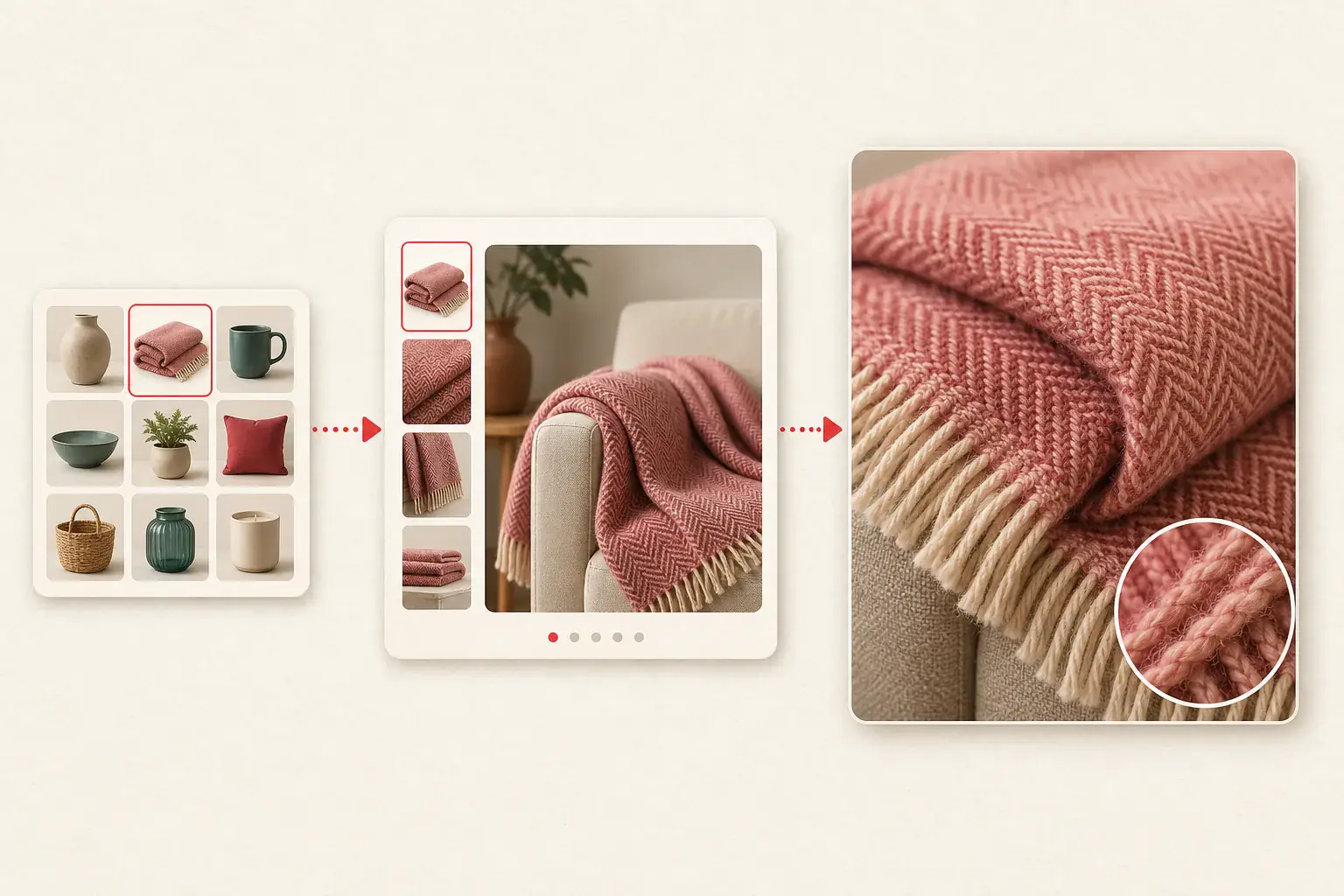
Inspect srcset and picture candidates
The thumbnail may be only the candidate selected for the current layout:
<img
  src="chair-400.webp"
  srcset="chair-400.webp 400w, chair-900.webp 900w, chair-1800.webp 1800w"
  sizes="(max-width: 600px) 50vw, 300px"
  alt="Oak reading chair"
>
Because the card is 300 pixels wide, the browser has little reason to download the 1,800-pixel file. It is still listed as a candidate. Inspect the full srcset rather than saving only currentSrc.
The responsive image guide explains width and density descriptors, art direction, and format fallbacks.
Recognize CDN transformations
Image CDNs create derivatives through path segments or query parameters. The page might use one source with several requests:
/catalog/vase.jpg?w=240&h=240&fit=crop
/catalog/vase.jpg?w=900&fit=inside
/catalog/vase.jpg?w=1800&q=85
Compare the thumbnail, gallery, zoom, and social-preview requests. If the page itself uses a larger transformation, that URL is a practical candidate for an authorized backup.
Do not assume that deleting every parameter returns the original. Parameters may include signatures, version tokens, access controls, or format negotiation. The image CDN parameter guide describes safer ways to read these URLs.
WordPress thumbnail suffixes
WordPress commonly creates named size variants during upload:
garden.jpg
garden-150x150.jpg
garden-768x512.jpg
garden-1536x1024.jpg
Removing the dimension suffix may reveal the original if it still exists at the expected path. But modern WordPress installations can use WebP conversions, custom upload directories, offload plugins, or edited originals with names such as -scaled.
If you manage the site, the Media Library and attachment metadata are better sources than filename guessing. See how to recover original WordPress images for a full workflow.
Shopify and ecommerce thumbnails
Storefront themes often request product images at sizes suited to the current component. A collection tile, cart drawer, recommendation carousel, and product zoom can all request different transformations of the same asset.
For a store you own, export or back up the catalog with the platform's supported tools when possible. A rendered page scan is useful as a second check because it reveals what customers actually receive. The Shopify image backup guide separates product originals, variant associations, theme graphics, and content images.
Do not copy another seller's full-resolution product photography for your own catalog. Technical access does not transfer copyright or supplier permission.
Social metadata may expose a useful larger image
Pages often provide an Open Graph image for link previews:
<meta property="og:image" content="https://example.com/media/article-share.jpg">
This file is usually larger than a small card thumbnail, though it may have a different crop or text overlay. It is intended to represent the page, not necessarily serve as the original content image.
Check dimensions and composition before using it in a migration. The logo, favicon, and social image guide explains the metadata locations.
A comparison workflow that avoids guesswork
Create a small candidate table for each important image:
| Candidate | Dimensions | Crop | Where found | Decision |
|---|---|---|---|---|
| Grid thumbnail | 320 x 320 | Square | Card src |
Skip |
| Responsive file | 960 x 640 | Original ratio | srcset |
Keep for web |
| Zoom file | 2,000 x 1,333 | Original ratio | Gallery request | Keep as master |
| Social image | 1,200 x 630 | Wide crop | og:image |
Keep only for sharing |
This prevents a larger but cropped file from being mistaken for the master. Keep the page URL and role alongside each candidate.
When no larger file exists
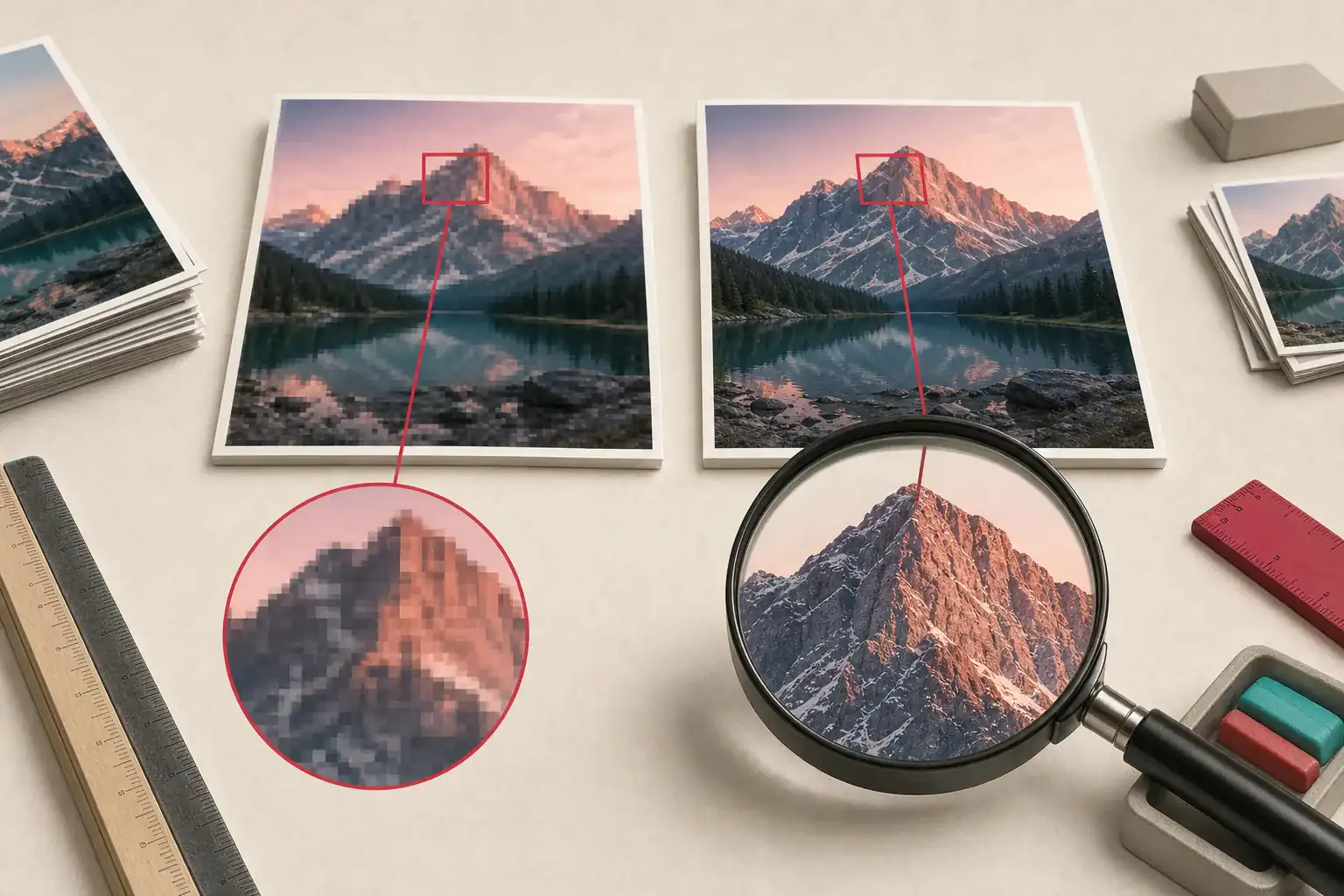
Sometimes the thumbnail is all the page has. The publisher may have uploaded a small original, deleted the master, or intentionally limited public delivery. A 2,000-pixel URL that contains enlarged blur is not a recovery.
If you own the content, check local archives, cloud backups, the CMS media library, previous deployments, and the photographer's delivery folder. Upscaling can make a file larger, but it cannot recreate exact texture or text that was never present.
The guide to blurry extracted images explains how to spot an upscaled source and avoid repeated compression.
Keep the best file as a master
Once you find the original or best available candidate:
- Preserve it without editing.
- Record its dimensions, format, source page, and ownership.
- Create separate derivatives for the live website.
- Avoid repeated JPG saves.
- Keep alt text and product associations in your migration records.
- Verify that backups can actually be opened.
A clean asset inventory is more useful than a folder full of unexplained large files.
Rights do not scale with resolution
The full-size file carries the same ownership restrictions as the thumbnail. Keep this workflow to assets you own, licensed material, authorized client work, or another permitted purpose. Credit alone does not replace a license.
If you found the image on someone else's site, read how to check its source and license before reusing it.
Follow the page's own trail
An extractor that returns a thumbnail may be reporting the page accurately. The grid really did load that small file. The larger version often appears only after you open the item, enter the gallery, or inspect the responsive candidates.
Follow that path before you start deleting pieces of a CDN URL. The page's own links are better evidence than a lucky filename guess. Once you find a larger copy, open it at 100 percent and make sure it contains new detail rather than upscaled pixels. Keep the cleanest authorized file as the master; make smaller delivery copies from that.
Related posts
How to Save Product Images From Websites
Why extracted images look blurry and how to find the original
A practical guide to finding the full-resolution file when a website gives you a soft thumbnail, compressed preview, or undersized responsive image.
How image CDN URL parameters change size, crop, and quality
A technical field guide to reading transformed image URLs and finding the largest version a page is authorized to serve.