Blob URLs and data URLs: why some web images cannot be saved normally

Most web images have an address that points to a server: https://example.com/photo.jpg. Blob URLs and data URLs work differently. One can identify data held temporarily by the current browser session. The other can place the file's bytes directly inside the URL.
Both appear in image editors, canvas tools, document previews, charting apps, upload forms, and single-page applications. They can confuse downloaders because there may be no permanent public file at the displayed address. Copying a blob: URL into another browser window often fails. Copying a very long data: URL can produce an unreadable string rather than a familiar filename.
These formats are not protection mechanisms by themselves. They are browser features. You still need permission to save the underlying material, and you should not use them to evade authentication or private access controls.
What a blob URL is
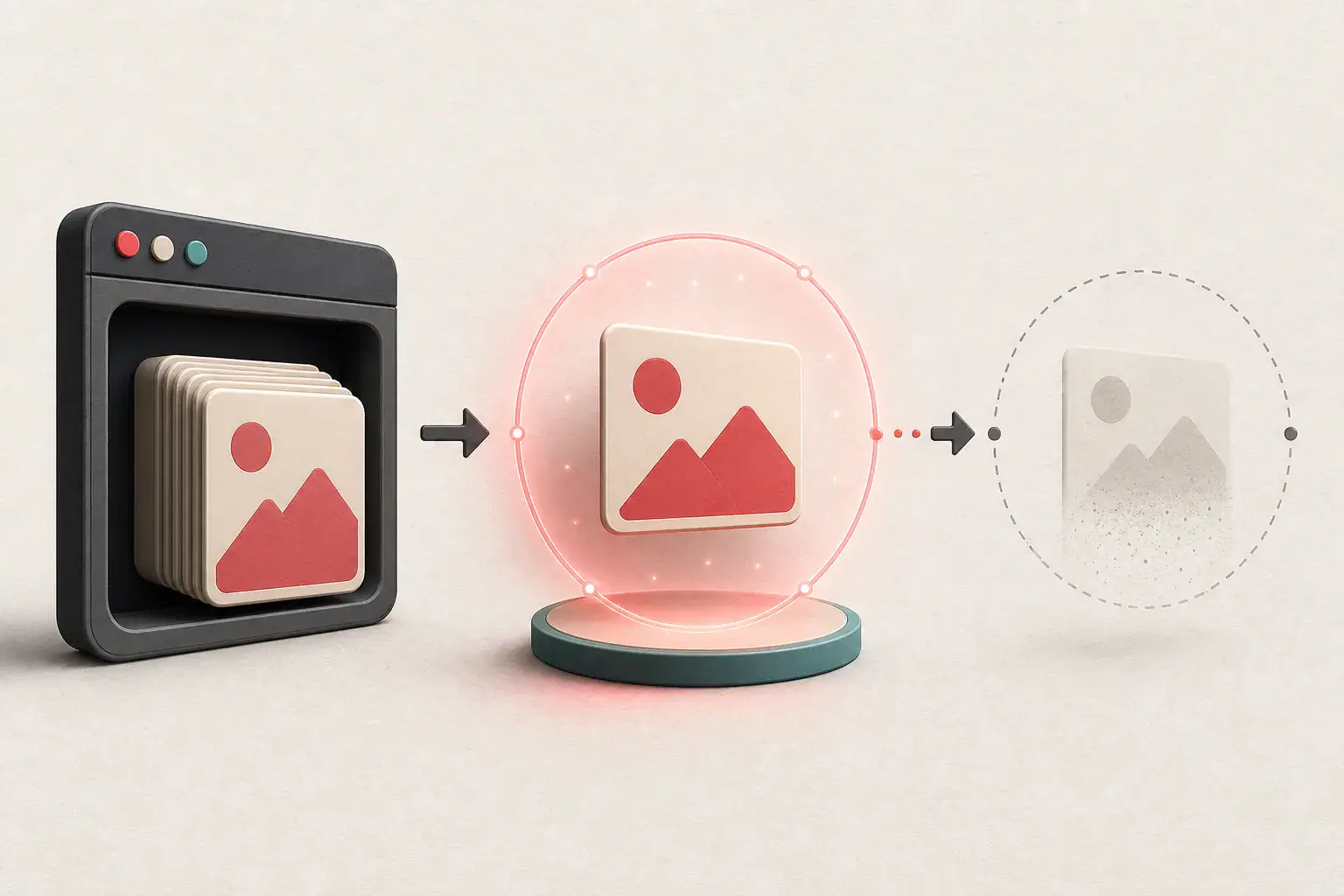
A blob is a browser object containing binary data. JavaScript can create a temporary URL for that object:
const blob = new Blob([imageBytes], { type: "image/png" });
const url = URL.createObjectURL(blob);
image.src = url;
The resulting address looks like:
blob:https://example.com/2f1b8d36-9b42-4f7a-b876-35f68c2d1a10
It refers to an object managed by the browser. It is scoped to the environment that created it and is not a normal route on example.com. Sending that string to a server-side downloader does not give the server access to your browser's in-memory object.
MDN's blob URL documentation describes these as object URLs and explains their lifecycle.
Why a blob URL expires
JavaScript can release the object URL when it is no longer needed:
URL.revokeObjectURL(url);
The browser also clears object URLs when the document is unloaded. Applications should revoke them to avoid keeping unnecessary memory alive.
This is why a copied blob URL may work in the original tab but fail after a refresh, in another browser, or in a command-line tool. The useful object belonged to the original page session.
Where the blob's bytes came from
The application may have created the blob from several sources:
- A file the user selected locally
- A response fetched from a server
- A canvas export
- Generated SVG or chart data
- A decoded document page
- Media assembled in the browser
If you own the page, inspect the code path that creates the blob. The original network response may provide a more stable file. If the image was generated locally, the application should offer a download button that converts the object into a saved file.
For a third-party application, use its normal export control. Do not assume a blob address is an invitation to bypass its workflow.
Saving a blob image you are authorized to keep
The easiest option is the application's Download or Export button. It knows the intended filename, file type, and whether any final processing is required.
If you are debugging your own app and no button exists, the current page can create a temporary link:
const link = document.createElement("a");
link.href = objectUrl;
link.download = "export.png";
link.click();
This must run while the object URL is valid in the creating environment. It will not make an expired address work.
For a normal image element in your own page, opening its context menu may also work because the browser can access the underlying object. Results vary by browser and how the application handles pointer events.
What a data URL is
A data URL embeds content directly:
data:image/png;base64,iVBORw0KGgoAAAANSUhEUgAA...
It begins with data:, followed by a media type, optional parameters, a comma, and the encoded data. Base64 is common for binary images. Small SVGs may use percent-encoded text instead.
Unlike a blob URL, the bytes are in the URL itself. The string can be self-contained, but it may be extremely long.
MDN's data URL reference explains the syntax and browser behavior.
Why websites use data URLs
Embedding a tiny icon or placeholder can avoid a separate network request. Build tools sometimes inline small assets automatically. Canvas and file APIs can also return data URLs for export or preview.
Data URLs are less attractive for large photographs. Base64 increases text size, giant strings are awkward to cache and debug, and the browser must process them as part of the document or script.
If an extractor returns one, check whether it is a meaningful image or a one-pixel placeholder used before lazy loading.
Converting an authorized data URL into a file
In a browser page you control, a link can use the data URL as its href with a download attribute. Developer tools can also help you inspect the media type and contents.
Be careful with untrusted data URLs. They can represent more than images. Do not paste unknown strings into privileged tools or execute scripts copied from a random page.
When decoding programmatically, preserve the media type. Saving PNG bytes with a .jpg extension does not convert the file; it merely gives it a misleading name.
Blob and data are not the same
| Property | Blob URL | Data URL |
|---|---|---|
| Contains file bytes in the string | No | Yes |
| Usually temporary | Yes | Not inherently |
| Works in another browser session | Usually no | It can, if copied intact |
| Practical for large files | Better | Usually poor |
| Common shape | blob:https://.../uuid |
data:image/...;base64,... |
| Server can fetch it directly | No | Not as a normal remote URL |
Treating both as ordinary HTTP addresses is the basic mistake behind many failed downloads.
How canvas changes the problem
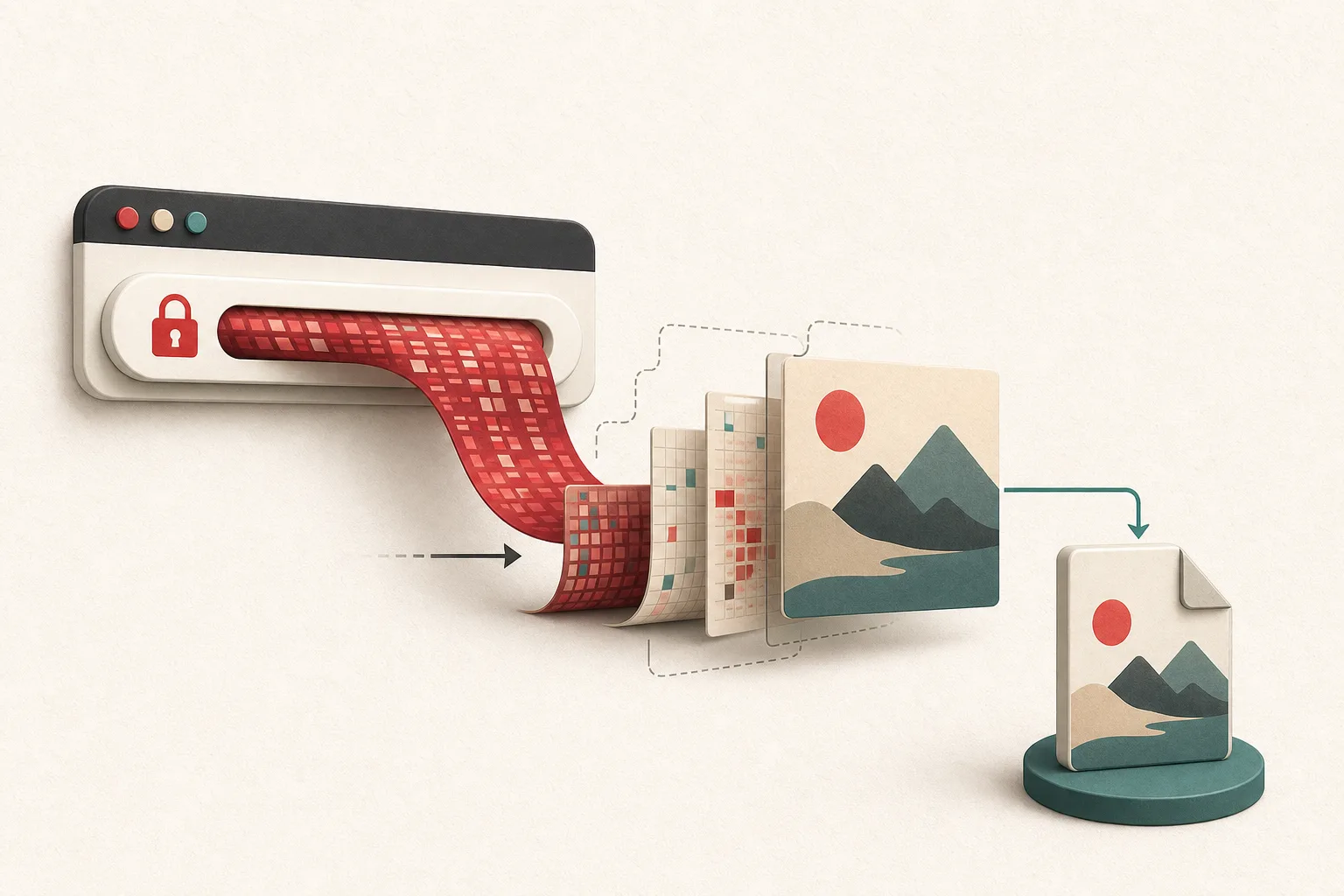
A webpage can draw a remote image, shapes, text, and filters onto <canvas>, then export the combined result as a blob or data URL. The final visual may never exist as one file on the server.
For your own application, call canvas.toBlob() for downloads when possible. It avoids creating a huge base64 string:
canvas.toBlob((blob) => {
  if (!blob) return;
  const url = URL.createObjectURL(blob);
  const link = document.createElement("a");
  link.href = url;
  link.download = "canvas-export.png";
  link.click();
  URL.revokeObjectURL(url);
}, "image/png");
Cross-origin images can make a canvas "tainted" unless the remote server and request use suitable CORS settings. That restriction prevents a page from reading pixels from arbitrary origins. Do not try to disable it as a shortcut; configure your own servers correctly or use authorized same-origin assets.
Why an image extractor may skip these URLs
A server-side extractor can fetch http: and https: resources. It cannot ask your browser for an object held in memory. A rendered extractor may detect the blob URL in the DOM, but downloading it requires access inside that browser session.
Data URLs can be detected, yet saving every one is rarely helpful. Many are tiny placeholders, UI icons, or repeated inline assets. Good tools may filter them, cap their size, or label them separately.
If the useful image came from a normal network request before becoming a blob, inspect the Network panel. Look at Fetch/XHR and Img requests, not just the DOM. The source response may be the stable asset you need for an authorized workflow.
Use the image URL extraction guide for ordinary addresses and the lazy-loaded image guide when a placeholder later becomes a normal source.
Troubleshooting checklist
When an image address starts with blob::
- Keep the original page and session open.
- Look for a normal Download or Export button.
- Check whether the image came from a network response.
- For your own app, export the blob from the creating page.
- Do not send the blob URL to a remote downloader.
When it starts with data::
- Confirm the declared media type.
- Decide whether it is a real asset or a placeholder.
- Decode it only in a trusted environment.
- Give the output an extension that matches its actual bytes.
- Replace large inline images with normal files when optimizing your own site.
Expired links can look like a blob problem
Not every temporary-looking URL is a blob. A normal HTTPS address can contain an expiration time and signature. It may work briefly, then return 403. That is a server-controlled signed URL, not a browser object URL.
The 403 and expired image URL guide explains cookies, referrers, tokens, and signed delivery.
Safety and permission
Blob and data URLs often appear in editors, private dashboards, and user-generated previews. The fact that your browser rendered an image does not authorize taking another user's private file or bypassing the application's access rules.
Use export methods for your own data, authorized client content, open resources, or files whose license permits the use. If the source is unclear, follow the image source and license checklist.
Save the data, not the temporary address
A blob: address is a temporary handle inside one browser session. A data: address carries the content in the string itself. Copying either and expecting a permanent public URL is where most confusion begins.
Use the application's export button when it has one. In software you control, save the blob while it is alive, keep the media type, and revoke the temporary URL afterward. If a normal authorized network response supplied the image before JavaScript turned it into a blob, that response is usually the cleaner record to archive.