Why image downloads return 403 or expire
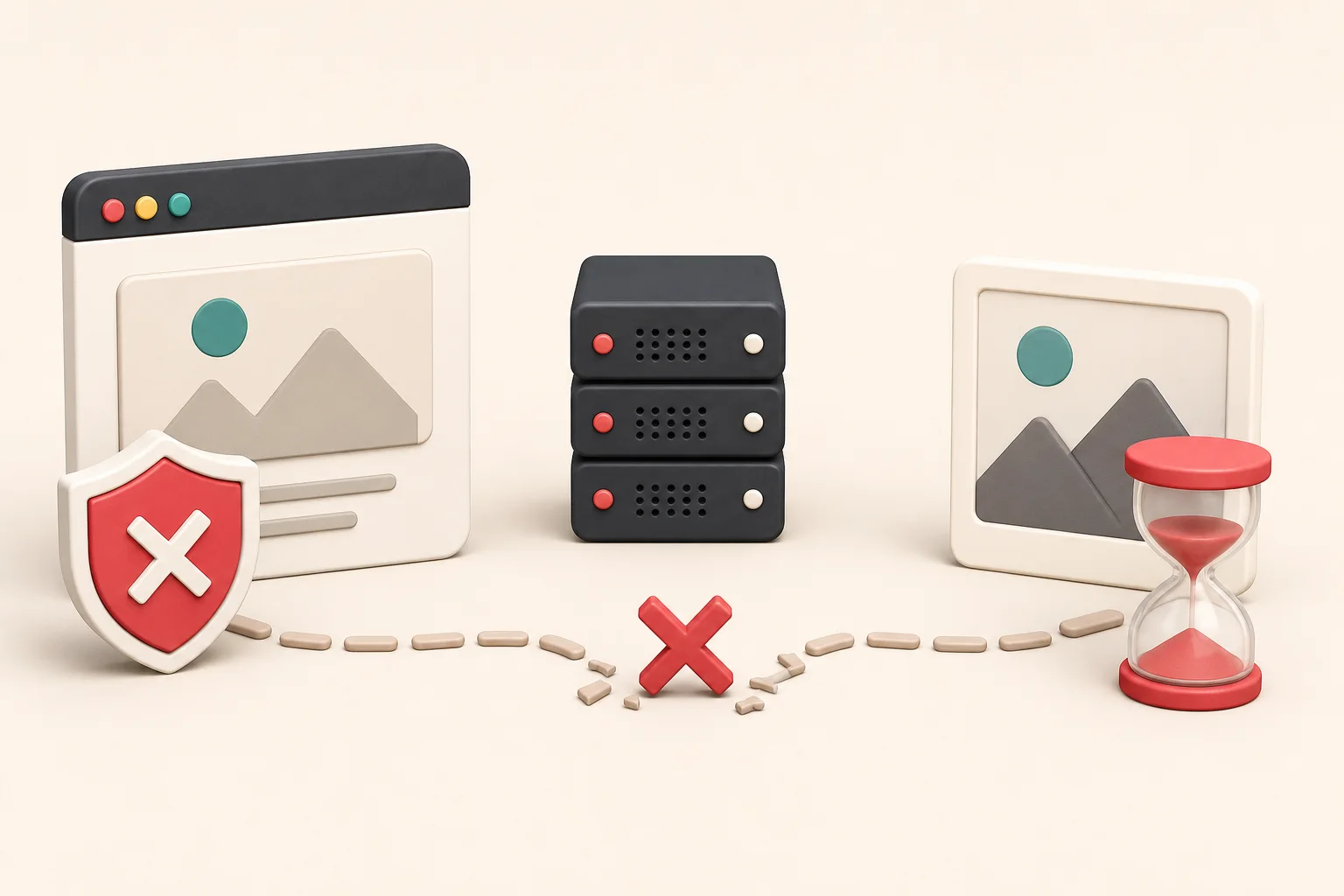
An image opens perfectly inside a webpage, but pasting the same URL into a downloader returns "403 Forbidden." Another link works for ten minutes and then dies. A third loads only while you are signed in.
These failures usually mean the server expects more context than the URL alone supplies. It may require a valid signature, unexpired token, session cookie, approved referrer, or request header. Sometimes the address is deliberately temporary. Sometimes a hotlink-protection rule blocks requests made outside the original page.
A 403 is not a puzzle to defeat. It is a decision made by the server. For content you manage, use the supported export, correct the request configuration, or generate a fresh permitted URL. If the resource belongs to someone else, the error may be an access boundary you should respect.
What HTTP 403 means
The server understood the request and refused to fulfill it. That differs from 404, where the server reports that the resource was not found, and 401, which generally indicates that authentication is required or has failed.
MDN's HTTP 403 reference notes that repeating the same request without changing the relevant permissions or credentials normally produces the same result.
For images, the refusal can be based on the account, URL signature, source page, geographic policy, rate limit, or other rules at the origin or CDN.
Signed URLs
A signed URL contains values that let a server verify the request. A generic example might include:
https://cdn.example.com/private/catalog.jpg?expires=1785750000&signature=abc123
The server can calculate whether the signature matches the path and whether the expiration time has passed. Editing the width, filename, expiration, or other signed part invalidates the request.
Signed URLs are common for private downloads, paid content, cloud storage, and controlled CDN transformations. They let an application grant short-lived access without making a bucket fully public.
If you own the system, generate a fresh URL through the official API or dashboard. Do not store an expiring delivery URL as the permanent master record. Store the stable object key and create authorized links when needed.
Expiration and clock problems
Temporary URLs can fail because:
- Their expiration time passed.
- A cached page contains an old link.
- The client or signing server has an incorrect clock.
- A queue delayed the download until after expiry.
- A long batch used the final links too late.
For an authorized bulk export, request links close to the time you will use them. If the API returns hundreds of short-lived URLs, process them in manageable batches or use a supported archive endpoint.
Avoid increasing expiration indefinitely as a substitute for proper storage permissions.
Referrer-based hotlink protection
Some servers check the Referer request header and allow an image only when the request appears to come from an approved website. Opening the image inside its original page works. Sending the bare URL from another domain may fail.
This is often called hotlink protection because it prevents other sites from embedding the publisher's files while consuming the publisher's bandwidth.
Referrer checks are imperfect and should not be treated as strong authentication. Still, they express a delivery rule. If you manage the origin, configure your application, CDN, and allowed domains correctly. If you do not own it, do not spoof headers to bypass the restriction.
The hotlinking, downloading, and rehosting guide explains the technical and copyright differences.

Session cookies and authenticated images
A dashboard can load an image from a route that checks the same login session as the page. Your browser sends cookies automatically. A remote downloader does not have them, so the image request is refused or redirected to a login page.
Copying session cookies into an unrelated service is risky. They can grant access to much more than one image. Use the application's export function, a scoped API token, or an administrator-approved backup process.
For your own development environment, inspect the request in the Network panel and verify which cookie or authorization header the endpoint expects. Fix the application architecture rather than publishing a private route accidentally.
Required request headers
Some image APIs require an Authorization header, API key, or specific Accept value. A browser page may fetch the bytes with JavaScript, then display them through a blob URL. The visible blob: address hides the original authorized request.
Look under Fetch/XHR in the Network panel. If this is your application, use a least-privilege credential and never expose a secret server key in public browser code.
The blob and data URL guide explains why a server-side downloader cannot retrieve an in-memory browser object.
CDN transformation signatures
Image CDNs can sign transformation instructions as well as paths. Changing w=400 to w=1600 may produce 403 because the new resize was never authorized.
Other configurations restrict the set of allowed widths. This prevents attackers from generating endless variants and consuming storage or processing resources.
Use variants the page already supplies in srcset, its zoom view, or documented platform APIs. Read the image CDN parameter guide before editing transformed URLs.
Rate limits and automated traffic controls
A server may begin returning 403 or 429 after many requests. Possible triggers include:
- Too many downloads in a short period
- Excessive concurrent connections
- Repeated failed signatures
- Requests from a blocked network
- Automation patterns that violate terms
If you own the source and destination systems, slow the job, use documented APIs, honor retry instructions, and create a resumable manifest. Do not rotate identities to avoid limits.
For a third-party site, stop and review its terms. A public page is not permission for unrestricted crawling.
A troubleshooting sequence for assets you own
1. Confirm the status and response
Use the browser Network panel or a trusted HTTP client. Check the status, response body, redirect chain, and Content-Type. A route that returns an HTML login page is different from an image origin rejecting a signature.
2. Compare working and failing requests
Record the URL, method, headers, cookies, and timing. Do not share secrets in screenshots or logs.
3. Identify whether the URL is temporary
Look for expiration fields, signatures, tokens, or platform documentation. Generate a fresh link through the supported interface.
4. Check the stable source record
In a CMS, database, or object store, find the asset's permanent key. Delivery URLs are often derivatives of that record.
5. Review CDN and origin rules
Confirm allowed domains, signed transformations, cache behavior, CORS configuration, and authentication policies.
6. Test one request before the whole batch
Validate dimensions, file type, and integrity. Then run a conservative batch with logging and retry limits.

CORS errors are related but different
Cross-Origin Resource Sharing controls whether browser JavaScript can read a response from another origin. An image may display in an <img> even when JavaScript cannot read its pixels. A canvas export can fail because the canvas is tainted.
CORS problems appear in the browser console and response headers. They do not always produce an HTTP 403. Configure your own origin to send suitable Access-Control-Allow-Origin headers for intended clients. Do not use a random proxy to bypass someone else's policy.
Why "works in my browser" proves little
Your browser may have:
- A valid login cookie
- A warm CDN cache
- A fresh signed URL
- The expected referrer
- A service worker response
- A previously loaded blob
A server-side extractor starts with none of that context. Compare requests rather than assuming the tool is broken.
Use ExtractPics for normal public image URLs. It is not intended to bypass private pages, authentication, or protected delivery.
Build durable backups
For images you own, do not save only final delivery URLs. A resilient backup contains:
- Original file or stable object key
- Filename and media type
- Pixel dimensions
- Product, post, or page relationship
- Alt text and caption
- Ownership or license record
- Export date and checksum
Test restoration while credentials and systems are still available. The website image inventory guide provides a structure for this information.
When to stop troubleshooting
Stop if the resource requires credentials you do not own, a private account, bypassing a paywall, a forged signature, or deliberate evasion of rate limits. Ask the owner for access or a licensed file.
If the only copy you can find belongs to another publisher, use the source and license checklist before considering reuse.
Treat the refusal as information
A 403 tells you the server understood the request and chose not to serve it. The reason might be an expired signature, missing session, hotlink rule, or rate limit. That response is useful diagnostic information, not an obstacle course.
For your own assets, go back to the stable storage record or generate a fresh, properly scoped URL. Compare the failing request with one made through the supported application. For somebody else's file, stop at the boundary and ask for access. A reliable download workflow should not depend on pretending to be a request you are not authorized to make.
Related posts
How image CDN URL parameters change size, crop, and quality
A technical field guide to reading transformed image URLs and finding the largest version a page is authorized to serve.
Blob URLs and data URLs: why some web images cannot be saved normally
Understand browser-generated image addresses, base64 data, object URL lifetimes, and the limits of ordinary download tools.