Why Download All misses images in infinite-scroll galleries
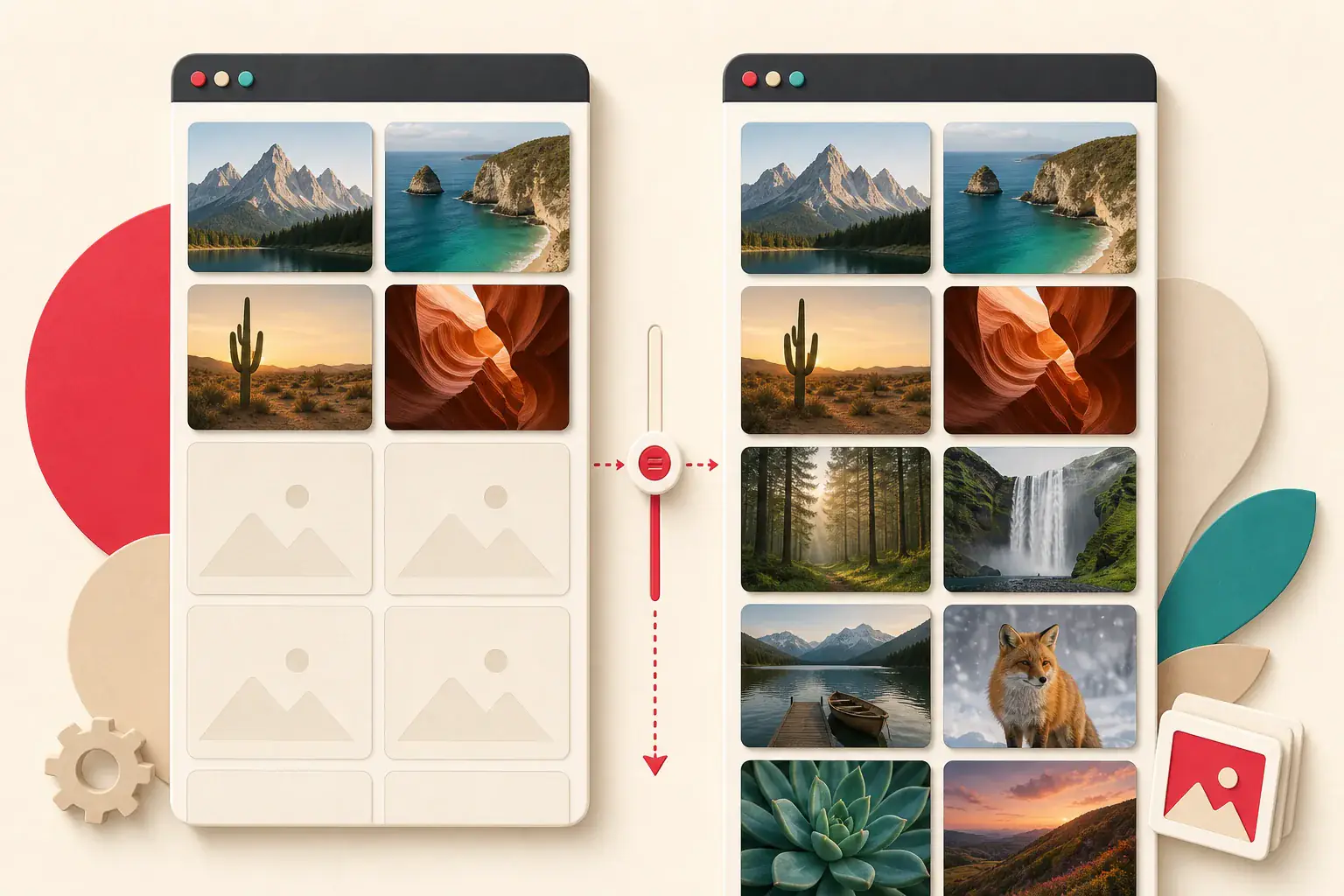
An infinite gallery can show hundreds of photographs without loading them all at once. The page starts with one batch, fetches another near the bottom, and may remove older rows to save memory. A gallery downloader that scans only once can therefore return the first twenty images, the final twenty, or a mixture of thumbnails and placeholders.
The answer is not simply "scroll faster." A complete, authorized capture needs a boundary, a way to detect new unique items, and a record of what has already been collected. Otherwise the process can stop early, loop through recommendations, or hammer the site with unnecessary requests.
The sections below separate the common gallery patterns and show how to inventory images you are allowed to access without losing earlier batches.
Infinite scroll is a loading pattern, not one technology
Several implementations look similar to a visitor:
- The HTML contains many images, but native lazy loading delays their files.
- JavaScript fetches a new batch when a sentinel reaches the viewport.
- A Load more button requests the next page.
- A virtualized grid adds new rows and removes old ones.
- The page mixes a finite gallery with endless recommendations.
These require different stopping rules. Inspecting the visible screen cannot tell you which one is in use.
Why a quick extractor stops early
A static request receives only the server's initial response. Later images may come from an API after JavaScript runs. Even a rendered tool can stop too soon if it scans the DOM before scrolling or reaches the bottom before the next request finishes.
Other common causes include:
- Images live in
data-srcuntil they approach the viewport. - A button must be clicked.
- The site uses numbered API pages behind a seamless interface.
- The scroll container is an inner panel, not the main window.
- Consent, region, or login state changes the result count.
- A virtualized grid discards earlier elements.
The lazy-loaded image guide explains source attributes and Intersection Observer behavior.
Decide what "all" means first
An endless feed may have no useful end. For a reliable job, define the target from a source you control:
- All 186 products in an owned collection
- All 74 portfolio items listed in the CMS
- The first 10 public gallery pages
- Every image linked from a migration sitemap
- Items published before a particular date
Do not use "until the spinner stops" when the feed adds recommendations forever. A catalog export, sitemap, database count, or documented API is a better source of truth.
Watch what triggers the next batch
Open Developer Tools, clear the Network panel, and scroll near the end of the loaded content. Look under Fetch/XHR for a new request. Its URL may include a page number, offset, cursor, or item ID.
A cursor-based request might return a token for the following batch. An offset-based request might ask for offset=40&limit=20. You do not need to reverse-engineer a third-party API to use the normal public interface, but understanding the pattern helps you know whether progress is real.
For your own application, document the pagination method and provide a stable export route rather than forcing administrators to scrape the visual grid.
Scroll the correct container
Some galleries place their own scrolling panel inside the page. Scrolling the browser window does not move the gallery's sentinel, so no new images load.
Inspect the layout for an element with overflow: auto or overflow: scroll. Move that container and watch whether new requests appear. Modal galleries and media libraries frequently use this pattern.
A rendered extractor also needs to identify the scrollable region. If a tool returns only one screen, test the page manually before concluding the gallery blocks extraction.
Give each batch time to settle
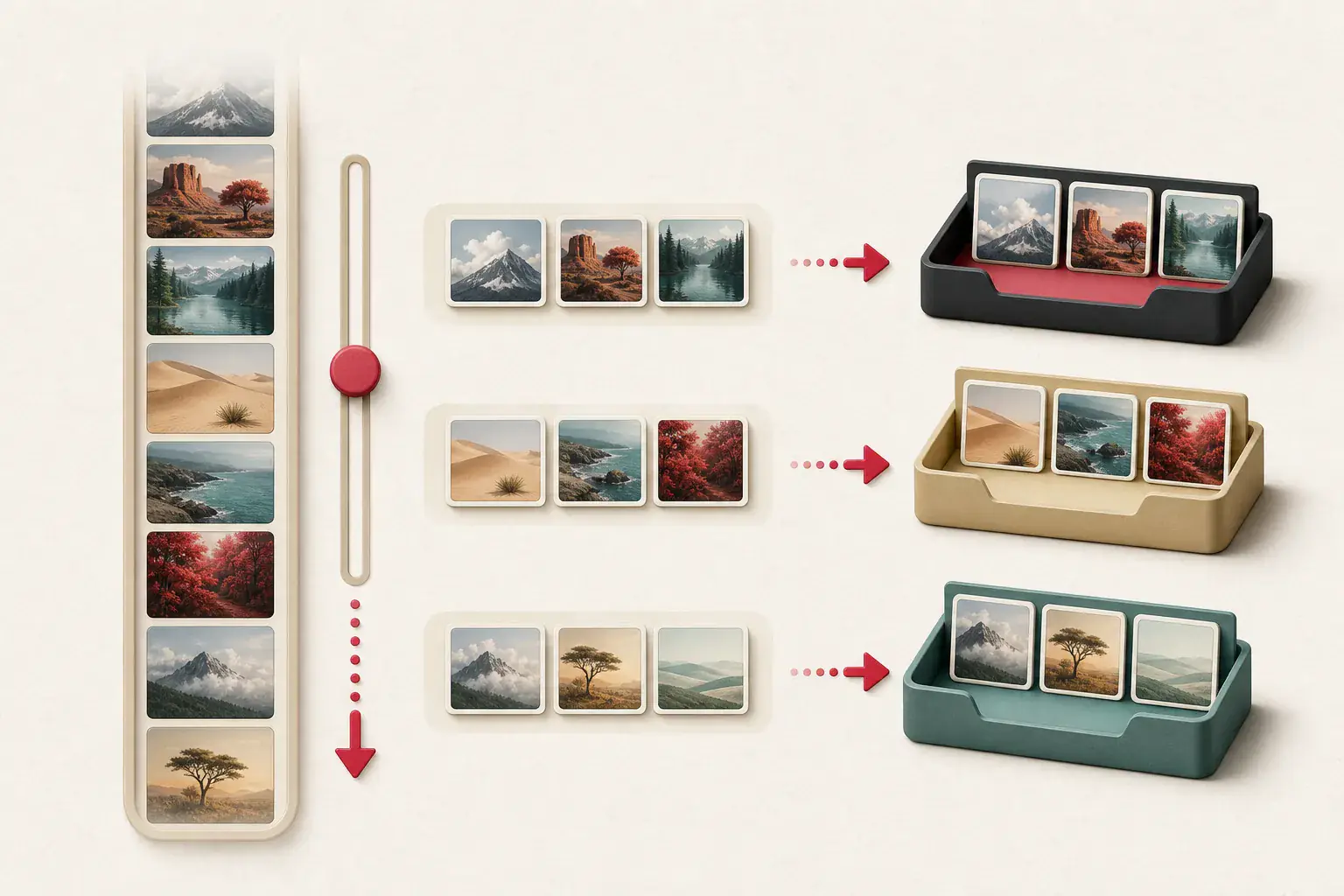
A safe manual rhythm is:
- Scroll close to the current end.
- Wait for the loading indicator and network requests to finish.
- Count new unique items.
- Save or record their URLs.
- Repeat until the planned boundary is reached.
Jumping immediately from top to bottom can pass the trigger before an application is ready. Running many concurrent downloads while the gallery is still loading can also cause rate limits.
Use Deep Extract for public pages that need scrolling and pagination, then verify the first, middle, and final batches manually.
Handle Load more buttons deliberately
A visible button is often easier to test than automatic scroll. Click once, wait for the new items, and confirm the button's state changed. Do not fire repeated clicks while earlier requests are pending.
The button may disappear when the dataset ends, or it may change into an error with a retry option. Record failures so a later run can resume rather than starting over.
For an owned site, make the button accessible to keyboard users and keep a real paginated URL or API underneath it. That improves usability and makes content easier to audit.
Virtualized galleries need incremental collection
A virtualized grid keeps only nearby rows in the DOM. When you reach item 200, item 1 may no longer exist as an element. A final DOM scan therefore cannot produce the complete set.
Collect URLs as batches appear. The Network panel with Preserve log can help, but it may contain resized variants, icons, and repeated requests. A purpose-built process should deduplicate incrementally and attach each URL to its item ID.
Do not assume that one URL equals one product. A single product can have several photographs and several responsive sizes.
Deduplicate without deleting useful variants
Exact URL deduplication is a start. It will not catch the same source behind different query parameters, formats, or signed links.
Use layers:
- Exact normalized URL for repeated requests
- Stable product or gallery item ID
- Source path without known transformations
- File hash for identical downloaded bytes
- Perceptual hash for visually similar derivatives
Keep crop and resolution variants when they serve different purposes. The duplicate image guide explains the tradeoffs.
Filter page furniture from gallery content
Scrolling exposes more than gallery images. Avatars, logos, recommendation icons, tracking pixels, advertisements, and sticky interface graphics can enter the result.
Useful filters include:
- Minimum dimensions
- Allowed hostnames or path prefixes
- Known item containers
- Excluded filenames and UI directories
- Aspect-ratio expectations
- Duplicate grouping
Do not rely on size alone. A small but important product swatch and a large advertising banner can both break a naive rule. Use the image-result filtering guide to build a layered filter.
Thumbnails and originals in long galleries
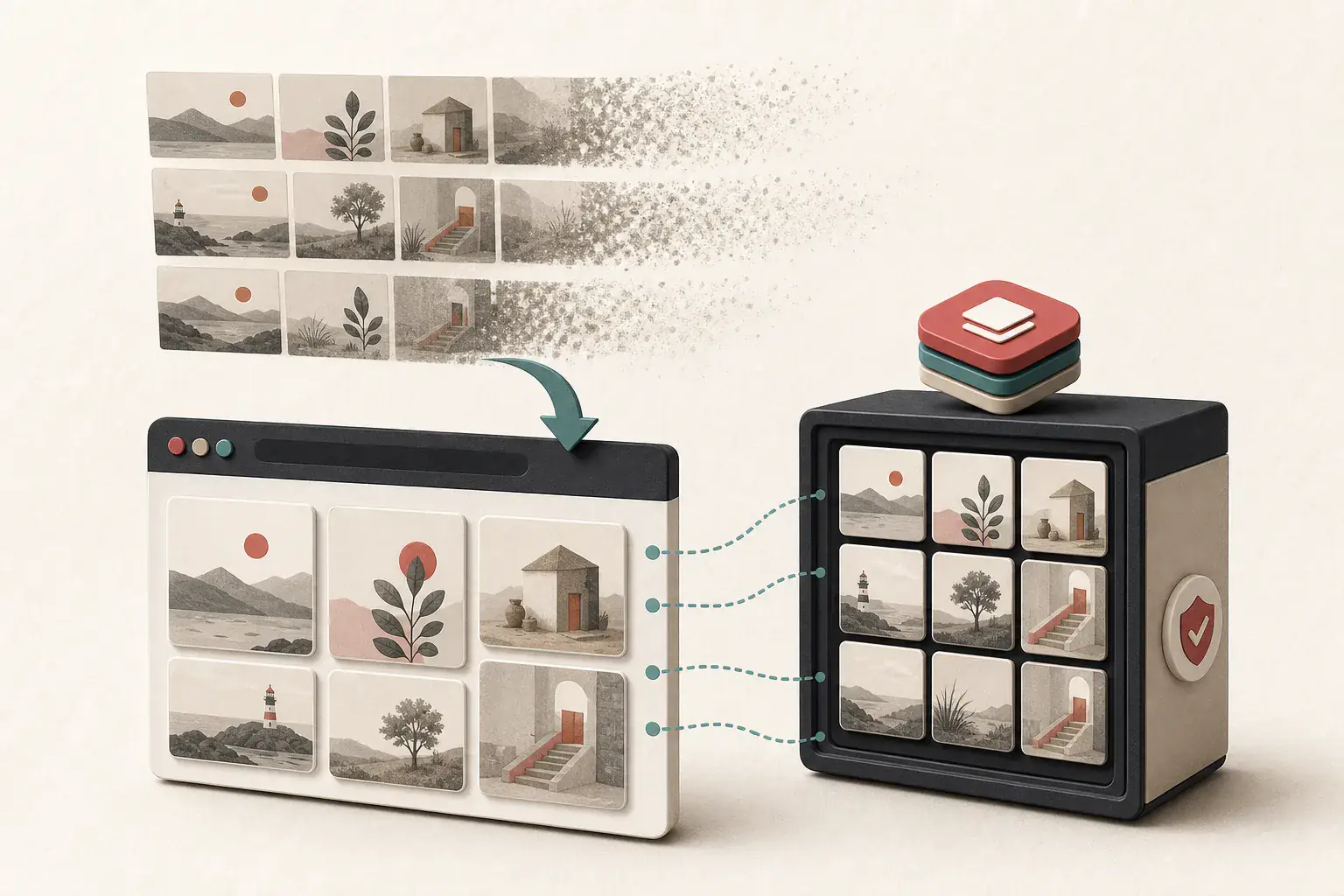
Infinite grids usually load thumbnails. Opening an item may request a larger gallery file. Decide whether your job needs previews, web-ready files, or original masters.
For an authorized backup, capture the item relationship first, then follow its supported zoom or download path. Running every possible large transformation against the CDN is unnecessary and can be expensive.
The full-size image guide covers parent links, srcset, and zoom views.
A resumable inventory format
For each gallery item, store:
| Field | Purpose |
|---|---|
| Item ID | Stable deduplication and resume point |
| Source page | Shows where it appeared |
| Batch or cursor | Helps reproduce the crawl |
| Image URL | Records the delivered resource |
| Role | Thumbnail, gallery, zoom, logo, or other |
| Dimensions | Separates small previews from larger files |
| Status | Downloaded, skipped, failed, or needs review |
| Rights note | Ownership or license record |
Save progress after every batch. If the job fails at item 380, a manifest lets you continue without requesting the first 379 again.
Test completeness
Do not trust one number. Compare several signals:
- Expected item count from the CMS, export, or sitemap
- Unique item IDs collected
- First and last visible records
- Number of batches requested
- Failed or empty responses
- Duplicate rate
- A manual sample of downloaded files
If the site reports 240 items and your manifest has 240 unique IDs with no failed batches, that is stronger evidence than "the page looked finished."
Respect site limits and private boundaries
Limit the workflow to galleries you own, client properties you manage, licensed collections, or another permitted use. Do not bypass private profiles, login requirements, paywalls, or deliberate request limits.
If a public third-party gallery provides no bulk export, check its terms before automating. Downloading a file and having the right to republish it are separate. The image license checklist covers source verification.
Know when the gallery is actually complete
Infinite scroll hides the finish line. A scan at the top misses later batches; a scan at the bottom can miss rows the page removed from memory. That is why racing the scrollbar rarely gives you a trustworthy archive.
Collect each batch as it arrives and save a manifest you can resume. Deduplicate by item ID when the gallery has one, not only by URL, because transformed URLs can make one photograph look like several records. The job is finished when your unique count reconciles with the catalog or another reliable total, not when the spinner happens to disappear.
Related posts
How to Download Multiple Images at Once
How to extract lazy-loaded images missing from page source
A tested workflow for revealing images that appear only after scrolling, clicking, or allowing JavaScript to render the page.
How to filter icons, tracking pixels, and tiny images from results
Turn a noisy extraction result into a useful asset list with dimension, format, domain, filename, and duplicate filters.